Here’s the part nobody admits about gift-giving: the shopping isn’t what falls apart, the tracking is. This google sheets gift tracker exists for the person who buys the Christmas gift in October, hides it so well they forget where, and then panic-buys a second one in December. It runs in Google Sheets, opens in the browser, and gives you one place to see every gift you owe and every gift you owe a thank-you for.
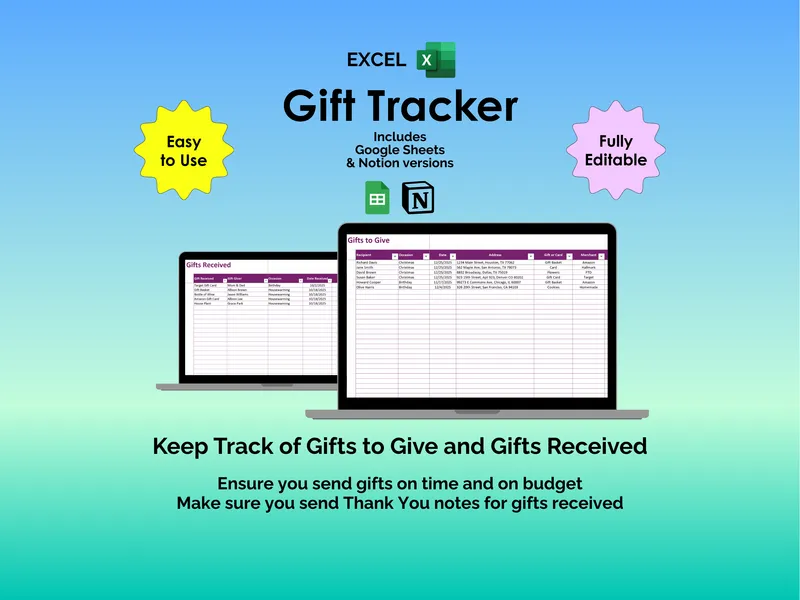
You overspent last December and you couldn’t tell when it happened because the damage was spread across six tabs in your phone and a couple of receipts. This google sheets gift tracker uses a Gifts to Give sheet with side-by-side Budget, Amount Spent, and Difference columns so the overage shows up the moment you log a purchase — not on the credit card statement three weeks later. Each row also carries the recipient’s address, the occasion, and the gift idea, so you stop digging through old texts to remember where the package was supposed to go.
You always mean to wrap gifts early, and you always end up doing it the night before. The Days to Go countdown column on the Gifts to Give sheet pulls the date forward and tells you exactly how many days are left for each recipient, sorted right next to a Give Status drop-down — Need to Buy, Purchased, Wrapped, Given. When the number gets small and the status still says Need to Buy, that’s your cue, not a vague feeling at midnight.
The thank-you problem is worse than the shopping problem because it’s quieter. A separate Gifts Received sheet logs what showed up, who gave it, the occasion, and the date — then forces a Receive Status against each row: Not Thanked, Thank You Card Sent, Thanked in Person, Thanked by Phone, Thanked by Email, Thanked by Text. The unsent thank-yous stop being a feeling and start being a list of names you can clear, one row at a time.
Every celebration uses different vocabulary, so the gift list spreadsheet keeps a dedicated Configuration sheet where the drop-downs live. Edit the Occasion list to match your year — Birthday, Anniversary, Christmas, Housewarming, Retirement, Wedding, Baby Shower are preloaded — and adjust Delivery Method (Mail, In-Person, Online, E-mail) and both status lists the same way. Drop-downs instead of free-text fields means your filters and counts actually work; one stray “X-mas” won’t quietly break a category.
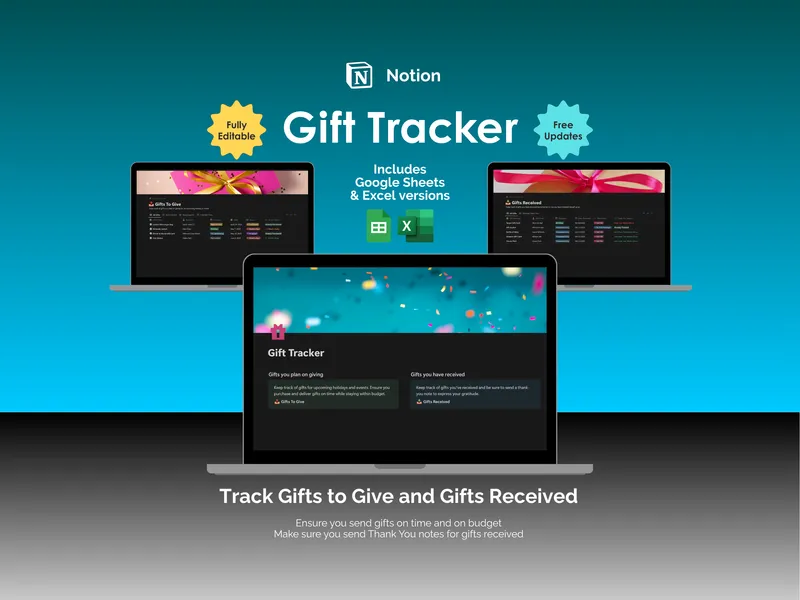
Most gift trackers force you into one app and one device. This product ships the Google Sheets version alongside Excel and Notion versions in the same purchase, so you can keep the same tracker open on a Chromebook, a work laptop, or a phone without re-entering anything. The structure is protected to prevent accidental edits to formulas, but personalization stays open where you need it — add rows, rename headings, retitle a column to match how your family actually talks about gifts.
You don’t need a fancier app, you need to stop relying on memory. Open the gift list spreadsheet on the first of the month, log what you’ve already bought, and watch the rest of the season get quieter.