You buy gel by the bottle, lashes by the tray, and peel solution by the ounce — then you spend them one client at a time. That gap is where a beauty room’s margin quietly disappears. A $12.50 bottle of gel never feels like 31 cents a client, so it never makes it into the price.
This workbook closes the gap.
Price every service on what it actually costs
Most menus are priced one of two ways: from what the studio down the road charges, or from a number that felt right the year you opened. Neither survives two supplier increases. Nothing in your day tells you a service has gone underwater — there is only a slightly thinner month, and the sense that you are busier than you are paid.
The Studio Workbook builds each price from three honest numbers instead of one guess:
- The supplies it burns — costed per use, from what you actually paid for the container.
- The room it occupies — your real overhead, divided by the hours you genuinely work.
- The hour of your life it takes — the hourly you decide your work is worth.
Then it turns that around and tells you the more useful thing: what each service on your current menu genuinely pays you per hour, once the supplies and the room are paid for. Most pros are surprised by that column.
The costing engine — three tabs that chain together
This is the part a blank spreadsheet will never do for you.
- Supply Cost Library — enter what a container cost and roughly how many services you get from it. It returns your cost per use. Ships with 22 illustrative supplies across skin, nails, lashes, and the shared ones every appointment burns — gloves, barrier film, linens.
- Service Build — one row per supply a service consumes, like a recipe. Ships with 87 build lines covering 15 example services, including the unglamorous ones a gut-feel price always forgets: gloves, barrier film, linens, disposables.
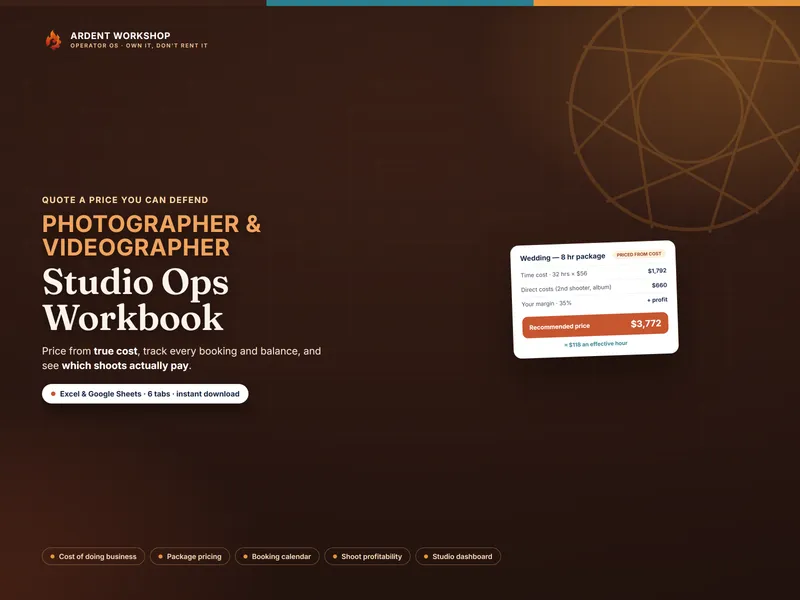
- Service Menu — adds up the build, adds your room cost per hour, adds your target hourly, and returns a suggested floor price plus the Real $/hr. Anything under your target gets flagged.
Your supplier raises a lash tray by four dollars. You change one cell — and every service built on that tray reprices itself, all the way through to your take-home.
Cheap per container is not cheap per client
A $78 bottle of peel solution that stretches to 32 treatments works out to $2.44 a client. An $18 volume lash tray that makes seven sets works out to $2.57. The bottle that costs four times as much is the cheaper service — and nothing but a cost-per-use column will ever tell you so.
What’s in the workbook
Nine tabs, all connected:
- Read Me — how the tabs fit together
- Supply Cost Library — container price ÷ uses = your cost per use
- Service Build — the bill of materials behind every price
- Service Menu — supplies + room + your hour, and the honest Real $/hr
- Room & Booth Cost — overhead ÷ worked hours = your room rate
- Appointment & Income Log — every ticket, and what it cost you to deliver
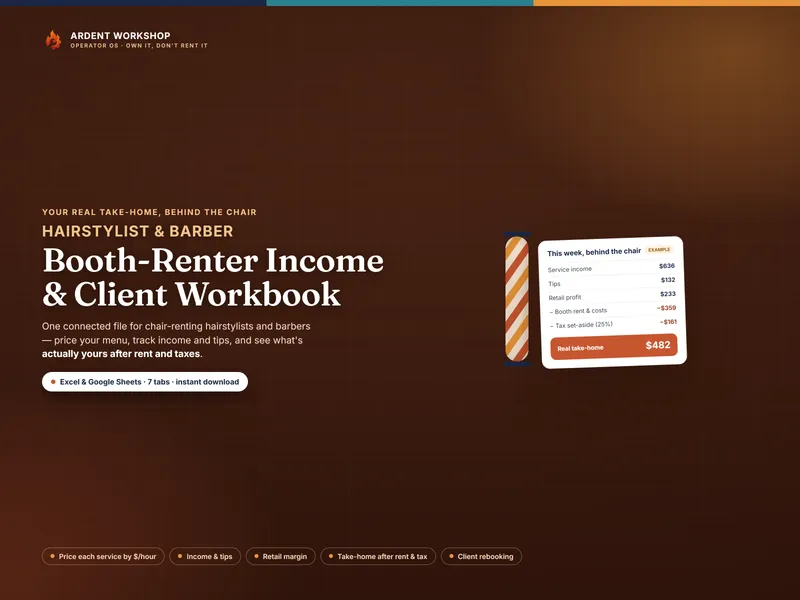
- Retail — wholesale vs. shelf price, margin, profit kept, and units per appointment
- Client & Rebooking — next-due dates, an overdue flag, and who never rebooked
- Studio Summary — money in, cost to deliver, tax set aside, and your take-home split by discipline
Plus five PDF guides that teach the method, and printable sheets for the room — including a supply count sheet, which is the single highest-value ten minutes you can spend on the whole system.
Who it’s for
Solo estheticians, nail techs, and lash artists renting a room, a suite, or a station — whether you do one of the three or all three. It is especially useful if you have never repriced since you opened, or if you suspect your fills are underpriced. They usually are: a fill gets priced as roughly half a full set out of habit, when it consumes maybe forty percent of the supplies but often two-thirds of the chair time.
Works in Excel and Google Sheets
You get the .xlsx file and a one-click Google Sheets copy — a ready-made native version, already set up and tested, with every dropdown and formula working. No importing, no broken formatting. It opens in LibreOffice Calc too. Everything ships pre-filled with a worked example, so nothing is blank when you open it.
Own it, don’t rent it
This is a file you keep, not a subscription you feed. No monthly fee, no account, and no one else holding your client list or your pricing history. It sits between a blank spreadsheet — free, but you build it all yourself — and studio software you probably don’t need yet.
If the room outgrows the file, Ardent Seller (opens in new tab) is the living version: inventory, sales, and client tracking in one connected place, on the same own-it ethic, with a free plan to start.
Try the free version first
The free Service-Cost Calculator costs one service’s worth of typing and shows you the method on a single service — no email required. The full workbook is what turns that one answer into a priced menu, a logged month, and a take-home number.
A business reference — not tax or clinical advice. Every figure in the examples is illustrative; your supply prices, room rent, and tax rate are yours to enter. This helps you set aside for taxes but does not file or calculate them. It is also not training or clinical guidance — your scope of practice, the treatments and product strengths you may perform, sanitation requirements, and your license and insurance obligations are set by your state board and are yours to meet.