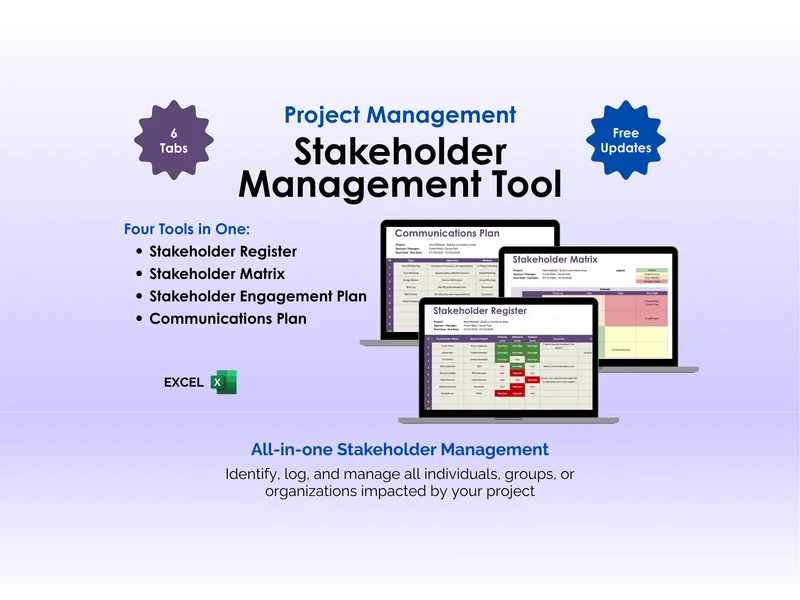
Ever had a stakeholder complain they were “out of the loop” on something you swore you sent? This excel communications plan template fixes that. Project managers, PMO leads, and team leads use it to lock down who hears what, in which format, and how often, so the message gets to the right ears before the question gets asked.
The workbook opens with a project header that captures Project Name, Project Objective, Project Sponsor, Project Manager, Start Date, and End Date. That metadata frames every row underneath, giving the stakeholder communications spreadsheet a clear scope tied to a single engagement. Drop it into a SharePoint folder or attach it to your charter and the audit trail is done.
The core grid is built around eight columns. Type names the touchpoint (Kick-Off Meeting, Team Meeting, Design Review, Risk Log, RACI Matrix, Project Updates). Objective records why that touchpoint exists in one sentence. Format marks it as a Meeting, Document, or other channel. Frequency sets the cadence: One-Time, Daily, Weekly, or Monthly.
The right side of the row handles delivery. Initial Date anchors when the communication first lands. Audience identifies the recipients — Stakeholders, Project Team, Design Lead, or a named role. Owner assigns a single accountable person, usually the Project Manager or a workstream lead. Deliverables points to the artifact produced: a meeting agenda, a status report, an updated risk log.
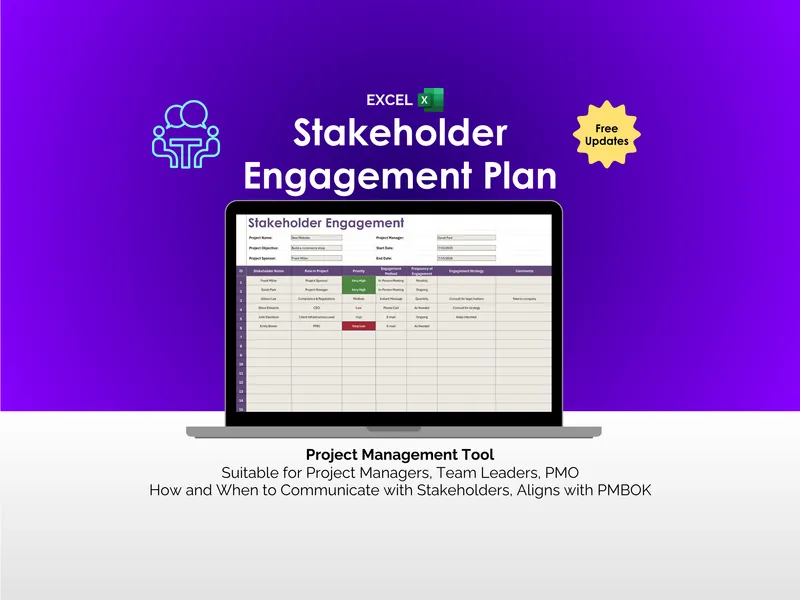
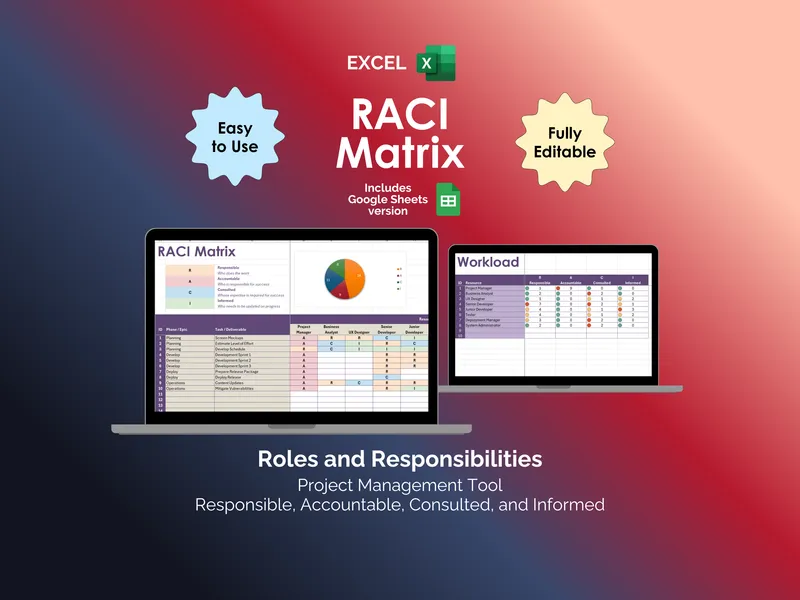
This excel communications plan template aligns with the PMBOK Guide’s plan communications management process, where outputs depend on stakeholder needs, project complexity, and organizational context. Because it is iterative, you revise it as scope shifts, new stakeholders surface, or escalation paths change. It works alongside a RACI matrix and a stakeholder register without duplicating their data.
What sets it apart from a blank worksheet or a generic project tracker is structure. The columns force you to answer the questions PMs forget to ask until something breaks: who owns this, who needs it, in what format, and how often. The file is fully editable, ships with sample rows you can overwrite, and includes free updates. Download once, adapt it to every project on your desk.