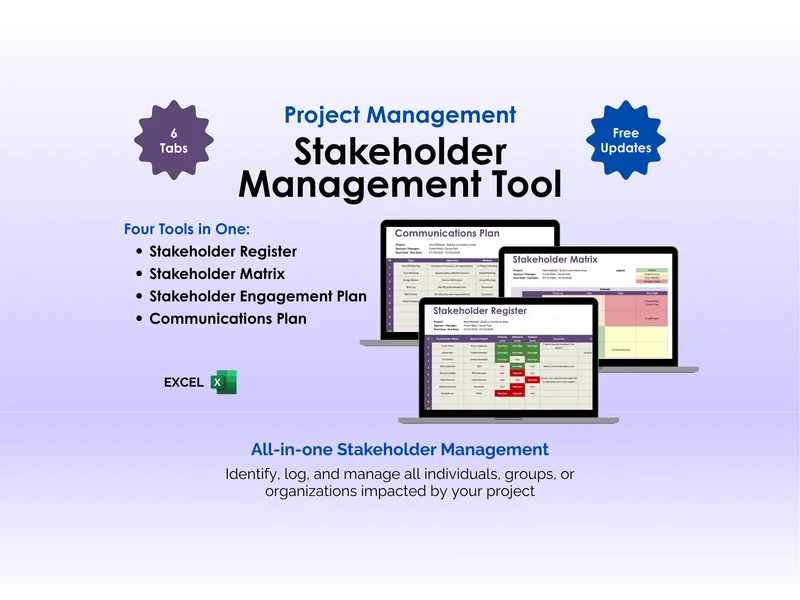
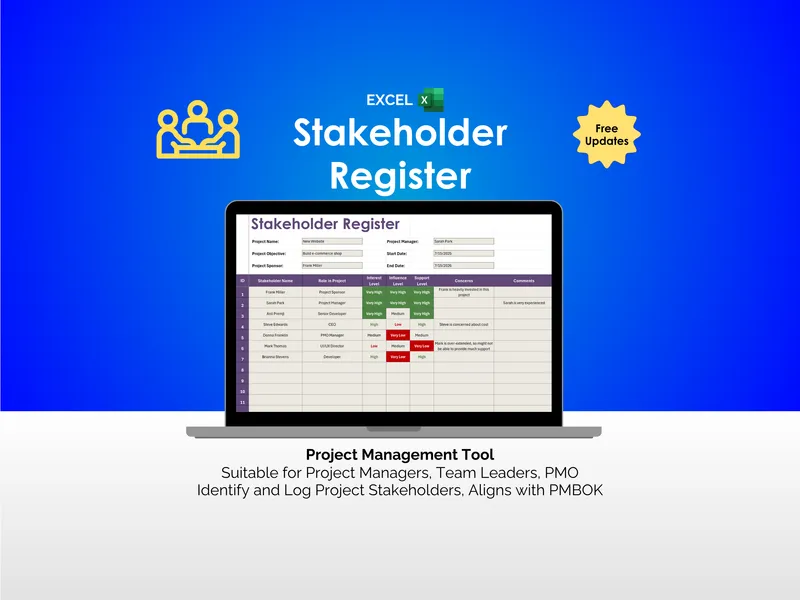
Most stakeholder plans are contact lists in disguise — names with email addresses next to them, no method, no cadence, no strategy. This excel stakeholder engagement plan is built for project managers, team leaders, and PMO staff who need to decide — on one page — who matters most, how to reach them, and how often. The workbook opens with a single Stakeholder Engagement sheet that holds the project header and the working register beneath it.
The header captures Project Name, Project Sponsor, Project Objective, Project Manager, Start Date, and End Date, so the engagement plan travels with the project context rather than sitting in a separate document. Beneath that, the stakeholder spreadsheet runs row by row across seven working columns. We kept the layout flat on purpose: one stakeholder, one row, every decision visible without scrolling sideways.
The Priority column is the spine of the sheet. Each stakeholder is rated from very low to very high, and the cell color shifts with the rating so a project manager can scan a long list and see who needs attention this week. The ratings are an editorial decision the team makes together, not an automatic score — a stakeholder engagement spreadsheet only earns its keep when the people running the project have to think before they color a cell.
Engagement Method and Frequency of Engagement sit next to priority, and the dropdowns reflect how real project communication actually happens: In-Person Meeting, Webinar, E-mail, Phone Call, against cadences like Weekly, Monthly, or As Needed. Pairing method with frequency in adjacent columns means the plan answers two questions at once — what channel does this person prefer, and how often do they expect to hear from you.
The Engagement Strategy column is wide for a reason. This is where the tailored approach lives: what message lands with this stakeholder, what their interests are, what concerns to surface early. The Comments column runs alongside it for ongoing notes — the off-hand remark in a steering meeting, the changed priority after a scope shift, the new contact who absorbed someone else’s portfolio. Together they turn a static register into a working log.
The structure follows PMBOK Process 13.2, Plan Stakeholder Engagement, and supports the companion Manage Stakeholder Engagement process by giving you a place to record interactions over time. It is not a certification deliverable; it is the working document a PMBOK-aligned project manager would actually keep on the desktop. The vocabulary maps cleanly to anything a PMO reviewer expects to see.
What sets this excel stakeholder engagement plan apart from the usual approach is what it leaves out. No sign-ups, no subscriptions, no cloud account, no integration to maintain — the file opens in Excel, edits cleanly, and is yours for the life of the project. Free updates ship to past buyers when the template improves.
So: when was the last time your stakeholder plan was a real plan? This is a small, deliberate tool to make sure the answer is “this week.”