Sources checked September 28, 2026.
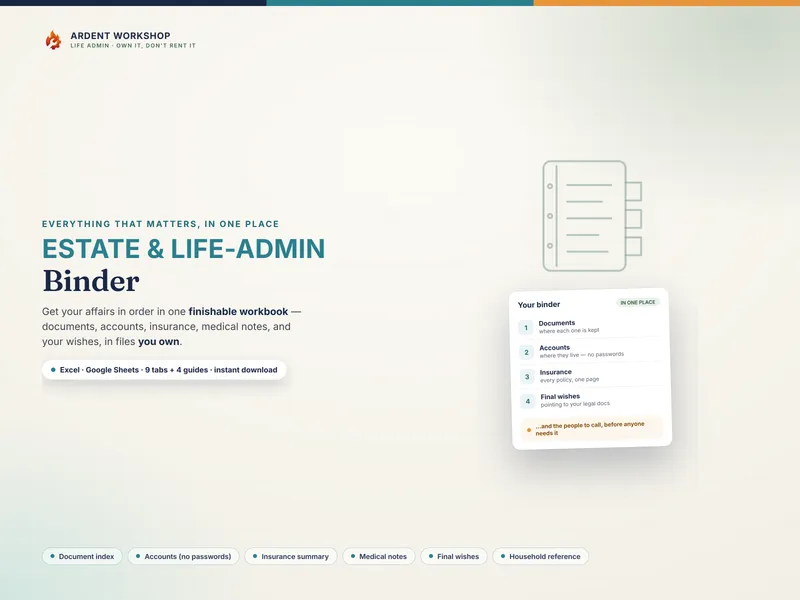
The honest framing is "own it, don't rent it." A care app can be genuinely useful for the social side of caregiving — rallying helpers, sharing news with a wide circle. But the medical record at the center of it all — what a parent takes, who their doctors are, where the advance directive is — is something you want to own, not lease.
The positioning: notes app → caregiver binder → care platform
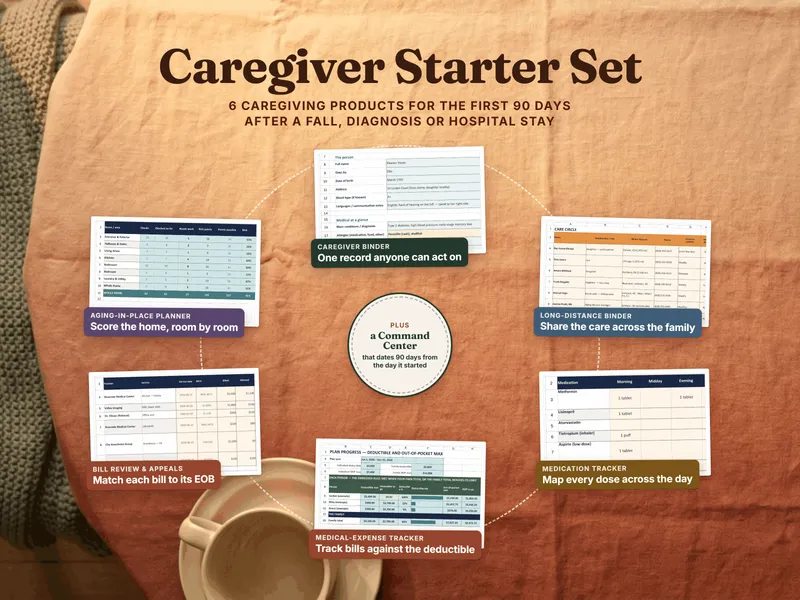
Most families start with scattered notes — a phone reminder, a sticky on the fridge, a number in someone's contacts. The two ways to get organized from there sit at opposite ends. A caregiver binder is the structured middle ground: real organization, on a file you keep. A care platform is the heavier, often-rented option: more features, but usually on someone else's server and frequently behind a recurring bill.
Caregiver binder vs care app, side by side
| Consideration | Caregiver binder (owned) | Care app (hosted) |
|---|---|---|
| You own it | Yes — a file on your own drive or a printed binder | Usually no — access often depends on an active account or subscription |
| Cost | One-time template purchase; maintain software and backups | Often a recurring fee (some are free, ad-supported, or freemium) |
| If the service ends or you stop paying | You still have the file | Access can be lost |
| Where the data lives | Your drive, your Google account, or paper | Usually the company's servers |
| Coordinating helpers & schedules | Basic — a daily schedule tab | Often richer — invites, notifications, calendars |
| The family care record | The whole point — meds, providers, documents | Varies by app |
| Works offline / on paper | Yes — print a current, limited copy for the intended recipient | Check offline mode and printable exports |
When a care app makes sense
If your main challenge is people — a big circle of friends and family who want to help, a meal train to organize, daily updates to broadcast — a care app's coordination features can be worth the subscription. Some families run an app for the social layer and a caregiver binder for the record. The two aren't mutually exclusive; just don't let the app be the only copy of the information that matters most.
HHS explains that personal-device and app health data often falls outside HIPAA protection. Keep passwords out of the log, but also restrict access to the health details themselves. A Google Sheets copy is cloud-hosted; a downloaded file needs secure devices and backups.
When a binder is the better fit
A binder is a useful fit when you want an editable record of medications, providers and document locations that you can bring to an appointment. Date the printed copy, confirm that it is current, and keep a backup. Add an app if coordinated updates or reminders would reduce missed handovers; the best arrangement is the one the care circle can maintain.
For information coming from clinicians, HHS explains how providers may share with family and friends involved in care. That is not blanket access for every relative. Agree who receives the family’s copies and keep sharing relevant to each person’s role.
Where to start with a caregiver binder
Try the free Caregiver Quick Sheet to see the at-a-glance page, then organize the rest in a binder you own. See the caregiver templates hub for the full set. This is a record-organizing approach — not medical, legal, or financial advice, and not a substitute for a clinician. Not affiliated with or endorsed by any care-app service.
Frequently asked questions
- Is a caregiver binder or a care app better for managing a parent's care?
- An app may help coordinate schedules, helpers and updates. A caregiver binder organizes medications, providers, insurance and document locations in a file you can retain. Compare the actual app’s record and export features; families can use both. Keep the current record accessible to authorized helpers and maintain backups.
- What happens to my information if a care app shuts down or I stop paying?
- Check cancellation, export and account-recovery terms before relying on a service. A downloaded workbook or printed copy reduces dependence on that service, but you still need secure storage, backups and compatible software. A Google Sheets copy remains dependent on a cloud account.
- Do care apps store medical information securely?
- Security depends on the specific service and your configuration. The same applies to a workbook: omitting logins and member numbers does not remove the sensitivity of medication and care details. Check permissions, secure the device and account, and share only what each helper needs.
- Can a caregiver binder be shared with family like an app can?
- Yes. With the older adult’s consent or appropriate authority, share a relevant Google Sheets copy with named recipients or provide a limited printed copy. Google Sheets is a third-party cloud service too. Revoking online access does not recall copies someone already downloaded or printed.