The mistake is treating a binder and a password manager as the same tool, and then either copying passwords into the binder (dangerous) or assuming the password manager alone is "the plan" (incomplete). They cover different things on purpose.
The quick verdict: use both
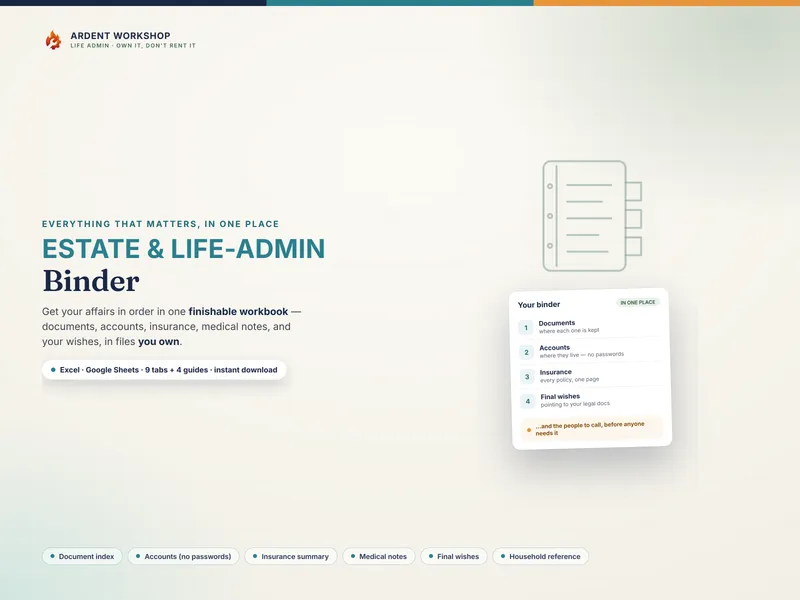
- A binder is the map. It records where things live and who to call — the will, the accounts, the insurer, the doctor, the executor — and what you'd want. It deliberately holds no passwords.
- A password manager is the keys. It securely encrypts your actual logins and passwords, syncs them across devices, and can hand them to a trusted person through emergency access.
- Together they're complete: the binder points to everything, and "the logins are in our password manager, and [person] has emergency access" is one line in the binder that's safer than a hundred passwords on paper.
Side by side
| What it does | Life-admin / estate binder | Password manager |
|---|---|---|
| Holds | Where things live, who to call, your wishes | The actual passwords, PINs, and secure notes |
| Covers documents & wishes | Yes — will, deed, insurance, medical, final wishes | No — credentials only |
| Stores passwords | No, by design | Yes — that's its whole job |
| If a page is lost or seen | A map, not a key — limited risk | N/A — the vault is encrypted |
| Hands access to family | Tells them what exists and where | Emergency-access / legacy contact feature |
| Best for | Organizing the whole picture | Securing the credentials |
How they work together
The handoff is simple. Put every real credential in the password manager and set up its emergency-access contact once. In your estate binder, record a single line naming the password manager and who has emergency access — plus, for the few codes that genuinely belong on paper (a safe combination, two-factor recovery codes), keep those in a separate sealed place known to your trusted person, not loose in the binder. Now the person you trust can find what exists from the binder and unlock access through the password manager, without you ever having written a working password where it could be seen.
The one rule, restated
It's worth saying plainly because it's the whole point: record where things live, never the keys. A binder that follows that rule is safe to keep on a shelf or in a file; a binder full of passwords is a liability. The life-admin binder is built around this line — it has a "where it's accessed" column and, by design, no password column.
Where to start
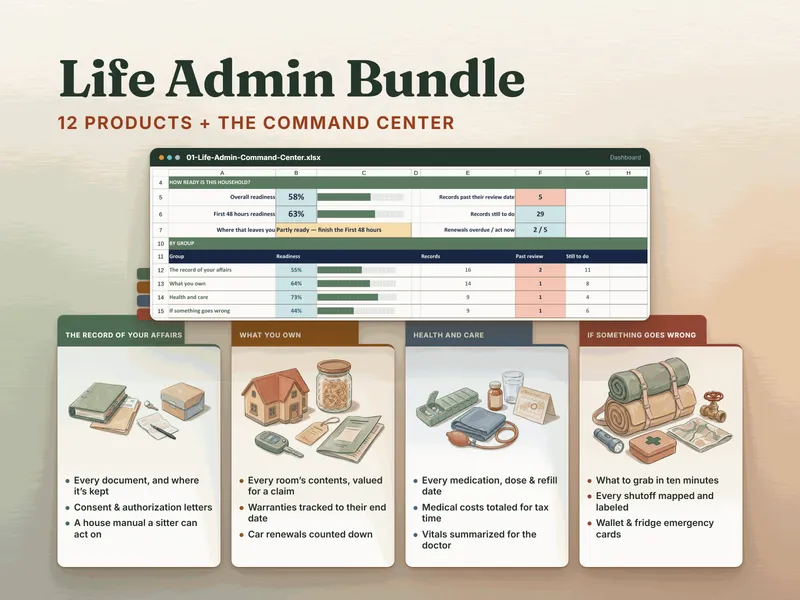
Set up a password manager for your credentials, then build the binder for everything else. The free "What Documents Do I Need?" checklist helps you find what to organize first. Want the rest of the household's records organized too? The Life Admin Bundle includes the Estate & Life-Admin Binder and eleven more household-records products, plus a Command Center: you mark each record's status, and it scores readiness by group and names the next ten records to fill in. If you care for someone else, the caregiver templates hub also has the caregiving binders the bundle does not include, such as the Caregiver Binder for Aging Parents. This is a record-organizing approach — not security, legal, or financial advice.
Frequently asked questions
- Is a binder or a password manager better for important documents?
- It's not either/or — they do different jobs and work best together. A life-admin or estate binder is the map: it records where your documents and accounts live, who to call, and what your wishes are. A password manager is the keys: it securely stores the actual logins and passwords. The binder records that the password manager exists and who has emergency access; the password manager holds the credentials the binder deliberately never writes down.
- Should I write my passwords in my estate binder?
- No. Writing working passwords or full account numbers into a binder turns a lost or photographed page into a key to your whole financial life. Keep the binder a map — which bank, the last four digits, where the login lives — and keep the actual credentials in a dedicated password manager. It's the single most important rule for keeping a binder safe to keep.
- How does a password manager hand access to my family if something happens to me?
- Most reputable password managers offer an 'emergency access' or 'legacy contact' feature: you name a trusted person who can request access if you're incapacitated or pass away, with a waiting period you set. You configure it once. In your binder, you record a single line — 'our logins are in [app]; [person] has emergency access' — which is safer and more current than copying passwords onto paper.
- Do I still need a binder if I have a password manager?
- Yes. A password manager holds credentials, but it doesn't tell anyone where your will is, which insurance you carry, your medical history, your final wishes, or who to notify. The binder organizes all of that. Together they cover both halves: the binder is the map of your affairs, the password manager is the locked drawer of keys.