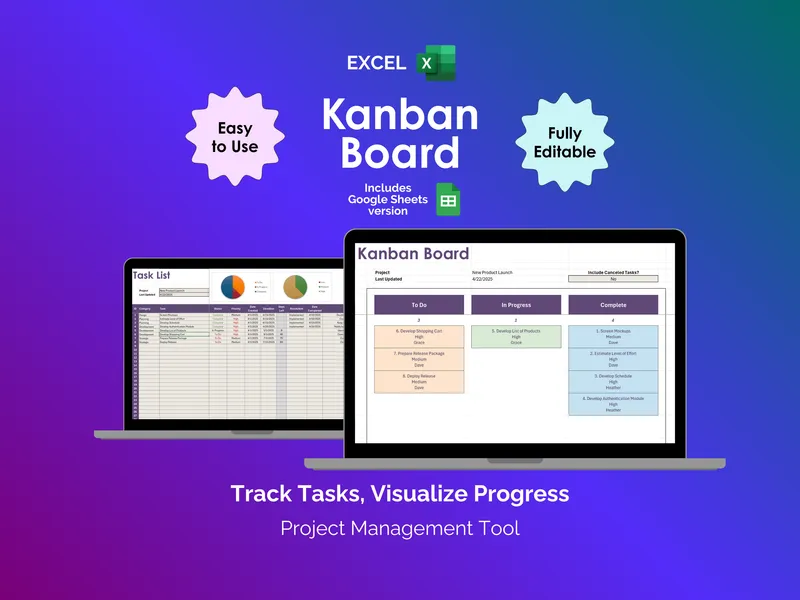
An excel task tracker isn’t about prettier to-do lists. It’s about catching the bill, the doctor visit, and the work deadline before any of them slip. This task list spreadsheet puts every commitment on one tab with status, priority, and a due date attached.
Sticky notes and phone reminders scatter your week into pieces you can’t see together. The Task List tab gives you one row per task with Category, Status, Frequency, Next Date, Due Date, Priority, Assigned To, and Notes columns. Sort by Due Date or Priority and the chaos becomes a short list of what matters this week.
Recurring chores like rent, bin night, or quarterly tax payments are the ones that fail silently when a paper list resets. Mark a task as Weekly or Monthly and the Frequency field keeps it on the radar after every completion, so the excel task tracker stops you from rebuilding the same checklist from memory.
“What’s due this week?” shouldn’t take ten minutes of scrolling. The Calendar tab auto-populates from your Task List by Due Date and lays the month out Sunday through Saturday, so a glance shows whether Tuesday is loaded and Friday is empty. Change the Current Month and Current Year cells and the grid redraws.
Generic templates lock you into someone else’s categories. The Setup tab holds editable Category and Assignee lists that feed dropdowns on the Task List. Choose whether tasks roll up under Childcare, Travel, Financial, Health, or labels you write yourself. Assign rows to John, Helen, Mary, or any names you add for your household or team.
Two charts on the Task List tab break down your open work by Status and Priority. You see at a glance how many items sit in To Do versus In Progress, and whether the High and Urgent rows outnumber the Medium ones. That is the difference between feeling busy and knowing where the work actually is.
A YouTube walkthrough is linked above and free updates ship to existing buyers. Open the file in Microsoft Excel, fill in the Setup tab once, and add your first week of rows. The task list spreadsheet handles the rest.