This isn't really templates-versus-software. The two solve different problems, and a growing employer often ends up using both at different points. The mistake is paying a per-seat platform fee to solve a problem a one-time template purchase already solves — which document does this situation need, and is it filled in correctly? — before storage, access control or audit logging is a problem you actually have.
What each one is actually for
- A template pack gets the right document issued correctly. It tells you which of dozens of possible documents a situation calls for, what needs to be on file before you issue it, and gives you the document itself, fillable and ready. It answers "what do I send, and is it right?"
- HR software stores, controls and tracks the record. Centralized storage, permissioned access, e-signature, a log of who opened what and when, reminders, and often a link into payroll and benefits. It answers "who can see this, has it been signed, and can I prove it?"
Neither one tells you the other is unnecessary. A platform gives you storage and a blank template field — it does not tell you which document a given situation needs, what has to already be on file before you issue it, or which of an employee's two files a document belongs in. A template pack does exactly that, but it does not host your records or log who opened them.
Who each one is genuinely for
Headcount alone isn't the whole test — it's headcount combined with how spread out and how frequent the paperwork is. A rough read:
- A small, single-site team, one country, predictable paperwork — offer letters, the odd warning, a reference now and then, all trackable by one person — is usually well served by owned templates and a filing habit.
- A team that's grown past one person's ability to track who has what on file, is spread across more than one state or country, or needs signatures and access logged at real volume, is usually better served by a platform built for that.
Where exactly the line sits is a judgment call, not a rule — a five-person team issuing paperwork constantly can outgrow templates faster than a twenty-person team that rarely does.
When to choose software
- You've outgrown one person tracking it. Once nobody can say with confidence what's on file for whom, storage stops being optional.
- You employ across more than one state or country. Different rules, different retention periods, different forms — a platform built to manage that variation earns its fee.
- You need e-signature at volume. Chasing individual signatures by hand stops scaling well past a small headcount.
- You need an access log, not just a filing cabinet. An automatic record of who opened a given document and when is something only a system can produce.
- You need it to talk to payroll and benefits. Integration between employment records and the systems that pay people is real, ongoing value a document cannot provide.
When templates are enough
- A small, single-site team where one person reasonably keeps track of who has what on file.
- Paperwork that's predictable — offers, warnings, references, changes to terms — not novel every time.
- A budget that doesn't stretch to per-seat monthly pricing for a handful of employees.
- Wanting to own the record outright rather than have it live inside a vendor's platform.
- Needing to issue something correctly this afternoon, not configure a system before you can.
Side by side
| What matters | HR templates (owned) | HR software (per-seat) |
|---|---|---|
| Cost | One-time, low — you own the files | Recurring, commonly per seat |
| Which document you need | Router built in, with prerequisites | Usually a blank field, not guidance |
| Storage | Wherever you file it, offline | Centralized, permissioned |
| Access control | Whoever has the folder | Role-based, built in |
| E-signature | Fillable PDF & Word — sign by hand or your own tool | Built in, at volume |
| Audit trail | Manual Issued-Document Log you keep | Automatic — who opened what, when |
| Reminders & workflow | Manual, your own rhythm | Automated |
| Payroll & benefits integration | None | Common |
| Best for | Small, single-site teams, predictable paperwork | Growing, multi-site or multi-state teams |
Start with templates, graduate when the job outgrows them
This is the honest path more than it's a knock on either option. A team with a handful of employees on one site rarely needs storage, access control or an automatic audit trail — it needs the right document, filled in correctly, issued on time. Owned templates do that without a subscription. When the team is large enough, spread out enough, or signature- and audit-heavy enough that one person can no longer track it by hand, that's the point a platform starts earning its per-seat fee — and by then you'll usually know, because tracking it yourself will have stopped working.
Issue the paperwork correctly either way
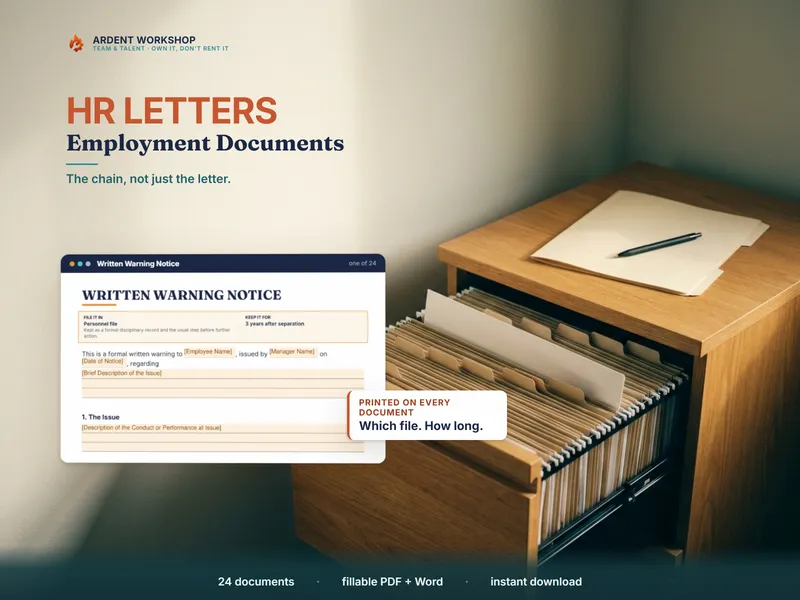
Whichever stack you eventually run, you still need to know which document a situation calls for and get it filled in right. The HR Letters & Employment-Document Template Pack covers 24 fillable employment documents in PDF and Word, with a 40-situation router that names the prerequisites, a filing-and-retention stamp on every document, two file indexes, and an Issued-Document Log to track what's gone out. For a single free document, the Coaching Note & Verbal-Warning Record is a no-signup taste of the same approach. Own the paperwork; add a platform only once storage, access control or audit logging is a problem you actually have.
Frequently asked questions
- What's the difference between HR templates and HR software?
- HR templates are the documents themselves — the offer letter, the warning, the reference request, filled in and issued for a specific person and situation. HR software is a platform that stores those documents, controls who can open them, records e-signatures, logs who accessed what and when, sends reminders, and often plugs into payroll and benefits. A template pack gives you the paperwork done right; a platform gives you a system for holding, tracking and signing paperwork at scale. Plenty of small employers only need the first.
- Do I need HR software for a small team?
- Usually not yet, and it's a judgment call rather than a fixed headcount. A single-site team of a handful of people, one country, one person keeping track of the paperwork, is normally well served by a correct set of templates and a filing habit. The signals that tip toward software are growth past the point where one person can track who has what on file, employing people across more than one state or country, needing e-signature at real volume, or needing an automatic record of who opened a document and when. Below that line, a per-seat subscription is usually more platform than the job needs.
- Can HR document templates replace HR software?
- For the part most small employers actually need — issuing the correct document for the situation, with the right content and the right prerequisites already satisfied — yes. A good template pack does that without a subscription. What it doesn't do is host your records, log who opened what, chase signatures automatically, or hand a rota of information to payroll. If storage, access control, audit logging or e-signature at volume is the job, that's a platform's job, not a document's.
- How much does HR software cost compared with a template pack?
- A template pack is a single one-time purchase — you keep the files, edit them offline, and pay nothing further. HR software is typically billed as a recurring subscription, commonly priced per seat or per employee, which means the bill grows as your headcount does regardless of how many documents you actually issue in a month. For a small team issuing a handful of documents a year, the per-seat math for a full HR platform rarely pencils out against a one-time template purchase — the subscription starts earning its keep once storage, access logging and integration become things you genuinely need.