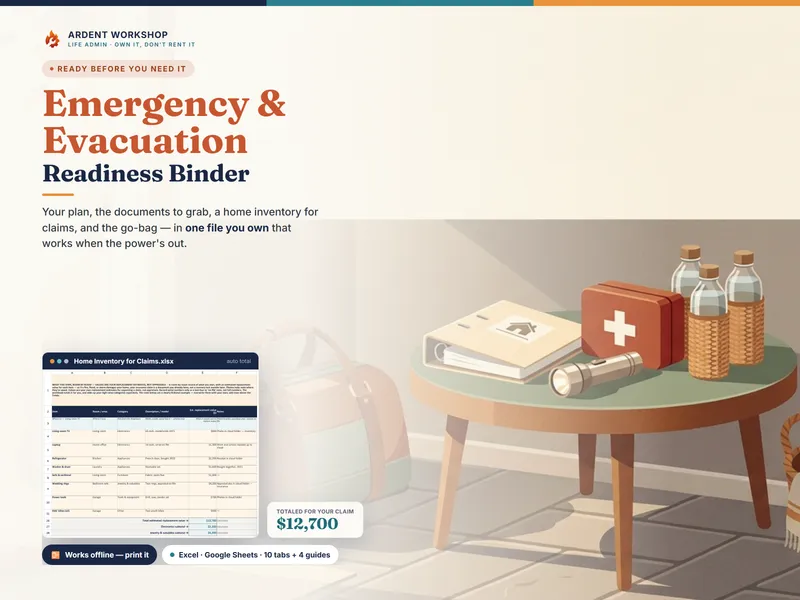
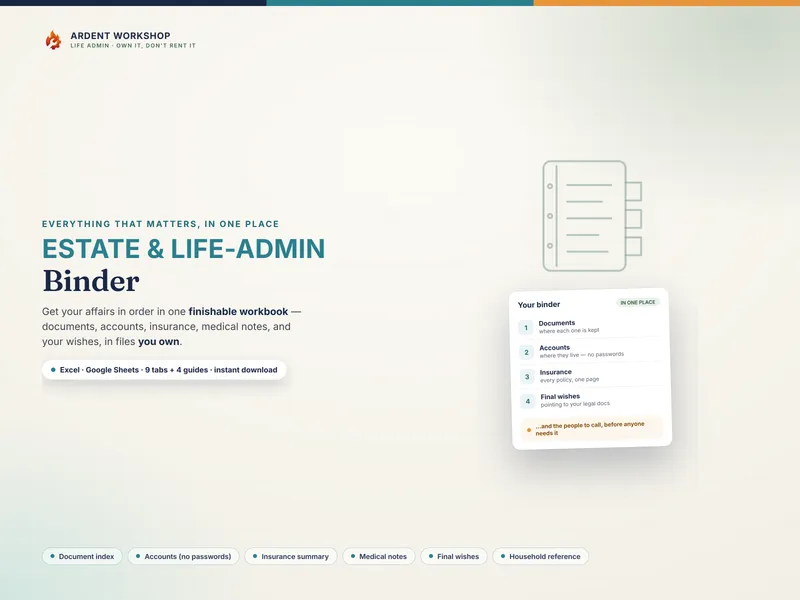
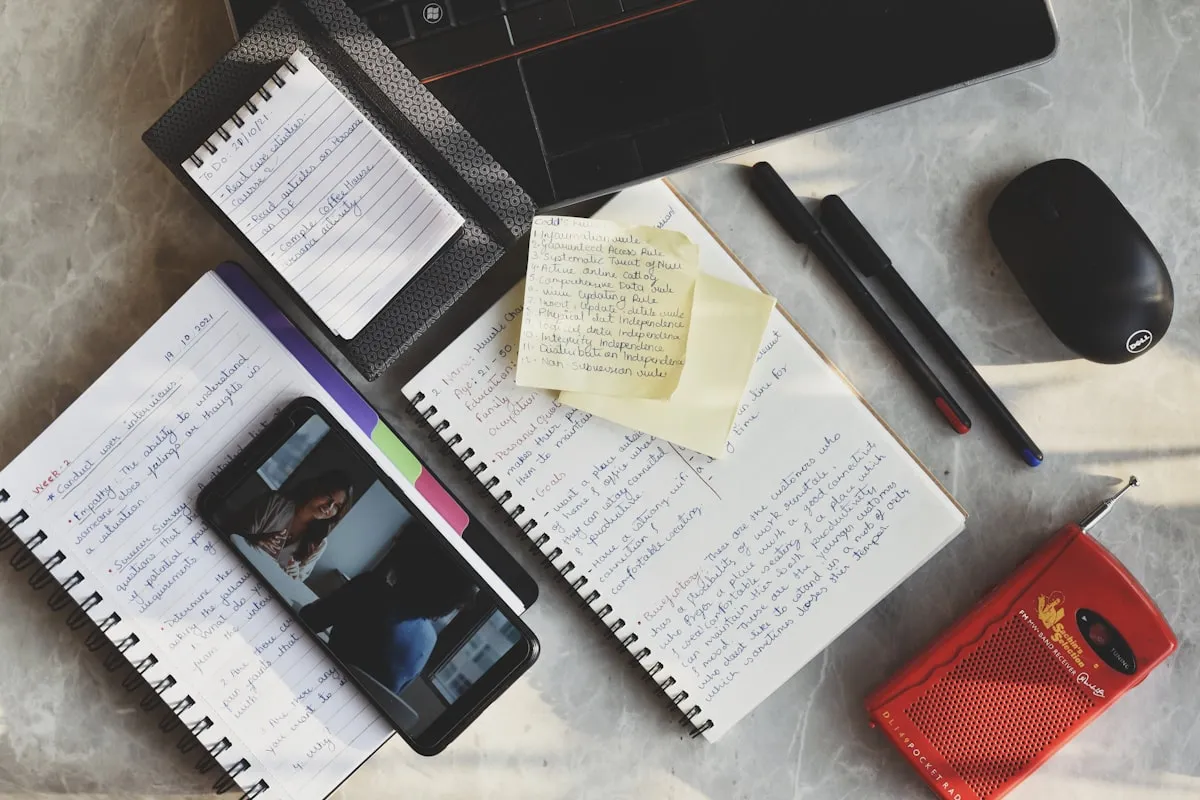
The honest framing is "own it, don't rent it." A readiness app can be genuinely useful for nudges and day-to-day checklists. But the plan and documents at the center of it — where you'll meet, what to grab, your policies and claims numbers — are something you want to own and be able to reach offline, not lease on a phone that can die.
The positioning: scattered notes → emergency binder → readiness platform
Many households start with scattered readiness — a mental list, a shoebox of documents, a number in someone's contacts. The two ways to get organized from there sit at opposite ends. An emergency binder is the structured middle ground: real organization, on a file you keep and can print. A readiness platform or app is the heavier, often-rented option: more features, but usually on someone else's server, behind a battery, a signal, and frequently a recurring bill.
Emergency binder vs readiness app, side by side
| Consideration | Emergency binder (owned) | Readiness app (hosted) |
|---|---|---|
| You own it | Yes — a file on your own drive and a printed binder | Usually no — access often depends on an active account or subscription |
| Works when the power & signal are out | Yes — print it and carry it in the go-bag | Usually no — needs a charged phone and often a connection |
| Cost | One-time purchase, keep forever | Often a recurring fee (some are free, ad-supported, or freemium) |
| If the service ends or you stop paying | You still have the file and the printout | Access can be lost |
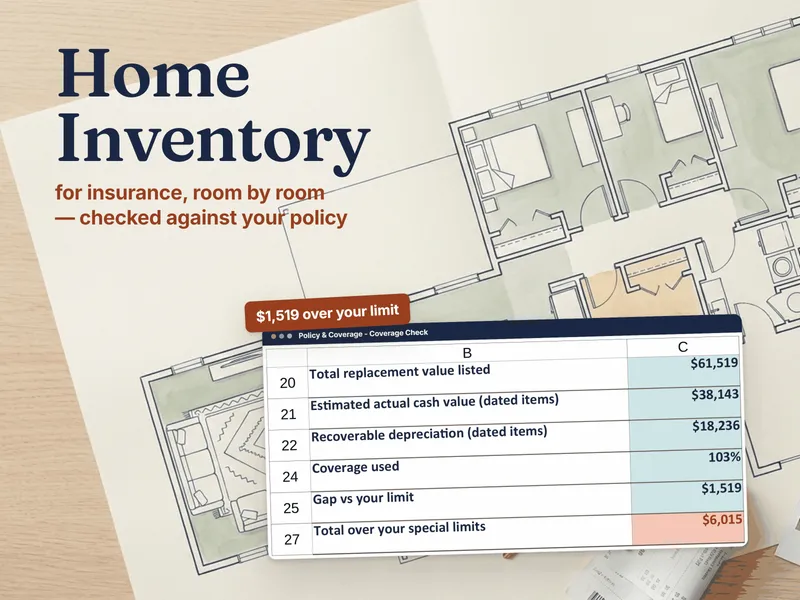
| Home inventory for claims | Built in and totaled for you — the kind of proof-of-loss document insurers ask for | Varies by app; may not export cleanly |
| Official emergency alerts | No — you keep local alerts on separately | Some apps push alerts (verify the source) |
| Where the data lives | Your drive, your Google account, and paper | Usually the company's servers |
When a readiness app makes sense
If your main gap is reminders and alerts — a nudge to restock the go-bag, a push notification when a warning is issued — an app can be worth it. The smart setup is to run an app (and your local emergency-alert system) for the notifications, and keep an owned emergency binder for the plan and records they set in motion. Just don't let the app be the only copy of the information that matters most.
When a binder is the better fit
For the plan itself, the binder is the safer foundation. It holds what a family member or a first responder needs first, it costs nothing to keep, it prints to a page you can hand someone or throw in a bag, and it can't be taken away by a dead battery or a cancelled subscription. If you only build one thing, build the owned record — then add an app for reminders if you want them.
Where to start with an emergency binder
Try the free Emergency Grab-List to see the grab-and-go one-pager, then organize the rest in a binder you own. Read how to make an emergency grab-list for the exact steps. This is a record-organizing approach — not professional emergency, medical, insurance, or legal advice, and not a substitute for the guidance of local authorities. Not affiliated with or endorsed by any readiness-app service.
Frequently asked questions
- Is an emergency binder or a readiness app better for evacuation planning?
- They fail differently, and that's the whole point. A readiness app is convenient day to day — reminders, checklists, maybe alerts on your phone. But the moment you most need your plan is often the moment the app can't help: the battery is dead, the cell network is jammed or down, or the power is out. An emergency binder is an owned record you can print and carry in a go-bag, so it works with no battery, no signal, and no subscription. Many households keep an app for reminders and a binder as the copy that always works.
- What happens to my plan if a readiness app shuts down or I stop paying?
- That's the core risk of renting your readiness. A subscription app holds your plan and documents on the company's servers; if the service shuts down, changes its terms, or you stop paying, your access can go with it — and you may not find out until you reach for it. An emergency binder is a file you own: an .xlsx, a Google Sheet, and a printed page in your go-bag. No one can lock it behind a lapsed payment, and it doesn't need the company to still exist.
- Does an emergency binder work when the power and cell service are out?
- Yes — that's exactly what it's built for. You print the binder and keep a copy in the go-bag, plus a digital copy in a cloud account you can open from any phone when service returns. A printed page needs no battery, no signal, and no app. That's the one advantage a phone-only readiness app can't match on the worst day.
- Can an emergency binder still send alerts like an app?
- No — and it isn't trying to. Official emergency alerts should come from your local authorities and government warning systems (a weather radio, wireless emergency alerts, local notifications). A binder is the plan and the records you act on once you're alerted; the app or the alert system is the notification. Use both: keep the alerts on, and keep an owned binder for the plan they set in motion.