Open YouTube. Search “productivity routine.” Watch one video. By the third recommendation you’re 12 minutes deep into a 23-year-old with a podcast voice walking you through their 5 a.m. cold-plunge-and-Notion-dashboard morning. By the fifth, you’ve added a leather habit-tracker journal to your cart.
You know how this story ends. The notebook joins three earlier notebooks in a drawer. The Notion template gets “I’ll set it up Sunday” for six straight Sundays. The 5 a.m. alarm becomes a 6:40 snooze.
It’s not because you have less discipline than the person on camera. It’s because what works on camera and what survives in real life are two completely different things. The camera version assumes a vacuum. Your life is not one.
Here are seven of the most viral productivity habits on YouTube — why each one dies the moment a kid is sick, a meeting runs long, or a normal week happens, and the lighter version that actually survives.
1. The 5 a.m. Stacked Morning Routine
What YouTube shows you: Wake at 4:58. Cold plunge for 90 seconds. Bulletproof coffee. Twenty minutes of journaling — gratitude, intentions, and a stream-of-consciousness “morning pages.” Thirty minutes of yoga or strength. Cold shower. Read 20 pages. Meditate for 10 minutes. By 7 a.m., you’ve “already won the day.”
Why it dies. Real mornings have variables. A toddler wakes at 4:30. The dog throws up. The contractor texts at 6. Your spouse has an early flight. You went to bed at 12:45 because work ran late or a friend called.
There’s a second failure mode that’s worse: the stack is so dense that missing any one piece feels like the whole routine collapsed. Skip the cold plunge once and the journaling slides too. Two days of broken streak and you’re done.
The version that survives: Pick one anchor habit and attach it to something you already do every morning — usually coffee. Read five pages while you drink it. Or write three lines in a notebook. Or sit in silence with no phone for 90 seconds.
One anchor that survives every morning of the year — including sick mornings, kid-puked mornings, traveling mornings — beats six stacked habits that hold for nine days and collapse.
2. The Color-Coded Time-Blocked Calendar
What YouTube shows you: Google Calendar rendered in seven colors. Deep work in blue. Meetings in red. Admin in yellow. Personal in green. Workouts in orange. Errands in pink. Buffer in gray. Every block is 90 minutes. The week is “intentional from minute one.”
Why it dies. Calendars are predictions. Real days are interruptions. Your 9:00–10:30 “deep work” block ends at 9:08 because Slack pinged. Your “buffer” gets eaten by an unscheduled call. By Wednesday, the calendar and your actual day diverge so much you stop opening it.
The deeper issue: time-blocking assumes you control your schedule. Most people don’t. Parents, managers, anyone in client services, anyone whose partner also has a calendar — you don’t get to declare that 10–11 a.m. is yours.
The version that survives: Block two things, not twenty-seven.
- One protected “no-meeting” zone per day. Ninety minutes, ideally morning. This is the only block you defend like it’s real.
- One protected personal block. The workout, school pickup, family dinner — whatever you keep losing. Put it on the calendar so it shows as busy.
Leave the rest of the calendar white. Let the day fill in around the two blocks you actually defend. A calendar with two protected blocks and a lot of white space is a tool you’ll still use in December. A calendar with seven colors is performance art for week one.
3. The Aesthetic Notion Dashboard
What YouTube shows you: A custom Notion workspace with 47 linked databases. A “daily dashboard” pulling in tasks, habits, books, water intake, journal entries, expenses, and a weather widget. Custom icons. Custom CSS. A drag-and-drop board that syncs with Google Calendar and Apple Health.
Why it dies. The dashboard takes longer to maintain than the work it’s supposed to organize. You spend Sunday tweaking the database schema. Tuesday you add a new property. By Friday you forgot to log anything because the friction of opening Notion is real, even with shortcuts.
There’s also the synchronization problem. Every system you build needs every change to be re-entered in three places. The dashboard becomes the project.
The version that survives: One list of today’s three to five things. One backlog. That’s it.
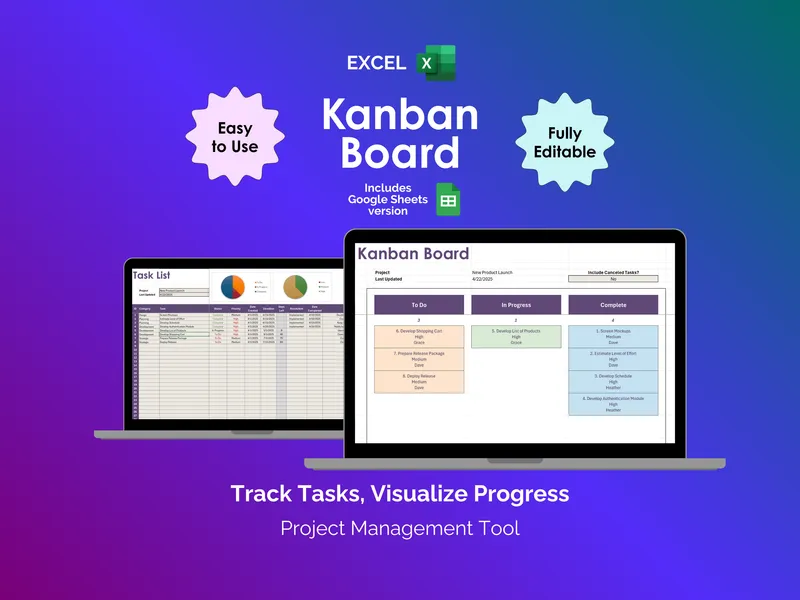
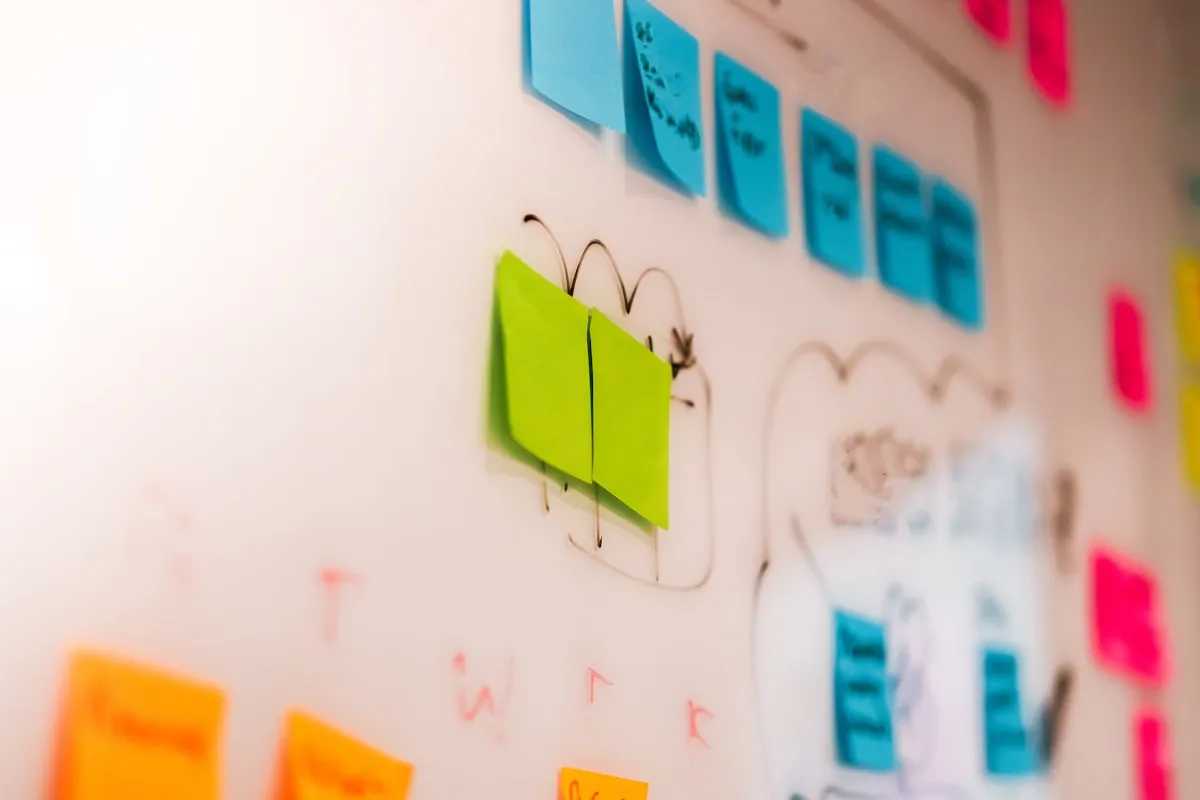
The tool doesn’t matter — a notebook, an Apple note, a simple spreadsheet, a two-column board. A bare-bones Kanban Board with “To Do,” “Doing,” and “Done” outperforms a 47-database Notion build every time, because the job of a productivity system is to tell you what to do next when you’ve forgotten — and a beautiful dashboard does the opposite. It gives you so much to look at that “decide what to do next” becomes its own task. (For a longer take on the same trap, see Personal Kanban for Life Outside of Work and The Hidden Cost of “Free” Templates.)
4. The 2-Hour Sunday Weekly Review
What YouTube shows you: Sunday afternoon. A planner spread on a clean desk. You go project by project, list pending tasks, prep next week’s schedule, review long-term goals, journal reflections, and set a “theme of the week.” Two and a half hours, scheduled like a meeting with yourself.
Why it dies. Sundays are the day life happens. Family commitments. Errands you postponed. The single grocery run that always takes ninety minutes. By the time you sit down for the “weekly review” it’s 7 p.m. and you’d rather not.
The bigger problem: the ritual is designed for someone whose biggest weekly anxiety is “what should I work on?” If that’s not your biggest weekly anxiety, the format doesn’t fit your life.
The version that survives: A 15-minute review on a weekday morning before anyone else is up. Three questions:
- What’s actually due this week?
- What did I drop last week that I need to pick back up?
- What’s the one thing I’d be embarrassed not to make progress on?
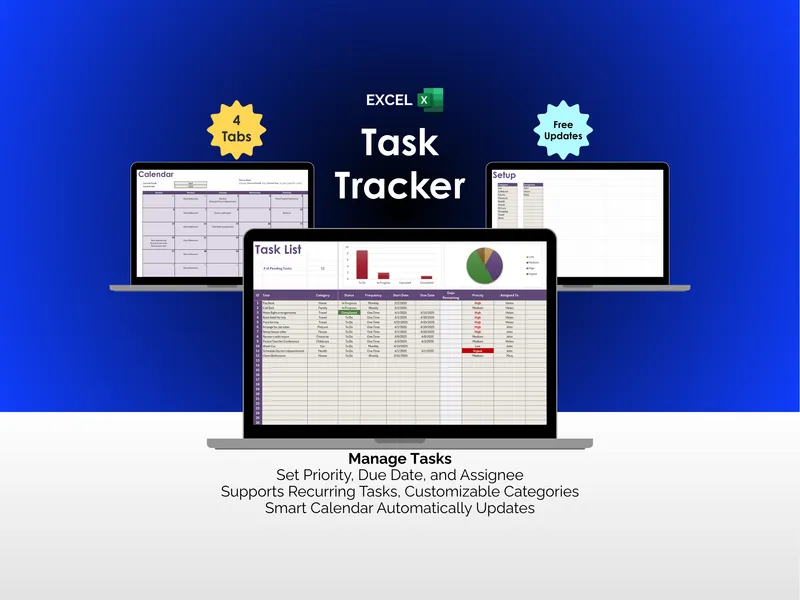
Write the answers somewhere you’ll see them — even a sticky note works, though a real Task Tracker gives you a record across weeks so you can spot patterns (“I’ve dropped this same thing four weeks in a row”). Done.
Fifteen minutes you actually do, on a weekday, beats two hours you skip three weekends in a row.
5. The Pomodoro 25/5 All Day
What YouTube shows you: A physical tomato timer on the desk. Twenty-five minutes of focused work. Five minutes of rest. Repeat. Four pomodoros, then a 30-minute break. The video shows the timer ticking down dramatically. You do twelve pomodoros a day. You “ship more in 6 focused hours than most people ship in 10.”
Why it dies. Real work isn’t 25-minute-shaped. Some tasks need 7 minutes. Some need 90. Some need 4 hours of uninterrupted flow. The Pomodoro timer interrupting you mid-thought during the one focused stretch you had all day is the opposite of helpful.
It also doesn’t account for meetings, which most jobs have. You can’t stop a meeting at minute 25 for your scheduled 5-minute break.
The version that survives: Use a timer when you can’t get started, not as your everyday operating system.
If you’ve been procrastinating on something, set 15 minutes. “I only have to do this for 15 minutes” is the line that gets you past the activation barrier. Once you start, the timer has done its job — ignore it and keep going.
Save the timer for the days you can’t get going. On the days you can, don’t interrupt yourself to prove you’re using a system.
6. The Inbox Zero Triage System
What YouTube shows you: The 4-D method. Delete, Delegate, Defer, Do. Every email gets a 30-second decision. By end of day, your inbox is empty. Everything is filed into the perfect folder structure with color-coded labels. A serene “Inbox: 0” sits at the top of your screen.
Why it dies. Inbox Zero is a moving target. You process 47 emails before noon. By 4 p.m. there are 23 more. By Friday you have 200 unread and the system that “guaranteed daily zero” feels like a personal failure.
It also assumes every email deserves a decision. Most don’t. The cost of “touching each email once” with a real triage decision is higher than the cost of letting unimportant ones sit until they age out of relevance on their own.
The version that survives: The 60-second sweep, once or twice a day. Open the inbox. Archive or delete anything that’s obviously noise. Reply to anything that takes under a minute. Star or flag the 1–3 things that need a real response later. Close the inbox.
The goal isn’t zero. The goal is “I haven’t missed anything important.” Those are different metrics — and chasing the wrong one quietly wrecks the right one, because by the time you’re sorting newsletters into sub-folders you’ve stopped reading the email that actually matters.
7. The Dopamine Detox Weekend
What YouTube shows you: No phone. No social media. No streaming. No music. No caffeine. No sugar. No conversation that isn’t strictly necessary. You spend Saturday reading, walking, and “reconnecting with boredom.” By Sunday evening you’ve “reset your brain.”
Why it dies. The premise is wrong. The neuroscience case for “dopamine detox” is thin — as Psychology Today’s review of the practice notes (opens in new tab), critics point out that “you cannot ‘detox’ from dopamine, a naturally occurring neurotransmitter essential for survival,” and the reported benefits may be a placebo effect rather than a genuine neurological reset. What a deprivation weekend usually does build is a martyr narrative around your relationship with your phone, which then rebounds harder by Monday.
Also: people have lives. You can’t go fully off-grid if you have kids at camp, an aging parent who might call, or a job that pages you on call.
The version that survives: One hour, one corner, every day.
Pick a one-hour window — coffee in the morning, walk after dinner, the hour before bed — and put the phone in another room. Not face-down. Not on silent. In another room.
You don’t need a 48-hour vow of digital silence to break the reflex. You need one consistent hour a day when the phone isn’t a possibility.
The Seven Habits at a Glance
| Habit | YouTube version | Version that survives |
|---|---|---|
| Morning routine | 5 a.m. stack of 6+ rituals | One anchor habit attached to coffee |
| Calendar | Seven colors, every minute blocked | Two protected blocks, rest white |
| Notion dashboard | 47 linked databases with custom CSS | One list + one backlog |
| Weekly review | Two hours on Sunday | 15 minutes on a weekday, three questions |
| Pomodoro | 25/5 cycles all day | A timer only when you can’t start |
| Inbox Zero | Touch every email once, hit zero daily | 60-second sweep, 1–3 things flagged |
| Dopamine detox | A weekend with no phone or screens | One consistent phone-free hour daily |
The Common Thread
Look at the seven habits again. Every YouTube version has the same shape: a maximalist, all-or-nothing system that requires the entire rest of your life to cooperate.
Every version that survives has the same shape: smaller, lighter, single-anchor, designed to absorb a bad day.
That’s the pattern worth taking away. The systems that survive aren’t the most rigorous. They’re the most forgiving — the ones built to keep working when something else in your life goes sideways. Which, in any given week, something will.
The YouTuber gets to film a 14-minute “perfect day” routine on a Tuesday in October when nothing went wrong. You get to live every Wednesday in February when three things did. The two lives don’t have the same operating manual.
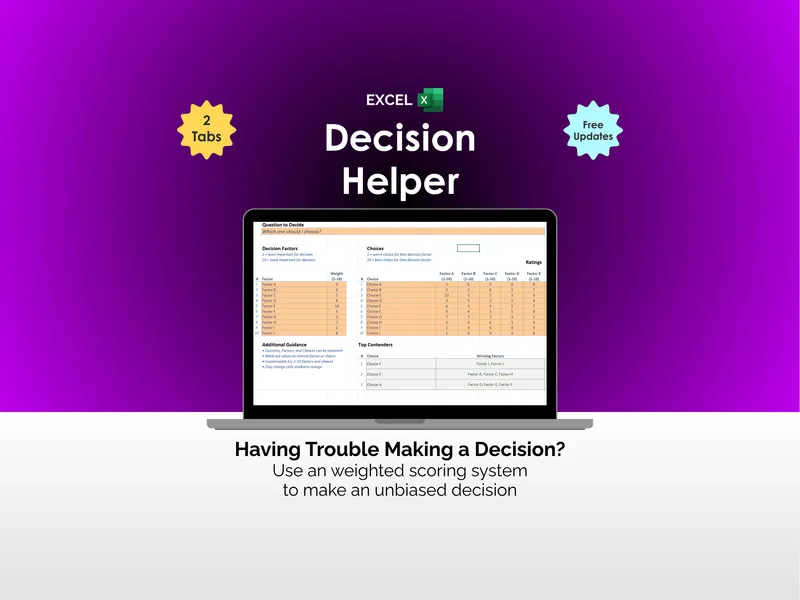
If you want to start somewhere, pick the habit on this list you’ve already failed at three times. That’s the one where the YouTube version is most clearly the wrong shape for your life — and where switching to the smaller, more forgiving version will compound the fastest. A simple framework like the Decision Helper can keep you honest about which habits are actually worth keeping versus which ones you just wish were. (And if you’ve been through this cycle with five different apps already, the nine stages of using a productivity app might look uncomfortably familiar.)
The good news: the lighter version of each habit is a real productivity system. It’s just less filmable. Which is probably why nobody’s making a video about it.