This isn't really spreadsheet-versus-app. It's "the right tool for where your shop is today." Most trades should build their price book in a workbook and stay there longer than the software companies would like — pricing a task is a solved problem in a spreadsheet. The skill is recognizing the day the book needs to live on five phones at once, synced to dispatch and invoicing — and not subscribing a moment before.
When a workbook is exactly right
- You're building your first flat-rate price book and need it done right.
- You want each task priced from your own billable rate and parts, not a generic national book.
- You — or you and a tech or two — quote the work.
- You want something private, cheap, and bent exactly to how you price.
- You'd rather own a file than rent a login.
At this stage a good workbook beats software outright. It costs once, it's yours, and there's no subscription or onboarding. The service-trades hub collects the tools built for exactly this phase, and the free flat-rate task calculator is a no-signup taste of the math.
The signals you've outgrown it
You don't decide to switch — the operation tells you. The tells:
- The book needs to be on every phone. Several techs in the field all need the current price, and a shared file isn't keeping up.
- You're dispatching and scheduling a crew. Pricing is now one step in a workflow — book the call, route the tech, present the price, collect the signature, invoice.
- You want options on screen. Presenting good-better-best to the customer on a tablet, with a captured approval, is part of the sale.
- Pricing has to tie to invoicing. The quoted price should flow into the invoice without re-keying.
One or two of these is normal. All of them, every day, is the work telling you a field-service system would pay for itself.
Side by side
| What matters | Pricing workbook | Flat-rate pricing app |
|---|---|---|
| Cost | One-time, low | Ongoing subscription, often per technician |
| Builds your price book | Full — billable rate, parts markup, book hours | Full, often with a pre-built national price book |
| Whose prices | Yours, from your own costs | A generic book you adjust, or your own |
| On every tech's device | A shared file you keep in sync | Live on every phone and tablet |
| Dispatch & scheduling | Not included | Built in |
| On-screen options & sign-off | Print or show the menu | Good-better-best with captured approval |
| Flexibility | Total — change anything | Structured around how the system models a job |
| Best for | Building and owning the price book; a small shop | Dispatching a crew where field operations are the bottleneck |
The honest middle ground
Plenty of service-trade shops run on a pricing workbook far longer than they "should" — and that's fine, because the workbook is free of subscriptions and bent exactly to how they price. The hidden cost only becomes real when the coordination a crew needs — the book on every phone, tied to dispatch and invoicing — is worth more than software costs. Track that honestly and the decision makes itself.
Build the price book either way
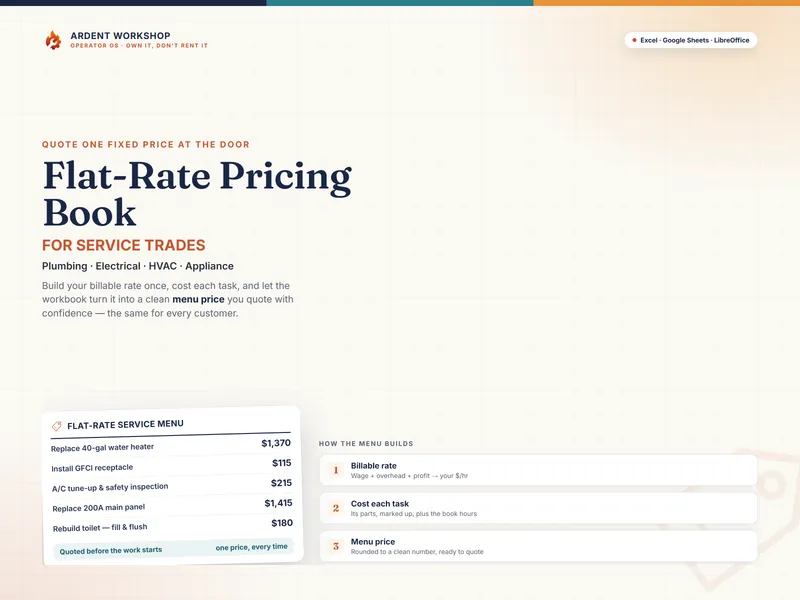
Here's the part the software pitch skips: even shops that run field-service software still need an accurate, owned way to build the prices — from their real billable rate and parts costs, not a generic national book. The Flat-Rate Pricing Book for Service Trades turns your billable rate, parts, and book hours into a clean menu price for every task in one workbook — so your numbers are right whether or not you've graduated to an app to put them on every phone. Own the prices; rent the field tooling only when the crew demands it.
New to the math? Start free with the flat-rate task calculator, read what flat-rate pricing is, or browse every tool on the service-trades hub.
Frequently asked questions
- Do I need a flat-rate pricing app, or is a spreadsheet enough?
- For building and pricing your menu, a spreadsheet is usually enough — often for years. A well-built workbook turns your billable rate, parts, and book hours into a clean menu price for every task, and you own it outright. A subscription app earns its keep later, when you're dispatching multiple techs and want the price book on every phone, tied to scheduling and invoicing in real time. Build the book in the workbook; pay for an app when field operations, not pricing, become the bottleneck.
- What does a flat-rate pricing app do that a workbook can't?
- Many apps put the price book on each tech's phone or tablet, present good-better-best options to the customer on screen, capture the signature, and flow the job into scheduling, dispatch, and invoicing automatically; many also ship a pre-built national price book you can adopt. A workbook prices the tasks just as accurately, but it doesn't dispatch techs, sync to every device live, or collect signatures — it's the pricing engine, not the field-operations system.
- How much does flat-rate pricing software cost vs a workbook?
- A flat-rate pricing workbook is a single low one-time cost you own forever. Dedicated flat-rate or field-service software is a recurring monthly subscription, usually per technician, and the pre-built price books are often a separate ongoing fee. The subscription is worth it once the time it saves across a crew exceeds its cost — but paying per-tech every month before you're dispatching a crew usually buys capability you're not using yet.
- Can I keep my own prices, or do I have to use the app's price book?
- With a workbook, every number is yours — your billable rate, your parts costs, your markups, your book hours, bent exactly to how you work. Many apps ship a national price book as a starting point, which is convenient but generic; your real costs and local rates may differ. Either way, you should build the price from your own billable rate and parts costs. A workbook makes that the default; an app makes it an override.