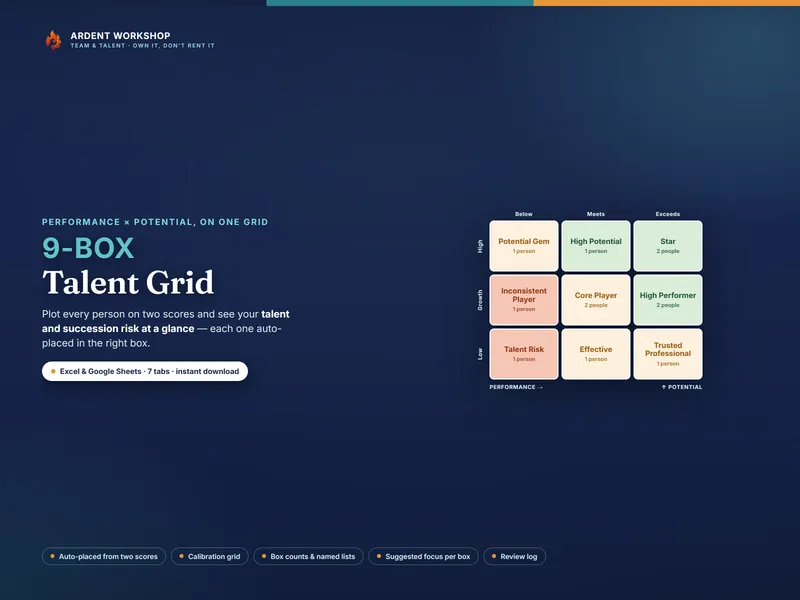
The Volunteer Skills & Scheduling Matrix is a one-file Excel and Google Sheets workbook that tracks who’s trained for each volunteer role and builds your service roster — flagging coverage gaps before the day.
If you coordinate volunteers, you have to know two things at once: who’s actually trained for each role, and who’s serving which service or event. Most of that lives in your head, a tangle of group texts, and a paper sign-up sheet — and you find out a service has nobody who can run the sound desk the morning it happens. This workbook puts both halves on one board you own, and flags the gaps before the day.
What is a volunteer skills and scheduling matrix?
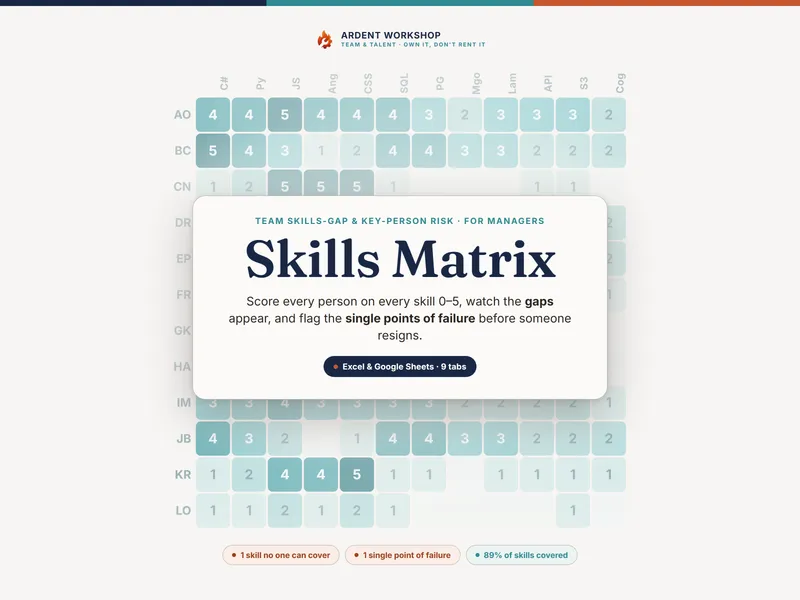
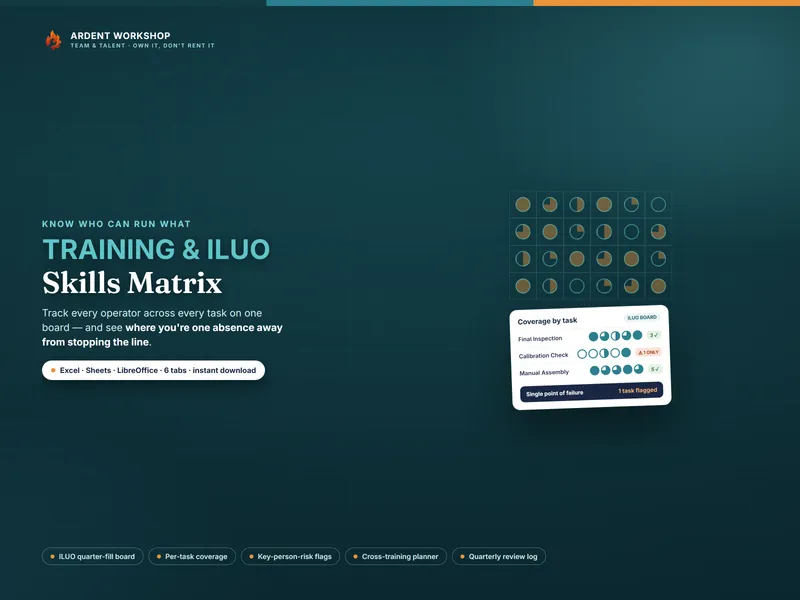
It’s a workbook that does two jobs in one file. The Skills Matrix puts every volunteer down one side and every role across the top, and records how ready each person is for each role using four steps: Shadowing, Can assist, Can serve solo, Lead / Trainer. Each step fills another quarter of a circle, so a wall of cells reads as a heat map: dark columns are well-covered roles, pale columns are the gaps, and a column with a single dark cell is a role one absence from trouble. The Schedule then lays your volunteers against your upcoming services so you can see which ones you’re short on — before the day, not on it.
See who can do what, at a glance
The Skills Matrix tab is the board. Put your volunteers down the side, your roles across the top, and pick a readiness symbol for each cell from a dropdown. Every cell colors itself by level, each volunteer’s row counts how many roles they can serve solo, and the rows below each role count coverage and flag the roles with only one trained volunteer — automatically. It ships pre-loaded with a fictional twelve-person team so you can see the method working before you enter your own people.
Build the roster before the day, not on it
The Schedule & Coverage tab lays your volunteers against your next few services. Mark each person Serving, Available, or Away, set how many people you need, and every service flags itself Set, Fill gaps, or Short. A “Short” three weeks out is a service you can still recruit for — the whole point is to find the thin slot while there’s still time to do something about it.
Turn the gaps into a recruiting plan
The Coverage & Gaps tab sorts every role into No one ready, Below minimum, No backup, or Covered, weighing how many volunteers are trained against how many you need each time. A High-criticality role like sound, nursery, or safety sitting at No backup is your next onboarding job — sort by status and criticality and you have a prioritized plan without a meeting.
Flag which roles need a clearance, so the wrong person never serves
The Roles & Requirements tab documents each role’s headcount, how critical it is, and which roles need a background check or other clearance before anyone serves — so you never roster an uncleared volunteer into a children’s or safety role by mistake. The Serve & Review Log keeps a dated record of who served and what changed, to keep the board honest over time.
What you get
- A 7-tab workbook (
.xlsx): Read Me, Legend & Levels, Skills Matrix, Schedule & Coverage, Coverage & Gaps, Roles & Requirements, and a Serve & Review Log. - A one-click Google Sheets copy — open the included link and click Make a copy for a native version in your Drive: no importing, nothing to set up.
- Four PDF guides: a Start Here guide, a Readiness Levels & Roles guide, a Coverage & Scheduling guide, and a Printable Roster, Legend & Sign-up Sheets pack for the wall.
- A worked example you overwrite with your own volunteers and roles.
Own it, don’t rent it
A blank spreadsheet is free, but you build the whole thing yourself. A per-seat volunteer-management app is overkill for a small team — and it locks your roster and your volunteers’ availability behind a monthly fee your budget shouldn’t have to carry. This sits in between: a structured board you own outright, edited offline, shared however you like. One purchase, yours forever — no seats, no subscription.
Works in Excel, Google Sheets, and LibreOffice Calc. Use the .xlsx in Excel or LibreOffice, or open the included one-click link to drop a ready-made native Google Sheets copy straight into your Drive — no importing, nothing to rebuild. Your purchase licenses the file for use within your own organization — use it across your whole team; just please don’t resell or redistribute the template itself.
New to this? Try the free single-team volunteer roster first — it lets you schedule one service before you roll out the full skills-and-coverage board.
The example volunteers, roles, and assessments are fictional and illustrative. This is a record-keeping and scheduling template, not HR, legal, or safeguarding advice, and not a safeguarding policy. Which roles need a background check, what it must cover, and your volunteer-to-child ratios are set by your own policy and the law where you operate. Keep your volunteers’ data the way your own privacy policy requires.