You can feel it the first time someone asks why a new hire out-earns a teammate who’s been there three years, or when an offer goes out and you’re not quite sure it’s fair — there’s no structure underneath the pay, just a pile of individual decisions. The Compensation Pay-Band & Pay-Equity Workbook gives you the structure: a set of salary bands you own, a way to place every person against them, and a first look at whether pay is landing evenly across your team — all in one spreadsheet, without a compensation platform or a consultant.
In short: a pay band is a salary range — a minimum, midpoint, and maximum — for a level of work; this workbook sets your bands and then computes compa-ratio, range penetration, band placement, and a pay-equity screen for every employee, in Excel, Google Sheets, or LibreOffice.
Want a taste first? Try the free Compa-Ratio Calculator for a single role.
What is a pay band?
A pay band is a salary range for a level of work — a minimum, a midpoint, and a maximum. The midpoint is the rate you intend to pay a fully competent person in the role; the minimum and maximum are the floor and ceiling around it. Stack a band for each level and you have a pay structure — the backbone this workbook reads from. Set your bands on the Pay Bands tab, and the workbook computes range spread (how wide each band is) and midpoint differential (how far each level steps up from the one below) so you can see the structure holds together.
Place every employee — the math fills in
List your people on the Employee Roster with their band and salary, and the workbook does the rest:
- Compa-ratio — salary divided by the band midpoint. 1.00 sits right at the midpoint; as a common guideline, below 0.90 is typical for someone newer to the role, and the workbook’s reference flags the high and low ends so they stand out.
- Range penetration — where in the band the salary sits, from the floor (0%) to the ceiling (100%). Someone at 90% has almost no in-band raise headroom left — worth knowing before a merit cycle, not during it.
- Placement — below band, one of four quartiles, or above band. Pay that lands below the minimum or above the maximum is flagged in color the moment you enter it.
Because compa-ratio is measured against each role’s own midpoint, it lets you compare a coordinator and a director on the same scale.
Check pay equity by group
The Pay Equity tab compares the average compa-ratio of each group — by gender, by department, by tenure — against the team average, and flags any group whose average sits more than your chosen threshold away from it. Using compa-ratio rather than raw salary is the point: because it already controls for band level, the comparison isn’t simply picking up that one group holds more senior roles. It’s a first-pass screen that shows you where to look — not a verdict.
See the whole picture on one dashboard
The Dashboard pulls it together: how many people sit within band, below it, or above it, the average and median compa-ratio, how many pay-equity flags were raised, and the placement spread across the band. Below-band and above-band pay are the ones to act on first; the Action Log gives every decision a dated home.
What’s inside
- A 7-tab workbook (.xlsx) — Read Me, How to Read It, Pay Bands, Employee Roster, Pay Equity, Dashboard, and Action Log.
- A one-click Google Sheets copy — open the included link, click “Make a copy,” and a ready-made native version lands in your Drive.
- Four PDF guides — a Start Here guide, Designing Pay Bands, Reading Compa-Ratio & Pay Equity, and a printable worksheet + comp-review sheet.
- A worked example — a fictional 18-person company you overwrite with your own team.
Works in Excel, Google Sheets, and LibreOffice
It’s a spreadsheet, not an Excel-only file. The same workbook opens in Microsoft Excel, Google Sheets, and LibreOffice Calc, and the Google Sheets version comes as a one-click “Make a copy” link — not a lossy import you have to rebuild. Instant digital download: buy once, own it forever.
Own it, don’t rent it
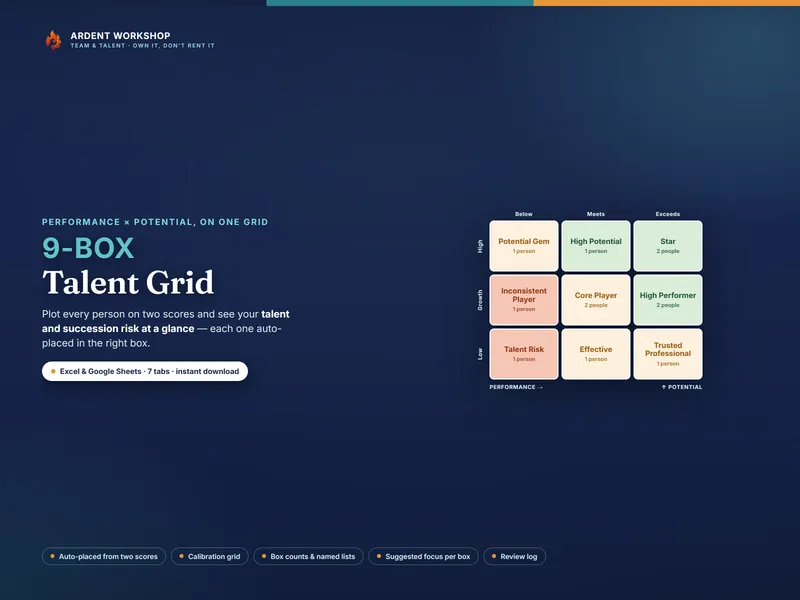
This sits between a blank spreadsheet — free, but you build every formula and have no structure — and a rented compensation platform that’s overkill for a small team, charges per seat, and keeps your salary data behind someone else’s login. The workbook is the owned middle: a real structure you keep, update, and share on your own terms. It pairs naturally with the 9-Box Talent Grid (how your people are placed on performance and potential) and the rest of the Ardent Workshop people-ops tools.
What this is — and what it isn’t
The example team and all figures are fictional and illustrative — not market data and not real people. This is a compensation-planning template, not compensation, legal, or HR advice. The pay-equity tab is a first-pass screen: a flag is a prompt to look closer, not proof of unfair pay — a real analysis controls for documented factors such as role, performance, and time in the job, and is best run with your HR and legal advisors. Salary data is sensitive; keep it confidential to those who need it, the way your own privacy policy and local law require. Pay bands and compa-ratio are generic, widely-used compensation concepts; this product is not affiliated with or endorsed by any consultancy, survey provider, or platform.