It is Saturday afternoon. You open Crunchyroll, then a second tab for Netflix, then a sticky note where you scrawled “ep 9?” three weeks ago, and you still cannot remember whether you finished Solo Leveling or just imagined doing so. This Notion anime tracker is built for that exact moment — a single workspace for anime fans who want every show, episode, character, and review score in one place instead of scattered across apps, notebooks, and memory. It runs in Notion on desktop, tablet, or phone.
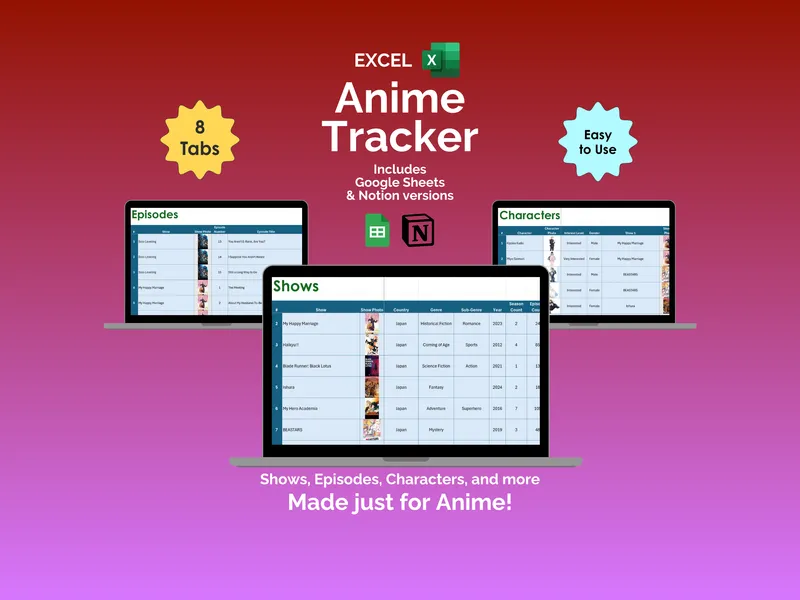
The walkthrough starts at the Shows Database, which ships with 15 properties and three views. You drop into a gallery first and your library reads like a cover-art wall; switch to All Shows and the full table appears with status, rating, and metadata side by side. Flip once more to By Watch Status and the same series rearrange themselves into a board where Plan to Watch, Watching, and Completed sit as columns you can drag titles between.
Open the Episodes Database and the rhythm changes. Each row is a single episode, with columns for Episode Title, Show, Personal Rating in stars, and a Favorite Part field for the line or scene you want to remember. Months from now, when someone asks which episode of Solo Leveling hooked you, the answer is in the row, not the back of your head. This is the part of the Notion anime tracker that turns “I liked it” into something you can actually look up.
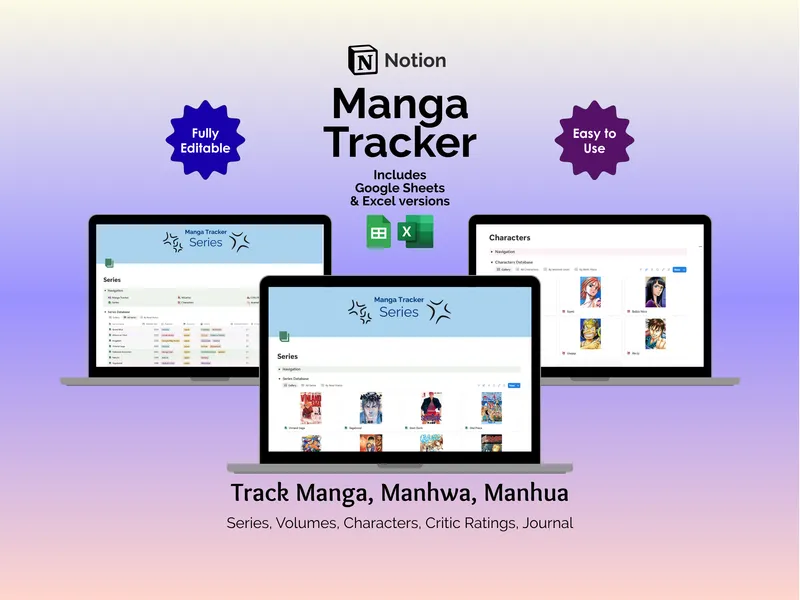
Next is the Characters Database, which also offers three views. The Gallery view is a face wall of character images, All Characters is the full list, and By Interest Level groups everyone into High and Medium so your favorites float to the top instead of getting lost behind a side character from episode two. From there the Critic Ratings Database picks up the comparison work — log a review site like Crunchyroll or Google, the show being rated, the raw Rating, the Max Rating, and a % Rating column that normalizes scores across sources before you commit to a 24-episode run.
The Journal Database is where the week gets recorded. It has a Daily Log view and a Calendar view, and each entry captures Title, Date, Show, Duration, Mood, and Notes — short fields for a watch session, a freeform space for the reaction you want to keep. A Navigation Menu sits at the top of every page in the template, so the jump from Shows to Episodes to Journal is a single click rather than a scroll-and-search.
What sets this Notion anime tracker apart is the bundle: the purchase includes Excel and Google Sheets versions of the same tracker, so if spreadsheets feel faster on a given day, you have them ready. The Notion template works with a free Notion account, is fully editable, and comes with instant access after checkout plus free support if something does not behave the way you expected.