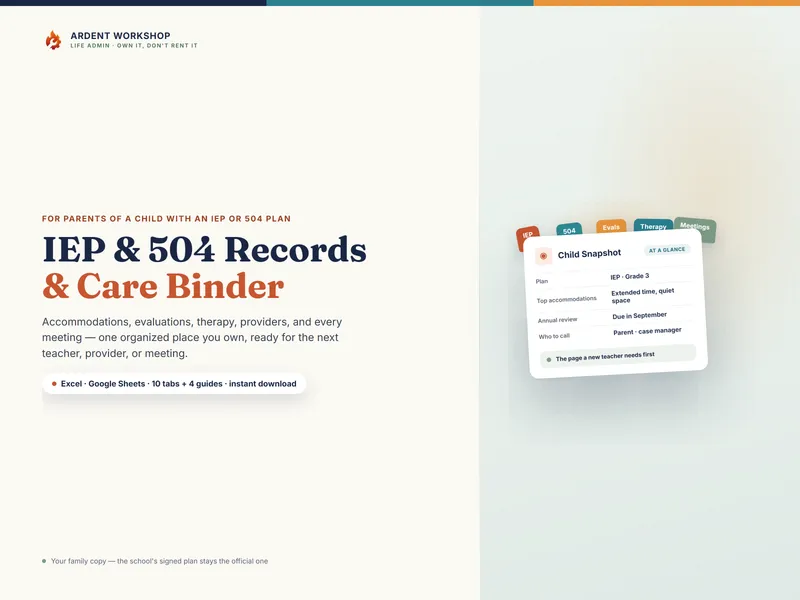
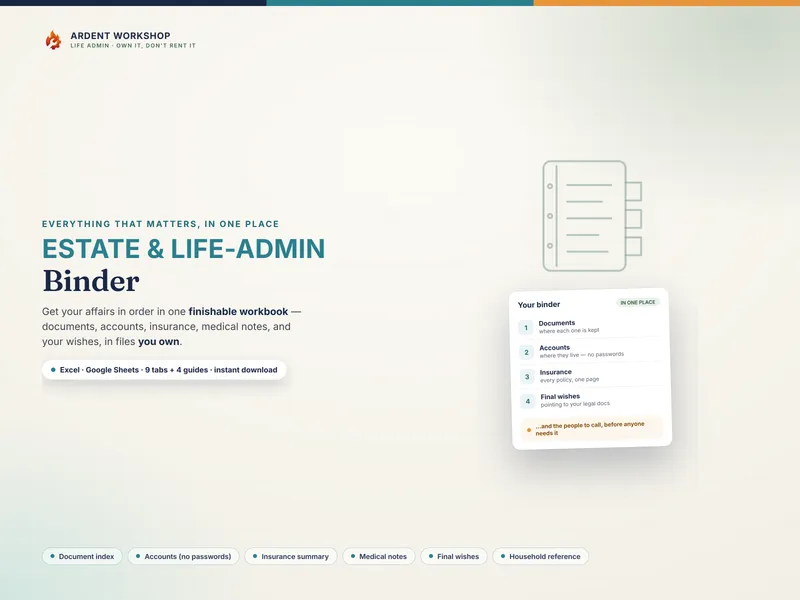
The honest framing is "own it, don't rent it." A special-education app can be genuinely useful for the workflow side — reminders, task lists, sharing updates across a team. But the record at the center of it all — the accommodations, the evaluations, the history of what was decided — is something you want to own, not lease, because you'll carry it for years and across schools.
The positioning: scattered files → IEP binder → school-management platform
Most families start with scattered paper — the plan in a drawer, reports in an inbox, notes in a phone. The two ways to get organized from there sit at opposite ends. An IEP binder is the structured middle ground: real organization, on a file you keep. A special-education platform is the heavier, often-rented option: more features, but usually on someone else's server and frequently behind a recurring bill.
IEP binder vs special-education app, side by side
| Consideration | IEP binder (owned) | Special-education app (hosted) |
|---|---|---|
| You own it | Yes — a file on your own drive or a printed binder | Usually no — access often depends on an active account or subscription |
| Cost | One-time purchase, keep forever | Often a recurring fee (some are free, ad-supported, or freemium) |
| If the service ends or you stop paying | You still have the file | Access can be lost |
| Where the data lives | Your drive, your Google account, or paper | Usually the company's servers |
| Carries across schools & years | Yes — it's your file, school to school | Depends on the account and the district's tools |
| The core record | The whole point — accommodations, evaluations, meetings | Varies by app |
| Works offline / on paper | Yes — print the snapshot and accommodations for a sub or a meeting | Usually no — needs the app and a connection |
When a special-education app makes sense
If your main challenge is workflow — reminders, task lists, or a shared feed with a team of providers — an app's coordination features can be worth the subscription. Some families run an app for the workflow layer and an IEP binder for the record. The two aren't mutually exclusive; just don't let the app be the only copy of the records that matter most.
When a binder is the better fit
For most families the binder is the safer foundation. It holds the accommodations a new teacher asks for, the evaluations that establish eligibility, and the meeting history that anchors what was decided. It costs nothing to keep, it prints to a page you can hand someone, and it can't be taken away. If you only build one thing, build the owned record — then add an app later if you need the workflow features.
Where to start with an IEP binder
Try the free IEP Meeting Prep Sheet to prepare for your next meeting, then organize the rest in a binder you own, or follow how to organize your records for an IEP meeting. See the caregiver templates hub for the wider set. This is a record-organizing approach — not legal, medical, or educational advice, and not a substitute for your child's team or a special-education advocate. Not affiliated with or endorsed by any special-education app or service.
Frequently asked questions
- Is an IEP binder or a special-education app better for managing my child's plan?
- They do different jobs. A special-education app is good at coordinating people and workflow — sharing updates, tracking tasks, sometimes drafting goals. An IEP binder is the owned record of the plan itself: the accommodations, evaluations, therapy schedule, providers, and meeting notes, in a file your family keeps. Many families use both, but the binder is the one that survives a cancelled subscription or a discontinued app.
- What happens to my child's records if a special-education app shuts down or I stop paying?
- That's the core risk of renting. A subscription app holds your child's records on the company's servers; if the service shuts down, raises its price, changes its terms, or you simply stop paying, your access can go with it. An IEP binder is a file you own — an .xlsx or a printed page that lives on your own drive or in a drawer. No one can lock it behind a lapsed payment, and it's still yours when your child changes schools.
- Do special-education apps store a child's information securely?
- Reputable apps invest in security, but the point of a binder is different: it deliberately holds no logins or full student ID numbers, so there's far less to expose, and you decide where it lives and who can see it. The binder records what your child needs and where documents are kept — never portal passwords. Read each app's privacy policy and terms; with an owned file, you set the rules for a child's sensitive records.
- Can an IEP binder be shared with a co-parent or a new teacher like an app can?
- Yes — that's what it's built for. As a Google Sheet you can share it with a named co-parent (and revoke access later); as a printed binder you can hand the child snapshot and accommodations page to a new teacher or a sitter. The difference is that you control the sharing, on a file you own, rather than inviting people into a third-party platform.
- Does an IEP binder replace the school's IEP?
- No. The signed IEP or 504 plan the school issues is the official, legally governed document, and only the school team that wrote it can change it. A binder is your family's organized copy of the records you're entitled to keep — it makes the plan easy to carry, honor, and remember, but it never replaces the signed plan or the school's file. It also isn't legal or educational advice.