Step 1 — Find your cost per hour
Before you can price anything, you need the one number most photographers never pin down: what an hour of your work actually costs to deliver. It has two halves — your overhead (gear depreciation, insurance, editing software, your studio, marketing, backups) and your pay (the salary you need to live on, treated as a cost, not the leftovers). Add a year of both and divide by the hours you can realistically bill.
Take an illustrative solo photographer:
- Yearly overhead: $11,000
- Target salary: $45,000
- Billable hours in the year: 1,000 (be honest — most solo shooters bill far fewer than 2,000; the rest of the week is marketing, email, and travel no client pays for)
That’s ($11,000 + $45,000) ÷ 1,000 = about $56 an hour, all in. Every billable hour has to earn that much just to cover overhead and pay the salary you set. This is the floor under every package. (For the full breakdown, see what cost of doing business is.)
Step 2 — Count every hour the package really takes
The most common pricing mistake is charging for the shoot and giving away the edit. A one-hour session with four hours of culling, color, and retouching is a five-hour job — price all five.
For an illustrative portrait session:
| Hours | What it covers |
|---|---|
| 1.5 | Shooting on the day |
| 4.0 | Culling, editing, retouching, delivery |
| 1.0 | Consultation, planning, travel |
| 6.5 | Total hours |
The editing block is the one that decides which packages pay — and the one most often forgotten.
Step 3 — Turn hours into a time cost
Multiply the total hours by your cost per hour:
6.5 hours × $56 = $364. That’s what your own time costs to deliver this package, salary and overhead already inside it.
Step 4 — Add the package’s direct costs
Direct costs are the out-of-pocket expenses that belong to this specific job — a second shooter, an album or prints, travel and mileage, gear rental. For this portrait session, say $60 of album and travel cost.
Time cost $364 + direct costs $60 = $424 total cost. That’s what it costs you to deliver the package, before any profit.
Step 5 — Set a margin and price the package
Your cost per hour already paid your salary, so the margin you add now is real profit — a buffer for taxes, slow seasons, and growth. Price up from cost with one bit of arithmetic:
- Price = cost ÷ (1 − margin). At a 30% margin: $424 ÷ 0.70 = about $606.
Round it up to a clean number when you publish it. Notice that a “30% margin” is not the same as adding 30% to cost — pricing on margin is what keeps the profit you actually intended.
Step 6 — Check the effective hourly rate
The price alone doesn’t tell you whether the package is worth your time. Divide it by the hours:
$606 ÷ 6.5 hours = about $93 an hour.
That effective hourly rate is the great equalizer. Run every package through the same math and compare:
| Package | Total hours | Price | Effective $/hr |
|---|---|---|---|
| Mini session | 3.0 | ~$237 | ~$79 |
| Portrait session | 6.5 | ~$606 | ~$93 |
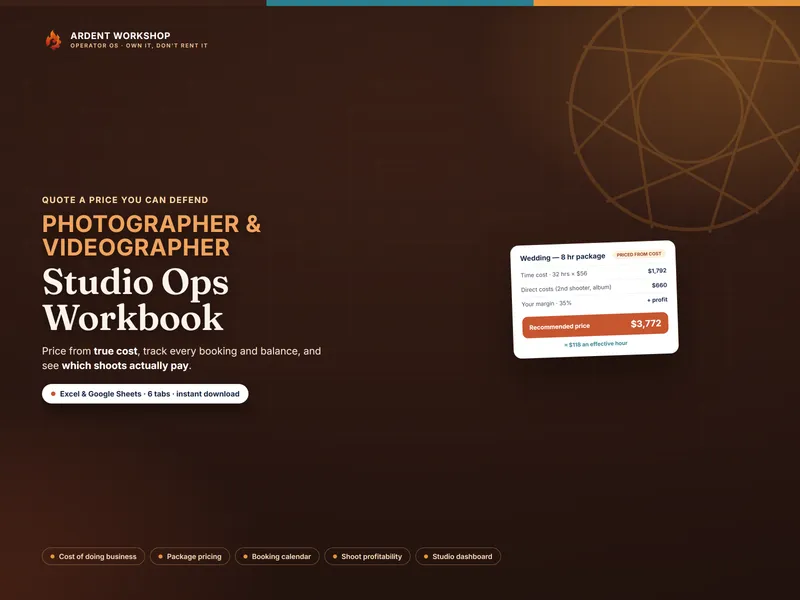
| 8-hour wedding | 32 | ~$3,772 | ~$118 |
The wedding’s big sticker price also earns the best hourly; the mini session’s tidy low price earns the least. That’s the trap: a stack of cheap minis can quietly out-cost a wedding once you count the editing on each one. The highest price is rarely the best hourly — and you can only see it when you price from cost.
Do it for every package in minutes
You can price a single package right now with the free session & package pricing calculator — no signup. To price your whole menu, track which shoots actually paid, and keep deposits and balances straight, the Photographer / Videographer Studio Ops Workbook builds your cost of doing business once and carries it onto every package, booking, and shoot — in Excel, Google Sheets, or LibreOffice. Deciding whether you’ve outgrown a spreadsheet yet? Compare a spreadsheet vs photography studio software, or browse the photographer & videographer hub.