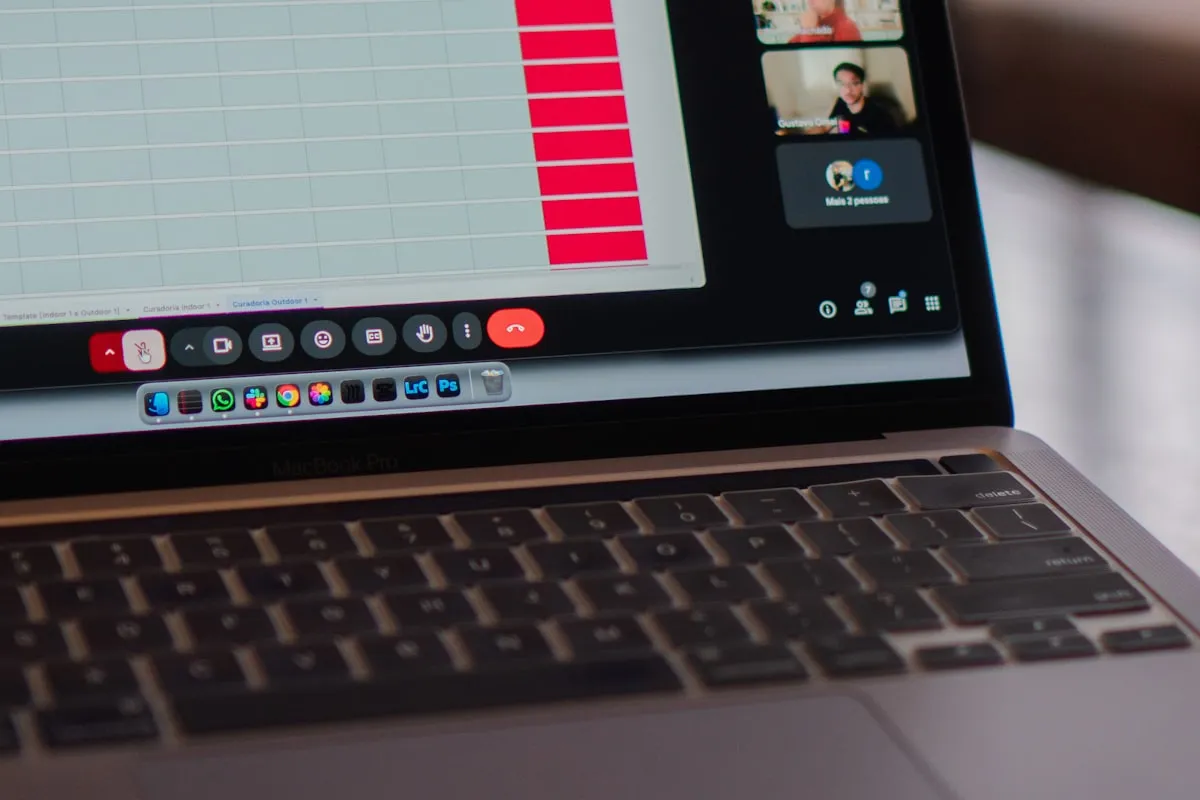
It is Monday morning, your coffee is still hot, and three clients want hour estimates by Friday. You open this google sheets time tracker and head straight to the Setup tab, where you drop in your active projects — Etsy Shop, Website, Instagram Account — alongside the team members helping out (yes, even the freelancer who only answers in voice memos). Those entries flow automatically into every subsequent tab, so you never have to retype “Website Development” again.
By Tuesday afternoon, the Work Log is doing the heavy lifting and you are doing the actual work. You enter the date, task, project, priority, who worked, plus a start time and end time, and the sheet handles the math on automatic hour calculations — no calculator app, no scribbled napkin. This google sheets time tracker also ships with an included Excel version, which is useful when one client refuses to leave Microsoft and the other lives in Drive.
Wednesday brings the inevitable “where are we?” Slack message, and instead of stalling, you open the Dashboard tab. It surfaces Total Hours Worked, Total Tasks Tracked, a Top 5 Projects by Hours Worked bar chart, a Top 5 Team Members by Hours Worked chart, and a pie split so you can see where the week actually went — including the project quietly eating your Thursdays. The Work History panel lets you pick a month and read out hours per project, which is the answer to most status questions before they are even finished being asked.
What sets this google sheets time tracker apart is that it is genuinely yours to bend — the Fully Editable template is unlocked, the setup is Configurable for any workflow, and nothing is hiding behind a paywall or subscription. You are not renting time tracking; you are owning the file and the formulas behind it, which feels strangely radical in 2026.
Friday rolls around, invoices need to go out, and you come full circle to that hot-coffee Monday moment. You pull the month in Work History, copy the totals straight into your invoice, and send three bills that actually match what you worked. The coffee, sadly, is no longer hot — but the hours are honest, and that is the part the clients care about.