A lot of performance reviews go wrong in the same two ways. Every manager rates a little differently, so the same performance earns a different score depending on who wrote the review. And the ratings quietly drift upward until almost everyone “exceeds” and the review tells no one anything. This workbook fixes both — it scores every person on the same weighted criteria, and it shows you the whole team’s rating distribution so you can calibrate before the reviews are final.
You own the file outright. No per-seat performance-management subscription, no cycle locked behind a login — a structured workbook you keep, adapt to your roles, and reuse every review period.
Rate each person on weighted criteria — the same yardstick for everyone
On the Reviews tab you rate each person 1 to 5 against a shared set of role criteria and their goals, and the workbook does the rest. It computes a weighted overall score on a 1.00–5.00 scale — each rating times its weight, divided by the total weight — and looks up the rating band, from Unsatisfactory to Outstanding. Everyone in the cycle is measured against the same criteria, so the ratings are comparable when you calibrate.
Because it is weighted, the score reflects the actual job. A role built on quality can weight Quality of Work up; a role built on hitting targets can weight Goal Achievement up. You set the weights on the Criteria & Weights tab — rename the criteria, rewrite the descriptions, change the weights — and every review re-scores live.
Calibrate the whole team before reviews are final
Calibration is the step that turns a stack of separate review forms into a fair, comparable cycle — and a step small teams often skip. The Calibration tab does it for you:
- The rating distribution across everyone reviewed, next to a common reference spread, so you can see the shape at a glance.
- A rating-inflation read — your combined top-two-band share against the reference, with a plain-language flag when it runs well above.
- A by-manager view — each manager’s average score and top-box rate, the clearest way to spot a lenient or a strict rater before ratings go out.
Two very different top-box rates on similar teams is the signal to calibrate. You read the distribution, revisit the evidence where it disagrees, and re-rate — before a single review is delivered, which is the only point where a rating can still move.
Everything in the download
- A 7-tab workbook (
.xlsx) that opens in Excel, Google Sheets, and LibreOffice Calc: Read Me, How to Review, Rating Scale, Criteria & Weights, Reviews, Calibration, and Review Log. - A one-click Google Sheets copy — open the included link, choose Make a copy, and the whole workbook lands in your Drive with every dropdown, formula, and color already set up. No importing.
- Four PDF guides — a Start Here guide, the review method & scoring guide, a guide to running the cycle and reading the calibration, and printable review & calibration sheets — written to be read, with worked examples.
- A pre-loaded worked example (a fictional nine-person team) you overwrite with your own.
Own it, don’t rent it
A performance-management platform charges a subscription, per seat, for the weighted scoring and the calibration view this workbook gives you in one owned file. This sits between a blank spreadsheet you’d have to build from scratch and a rented app built for a company ten times your size: the structure, the math, and the calibration are already done, and the file is yours to keep.
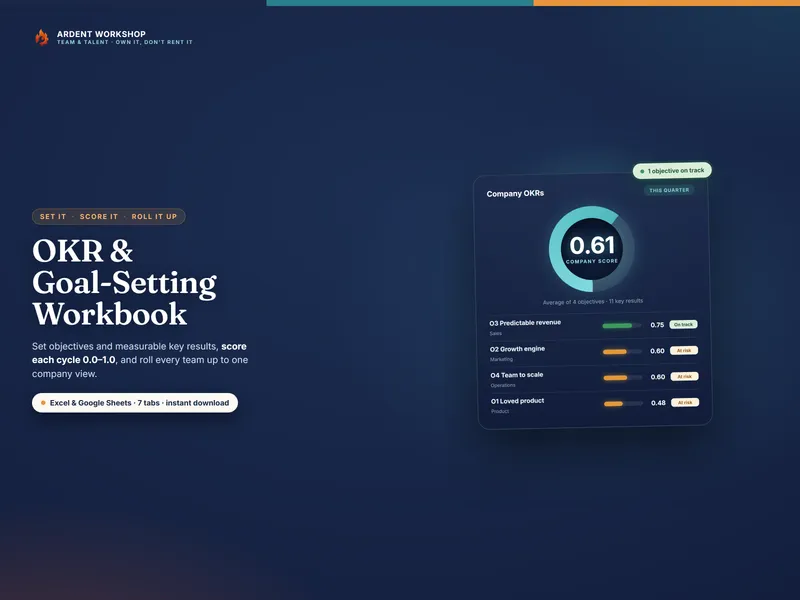
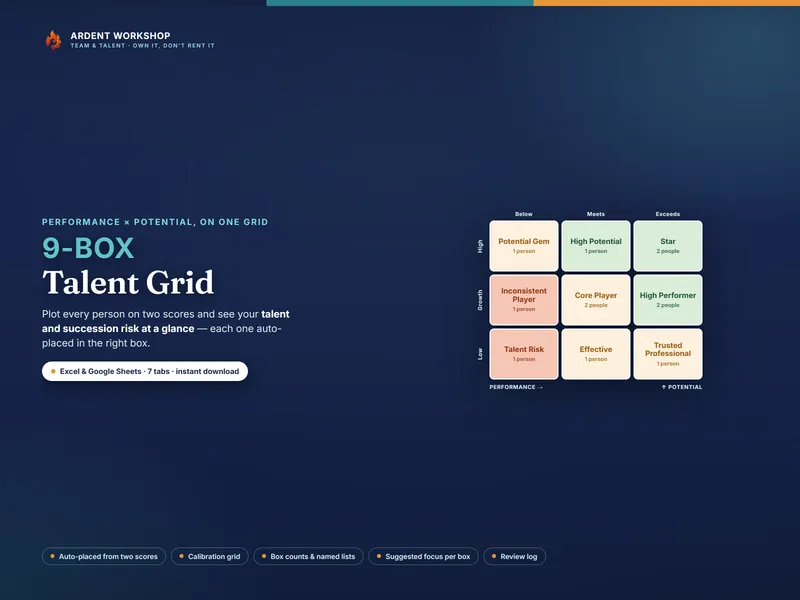
Try it first: the free single-review starter form rates one person on the same weighted criteria — a real taste before you run a whole cycle. And to map the same people on performance and potential, pair it with the 9-Box Talent Grid; to set the goals you review against, the OKR & Goal-Setting Workbook.
A note on what it is
This workbook is a structured tool to help you rate consistently and calibrate fairly. It is not HR, legal, or professional advice, and not a substitute for your own judgment or your organization’s policy. The example people and every rating are fictional and illustrative. The scores are one input to a human conversation and to decisions about development, pay, or promotion that remain yours to make.