Sources checked September 28, 2026.
The honest framing is "own it, don't rent it." A divorce app can be convenient, and some offer genuinely useful workflows. But the financial picture at the center of a separation — what you own, owe, earn, and where the documents are — is something you want to own, not lease on a platform you don't control, during the exact stretch when privacy and continuity matter most.
The positioning: scattered accounts → owned organizer → divorce platform
Most people start with the records scattered — a shared folder, a joint login, a pile of statements. The two ways to get organized sit at opposite ends. An owned records organizer is the structured middle ground: real organization and editable calculations, in a file you keep. A divorce platform is the heavier, often-rented option: more features, but usually on someone else's server and frequently behind a recurring bill.
Records organizer vs divorce app, side by side
| Consideration | Records organizer (owned) | Divorce app (hosted) |
|---|---|---|
| You own it | Yes — a file on your own drive or a printed page | Usually no — access often depends on an active account or subscription |
| Cost | One-time template purchase; maintain software and backups | Often a recurring fee (some are free, freemium, or per-case) |
| If the service ends or you stop paying | You still have the file | Access can be lost — sometimes mid-process |
| Where the data lives | Your drive, your Google account, or paper | Usually the company's servers |
| Privacy from the other party | Check permissions, shared devices and required disclosures | Depends on the platform's model and your account hygiene |
| The core financial record | The whole point — assets, debts, budget, documents, totals | Varies by app |
| Works offline / on paper | Yes — print it for a mediation session or an attorney meeting | Check offline access and printable exports |
When a divorce app makes sense
If your main need is a guided, form-by-form workflow for a specific court — or features like messaging a co-parent or an integrated filing service — an app's coordination layer can be worth the subscription. Some people run an app for the process and keep an owned organizer for the record. The two aren't mutually exclusive; just don't let the app be the only copy of the financial picture that matters most.
Account privacy and legal disclosure are separate. California Courts’ financial-disclosure guidance, as one state example, requires sharing financial information with a spouse while distinguishing that exchange from what is filed with the court. Follow your jurisdiction’s disclosure, service and redaction rules; a workbook is preparation, not a substitute for those steps.
When an owned organizer is the better fit
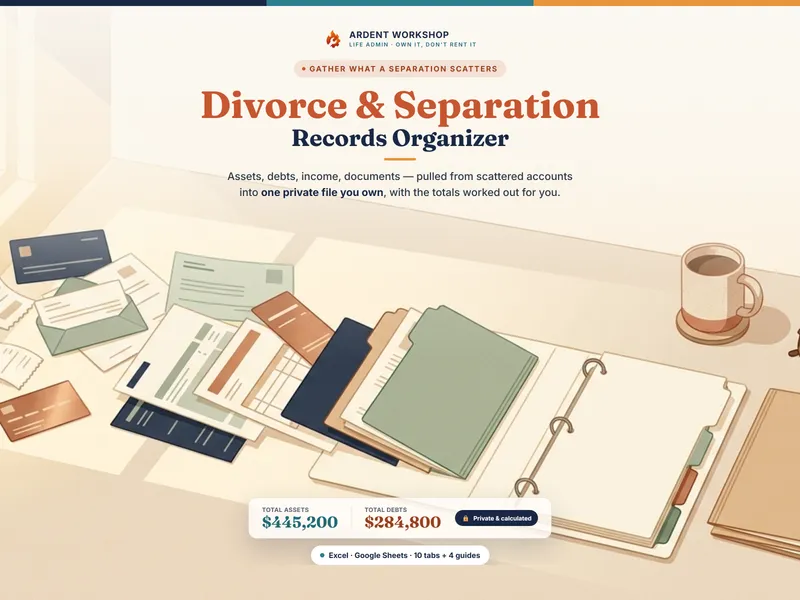
An owned organizer is useful when the immediate job is gathering assets, debts, income and supporting records for a meeting. It gives you a structured place to prepare for a financial affidavit or a discussion with an attorney or mediator. Keep the source statements and dates alongside your totals; use an app as well if its guided workflow fits your case.
Where to start
Try the free Separation Document Checklist to see the records to gather, then organize the rest in the Divorce / Separation Records Organizer — a file you own. This is a record-organizing approach — not legal, financial, or tax advice, and not a substitute for an attorney or a court form. Not affiliated with or endorsed by any divorce-app service.
Frequently asked questions
- Is an owned records organizer or a divorce app better?
- An organizer gives you editable inventories, a budget and a document index. A divorce app may add guided forms, messaging or filing features. Compare those features with the procedure that applies to your case, along with access controls, costs and exports. A downloaded file can be useful long term if you maintain backups and compatible software.
- What happens to my divorce records if the app shuts down or I stop paying?
- Access depends on the service’s cancellation, export and retention terms. Export a usable copy before closing an account. A downloaded workbook can remain available independently, but cloud storage, backups and the software used to open it still need maintaining.
- Is it safe to keep my divorce finances in a spreadsheet?
- A spreadsheet can organize finances, but ownership and a strong password do not guarantee secrecy. Secure devices, recovery accounts and sharing permissions as well. Records may be subject to required financial disclosure or discovery; protecting an account is not a reason to withhold information you must provide.
- Can a spreadsheet do the calculations a divorce app does?
- The organizer totals entered assets, debts and monthly amounts and tracks shared expenses. Those calculations support preparation; they do not classify property, determine support or replace required forms and supporting records. Check formulas and required disclosures with the applicable court process or your adviser.