Your grants probably live in a few places at once — a deadline in someone’s calendar, an award amount in an email, a restricted balance in your head, and a report due date you hope you’ll remember. The Nonprofit Grant-Tracking OS pulls all of it into one file you own: a connected workbook that runs the full grant lifecycle from first prospect to final report.
It’s built for the person who carries the grants at a small nonprofit — a development director, a grant manager, or an executive director wearing the fundraising hat — and who doesn’t need a per-seat software subscription to keep a dozen-plus opportunities a year straight.
New to tracking grants this way? Try the free grant deadline tracker — a single-tab board with the deadline countdown, then upgrade here for the full pipeline, reporting calendar, restricted-fund tracker, and live dashboard.
What does the Nonprofit Grant-Tracking OS do?
It runs the whole grant lifecycle in one connected workbook, across six tabs:
- Grant Pipeline — every opportunity on one board, from prospect to award. Pick a stage from the dropdown and the row colors itself; the days-to-deadline countdown runs on its own, and the % of your ask that came through is worked out for you.
- Reporting Calendar — every report you owe a funder, with a countdown and an overdue flag, so a final report is far less likely to slip while you’re heads-down on the next application.
- Restricted Funds — each fund’s award, spend, and remaining balance, with a status — On track, Watch, Fully spent, Overspent — that flags trouble while it’s still a rounding error.
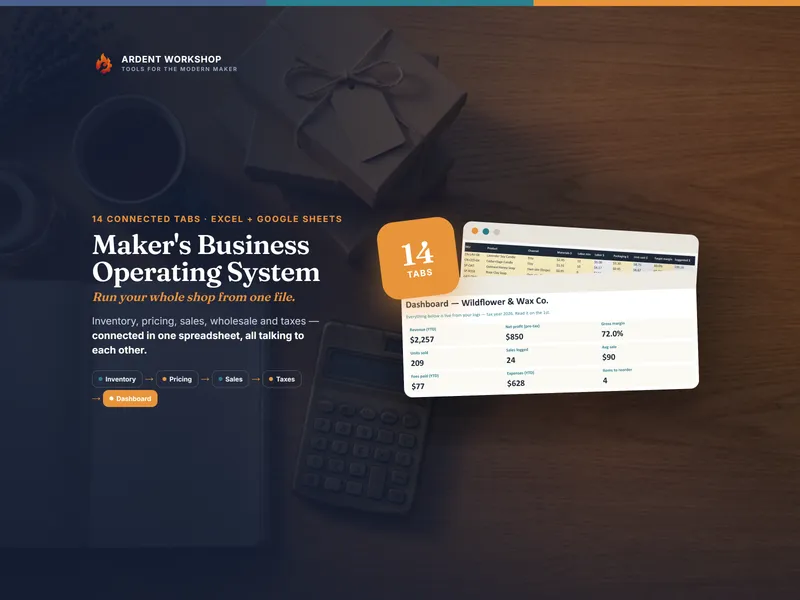
- Dashboard — total requested and awarded, win rate, applications and reports due in the next 30 days, and fund balances, all pulled live from the other tabs the moment you update a cell.
- Funder Directory — every grantmaker’s focus, typical award, cycle, and contacts in one place, so fundraising knowledge outlasts any one staff member.
Plus four plain-English PDF guides — a Start Here guide, the grant lifecycle and pipeline, reporting and restricted funds, and a printable grant calendar.
Does it work in Google Sheets?
Yes — it’s a spreadsheet, not an “Excel-only” file. You get the .xlsx plus a one-click “Make a copy” link to a ready-made native Google Sheet. No importing, nothing to rebuild — every dropdown, formula, and color is already set up. It also opens in LibreOffice Calc. Use whichever you like; the file is yours.
Who is it for?
Development directors and grant managers juggling a full grant calendar, executive directors who want the whole picture on one screen, program and finance staff who need to see what restricted money is left and what reports are coming, and boards or grant committees that want a clear, current view of the pipeline.
Own it, don’t rent it
Grants software is expensive and built for an organization ten times your size; a blank spreadsheet is free but a lot of work to make trustworthy. This is the owned middle ground — the structure of dedicated software in a file you keep, adapt, and share on your own terms. Buy once, use it across your team, forever. If your grants program eventually outgrows a single file, a dedicated grants platform may earn its cost — but for most small nonprofits, for a long time, an owned workbook you actually keep current beats software you half-use.
The example organization, funders, grants, and amounts in the workbook are fictional and illustrative. This is a planning and record-keeping template — not accounting software, and not financial, legal, tax, or grant-compliance advice. Reconcile it against your accounting system; how funds are classified and what a funder or audit requires are decisions for your finance team, your auditor, and each grant agreement.