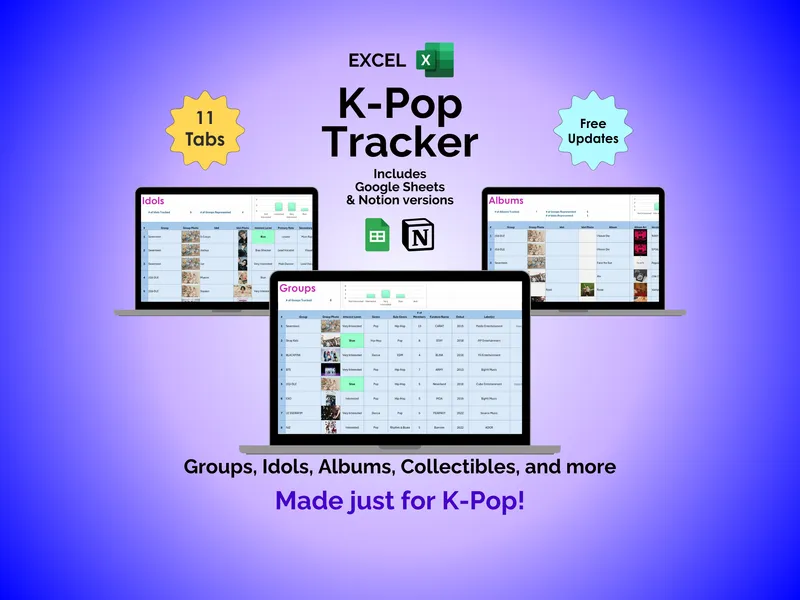
It’s Friday at midnight and Cowboy Carter just dropped on Spotify. You hit play, lean back, and reach for this excel music tracker — an album listening spreadsheet with 11 tabs built to catch every reaction before it fades. The first track ends and you’re already typing in the Albums tab, watching the cover art auto-populate beside your rating.
Saturday morning, coffee in hand, you keep going. You open the Songs tab and log “Texas Hold ‘Em” with a personal rating, then jump to the Groups tab to add a new entry for a band you discovered last night. The Musicians tab handles solo artists separately, and both tabs accept photos and details, generating automated charts that show your collection at a glance. This excel music tracker turns a scattered playlist habit into a visible catalog.
By Sunday, you’re going deeper. The Reviews tab gives you room to rate and write about individual songs, and a built-in chart surfaces your top-rated tracks once a few reviews stack up. You drop into the Lyrics tab and save that one BTS line that’s been circling in your head all weekend — no more screenshots buried in your camera roll, no more lost lines from a Taylor Swift bridge you swore you’d remember.
Monday, the box from the merch site arrives. The Collectibles tab logs the signed poster with price and value fields beside the photo, so you always know what you paid and what it’s worth. Later that week you book tickets, and the Concerts tab catches the show with dates, venue, and details — the kind of thing you forget exactly six months after the lights come up.
Every night before bed, the Journal tab pulls the day together. You enter the date, what you listened to, the platform — Spotify, YouTube Music, whatever you used — and the minutes you spent. A progress-over-the-past-week chart plots the trend, and activity totals for the week and month give you an honest read on your listening habits in this album listening spreadsheet.
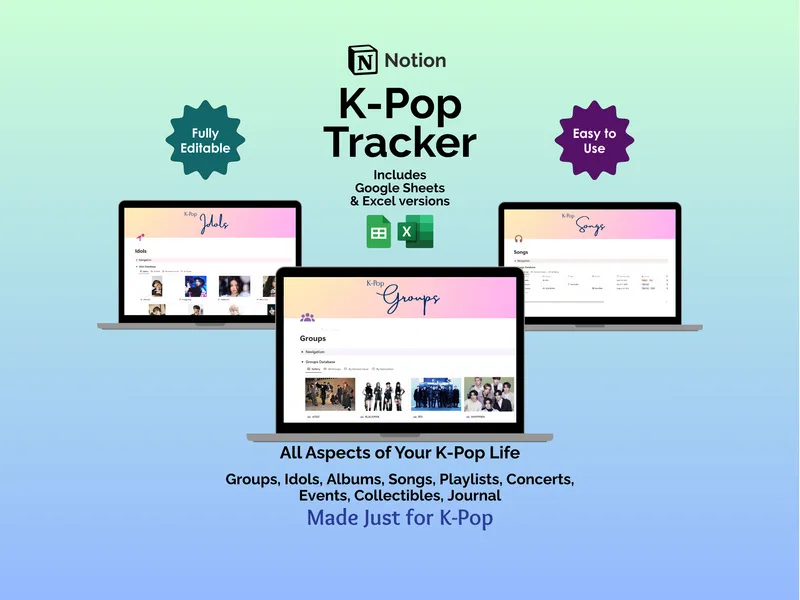
Unlike subscription apps that lock your library behind a login, this excel music tracker is a one-time download that lives on your computer. No accounts, no monthly fees, no internet required, fully editable so you can reshape columns and categories to match how you actually think about music. Free updates and support come with it.
It’s Friday night again, a month later. Another album drops, you hit play — and this time the spreadsheet is already open, waiting.