Step 1 — Start with the two pages that matter most
You will not organize a newborn’s records in one sitting, and you should not try — you have a baby. The trick is to start with the two pages that earn their keep the moment someone else has to step in.
The first is a baby summary: name, date of birth, birth weight, allergies, the pediatrician and the preferred urgent care, how baby feeds, the sleep routine, what soothes them, and the people to call. This is the page a sitter, a grandparent, or an urgent-care nurse needs first. Keep it at the very front.
The second is a feeding and sleep log for the early weeks — a line per feed with the time, the type, the diaper, and the sleep. It gives the foggy newborn day a shape, and it means a tired partner doesn’t have to hold the whole day in their head. (The free First-Weeks Tracker is exactly this one page, if you want to start there today.)
Step 2 — Set up a growth log and fill it at each visit
Babies are measured on a schedule in the first year, so give the numbers a home. A simple growth log has a row per visit: the date, baby’s age, weight, length, head circumference, and a notes column.
Add the percentile your pediatrician gives you — read off the growth chart at the visit. The log records that number; it does not calculate it, and it is not a verdict on whether your baby is healthy. Filling one row after each check-up takes a minute and gives you a record you’ll be glad to look back on.
Step 3 — Capture milestones as they happen
This is the half of the binder you’ll treasure later. List the common firsts so you don’t have to remember them — first smile, held head up, first laugh, rolled over, sat up, first tooth, started solids, crawled, pulled to stand, first word, first steps, first birthday — and leave the date and a memory line blank.
Then fill each one in the moment it happens: the date, baby’s age, and a sentence about where you were and who saw it. Don’t worry about the order or the timing; every baby is their own. A milestone written down the day it happened is worth far more than one you try to reconstruct a year later.
Step 4 — Keep your own copy of appointments and immunizations
After every well-baby visit, while it’s fresh, log the date, baby’s age, what was decided, and the vaccines given, plus what’s due next. A sick visit or a specialist visit gets a row too, with the outcome.
The clinic keeps the official immunization record — your copy is the one you carry to daycare or preschool enrollment, to a new pediatrician after a move, or to a relative who’s watching baby for a few days. Keeping it current means you’re never scrambling for it.
Step 5 — Gather the care team, insurance, and where documents live
Pull the rest into one place a few minutes at a time. Write down the care team — the pediatrician, daycare, the babysitter, grandparents, and the emergency contacts, with direct numbers. Save Poison Control, 1-800-222-1222, in every caregiver’s phone. Note the insurance coverage, what each plan does, and where the cards are (newborns usually have a deadline to be added to a plan — confirm with yours). And record where the documents live: the birth certificate, the Social Security card, the hospital papers.
Here’s the one rule that keeps all of this safe to share: record the care, the growth, and the memories — and where documents live — never your baby’s full Social Security number, full insurance member numbers, or logins. A newborn’s clean Social Security number is a prime target for identity theft, and a baby binder gets shared and photographed. Keep the Social Security card and birth certificate in a locked box and record only their location; keep real logins in a password manager.
Step 6 — Keep it current and safe to share
A records binder is only as good as its last update, and with a baby, things change weekly. Tie updates to something you already do — the well-baby visit: add the new growth numbers, log the shots, jot any milestone, and re-date what you confirmed. A milestone or a feeding change gets added the day it happens.
Then share it. Make sure both parents can reach the file and know where the paper copy is, and brief any sitter on the first two pages. The binder’s whole value is that anyone stepping in — a partner, a grandparent, a sitter, daycare — can pick it up cold. If you ever can’t be there, someone can keep baby fed, soothed, and safe with only this record.
Put it in one owned file
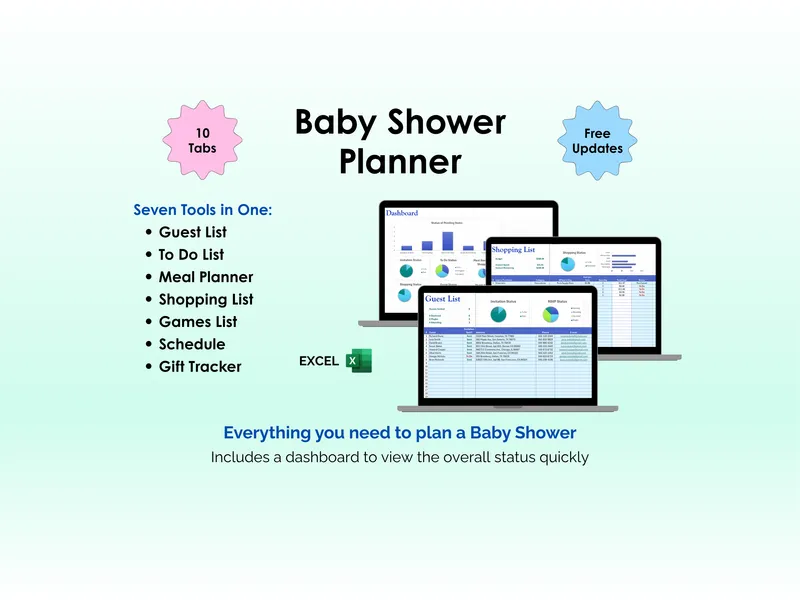
You can build all of this in a blank spreadsheet. If you’d rather start from a structure that’s already set up — the baby summary, the growth log, the feeding-and-sleep log, milestones, appointments and immunizations, the care team, insurance, and documents, in one workbook for Excel, Google Sheets, or LibreOffice — the New-Baby / New-Parent Records Binder is exactly that. It’s a file you own and keep, not a subscription app holding years of your child’s records and memories on someone else’s server — the calm middle between a blank spreadsheet and a rented app. This is a record-organizing and keepsake approach, not medical advice; always follow your pediatrician’s guidance.