It’s a Saturday afternoon. Five tabs are open on Edmunds, three more on KBB, a dealer text just pinged, and the spec sheet from the test drive two weeks ago is somewhere in a glovebox. The Car Buying Tool collapses that mess into one Excel workbook. Seven tabs cover the entire shop — from first listing to signed paperwork.
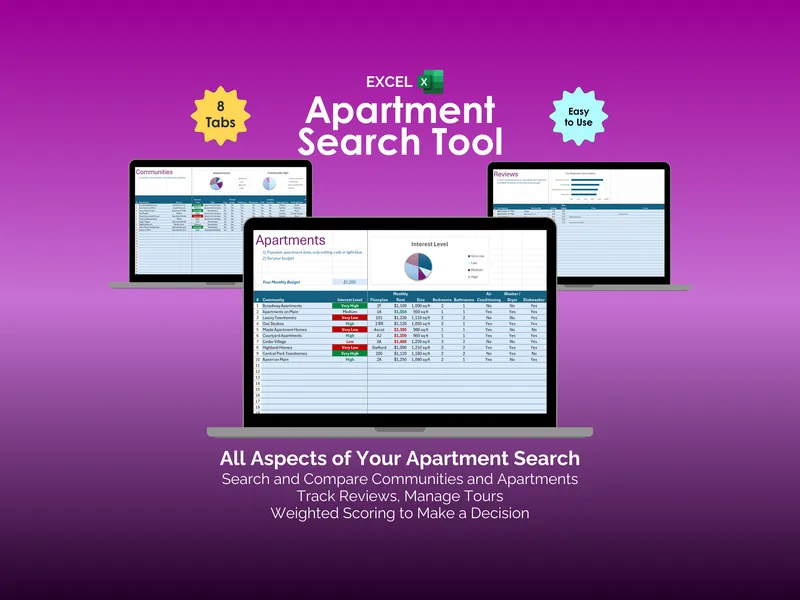
The Cars tab is where the excel car buying tool starts pulling its weight. Enter a budget once and the sheet highlights every model under it in green so a $42,000 Jeep Grand Cherokee stops competing with a $34,000 Mazda CX-50 for attention. Columns track Manufacturer, Model, Trim, Year, MSRP, MPG City, MPG Highway, Drive Type, and Power Type, with pre-populated drop-downs so entries stay consistent. An Interest Level pie chart shows at a glance which cars actually still matter.
Dealers stack up fast across metros — North Colorado Mazda, Denver Kia, Fort Collins Mazda, Grand Jeep — and remembering which one quoted what gets ugly by week two. The Dealers tab logs each location, contact name, phone, and email, then asks for an Impression rating from Very Negative to Somewhat Positive. The Impression chart makes it obvious which dealerships earned a second visit and which ones don’t get a callback.
Expert reviews on a single model rarely agree, and skimming three sites for averages is its own evening. The Reviews tab in this car shopping spreadsheet logs every review with car, review site, rating, max rating, pros, and a link back to the source, then averages multiple reviews per car automatically. A Top Reviewed Cars bar chart ranks the contenders so a 9.0 from Car & Driver doesn’t get drowned out by a 4.3 from somewhere else.
Test drives bleed together after the third one — was the Yukon the quiet one or the one with the lane-keep that fought back? The Test Drives tab records date, time, dealer, and status for each scheduled drive, with a Threshold to Warn that flags appointments coming up inside a chosen day count. A Next Test Drive callout pins the next slot so nothing gets missed during the back-and-forth.
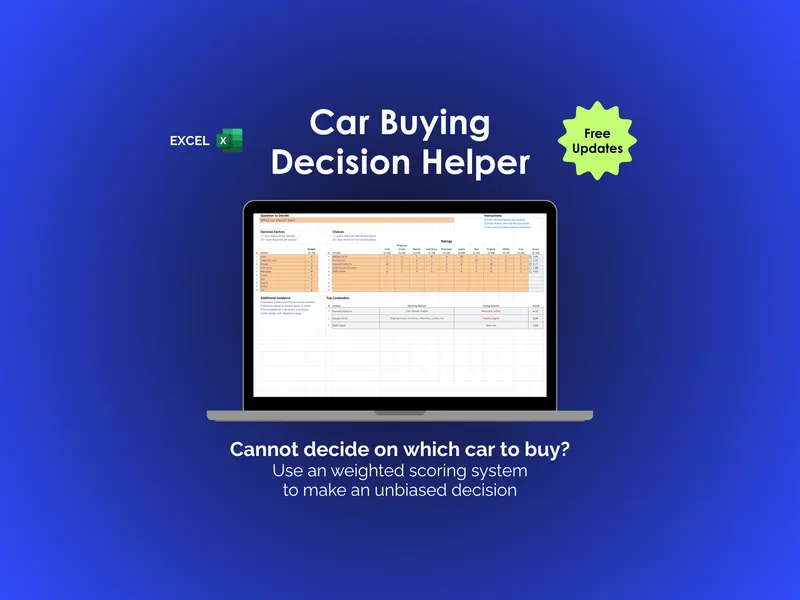
Picking a car on gut feel after weeks of research is how buyers end up with the wrong one. The Decision tab takes custom Decision Factors — Cost, Ongoing Cost, Resale, Warranty, Looks, Size, Engine, Utility, Fun — assigns weights, then produces a weighted Score per car. A Top Contenders section breaks out the Winning Factors and Losing Factors behind each score, so the choice between a Mazda CX-50 and a Kia Sorento comes with the actual reasoning attached.
Most car shopping spreadsheets stop at a spec comparison. This one runs the full pipeline: listings, dealers, reviews, test drives, weighted scoring. Download once, edit the light-blue cells, and the workbook does the rest.