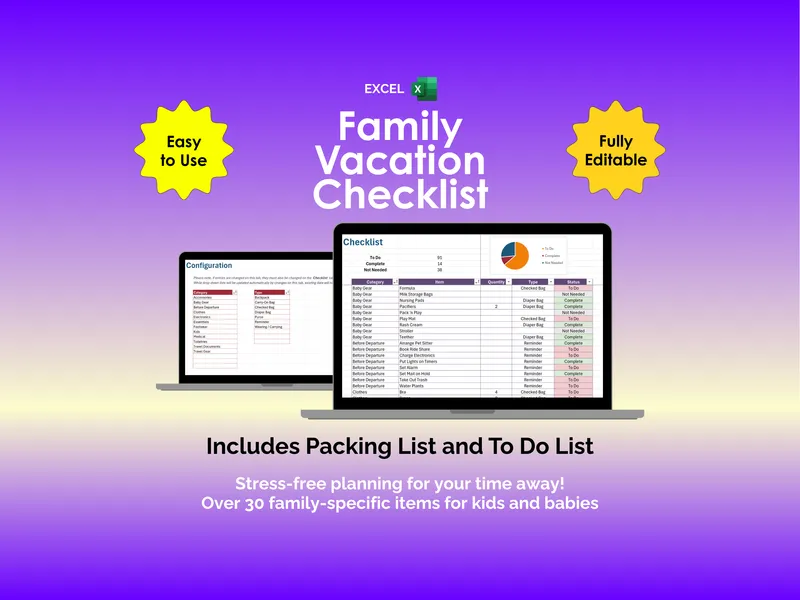
It’s the Sunday before the trip and the duffel is yawning open on the bedroom floor. You’re holding two pairs of ski socks, wondering if the goggles are still in the garage bin from last March, and trying to remember whether the kids outgrew their helmets. This is exactly the moment the excel ski snowboard vacation checklist was built for. You open the file, the dashboard greets you with a status pie chart, and the spiral starts to slow.
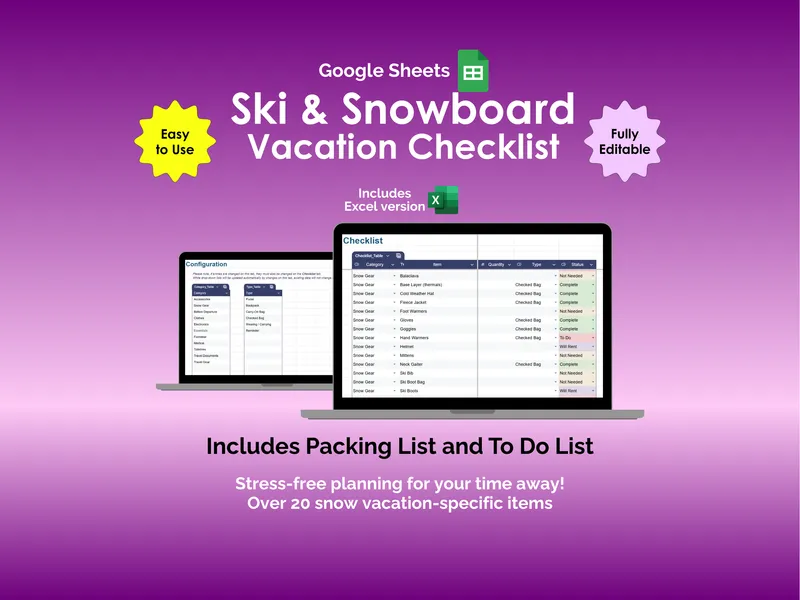
Sunday evening, you scroll the 125+ preconfigured items grouped by 11 categories — Snow Gear, Clothes, Footwear, Electronics, Essentials, Medical, Toiletries, Travel Documents, Travel Gear, Accessories, and Before Departure. The Snow Gear rows already list base layers, balaclava, neck gaiter, ski jacket, ski pants, ski bib, mittens, hand warmers, ski boots, ski boot bag, skis, ski poles, and goggles. You mark the helmets Will Rent because the resort shop at the base lodge handles fittings better than your basement does. The excel ski snowboard vacation checklist quietly tallies the rest.
Monday and Tuesday slip by in small bursts. At lunch you tag the passports as To Do, then the hotel confirmation, then the lift ticket vouchers. The auto-populated drop-downs keep the typing minimal — pick a category, pick a status, move on. By Wednesday the color-coded status column (green for Complete, yellow for To Do, red for Will Rent, gray for Not Needed) makes the gaps obvious from across the kitchen island, and you can tell at a glance that the Electronics row needs attention.
Thursday you start sorting where each item belongs. The Type column assigns every line to Purse, Backpack, Carry-On Bag, Checked Bag, Wearing/Carrying, or Reminder, so the chargers and the passports stay in the carry-on while the ski socks and base layers go into the checked duffel. You drag a few extra items into the empty rows — the spreadsheet supports up to 500 checklist entries, so the kids’ snow pants and the spare gloves slot right in. The Configuration tab lets you add a new category for “Lessons” without breaking the drop-downs.
Friday night the Before Departure section earns its keep. The reminders prompt you to set the thermostat, arrange the dog sitter, charge the GoPro, top off the rental car app, and stash the toll transponder in the cup holder. The dashboard now reads almost entirely green. What separates this template from a printed packing list is the math underneath — every row feeds the status chart, every status feeds the totals, and you never have to count anything twice.
Saturday morning you load the car in the dark. Saturday night you check into the slopeside condo, drop the bags, and walk to the window to see the chair lifts lit against the mountain. The duffel is no longer yawning. The goggles are in the carry-on where the Wearing/Carrying row said they’d be. And somewhere in your phone, the spreadsheet that started this whole week shows a tidy pie chart of completes — the small, quiet receipt of a trip that began on the bedroom floor and ended at the base of a run.
This product ships with both the Excel workbook and a Google Sheets version, so the checklist travels with whichever app is already open on the family laptop.