
Netflix, Spotify, Hulu, Disney+, the gym you haven’t visited since January, that meal kit you forgot to pause — subscriptions have a way of stacking up quietly until your bank statement looks like a mystery novel. The problem isn’t any single charge; it’s that nobody keeps a running list. This Excel subscription tracker spreadsheet fixes that by putting every recurring expense in one place with automatic cost calculations and a visual calendar of what’s due when.
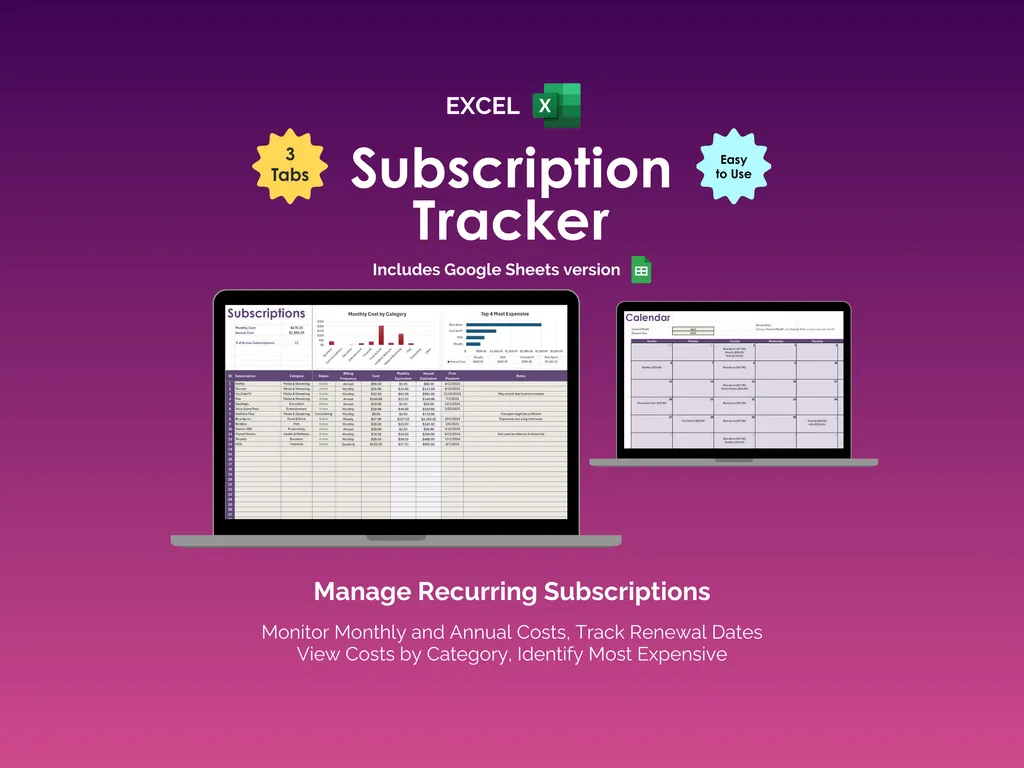
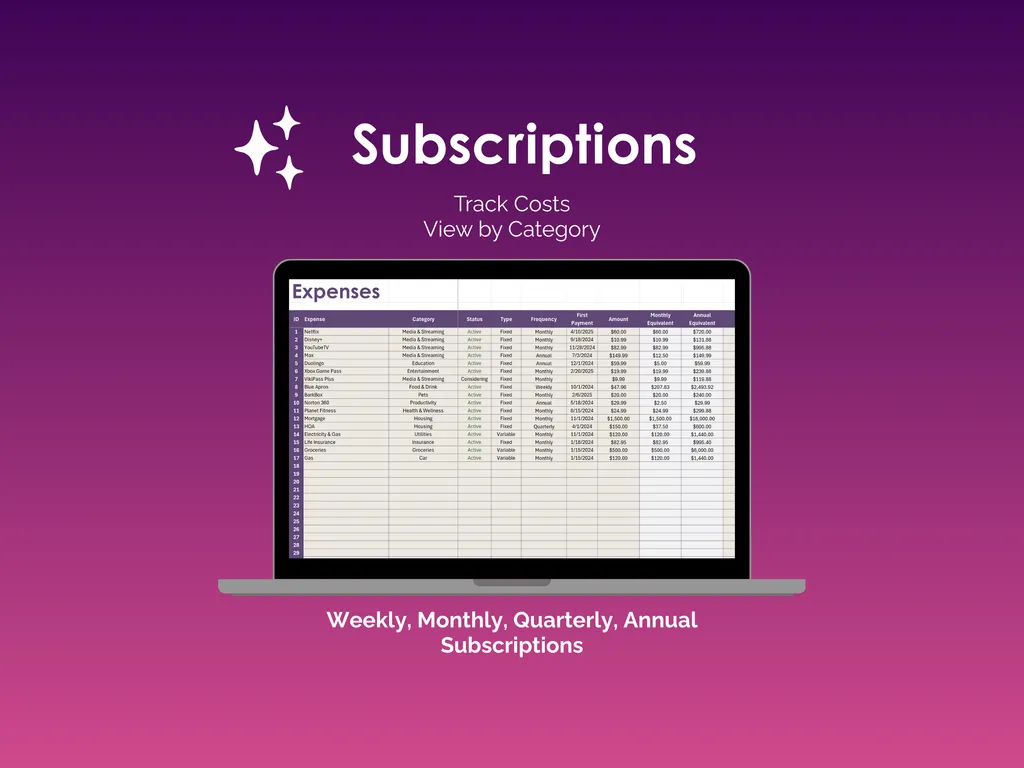
The Subscriptions sheet is where you log everything. Each entry gets a name, category (Media & Streaming, Entertainment, Food & Drink, Health & Wellness, Housing, Insurance, Car, and more), status, type (fixed or variable), frequency (weekly, monthly, quarterly, or annual), first payment date, and amount. The spreadsheet automatically calculates your monthly and annual estimated cost for each one, so you can finally see the real number — not the “$9.99 here, $14.99 there” version your brain prefers. Built-in charts at the top show your monthly renewal costs by category and your top 5 most expensive subscriptions so the biggest offenders are impossible to ignore.
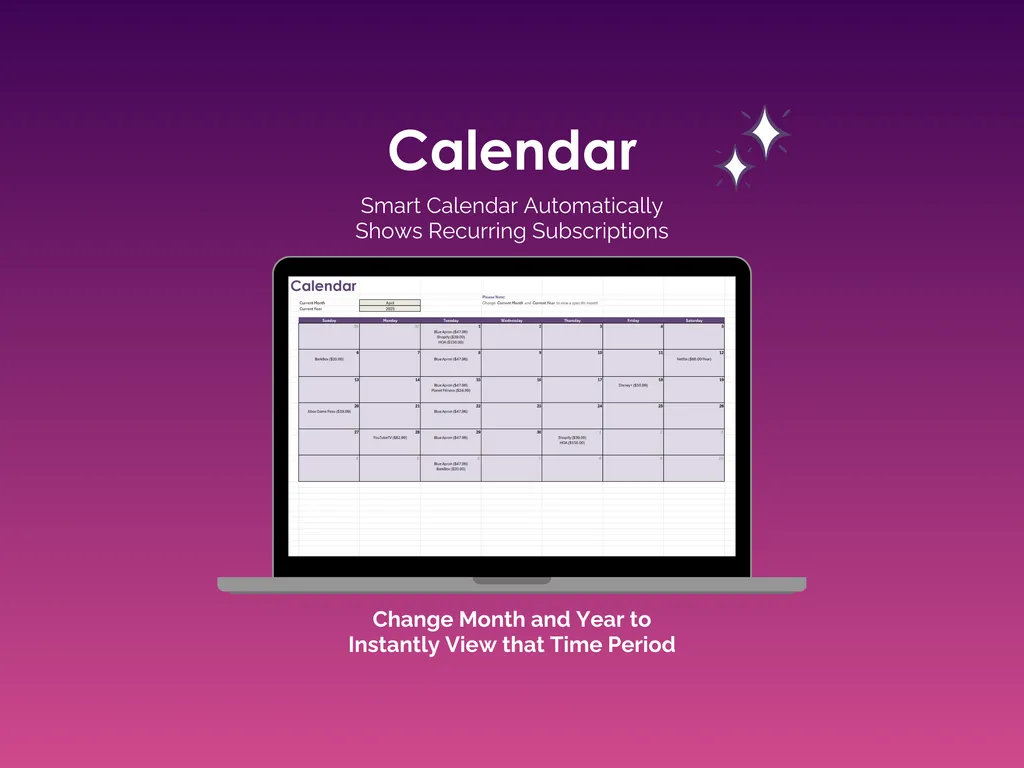
The Calendar automatically populates with every subscription’s renewal date. Pick any month and year, and you’ll see exactly what charges are landing and when. It’s the kind of visibility that makes you realize maybe you don’t need three streaming services renewing in the same week.
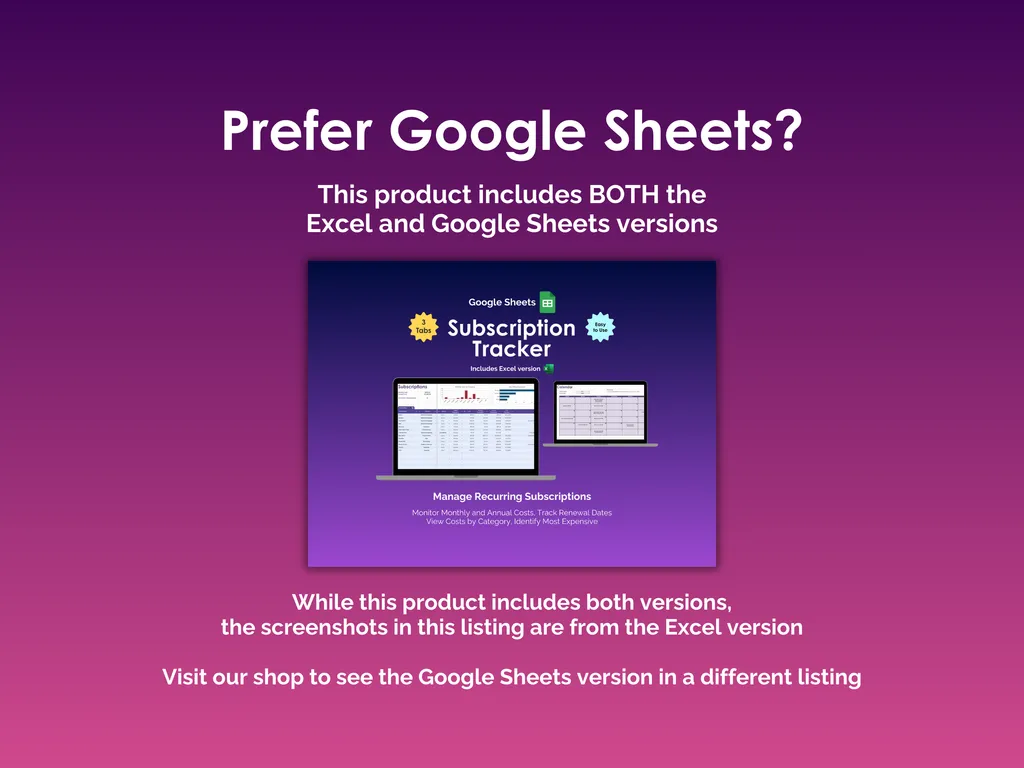
This subscription tracker includes both the Excel and Google Sheets versions, so you can use whichever you prefer. No app to install, no account to create, no monthly fee (the irony of paying a subscription to track subscriptions). Just a spreadsheet you own that finally answers the question: “Wait, I’m paying how much per month on subscriptions?”
Video Walkthrough (for Subscription Tracker - Excel)
Features (for Subscription Tracker - Excel)
- Intuitive and straightforward design
- Employs software best practices
- Delivered as a blank Excel template - customize and populate with your data
- Free updates - send us a message to be notified of updates when they are available
- Completely customizable - add rows and columns, rename headings - unlock with provided password
Disclaimer (for Subscription Tracker - Excel)
Unless otherwise specified, this digital product is designed to work in the current version of Microsoft Excel or Microsoft 365. It is not guaranteed to work in any other application.
This digital product is copyrighted. It is intended for personal use only. It is strictly prohibited to reproduce, resell or share this product, in part or in full, with or without modifications. No refunds, exchanges, or cancellations. Given this is a digital product, no physical product will be delivered.