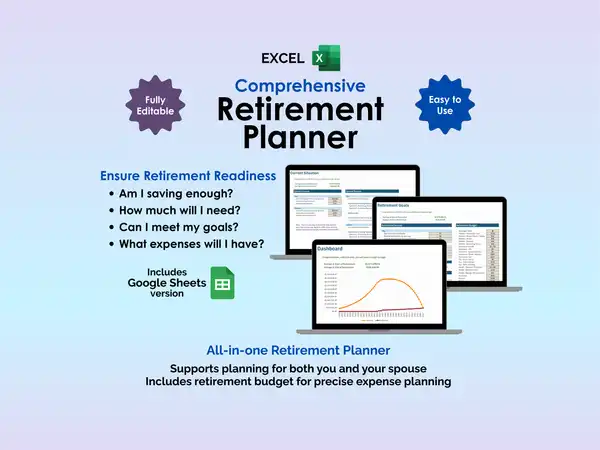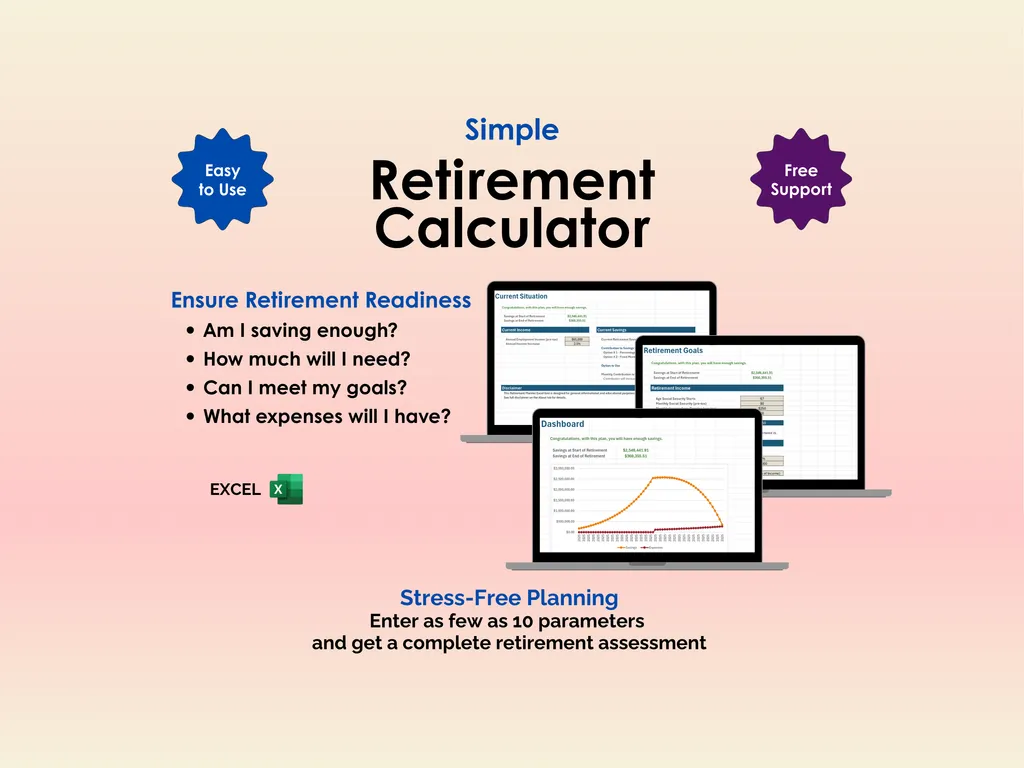

You don’t need a financial advisor to answer the most basic retirement question: “Am I saving enough?” You need a calculator, some honest inputs, and about five minutes. This Excel retirement calculator is designed to be exactly that simple — enter as few as 10 parameters and get a clear projection of whether your savings will last through retirement.
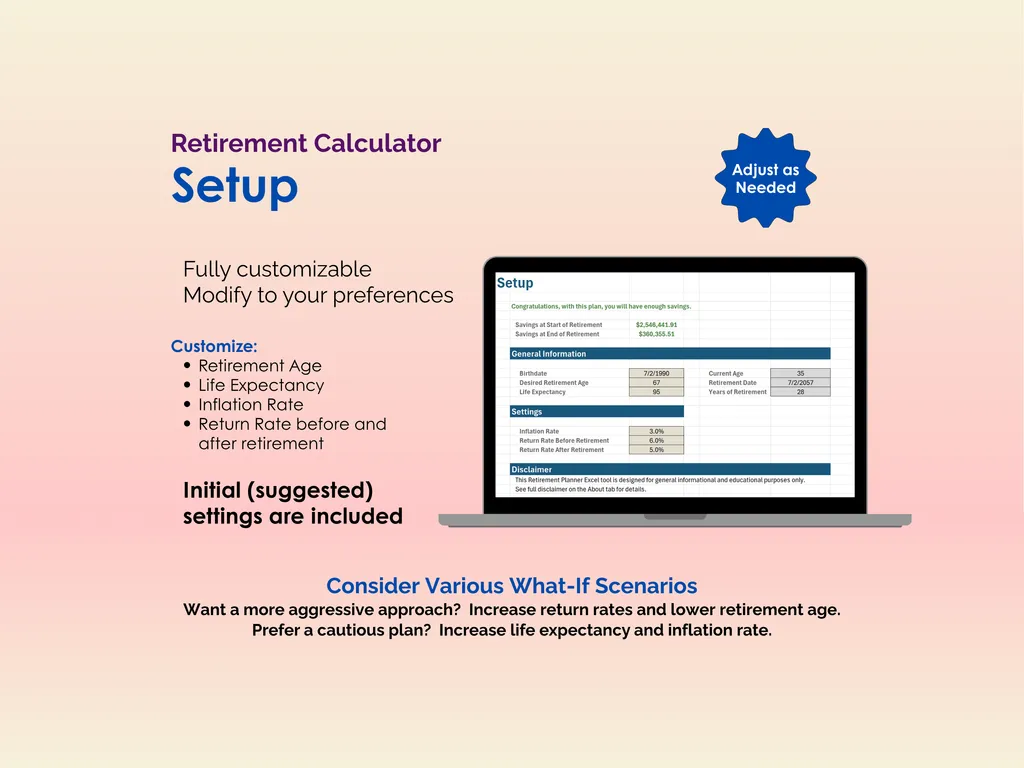
The Setup sheet is where you set the ground rules: retirement age, life expectancy, inflation rate, and expected return rates for both your working years and retirement. Default values are included so you can see results immediately, but every assumption is yours to adjust. Want to explore what retiring at 60 looks like versus 67? Change one cell. Wondering how a lower market return affects your timeline? Adjust it and the entire projection recalculates.
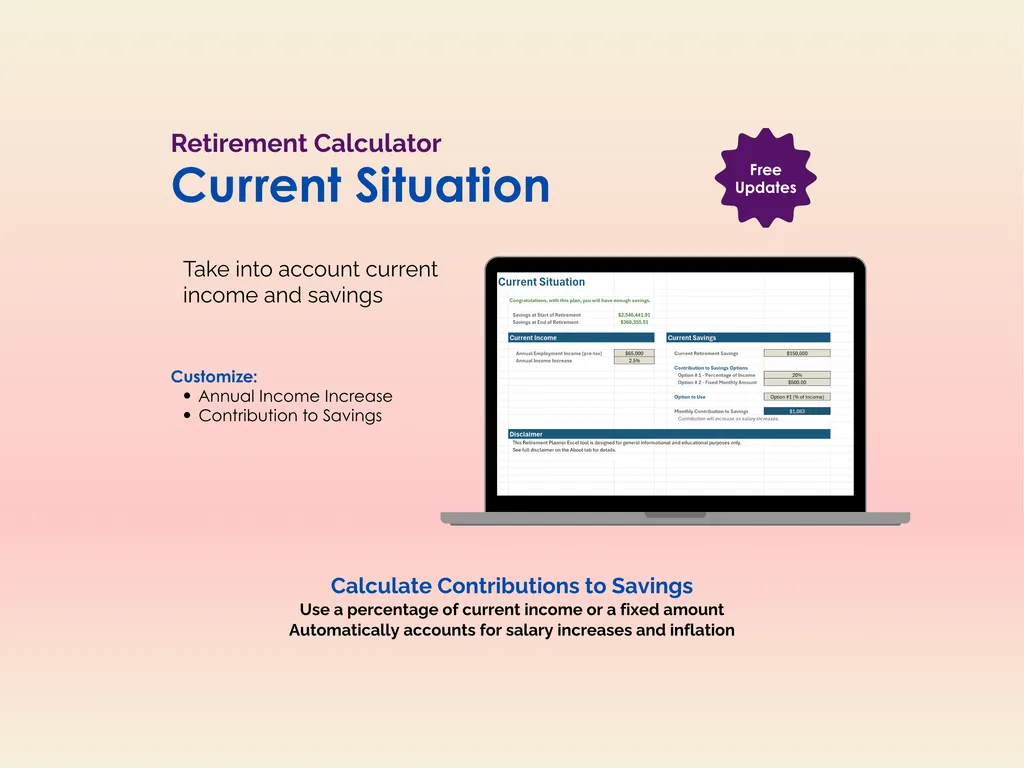
The Current Situation sheet captures your starting point — annual income, current retirement savings, and how much you’re contributing. You can set contributions as a percentage of your income or a fixed monthly dollar amount, and the calculator automatically accounts for salary increases and inflation over the years. It’s not asking for your entire financial history — just the numbers that actually matter for the projection.
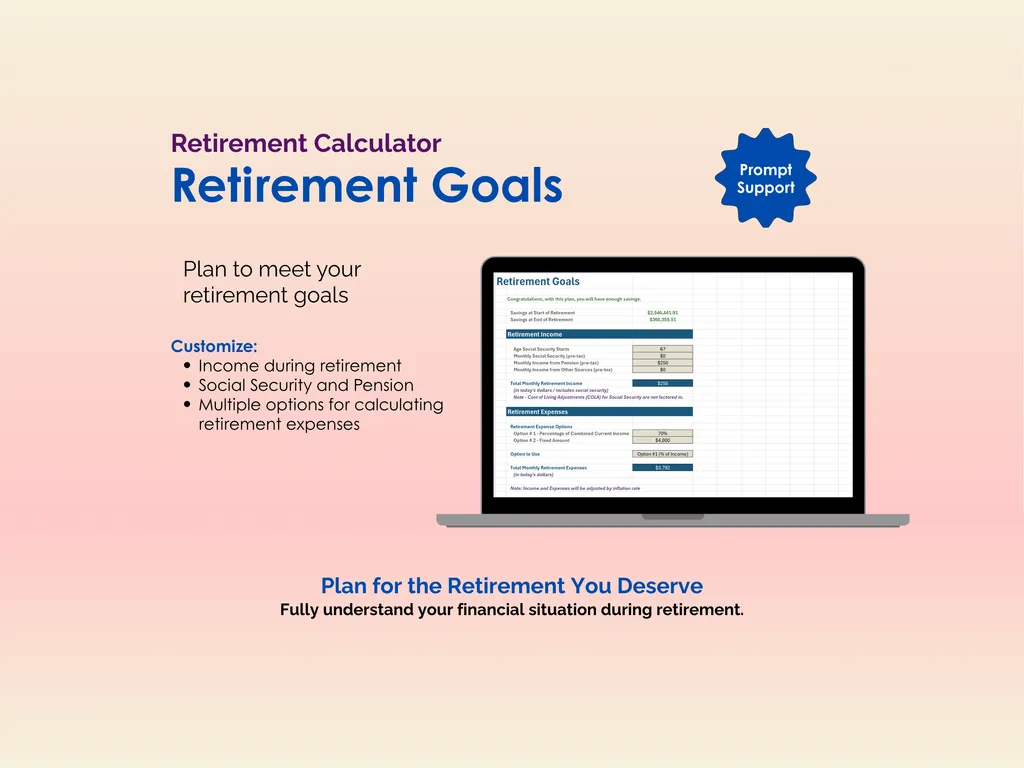
On the Retirement Goals sheet, you enter what retirement looks like on the income side — Social Security (with an option for spouse’s benefits), pension, and any other monthly income from part-time work or other sources. For expenses, you choose between estimating as a percentage of your current income or entering a fixed amount. The calculator adjusts both income and expenses for inflation, so the numbers reflect what things will actually cost in future dollars.
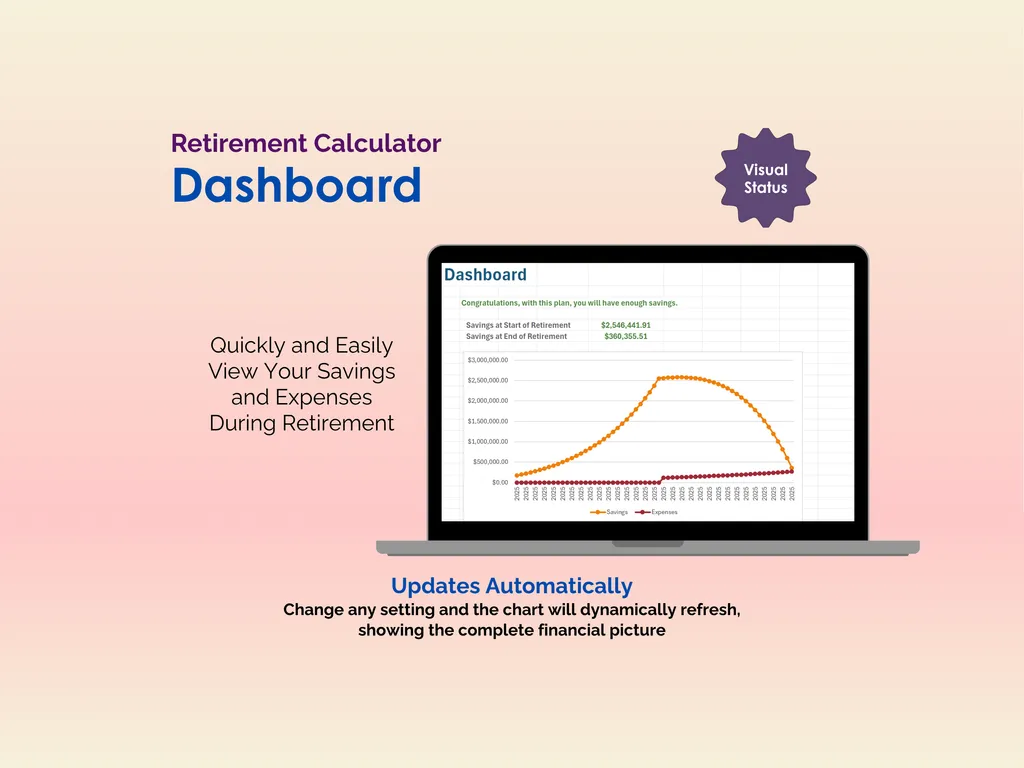
The Dashboard delivers the verdict: your projected savings at the start of retirement, what’s left at the end, and a dynamic chart showing your savings curve and expense line plotted year by year. If your savings outlast your expenses, you’ll see a congratulations message. If not, you’ll know exactly where the gap is — and you can go back and tweak inputs to find a path that works.
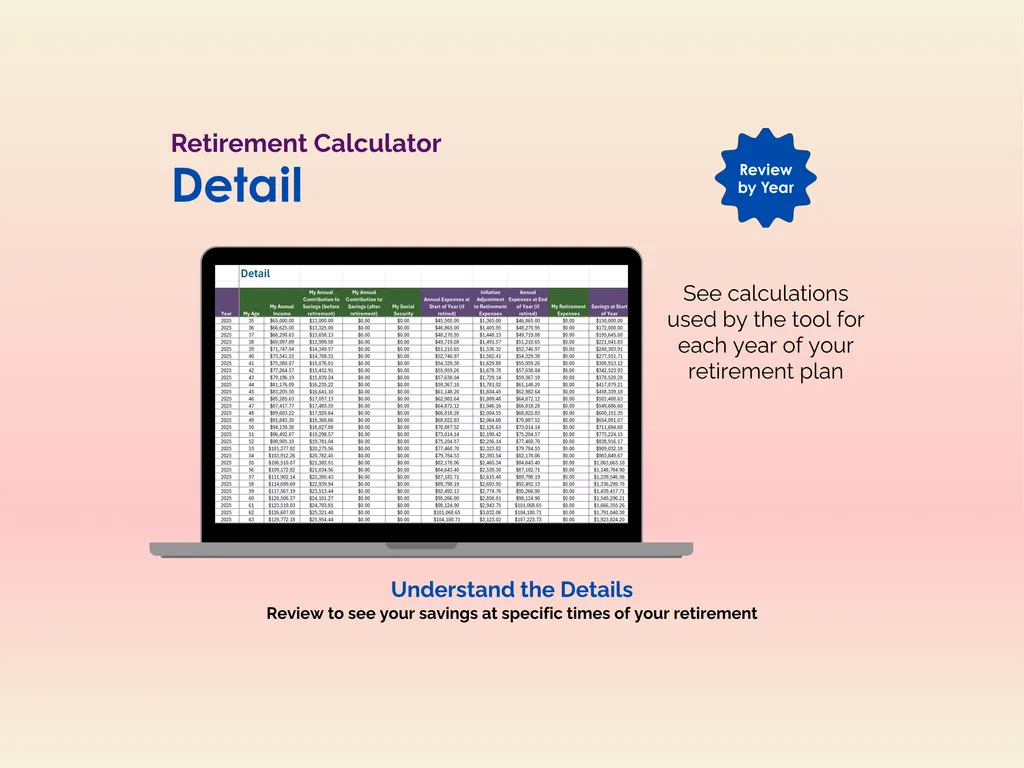
The Detail tab shows every year of the calculation broken out so you can inspect the math at any point in the timeline. No black box — every number is right there.
This is the streamlined version for people who want a fast, honest answer without wading through dozens of configuration options. A spreadsheet you own, no account required, no subscription fee. Five minutes and ten inputs stand between you and knowing whether your retirement plan actually adds up.
Highlights (for Retirement Calculator - Excel)
- Automatically calculates compounded returns, inflation, salary increases
- Multiple options for calculating savings contributions and retirement expenses
- Detail tab shows full calculations for closer review
Video Walkthrough (for Retirement Calculator - Excel)
Features (for Retirement Calculator - Excel)
- Intuitive and straightforward design
- Employs software best practices
- Delivered as a blank Excel template - customize and populate with your data
- Free updates - send us a message to be notified of updates when they are available
- Completely customizable - add rows and columns, rename headings - unlock with provided password
Disclaimer (for Retirement Calculator - Excel)
Unless otherwise specified, this digital product is designed to work in the current version of Microsoft Excel or Microsoft 365. It is not guaranteed to work in any other application.
This digital product is copyrighted. It is intended for personal use only. It is strictly prohibited to reproduce, resell or share this product, in part or in full, with or without modifications. No refunds, exchanges, or cancellations. Given this is a digital product, no physical product will be delivered.