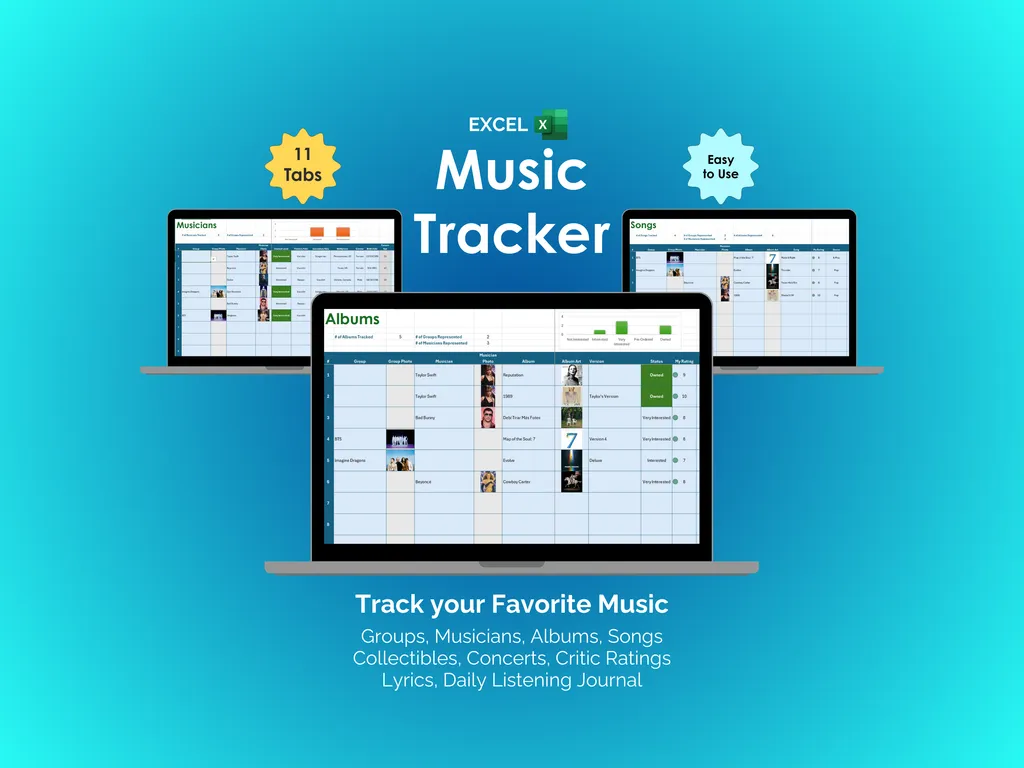

Here’s something I don’t think people talk about enough: the more music you love, the harder it gets to remember any of it. You know you saw that band live somewhere in 2022, you’re pretty sure you own a limited pressing of that album, and you definitely had a favorite track off it — but the details blur together. This music tracker Excel spreadsheet with 11 tabs is built for exactly that problem.
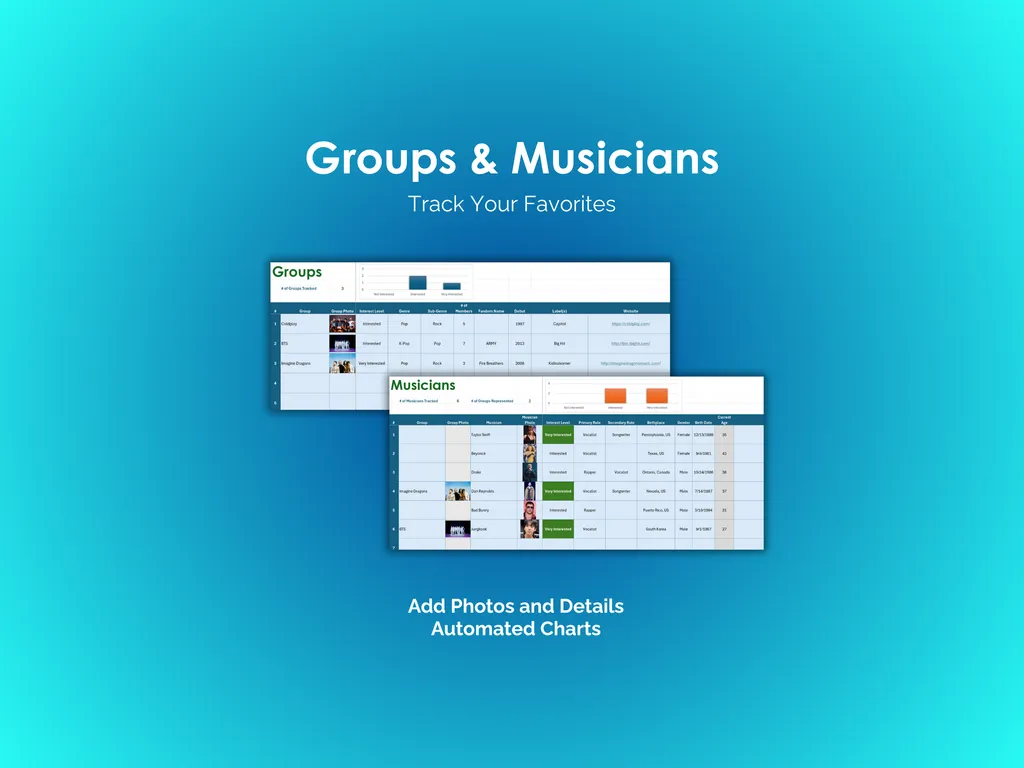
Forgetting which artists you follow is frustrating when you know you care about dozens of them. The Groups and Musicians tabs let you catalog every band and solo artist separately, add photos, and fill in details that matter to you. Charts generate from your entries so you can see your collection broken down at a glance. Whether you’re deep into a Beyonce catalog or tracking every Taylor Swift era, it keeps everything visible.
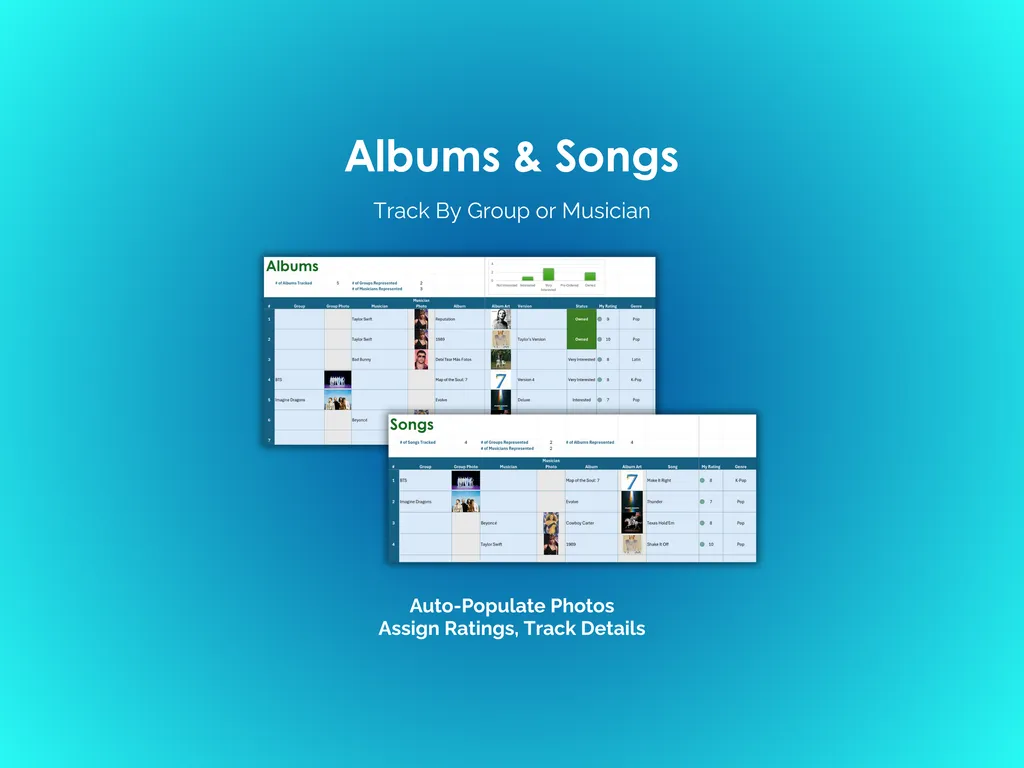
Losing track of what you’ve actually listened to (and what you thought of it) is just as annoying. The Albums and Songs tabs let you log entries by group or musician, with album artwork that auto-populates and your own ratings for each entry. You get a clear picture of what you’ve covered and what still needs your attention.
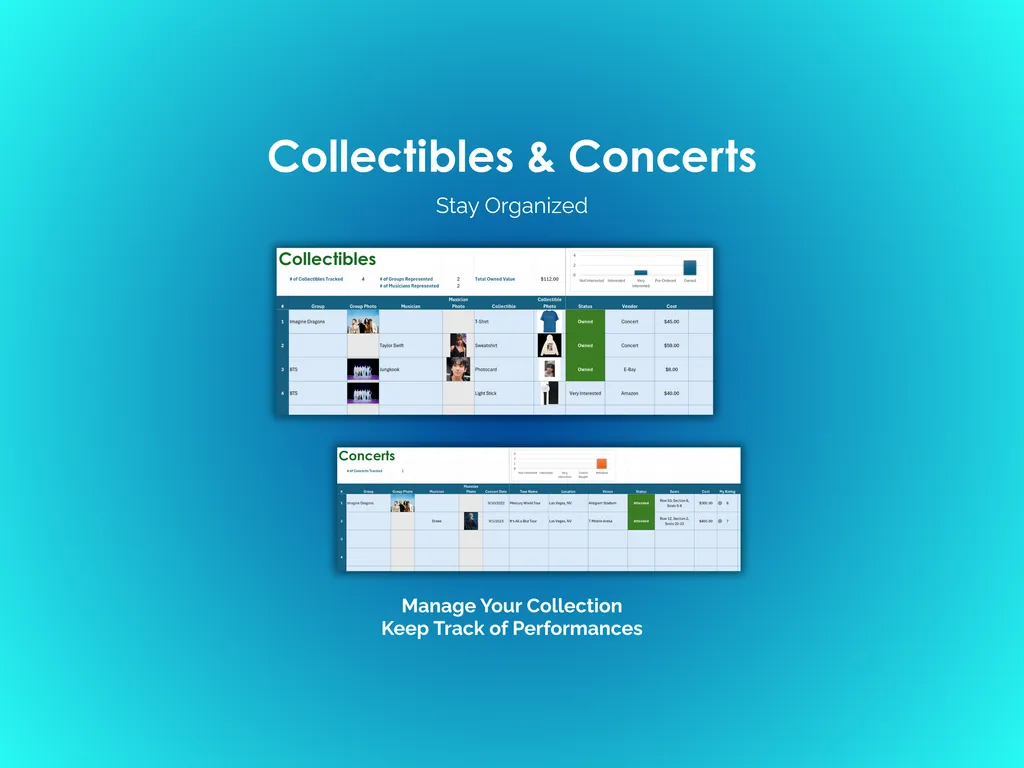
Physical music stuff has a way of piling up without any record of what you spent. The Collectibles tab tracks your items with price and value fields, so you know exactly what that signed poster or rare vinyl cost. And if your concert memories are fading into one big blur, the Concerts tab logs your live show history with dates and details.
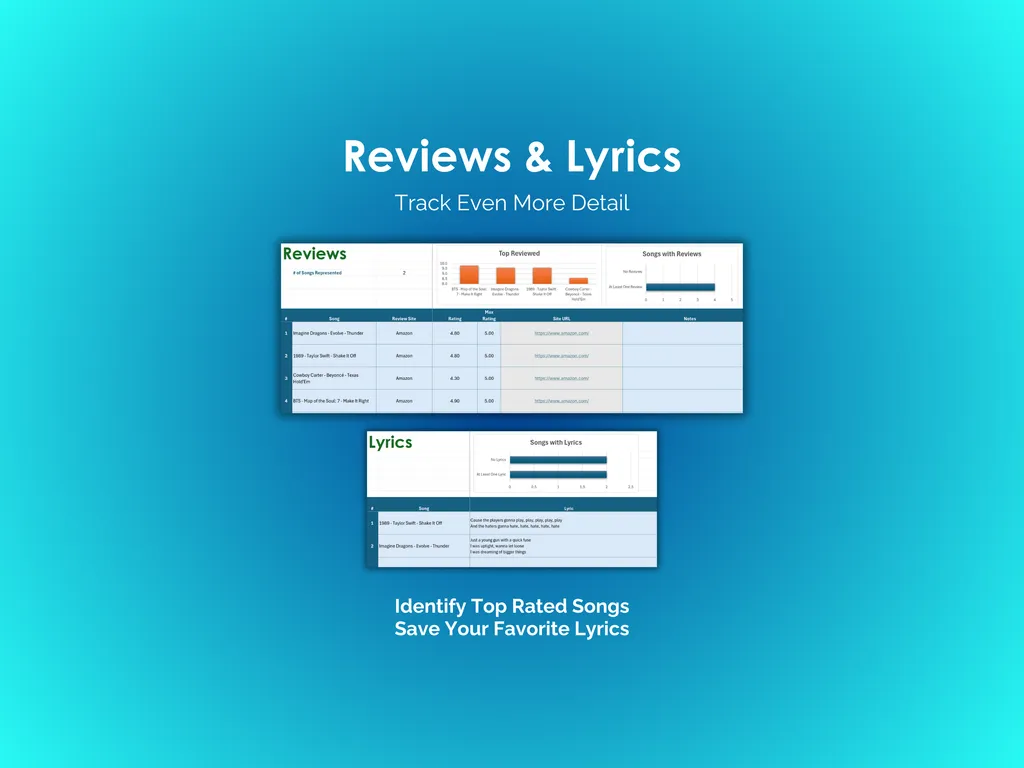
Then there’s the part most trackers skip entirely. The Reviews tab gives you space to rate and write about songs, with built-in charts that surface your top-reviewed tracks. The Lyrics tab is a dedicated spot to save the lines that stick with you — no more screenshotting lyrics into your camera roll.
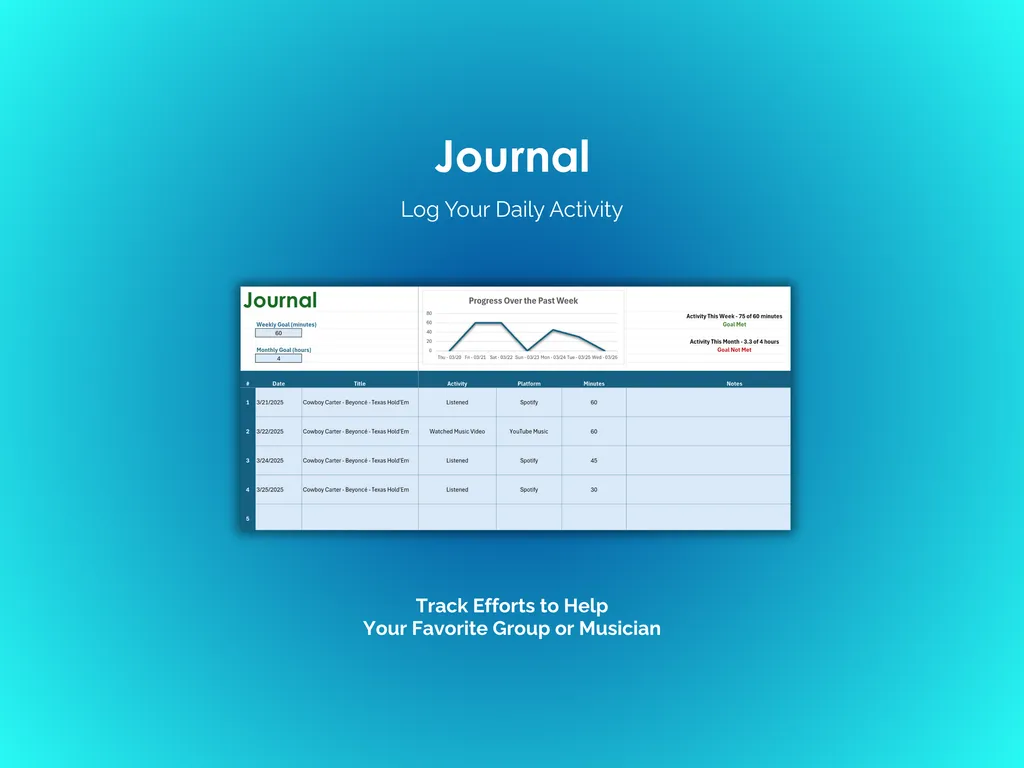
The Journal tab pulls your daily listening into one place. You log what you listened to, which platform you streamed it on (Spotify, YouTube Music, wherever), and how many minutes you spent. A weekly progress chart and activity stats for the week and month give you an honest look at your listening habits over time.
Unlike subscription apps that lock your data behind a login, this Excel spreadsheet is a one-time download that lives on your computer. No accounts, no monthly fees, no internet required. It’s fully editable and customizable, so you can adjust columns and categories to match how you actually think about music. Free updates and support are included whenever you need them.
Video Walkthrough (for Music Tracker - Excel)
Features (for Music Tracker - Excel)
- Intuitive and straightforward design
- Employs software best practices
- Delivered as a blank Excel template - customize and populate with your data
- Free updates - send us a message to be notified of updates when they are available
- Completely customizable - add rows and columns, rename headings - unlock with provided password
Disclaimer (for Music Tracker - Excel)
Unless otherwise specified, this digital product is designed to work in the current version of Microsoft Excel or Microsoft 365. It is not guaranteed to work in any other application.
This digital product is copyrighted. It is intended for personal use only. It is strictly prohibited to reproduce, resell or share this product, in part or in full, with or without modifications. No refunds, exchanges, or cancellations. Given this is a digital product, no physical product will be delivered.