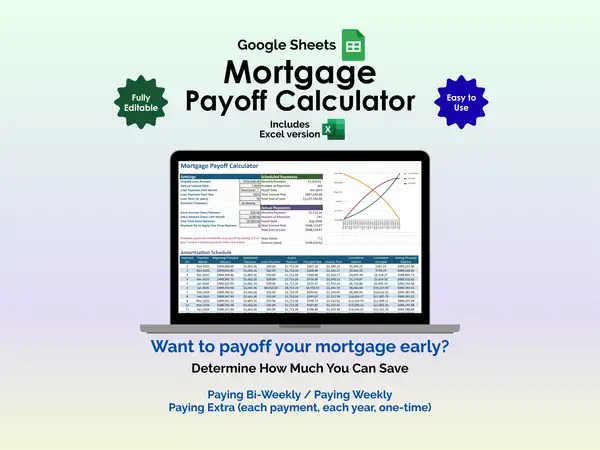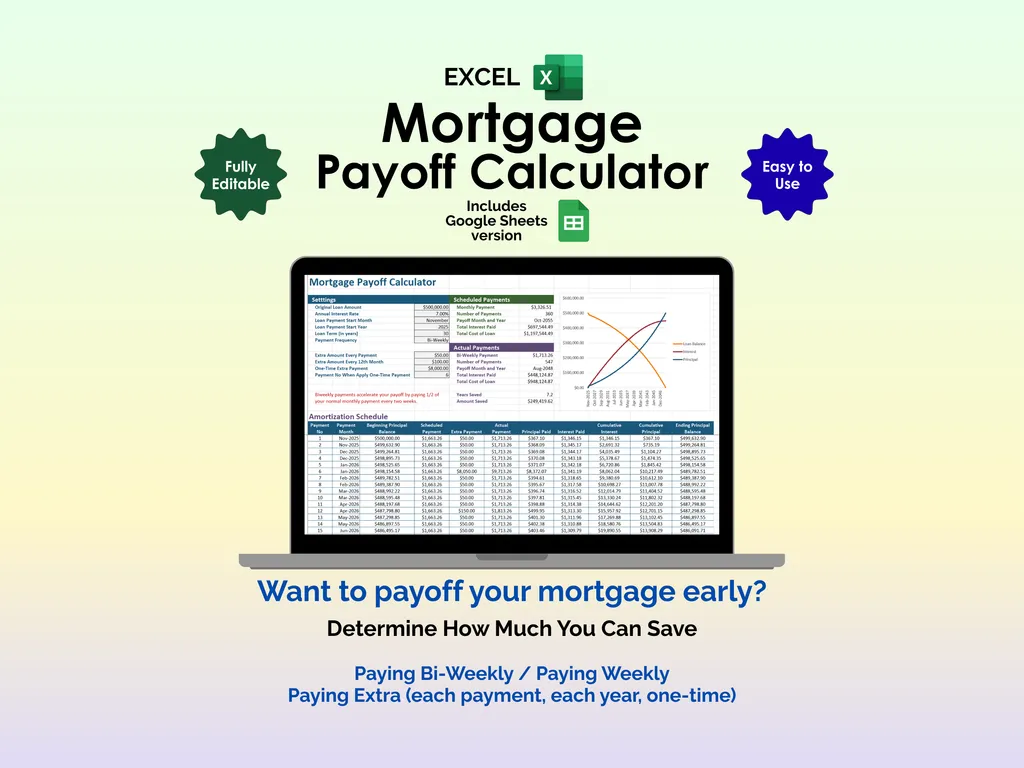

Most mortgage calculators tell you what your monthly payment will be. This one answers a more interesting question: what happens if you pay extra? An extra $50 every payment, a bonus lump sum once a year, or a one-time windfall — how much interest does that actually save you, and how many years does it shave off? This Excel mortgage payoff calculator runs the numbers side by side so you can see the difference in black and white.
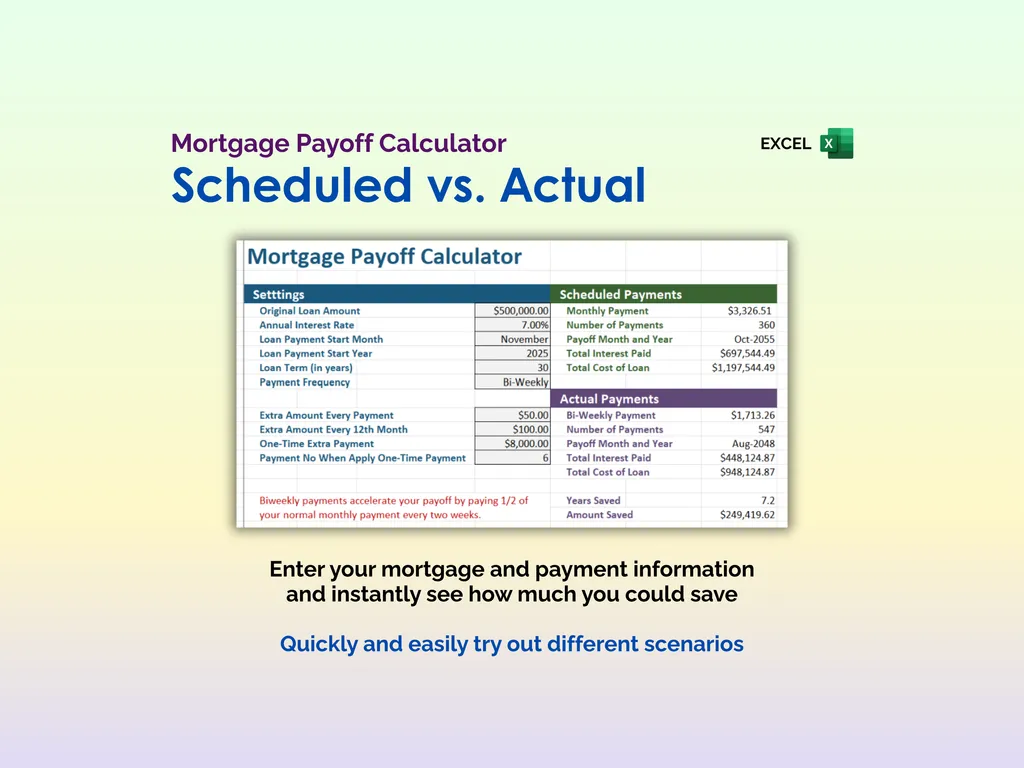
Enter your loan details — original amount, annual interest rate, start date, term length, and payment frequency (monthly, bi-weekly, or weekly). The calculator immediately shows your scheduled payment plan: monthly payment amount, total number of payments, payoff date, total interest paid, and total cost of the loan. That’s your baseline — the “do nothing different” scenario. Then comes the fun part.
Add extra payments in up to three ways: an additional amount on every payment, an extra amount every 12th payment (perfect for using an annual bonus), or a one-time lump sum applied at a specific payment number. The Actual Payments section instantly recalculates everything — new payment amount, new number of payments, new payoff date, new total interest, and new total cost. At the bottom, you’ll see the two numbers that matter most: years saved and amount saved. Watching that interest savings climb into the tens of thousands as you tweak the extra payment amount is genuinely motivating.
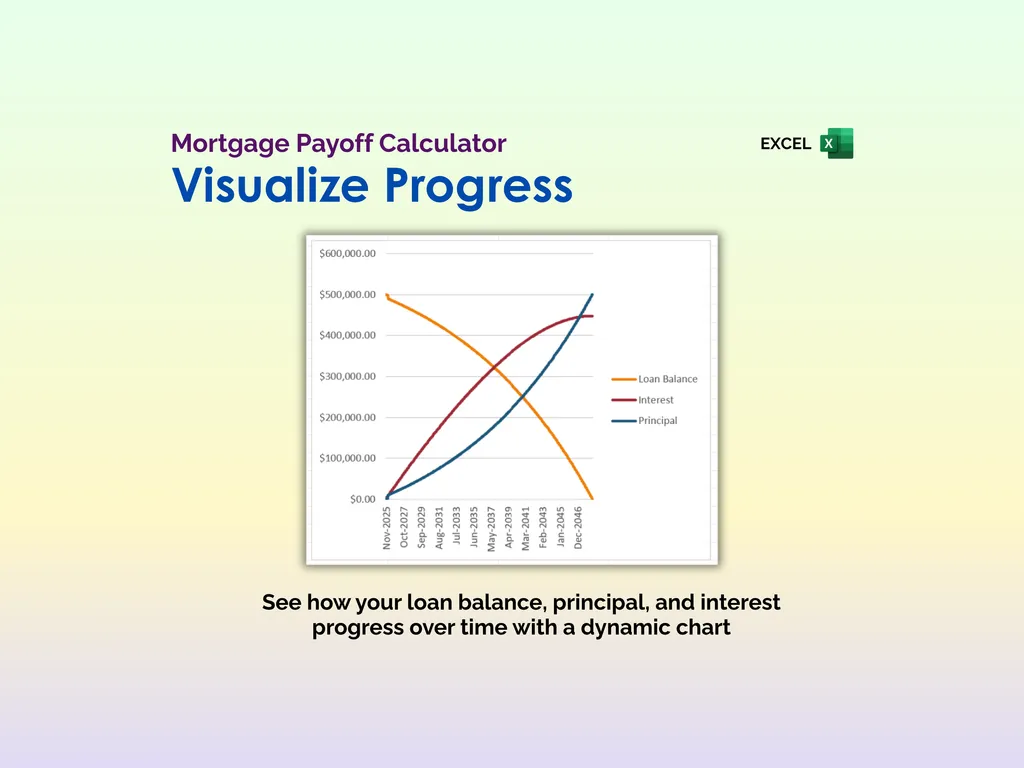
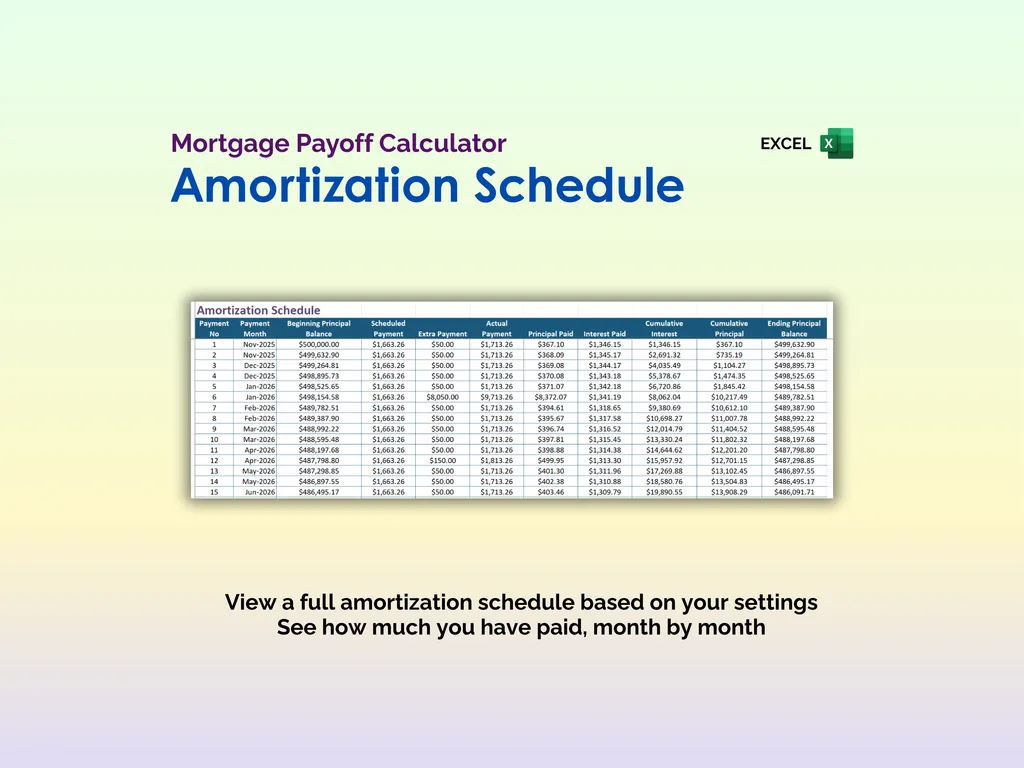
A dynamic chart plots your loan balance, cumulative principal, and cumulative interest over time, so you can visualize how your equity builds and how the interest curve flattens when you pay extra. The full amortization schedule breaks every single payment down month by month — payment number, beginning principal, scheduled payment, extra payment, actual payment, principal paid, interest paid, cumulative totals, and ending principal. It’s the kind of detail that makes you trust the numbers.
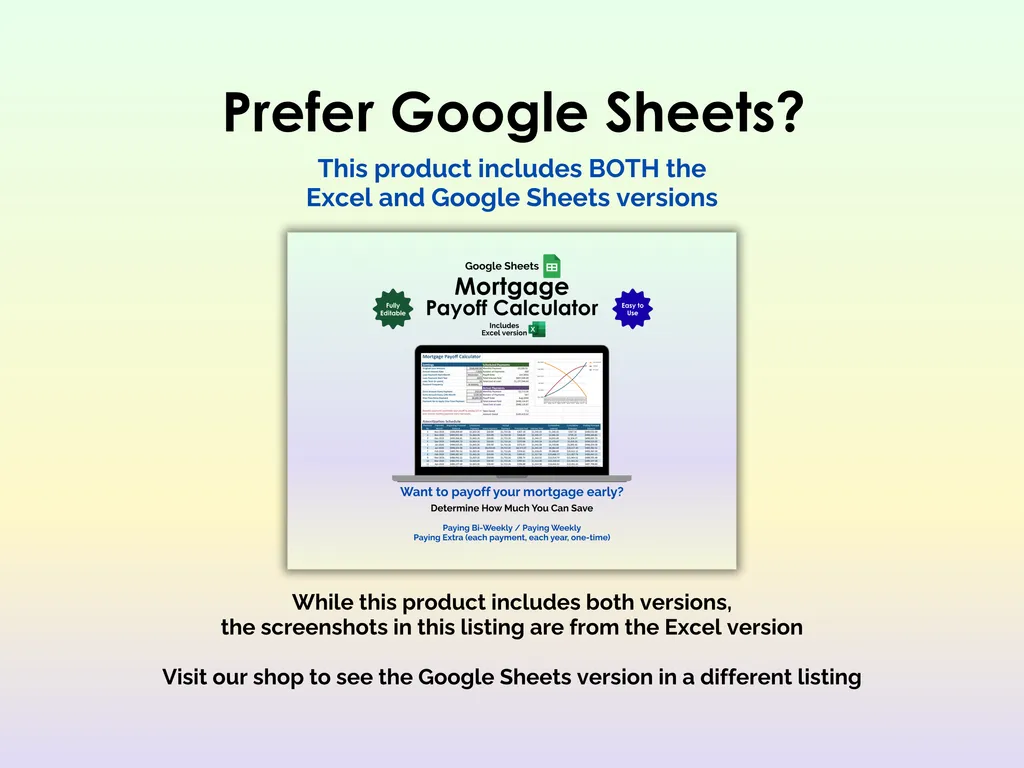
This calculator includes both the Excel and Google Sheets versions, so you can run scenarios from anywhere. No apps, no sign-ups, no recurring fees — just a spreadsheet that shows you exactly how much faster you could be mortgage-free.
Video Walkthrough (for Mortgage Payoff Calculator - Excel)
Features (for Mortgage Payoff Calculator - Excel)
- Intuitive and straightforward design
- Employs software best practices
- Delivered as a blank Excel template - customize and populate with your data
- Free updates - send us a message to be notified of updates when they are available
- Completely customizable - add rows and columns, rename headings - unlock with provided password
Disclaimer (for Mortgage Payoff Calculator - Excel)
Unless otherwise specified, this digital product is designed to work in the current version of Microsoft Excel or Microsoft 365. It is not guaranteed to work in any other application.
This digital product is copyrighted. It is intended for personal use only. It is strictly prohibited to reproduce, resell or share this product, in part or in full, with or without modifications. No refunds, exchanges, or cancellations. Given this is a digital product, no physical product will be delivered.