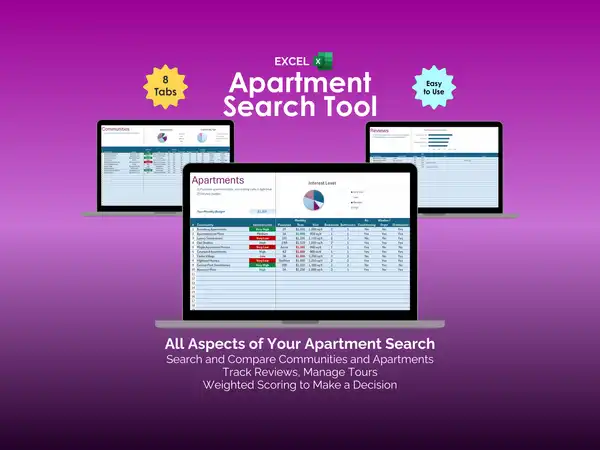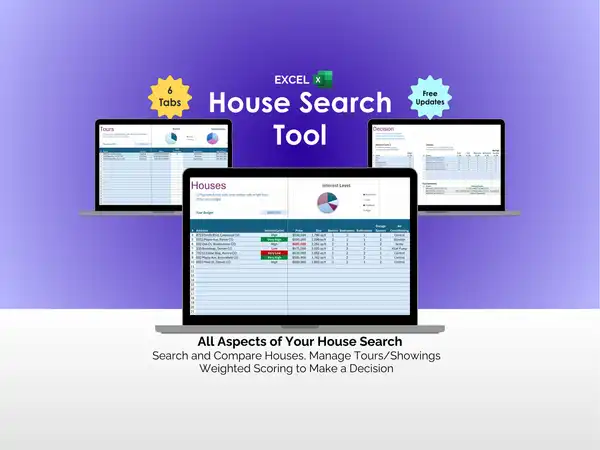

You applied to twelve jobs last week. Three got back to you. One wants an interview Thursday. And right now you’re not entirely sure which company that was.
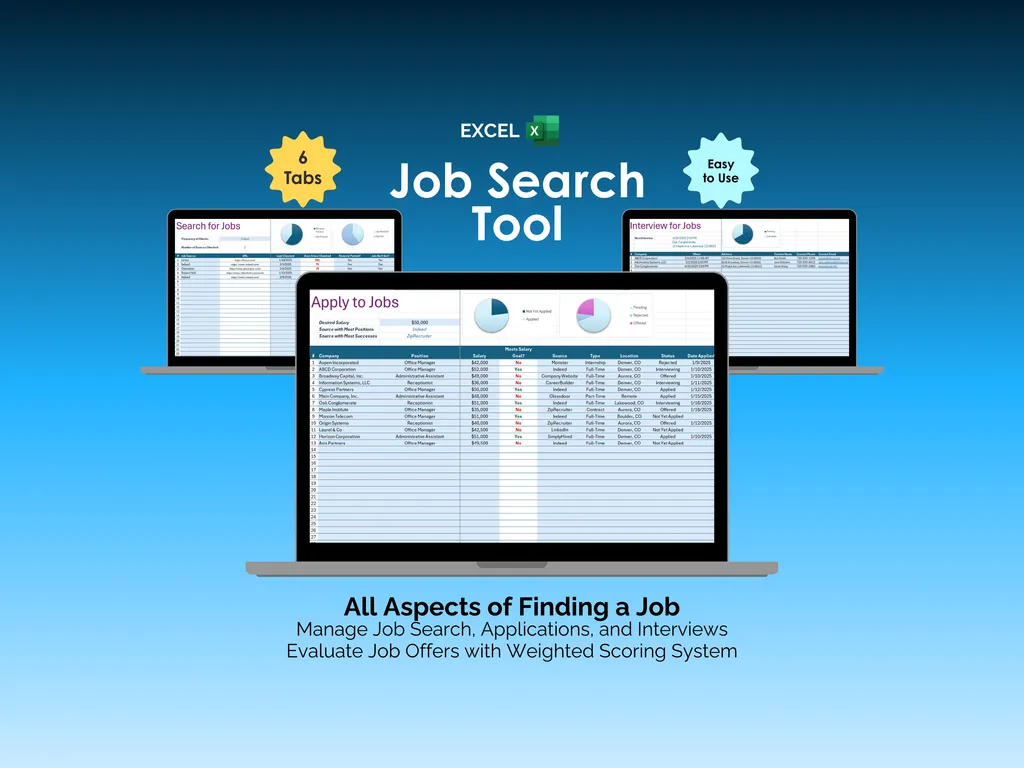
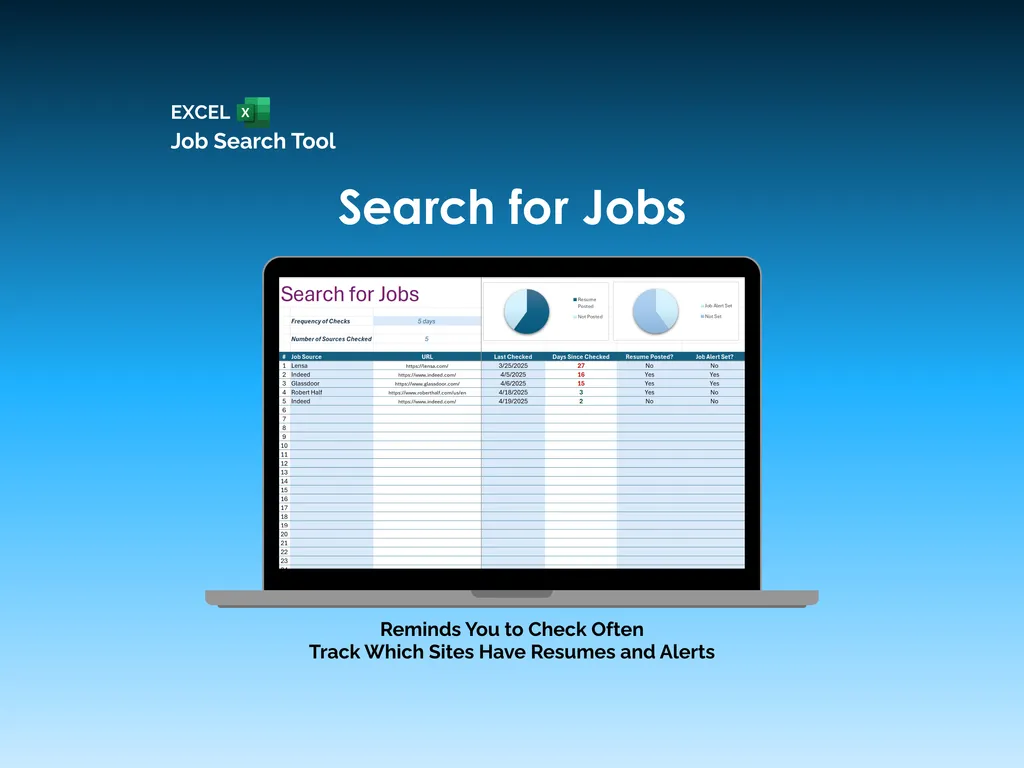
The Search for Jobs tab keeps your sources organized. You log each job site — LinkedIn, Indeed, Glassdoor, Robert Half, and more — with URLs and last-checked dates. The spreadsheet tracks whether you’ve posted your resume and set up job alerts on each one. A Frequency of Checks setting flags when a source has gone stale, and two charts show your resume and alert setup progress at a glance. No more wondering which boards you’ve actually set up properly.
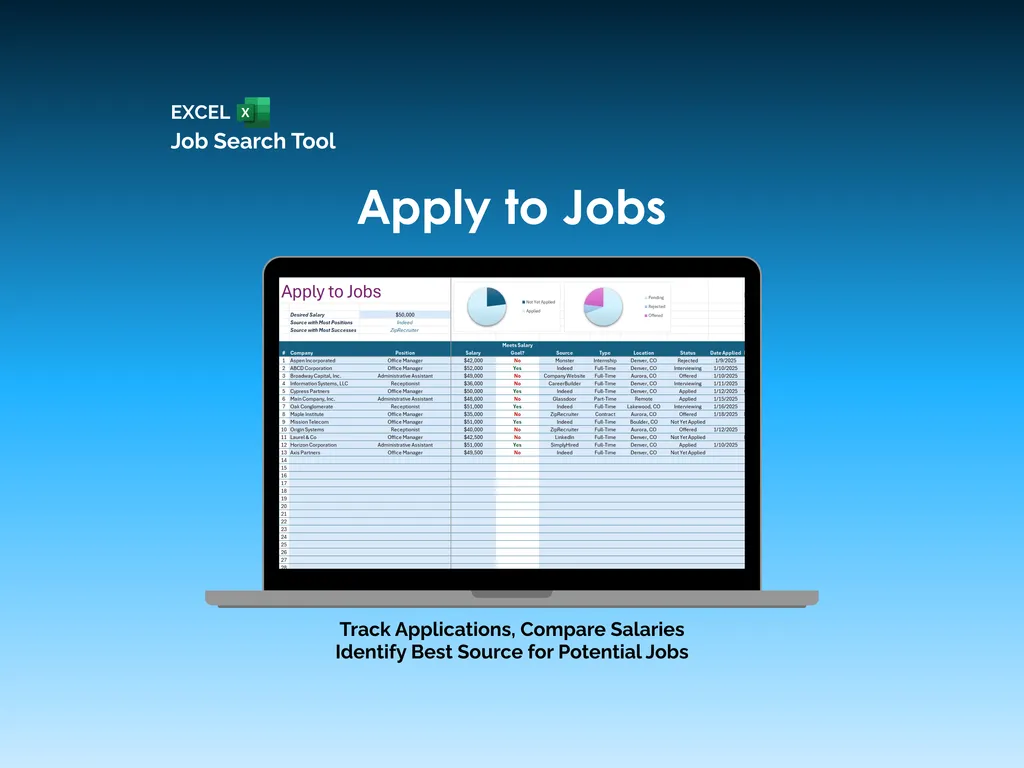
The Apply to Jobs tab tracks every application: company, position, salary, source, job type, location, status, and date applied. Set your desired salary, and the spreadsheet flags which positions meet it. Pie charts break down your applications by salary fit and by status — pending, applied, interviewing, offered — so you can see your pipeline clearly. It also identifies which job source is producing the most positions and the most successes, so you know where to spend your time.
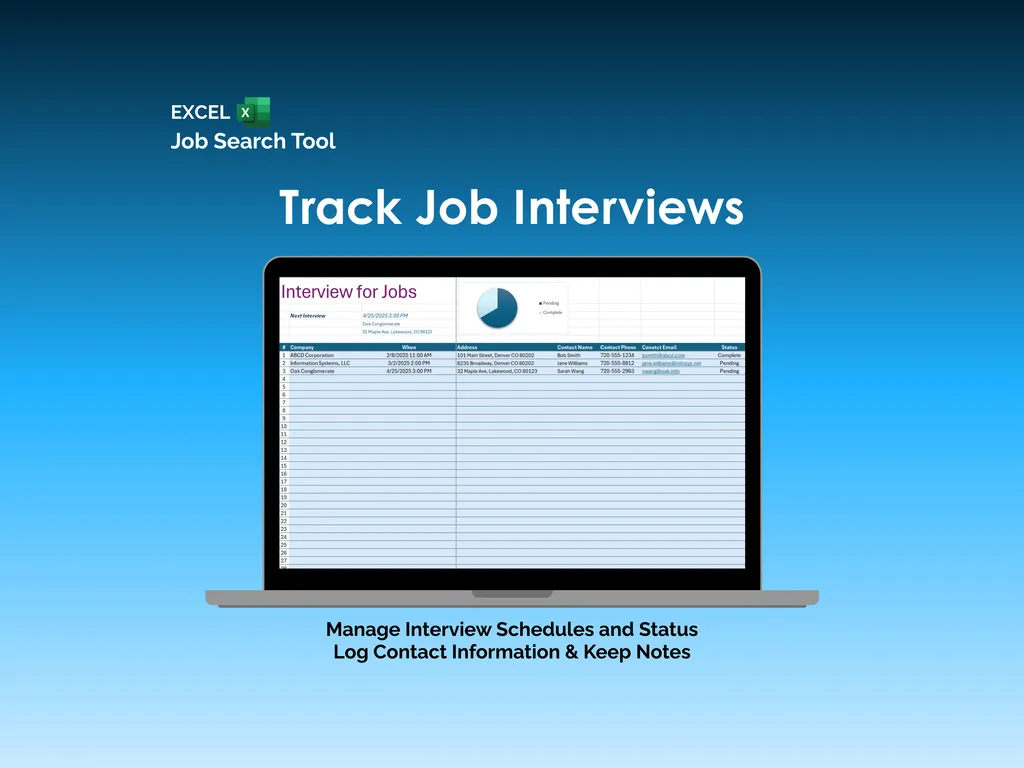
Here’s where it goes beyond a basic tracker. The Interview tab manages your schedule with date, time, address, contact name, phone number, and email for each interview. A Next Interview indicator shows your upcoming meeting front and center, and a Status pie chart tracks pending versus completed interviews. You walk in prepared, not scrambling through your inbox five minutes before.
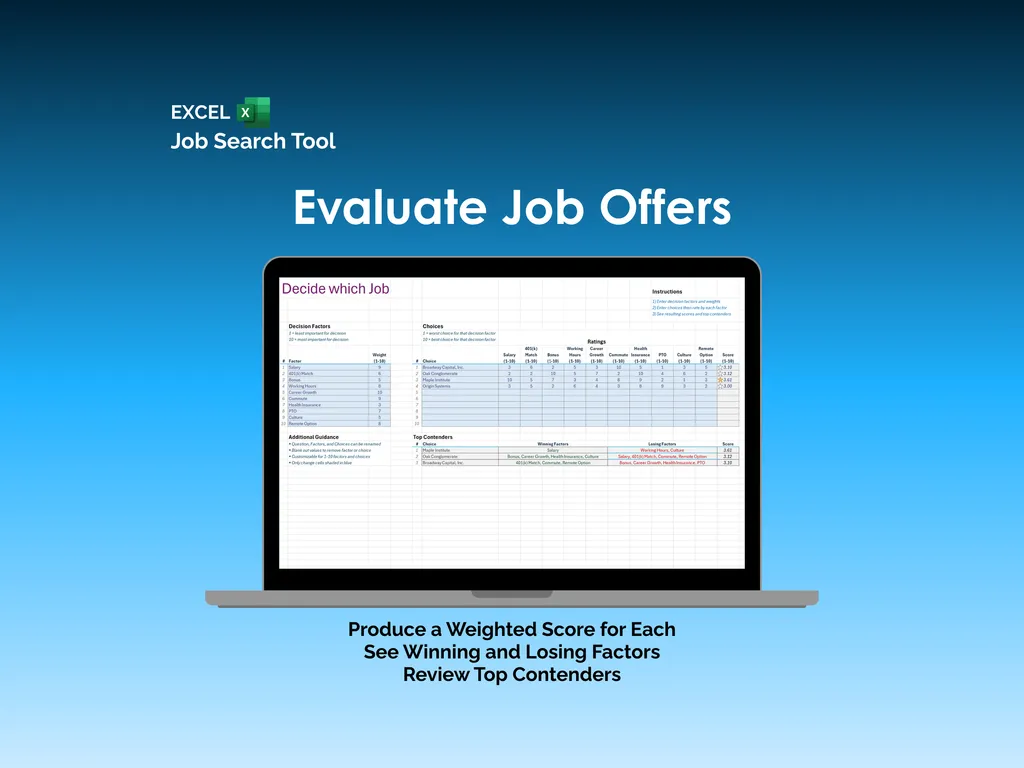
When offers arrive, the Decide which Job tab runs them through a weighted scoring system. You define the factors — salary, work-life balance, bonus, working hours, career growth, commute, benefits, health coverage, PTO, company culture, remote options — and rate each offer across the board. A Top Contenders section shows winning and losing factors with final scores. It’s the difference between accepting the first offer out of relief and choosing the right one based on what actually matters.
No subscriptions, no logins, no data leaving your computer. One Excel file that supports full-time, part-time, contract, and seasonal positions — your entire job search, from first application to final decision.
Video Walkthrough (for Job Search Tool - Excel)
Features (for Job Search Tool - Excel)
- Intuitive and straightforward design
- Employs software best practices
- Delivered as a blank Excel template - customize and populate with your data
- Free updates - send us a message to be notified of updates when they are available
- Completely customizable - add rows and columns, rename headings - unlock with provided password
Disclaimer (for Job Search Tool - Excel)
Unless otherwise specified, this digital product is designed to work in the current version of Microsoft Excel or Microsoft 365. It is not guaranteed to work in any other application.
This digital product is copyrighted. It is intended for personal use only. It is strictly prohibited to reproduce, resell or share this product, in part or in full, with or without modifications. No refunds, exchanges, or cancellations. Given this is a digital product, no physical product will be delivered.