
You’ve toured six houses in two weekends. You liked the kitchen in one, the backyard in another, and the neighborhood in a third — but which one was which? If your house search currently lives in a mix of Zillow saves, text messages, and increasingly unreliable memory, you’re not alone.
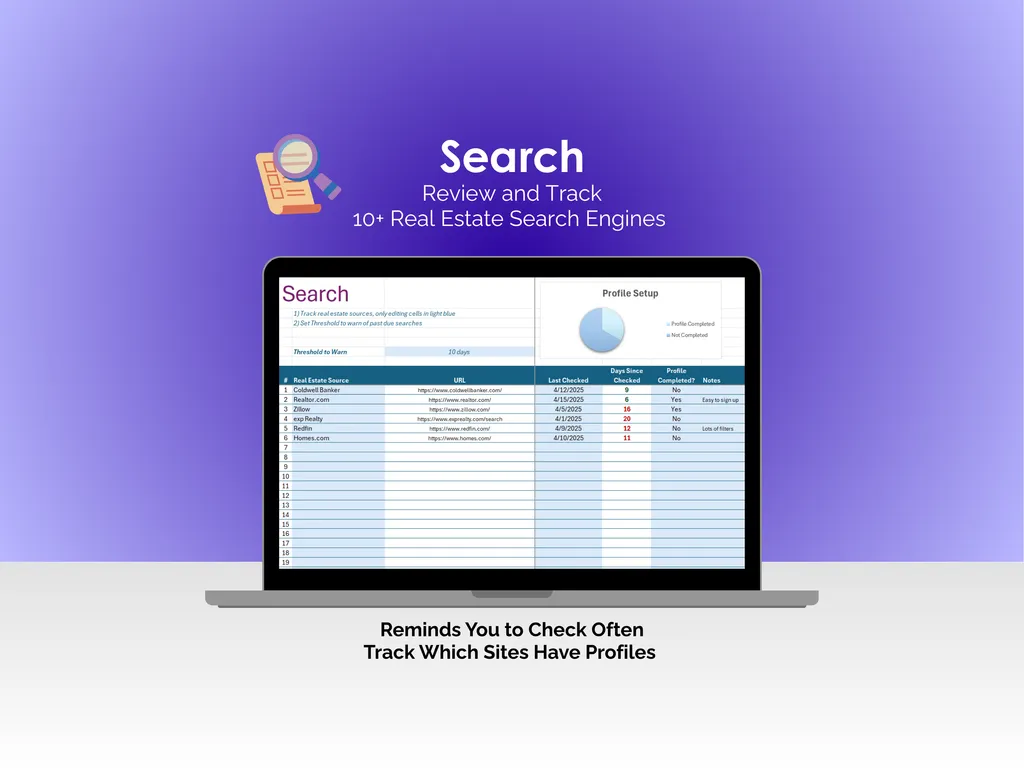
The Search tab helps you stay on top of where you’re looking. It lists 10+ real estate search engines with URLs, last-checked dates, and a Profile Setup chart so you can see which sites you’ve set up profiles on. Set a warning threshold, and the spreadsheet tells you when a source is overdue for a check. It’s a small thing, but it keeps you from missing a new listing because you forgot to check a site for three weeks.
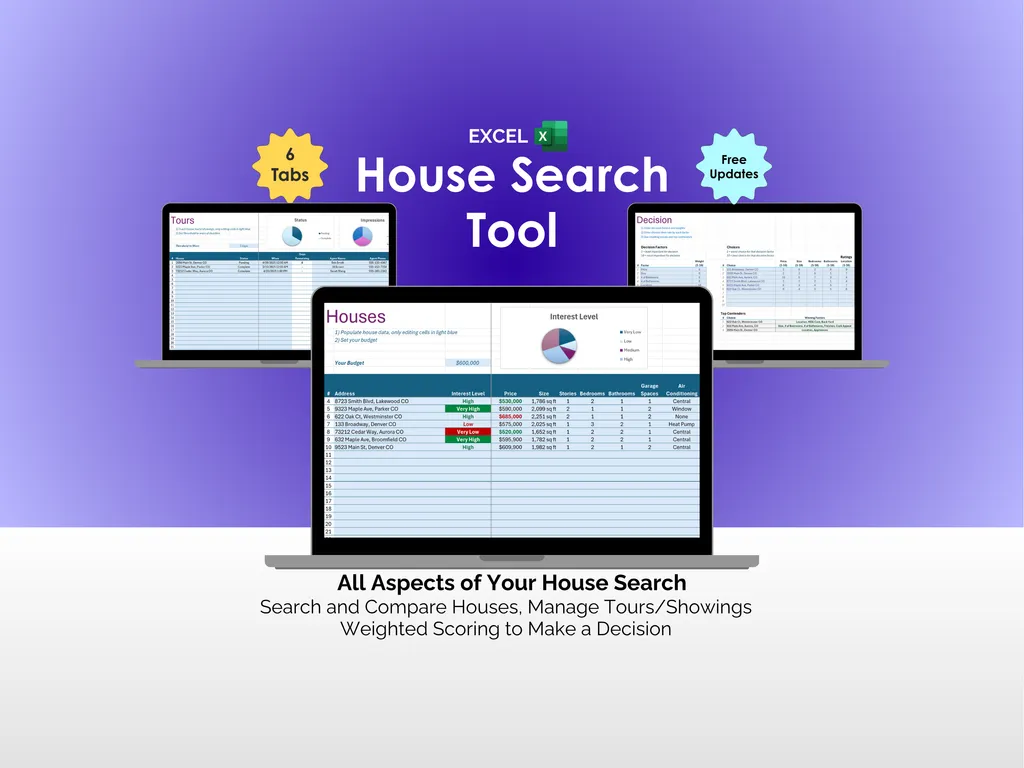
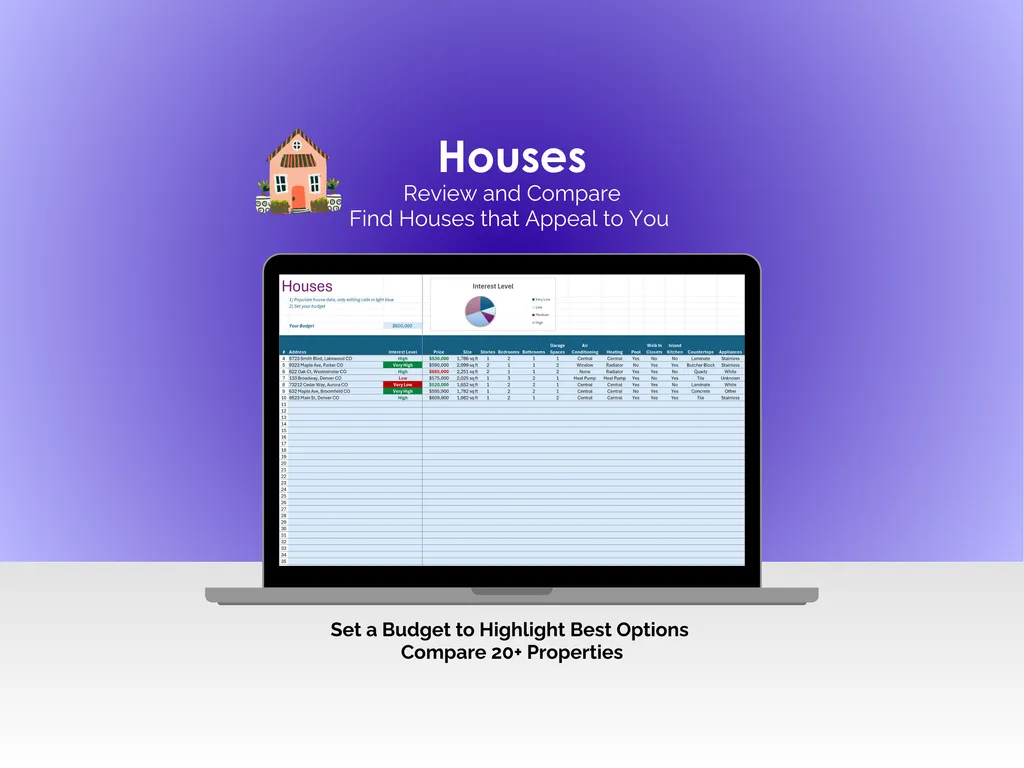
The Houses tab is where you lay everything out. You can compare 20+ properties side by side, tracking price and a range of attributes across columns. Set your budget at the top, and color-coded pricing highlights which houses fall within your range. The Interest Level pie chart helps you quickly see how your options are shaping up — so you’re focusing energy on places that genuinely fit.
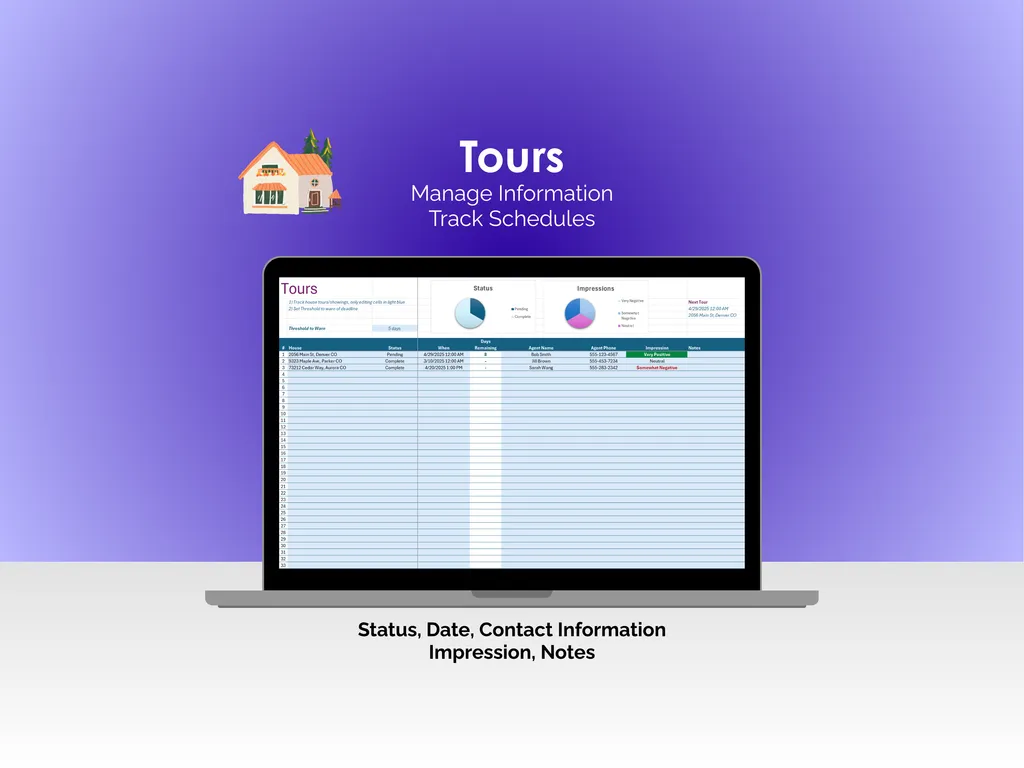
Once you start scheduling showings, the Tours tab keeps your visits straight. Each entry tracks the property, status, date, contact information, your impression, and notes. A Status pie chart shows pending versus completed showings, an Impressions chart captures your overall reactions, and a Next Tour indicator keeps your upcoming visit front and center. You stop blending houses together and start remembering what you actually thought of each one.
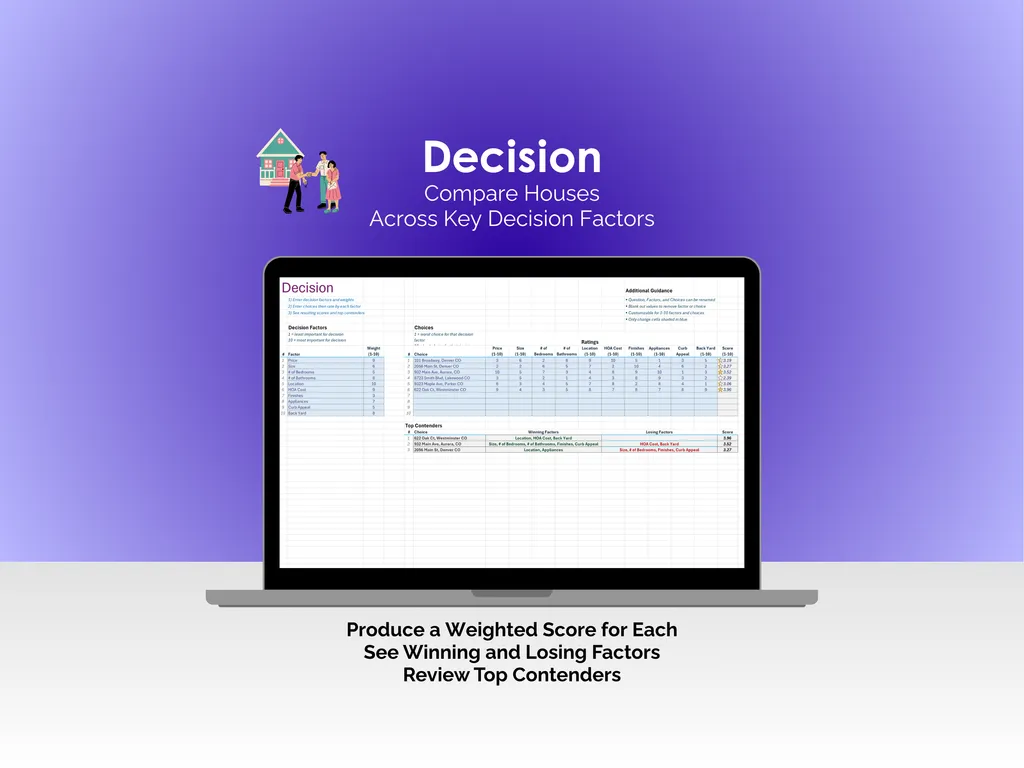
When you’ve narrowed your list to the final few, the Decision tab gives you a structured way to compare. You set weighted factors — price, size, commute, neighborhood, condition, whatever matters most to you — and rate each house across the board. The Top Contenders section shows each property’s winning and losing factors alongside a final weighted score. It takes the emotion out of a very emotional decision, and that’s exactly the point.
No subscriptions, no apps, no cloud accounts. One Excel file on your computer that works offline and belongs to you — your entire house search, organized and ready to help you make the right call.
Video Walkthrough (for House Search Tool - Excel)
Features (for House Search Tool - Excel)
- Intuitive and straightforward design
- Employs software best practices
- Delivered as a blank Excel template - customize and populate with your data
- Free updates - send us a message to be notified of updates when they are available
- Completely customizable - add rows and columns, rename headings - unlock with provided password
Disclaimer (for House Search Tool - Excel)
Unless otherwise specified, this digital product is designed to work in the current version of Microsoft Excel or Microsoft 365. It is not guaranteed to work in any other application.
This digital product is copyrighted. It is intended for personal use only. It is strictly prohibited to reproduce, resell or share this product, in part or in full, with or without modifications. No refunds, exchanges, or cancellations. Given this is a digital product, no physical product will be delivered.