
Here’s the thing nobody tells you about applying to college: the research isn’t the hard part. It’s keeping all the research from turning into a scattered mess of bookmarks, sticky notes, and that one text thread where your mom sent you a school she “just thought you should look at.”
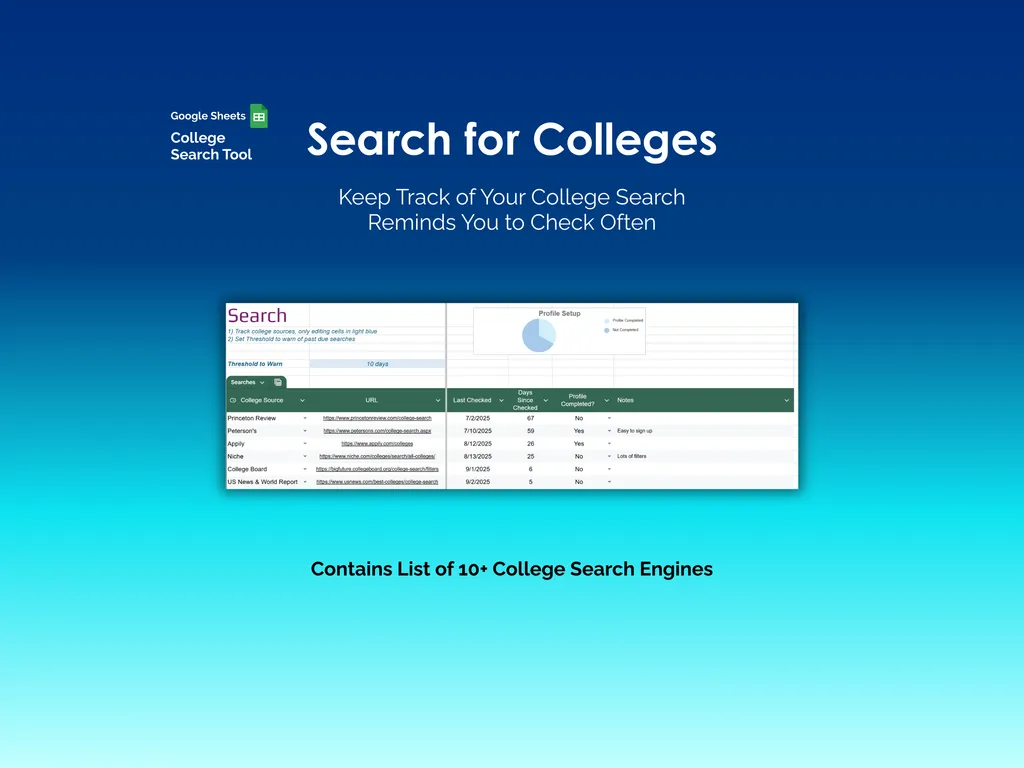
The Search tab is your command center for college research in Google Sheets. It comes loaded with 10+ college search engines — Princeton Review, Peterson’s, Niche, College Board, US News & World Report — with last-checked dates and a threshold that flags when sources are overdue for a revisit. A Profile Setup chart tracks which sites you’ve actually completed profiles on.
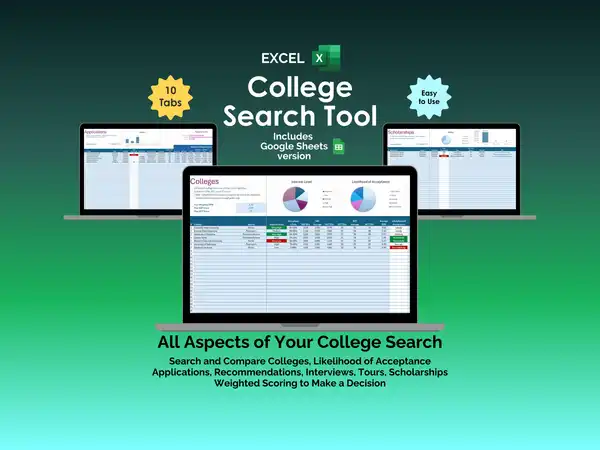
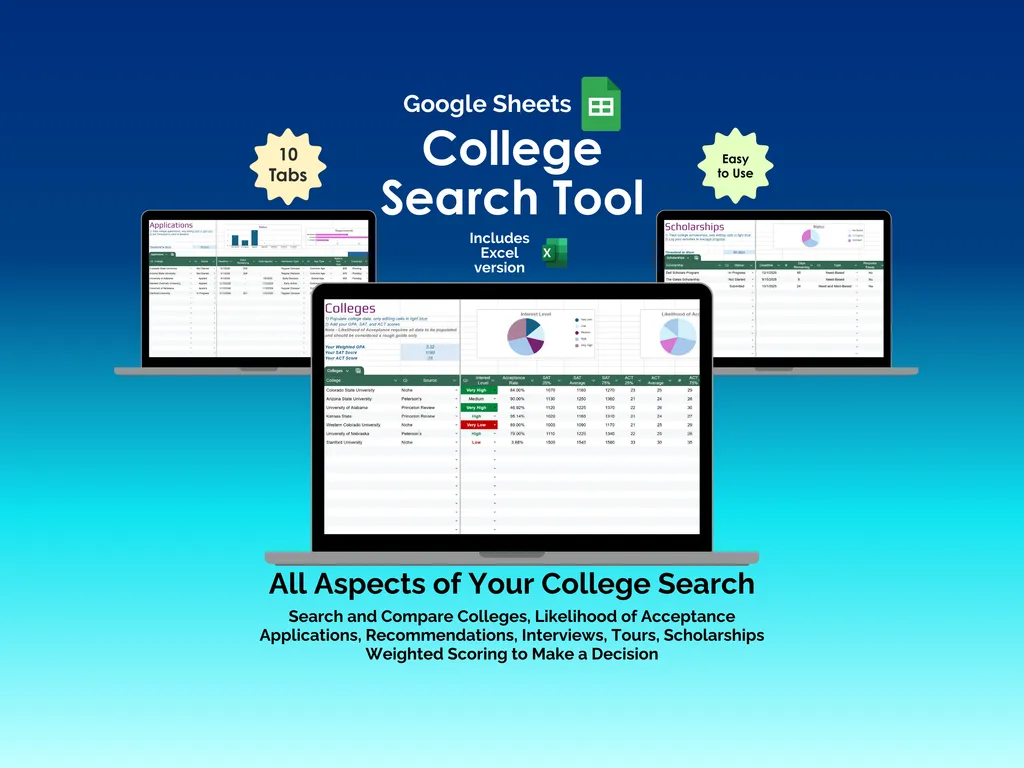
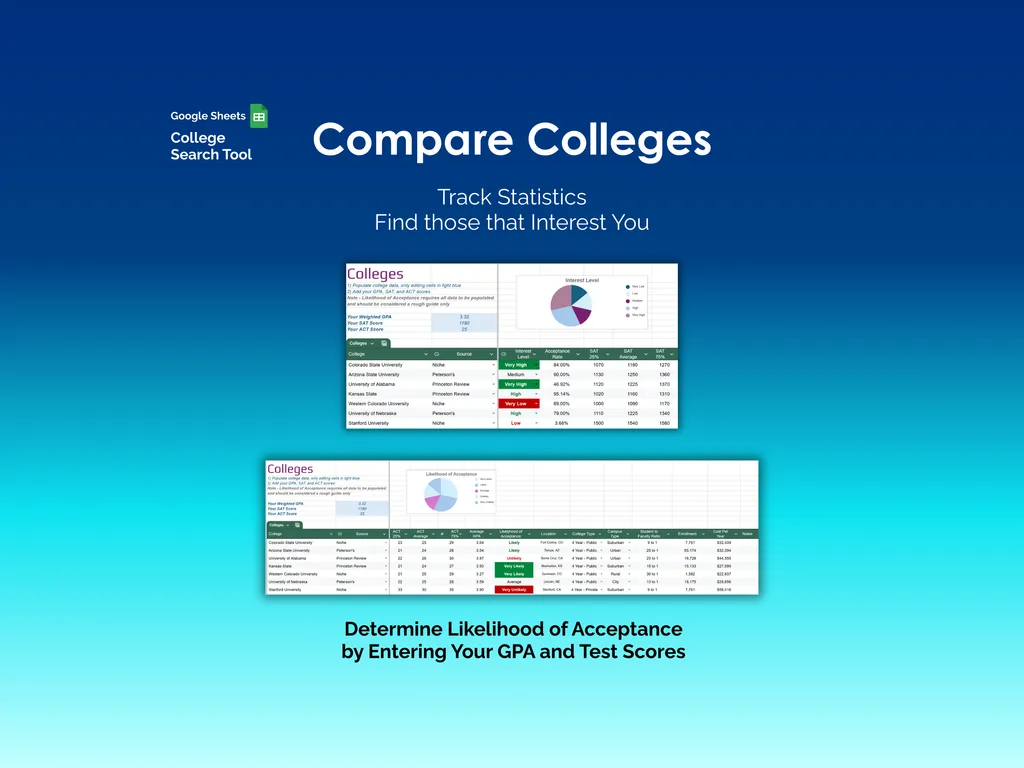
The Colleges tab is where things get interesting. You compare schools side by side across tuition, acceptance rate, location, and more, but the real draw is the likelihood of acceptance calculator. Enter your GPA and test scores, and the spreadsheet estimates your chances at each school based on their admissions criteria. Interest Level and Likelihood of Acceptance pie charts make the picture clear at a glance. No more guessing whether your reach school is actually a reach.
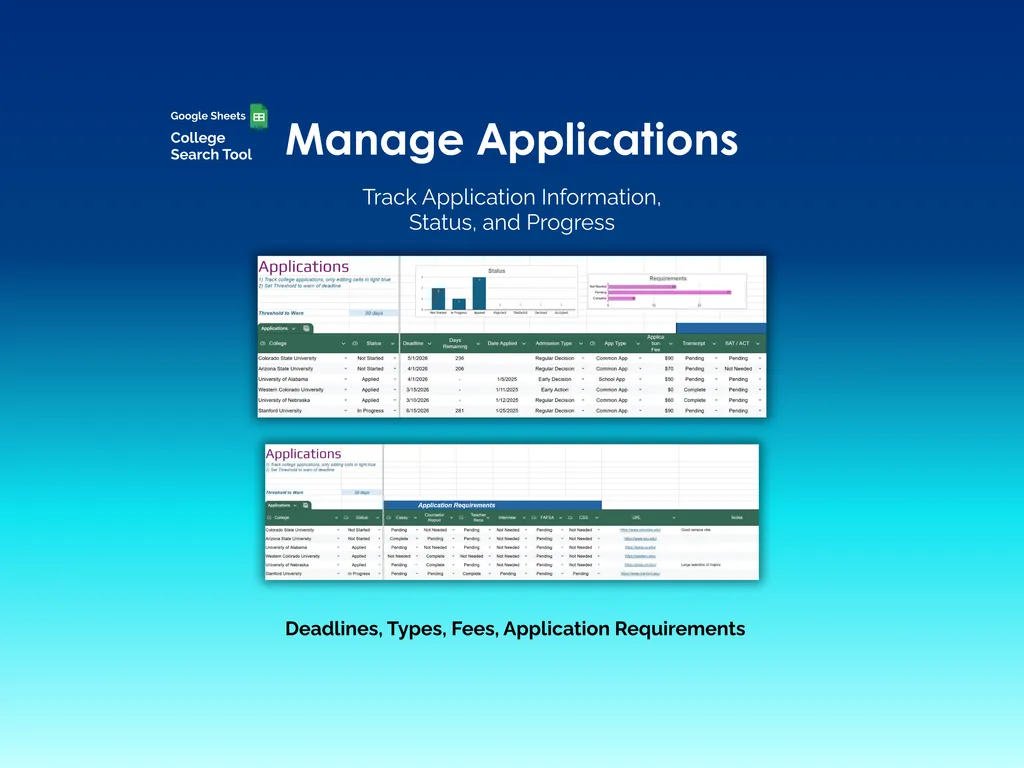
Applications tracking covers every deadline, application type, fee, and requirement — essays, transcripts, test scores, the works. A status bar chart shows your progress across all schools, and a threshold warns you before deadlines sneak up. Because “I thought that was next week” is not a viable admissions strategy.
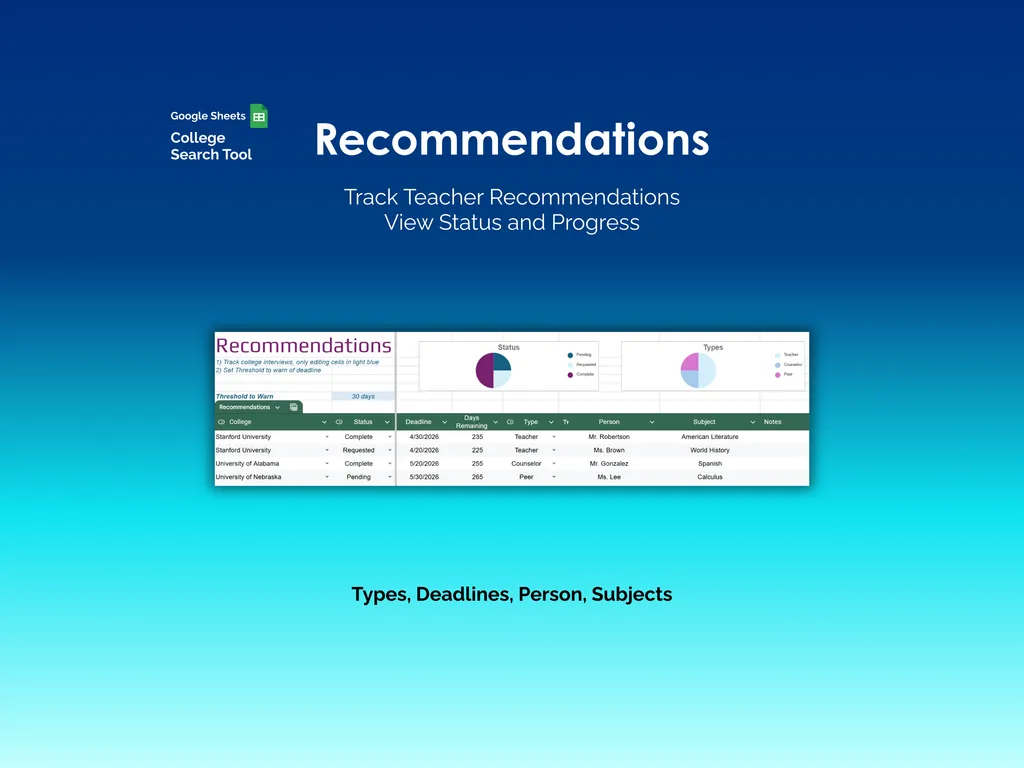
The Recommendations tab tracks every teacher, counselor, and peer letter you’ve requested — who you asked, the deadline, what subject they’re covering, and whether they’ve submitted. Status and Types pie charts keep the overview clean, which matters when you’re coordinating multiple recommenders across multiple schools.
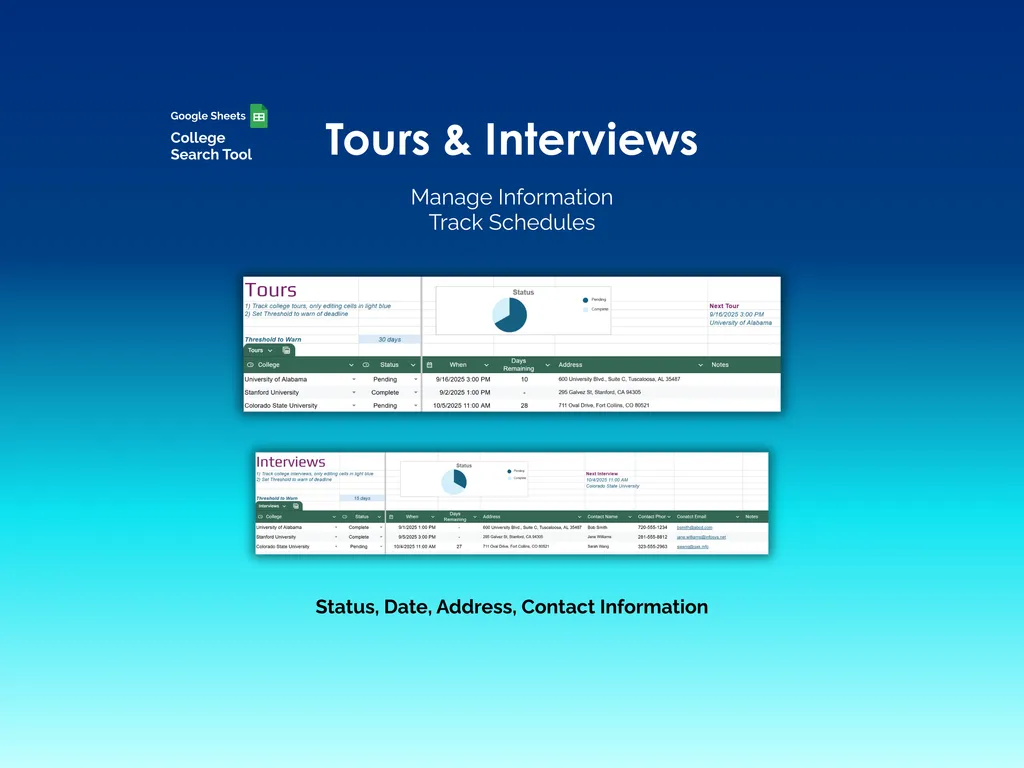
Tours and Interviews each get their own section with status tracking, dates, addresses, phone numbers, contact emails, and notes. Next-event indicators show what’s coming up so you walk into campus visits and admissions interviews prepared, not scrambling for an address in your inbox.
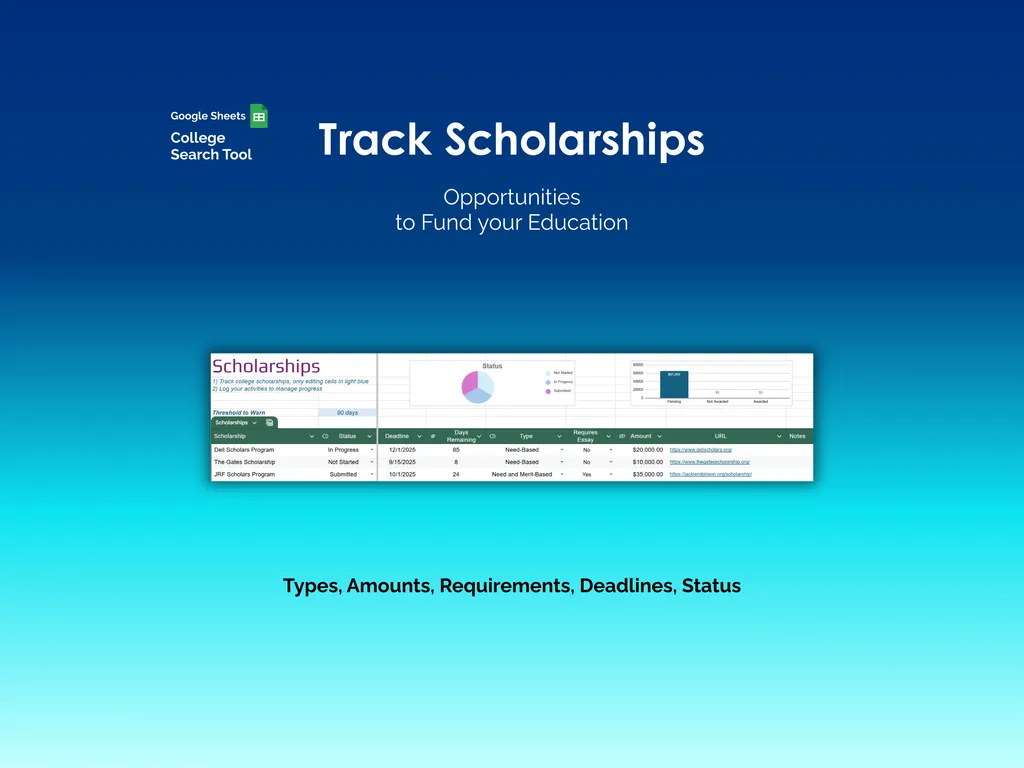
The Scholarships tab organizes every funding opportunity — merit-based, need-based, or both — with deadlines, amounts, requirements, status, and direct URLs to application pages. A status pie chart and amount bar chart give you a financial snapshot without digging through bookmarks.
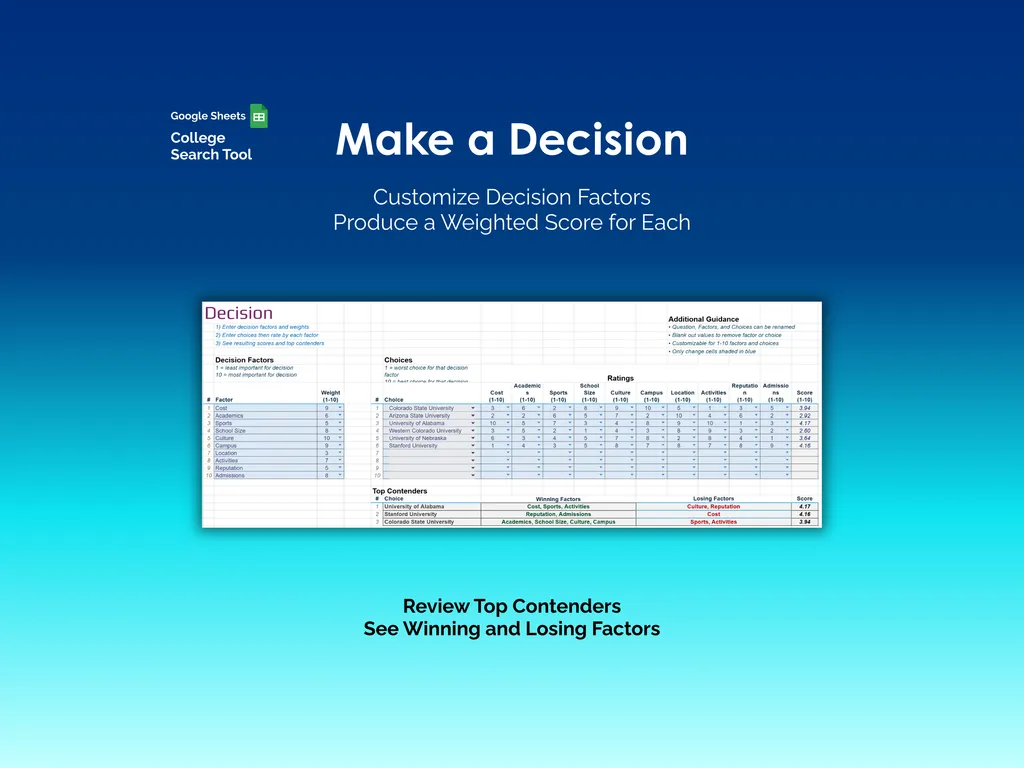
When the acceptance letters land, the Decision tab runs your options through a weighted scoring system. You set the factors that matter — tuition, academics, sports, campus size, location, activities, reputation — and rate each school. A Top Contenders section shows winning and losing factors with final scores. Less dramatic than flipping a coin, but considerably more useful.
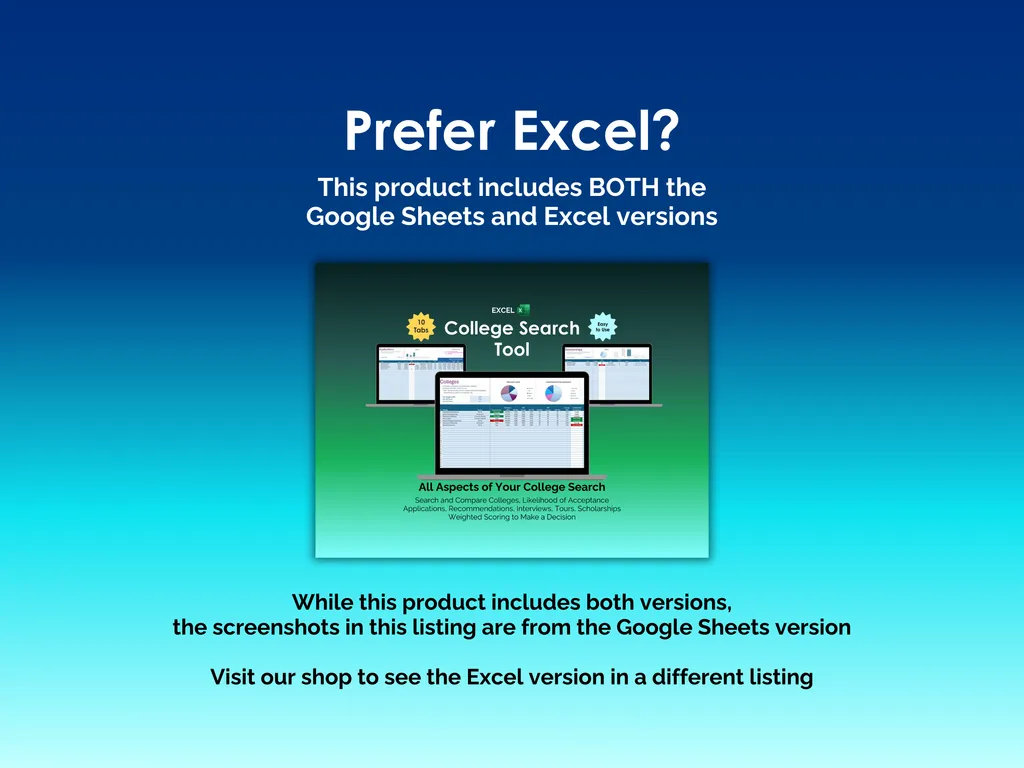
No apps to install, no subscriptions to manage. This is a Google Sheets file (Excel version also included) that lives in your Drive and travels with you. Every piece of the college search — research, applications, recommendations, tours, interviews, scholarships, and the final decision — in one shareable, collaborative spreadsheet.
Video Walkthrough (for College Search Tool - Google Sheets)
Features (for College Search Tool - Google Sheets)
- Intuitive and straightforward design
- Employs software best practices
- Delivered as a blank Google Sheets template - customize and populate with your data
- Free updates - send us a message to be notified of updates when they are available
- Completely customizable - add rows and columns, rename headings - unlock with provided password
Disclaimer (for College Search Tool - Google Sheets)
Unless otherwise specified, this digital product is designed to work in Google Sheets. It is not guaranteed to work in any other application.
This digital product is copyrighted. It is intended for personal use only. It is strictly prohibited to reproduce, resell or share this product, in part or in full, with or without modifications. No refunds, exchanges, or cancellations. Given this is a digital product, no physical product will be delivered.