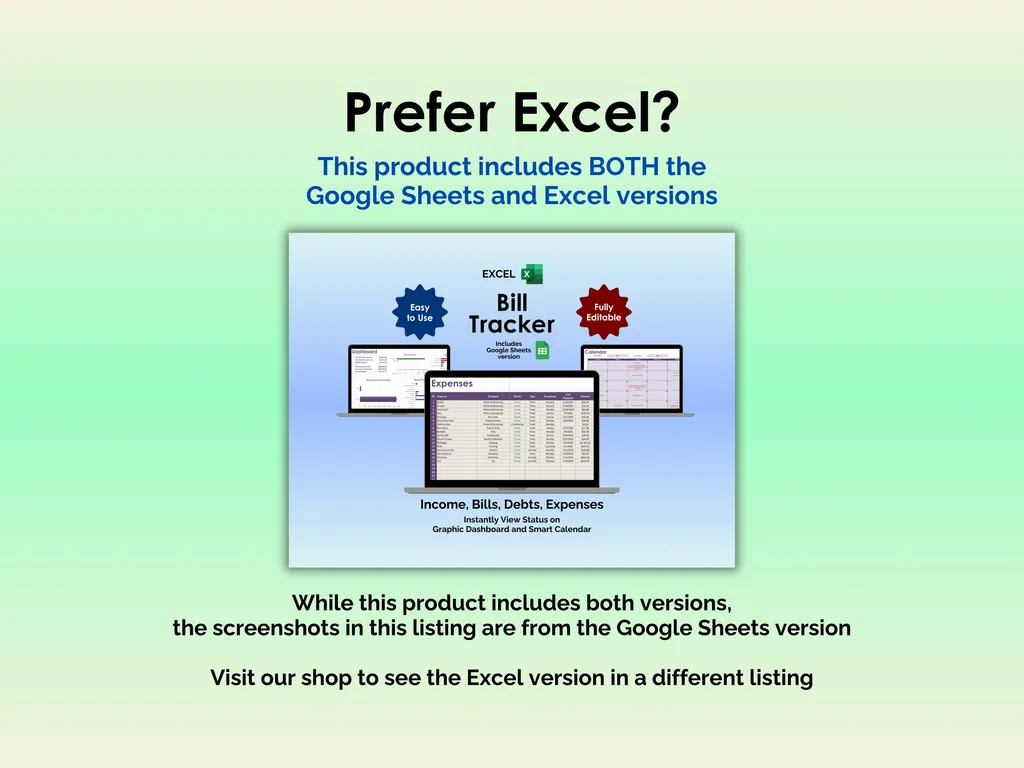

Late fees are basically a tax on disorganization. You know the bills are coming — rent, internet, insurance, that streaming service you keep meaning to cancel — but keeping track of what’s due when across a dozen different accounts? That’s where things fall apart. This Google Sheets bill tracker puts every recurring payment and income source on one screen so you can stop relying on memory (or a stack of sticky notes) to keep your finances straight.
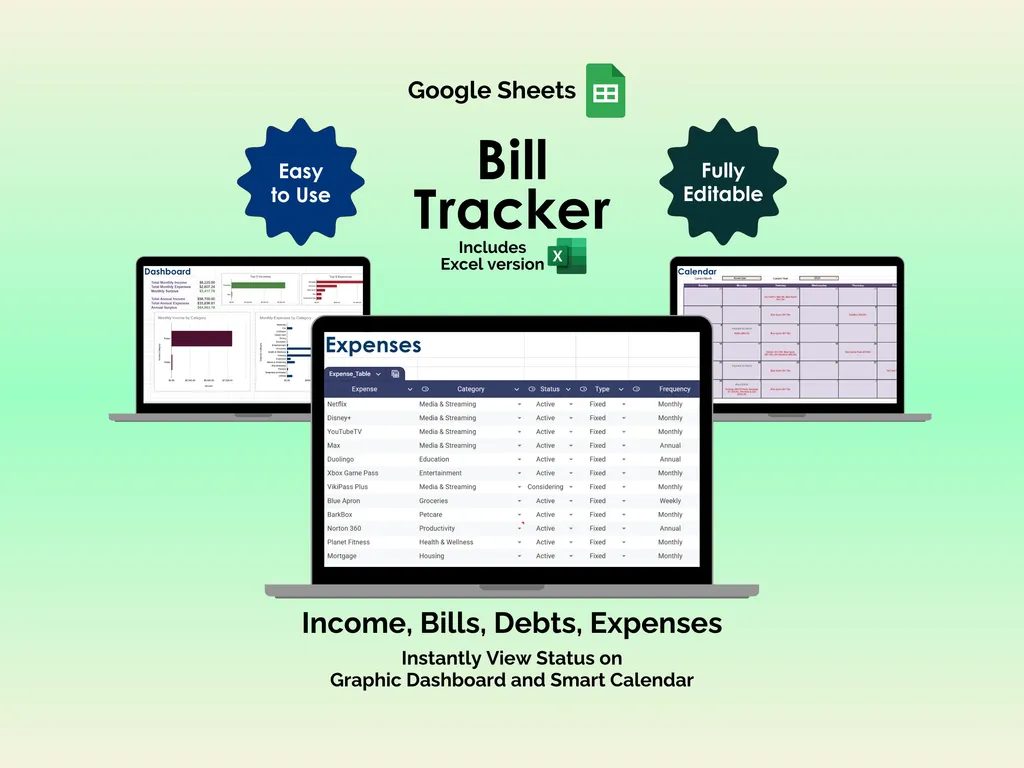
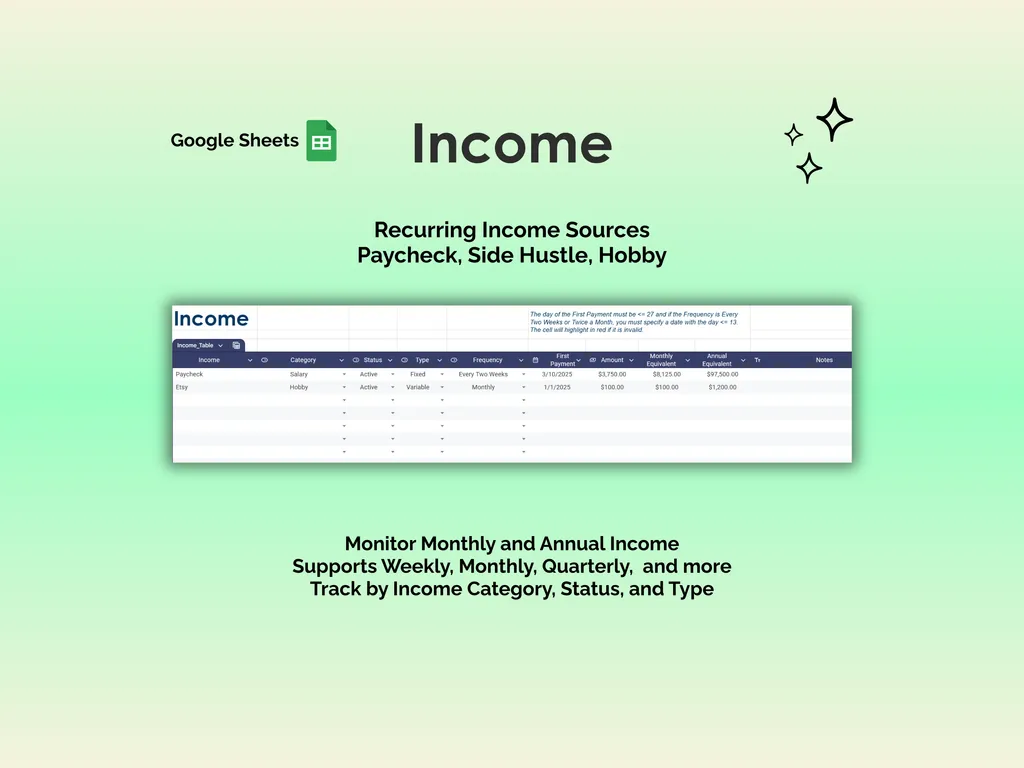
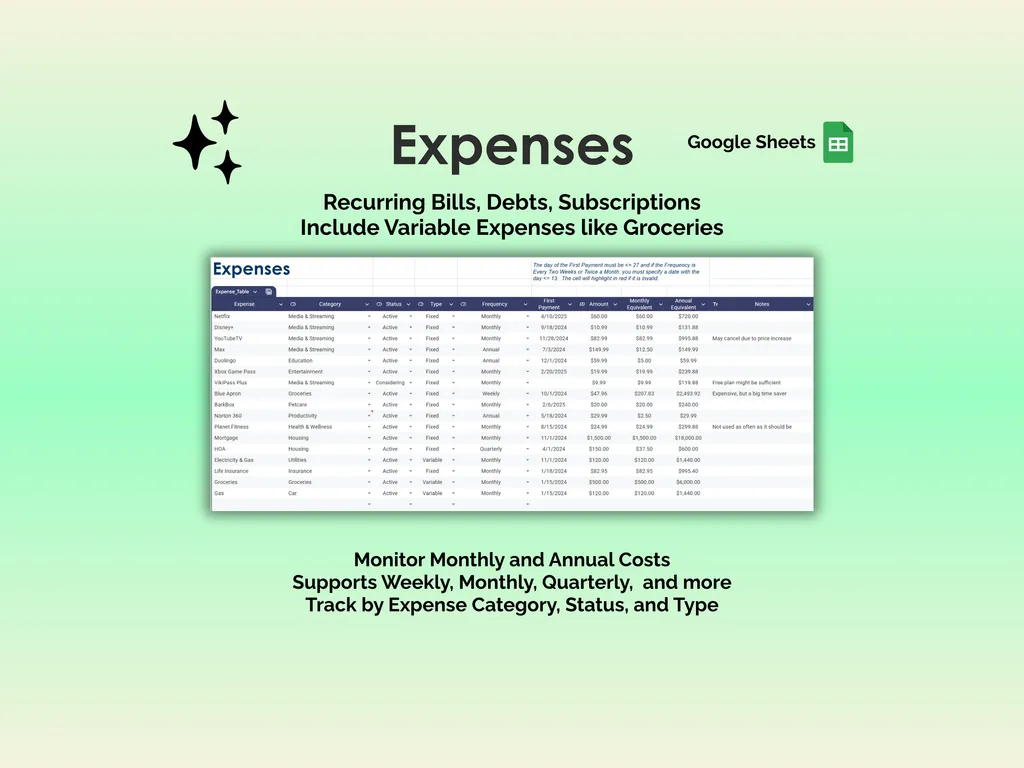
The Income tab logs every revenue stream you have — salary, side hustle, freelance work — with its category, status, type (fixed or variable), and frequency. It supports weekly, biweekly, every two weeks, monthly, quarterly, and more, then automatically calculates your monthly and annual estimated totals. The Expenses tab mirrors that structure for everything going out: rent, credit cards, subscriptions, groceries, debt payments, childcare. Each entry gets a category, frequency, payment date, and amount, with the spreadsheet calculating the monthly and annual cost. There’s even a Notes column for reminders like “call to renegotiate” or “cancel after March.” Built-in validation highlights invalid dates in red so you catch entry mistakes immediately.
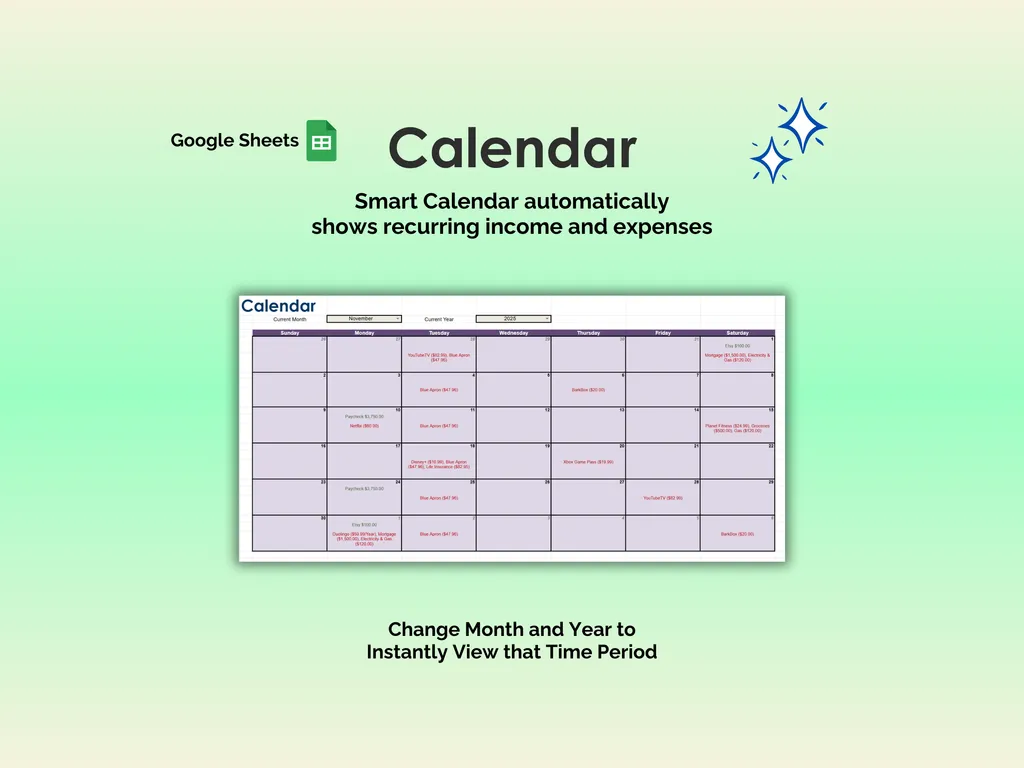
The Calendar is where it all clicks. Once your income and expenses are entered, it automatically populates a monthly view showing exactly what hits your account and when. Switch between any month and year to look ahead or back. No more guessing whether the car insurance payment lands before or after payday — it’s right there on the grid.
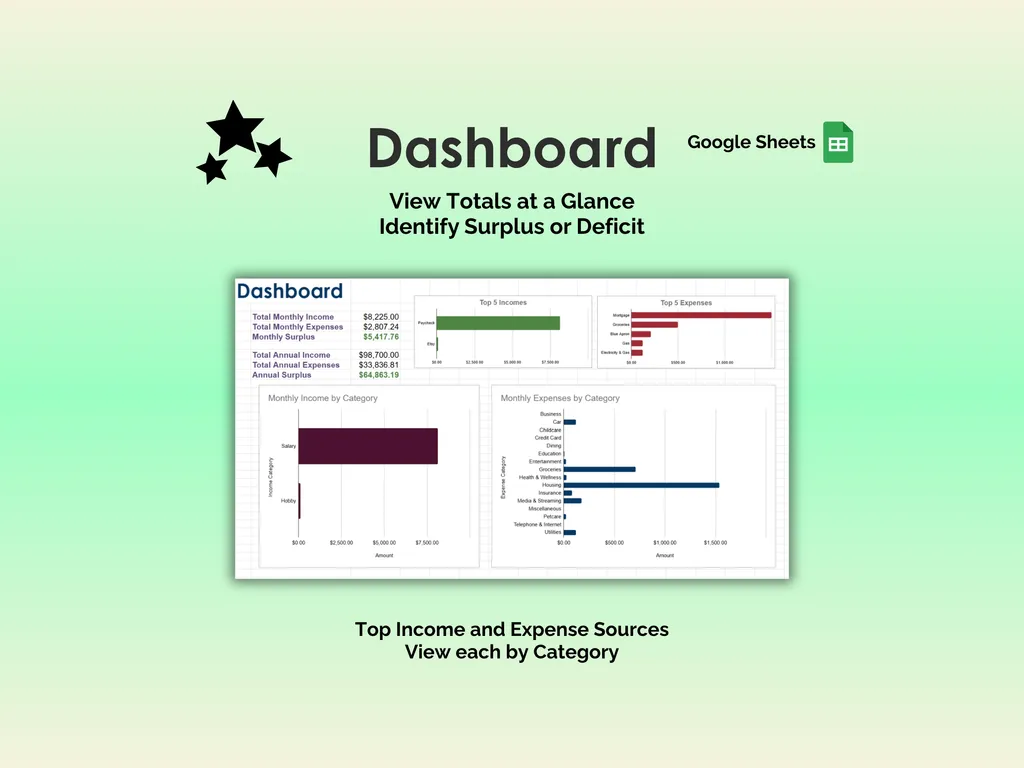
The Dashboard gives you the big picture at a glance: total monthly income vs. expenses, your monthly surplus (or deficit), and full annual projections. Four charts break it down further — top five income sources, top five expenses, and category-by-category breakdowns for both sides. You’ll spot that creeping subscription cost or the dining category that quietly doubled in about two seconds.
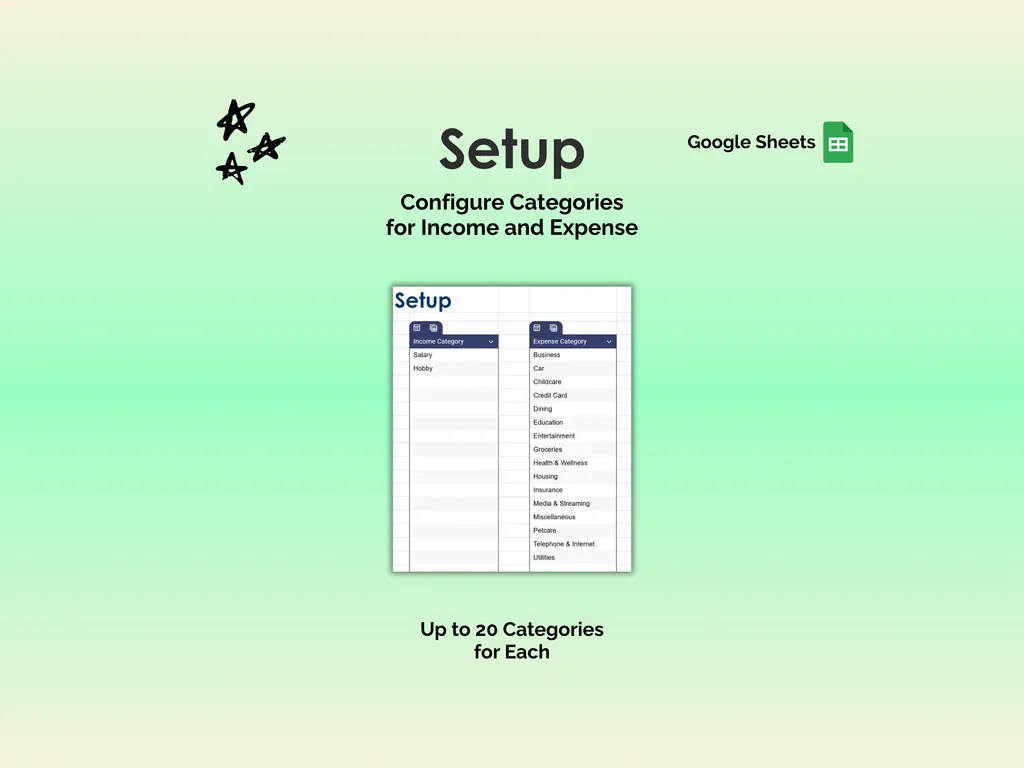
The Setup sheet lets you customize up to 20 categories each for income and expenses, pre-loaded with common ones like Housing, Groceries, Entertainment, Insurance, and Media & Streaming. Rename them, reorder them, make them yours.
Because it’s a Google Sheets template, you can access it from any device — laptop, tablet, phone — without installing anything. It also includes the Excel version if you prefer working offline. No app subscriptions, no bank logins, no data sharing. Just a spreadsheet you own that actually shows you where your money goes.
Video Walkthrough (for Bill Tracker - Google Sheets)
Features (for Bill Tracker - Google Sheets)
- Intuitive and straightforward design
- Employs software best practices
- Delivered as a blank Google Sheets template - customize and populate with your data
- Free updates - send us a message to be notified of updates when they are available
- Completely customizable - add rows and columns, rename headings - unlock with provided password
Disclaimer (for Bill Tracker - Google Sheets)
Unless otherwise specified, this digital product is designed to work in Google Sheets. It is not guaranteed to work in any other application.
This digital product is copyrighted. It is intended for personal use only. It is strictly prohibited to reproduce, resell or share this product, in part or in full, with or without modifications. No refunds, exchanges, or cancellations. Given this is a digital product, no physical product will be delivered.