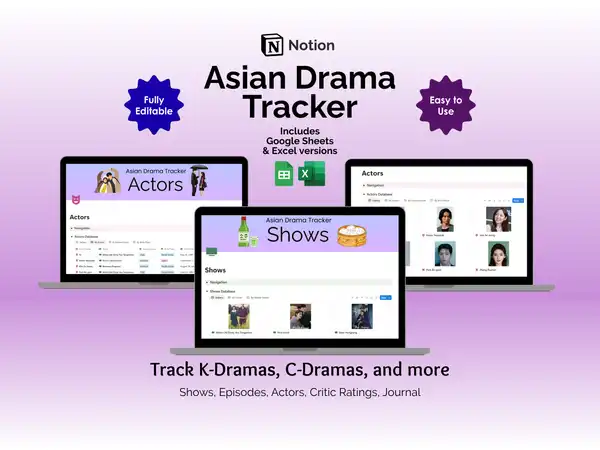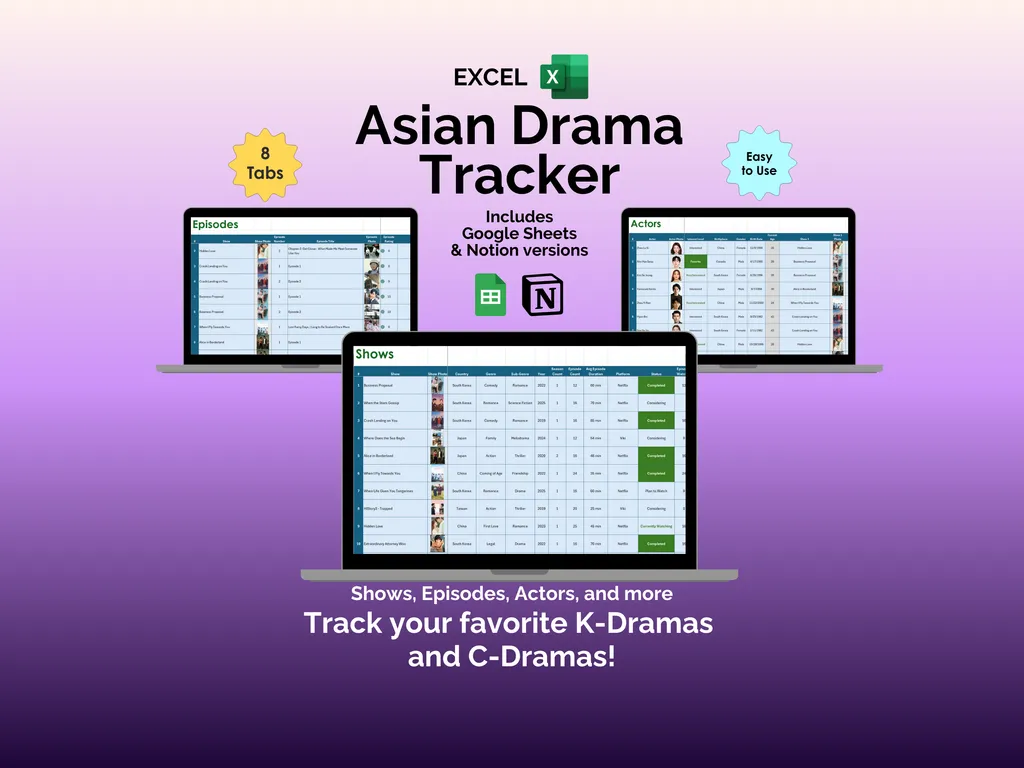


Here’s the thing nobody tells you about watching K-Dramas and C-Dramas: the watching itself is effortless. It’s remembering where you left off across six different shows, three streaming platforms, and that one drama your friend recommended two months ago that quietly becomes impossible. This Asian drama tracker Excel spreadsheet gives you eight organized tabs to log your entire viewing life — shows, episodes, actors, ratings, and journal entries — so your watchlist stays as clear as your feelings about that last episode of Crash Landing on You.
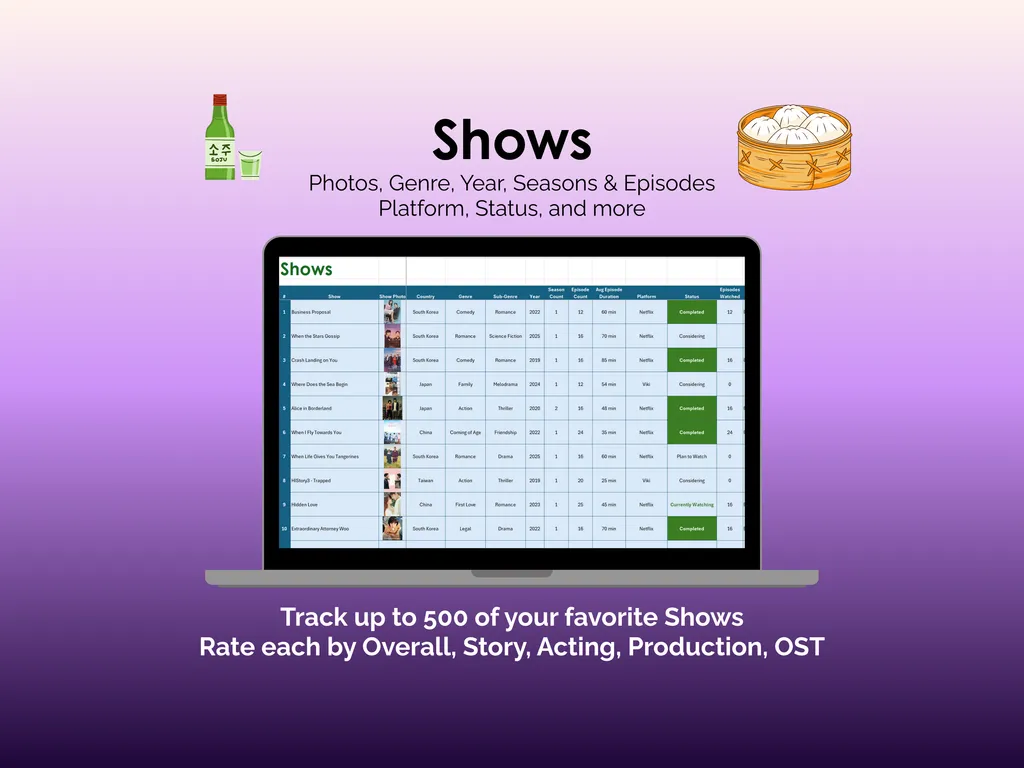
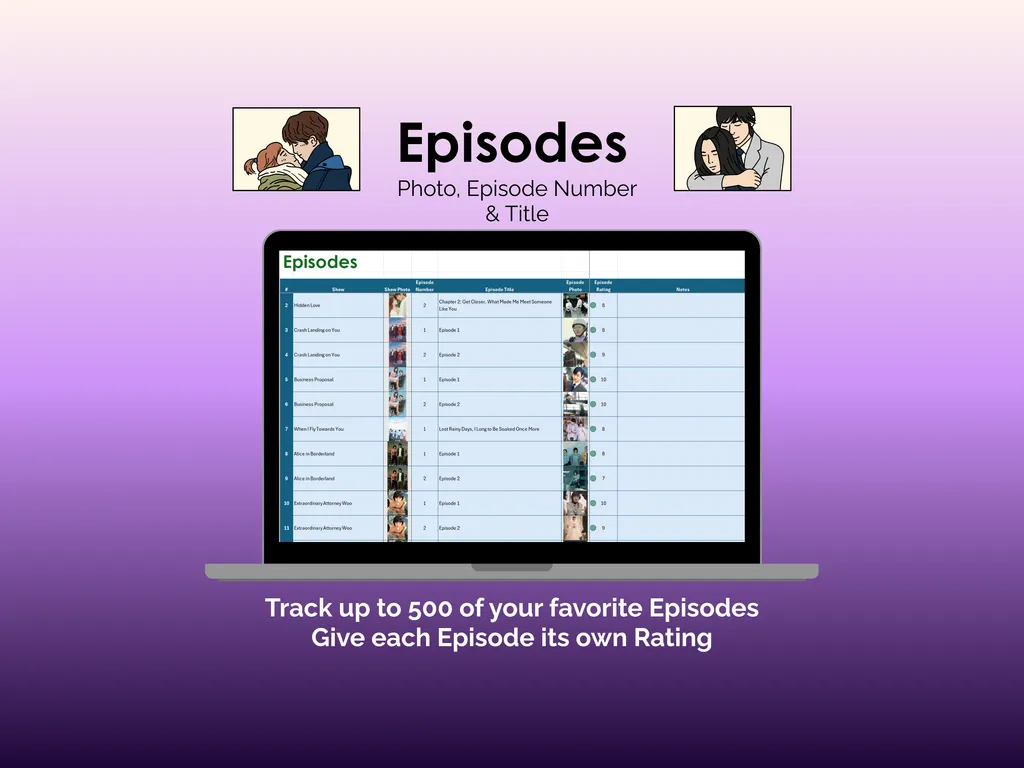
On the surface, the Shows tab does exactly what you’d expect. You can catalog up to 500 dramas with photos, genre, year, season and episode counts, streaming platform, and watch status. You rate each show across five categories — Overall, Story, Acting, Production, and OST — which means you’re not just marking things “good” or “bad,” you’re building a real record of what you thought. The Episodes tab holds another 500 entries where you track the episode number, title, your personal rating, and notes for each one.
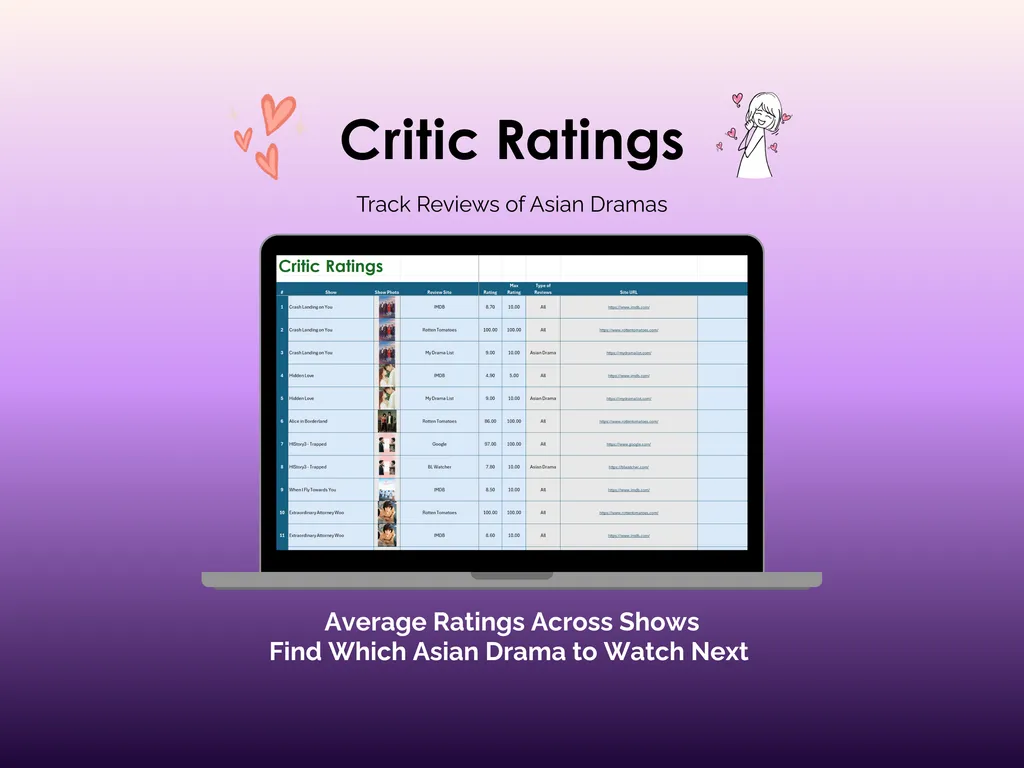
But here’s where it gets interesting. The Actors tab lets you build profiles for the performers you keep noticing — photos, interest level, birth place, birth date, age, and (this is the useful part) which of your tracked dramas they appear in. So when you spot a familiar face in a new show, you can actually look up where you’ve seen them before instead of spending twenty minutes scrolling through MyDramaList. Speaking of which, the Critic Ratings tab is where you collect review scores from sites like MyDramaList and Rotten Tomatoes, with each entry showing the rating, percentage score, content type, and a direct link back to the source.
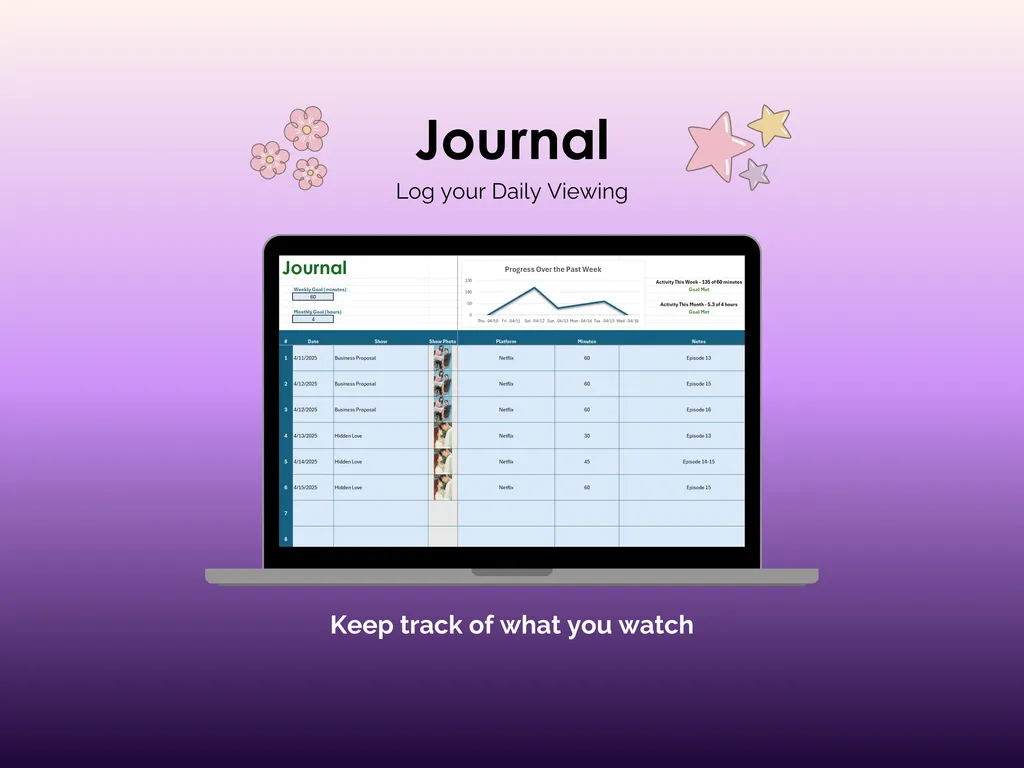
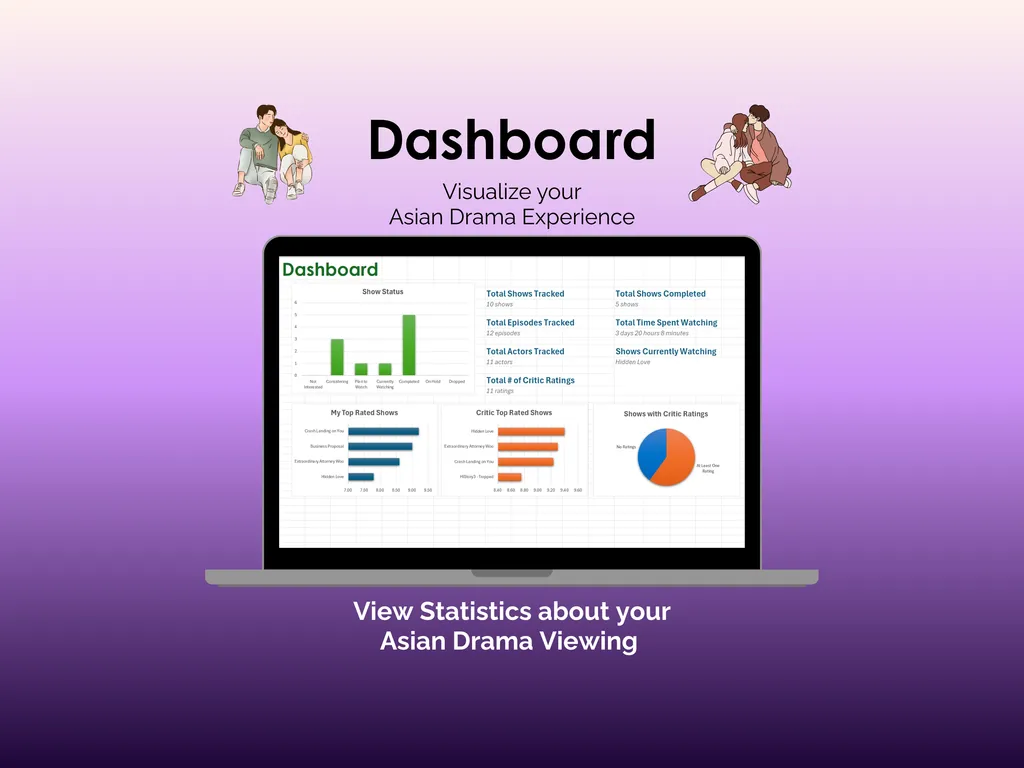
The Journal tab turns your daily viewing into something you can actually look back on. Log each session with the date, show, platform, minutes watched, and your notes. A built-in chart shows your progress over the past week, and summary stats display your activity for the current week and month. Then the Dashboard pulls all of it together into one view: total shows tracked, shows completed, episodes logged, total time spent watching, actors tracked, critic ratings collected, and what you’re currently watching. Bar charts rank your top-rated shows alongside the critics’ favorites, and a pie chart breaks down which of your dramas have critic ratings attached.
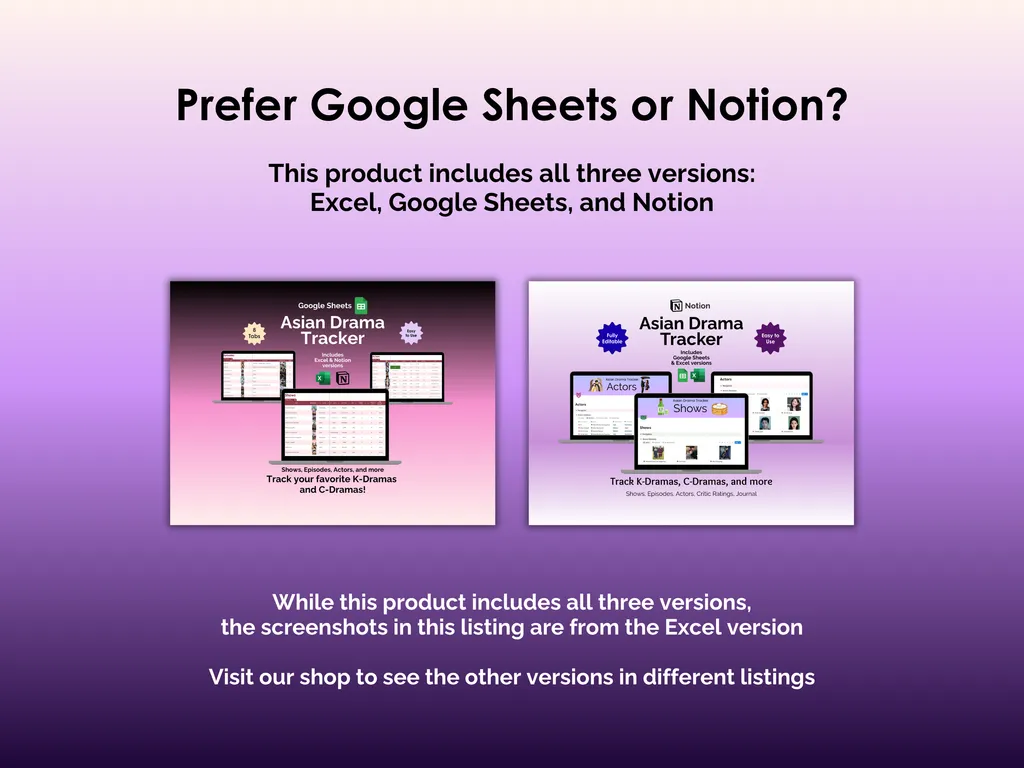
The spreadsheet works offline in Microsoft Excel with no accounts to create and no monthly fees. It’s fully editable and yours to customize however you like. You also get Google Sheets and Notion versions bundled in, so you can pick whichever tool fits how you work.
Eight tabs and a 500-show capacity might sound like a lot for tracking dramas — until you realize how quickly your “just one more episode” habit fills them up.
Highlights (for Asian Drama Tracker - Excel)
- Comprehensive show and episode tracking
- Actor profiles to note favorite performances
- Critic ratings to identify highly reviewed dramas
- Daily journal prompts for personal engagement
Video Walkthrough (for Asian Drama Tracker - Excel)
Features (for Asian Drama Tracker - Excel)
- Intuitive and straightforward design
- Employs software best practices
- Delivered as a blank Excel template - customize and populate with your data
- Free updates - send us a message to be notified of updates when they are available
- Completely customizable - add rows and columns, rename headings - unlock with provided password
Disclaimer (for Asian Drama Tracker - Excel)
Unless otherwise specified, this digital product is designed to work in the current version of Microsoft Excel or Microsoft 365. It is not guaranteed to work in any other application.
This digital product is copyrighted. It is intended for personal use only. It is strictly prohibited to reproduce, resell or share this product, in part or in full, with or without modifications. No refunds, exchanges, or cancellations. Given this is a digital product, no physical product will be delivered.