
It’s a Tuesday night. You’ve got Zillow open in one tab, Apartments.com in another, a half-finished notes doc somewhere, and that place you toured last weekend is already blurring together with the one from the week before. Your apartment search doesn’t have an organization problem — it has an everything-everywhere problem.
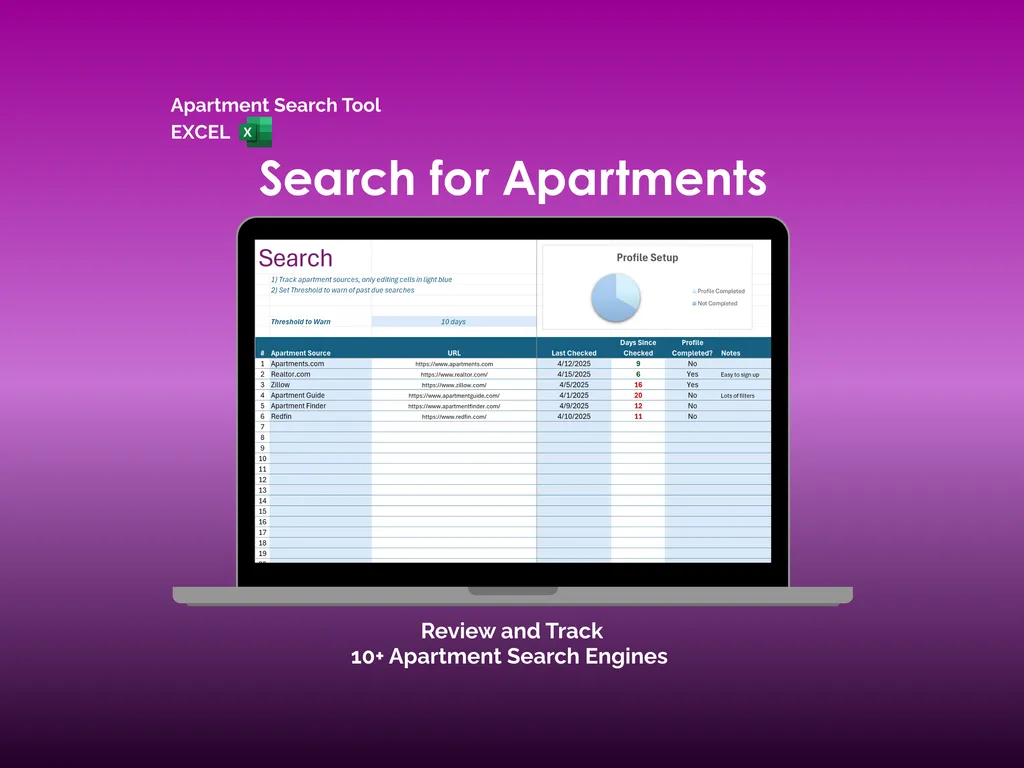
The Search tab is where this Excel apartment tracker pulls it all together. You log your sources — Zillow, Realtor.com, Apartments.com, Apartment Guide, Apartment Finder, Redfin, and more — and the spreadsheet tracks when you last checked each one. A configurable threshold flags sources that are past due, and a Profile Setup chart shows which sites you’ve completed your profile on. No more wondering “wait, did I already check there this week?”
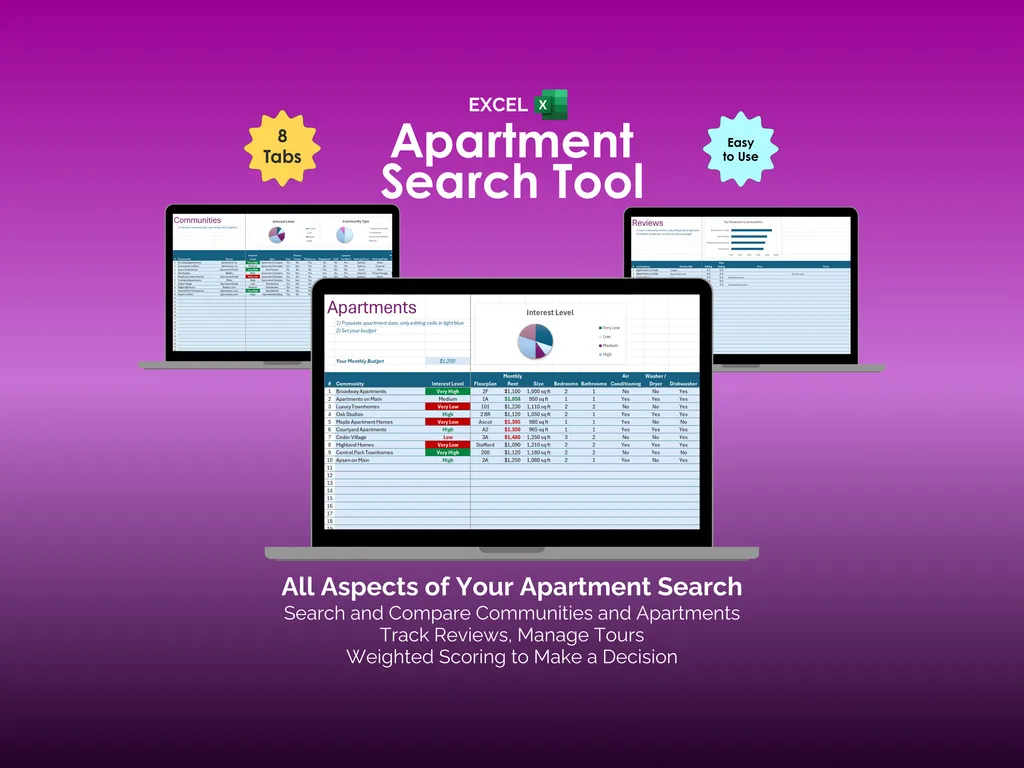
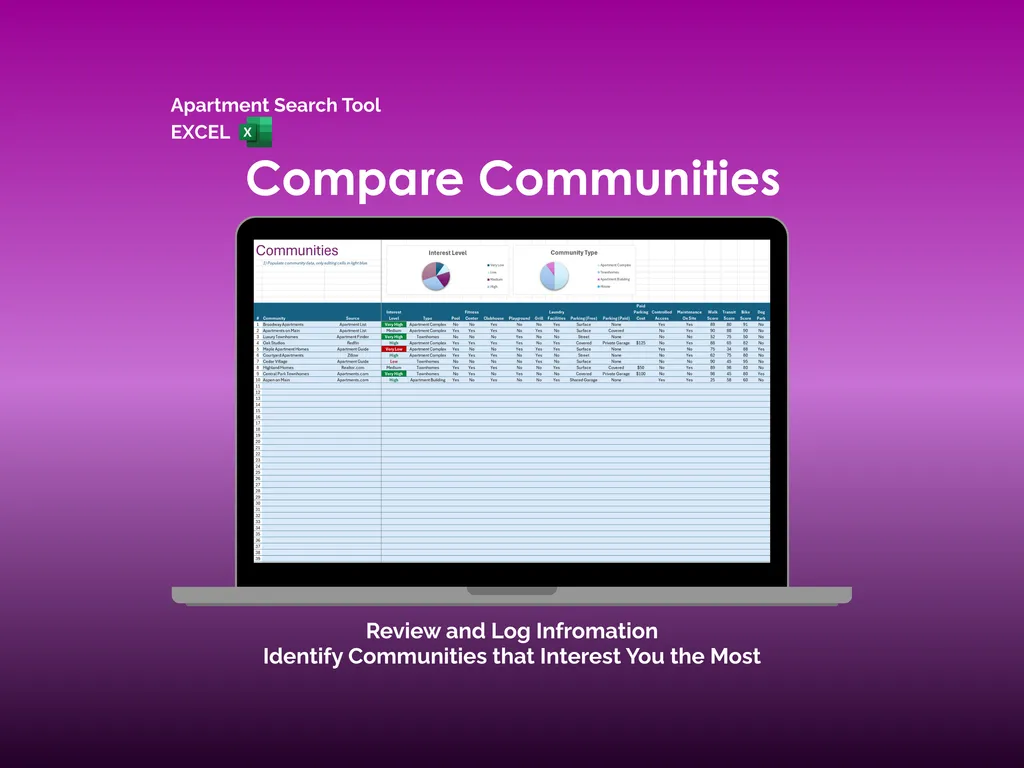
Comparing neighborhoods gets messy fast, so the Communities tab lets you line up apartment communities side by side. You’re tracking interest level, community type, fitness centers, laundry, parking, pet policies, maintenance, pool access, and more. Two pie charts — Interest Level and Community Type — give you a quick read on where your search is trending, so you stop scrolling aimlessly and start seeing patterns.
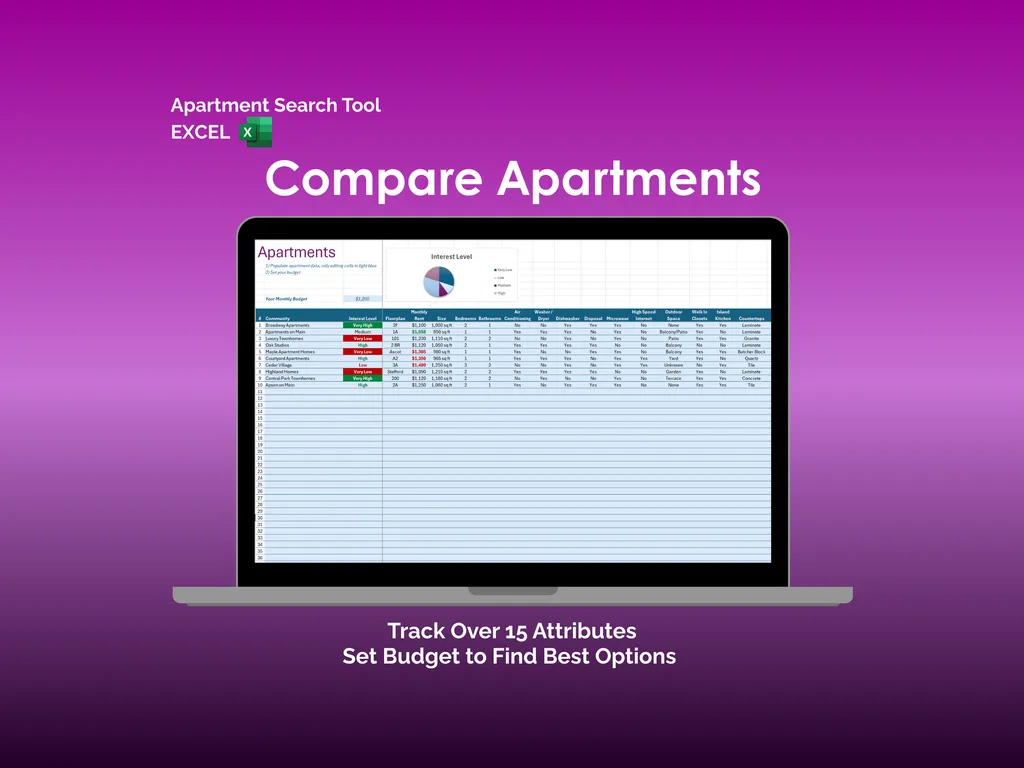
Individual units get their own space in the Apartments tab, where you can track over 15 attributes per listing: monthly rent, deposit, bedrooms, bathrooms, square footage, storage, in-unit washer, walk-in closets, pet policy, and beyond. Set your monthly budget at the top and the Interest Level chart helps you zero in on places that actually fit.
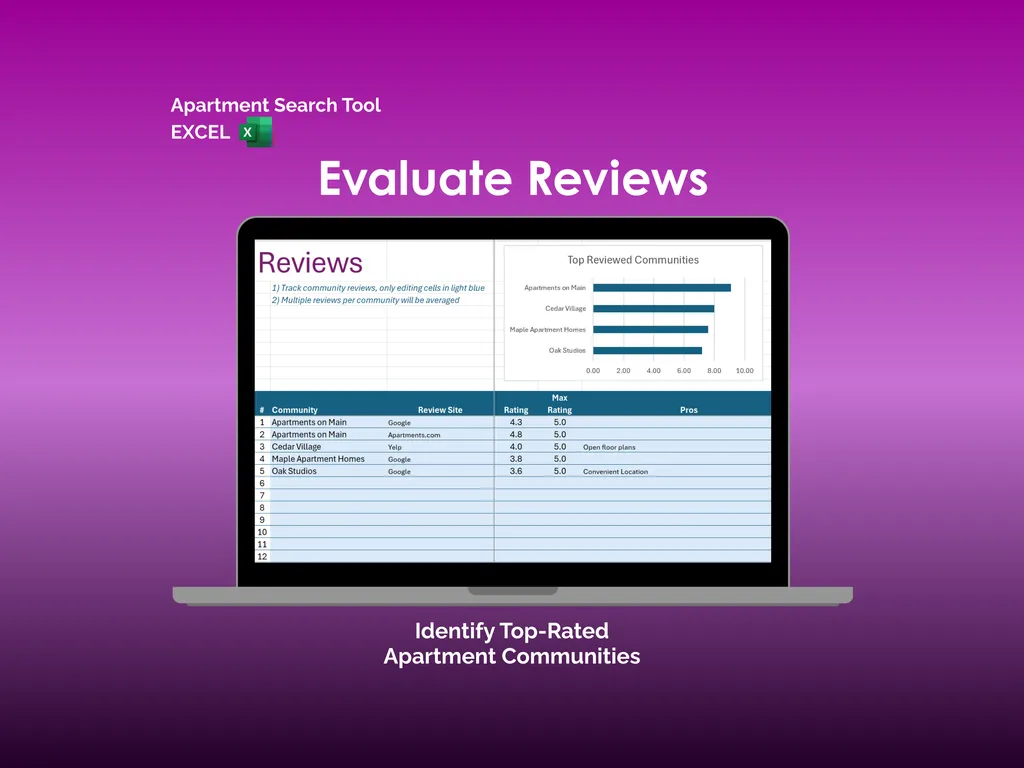
Reviews are scattered across Google, Yelp, and Apartments.com — until you pull them into the Reviews tab. Log ratings from multiple sites per community, and the spreadsheet averages them automatically. A Top Reviewed Communities bar chart surfaces the highest-rated options at a glance, because trusting a single source is how you end up with a “cozy” studio next to a highway.
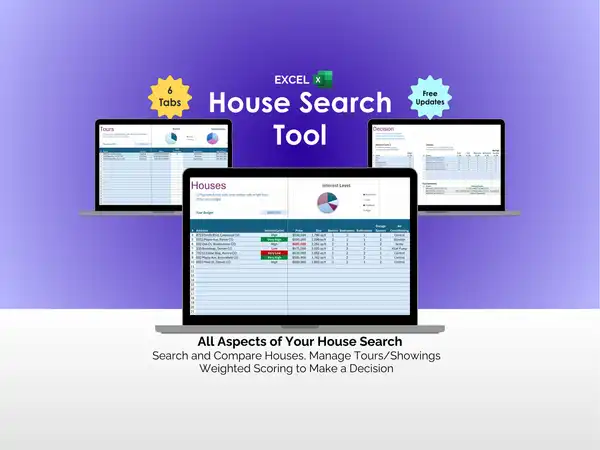
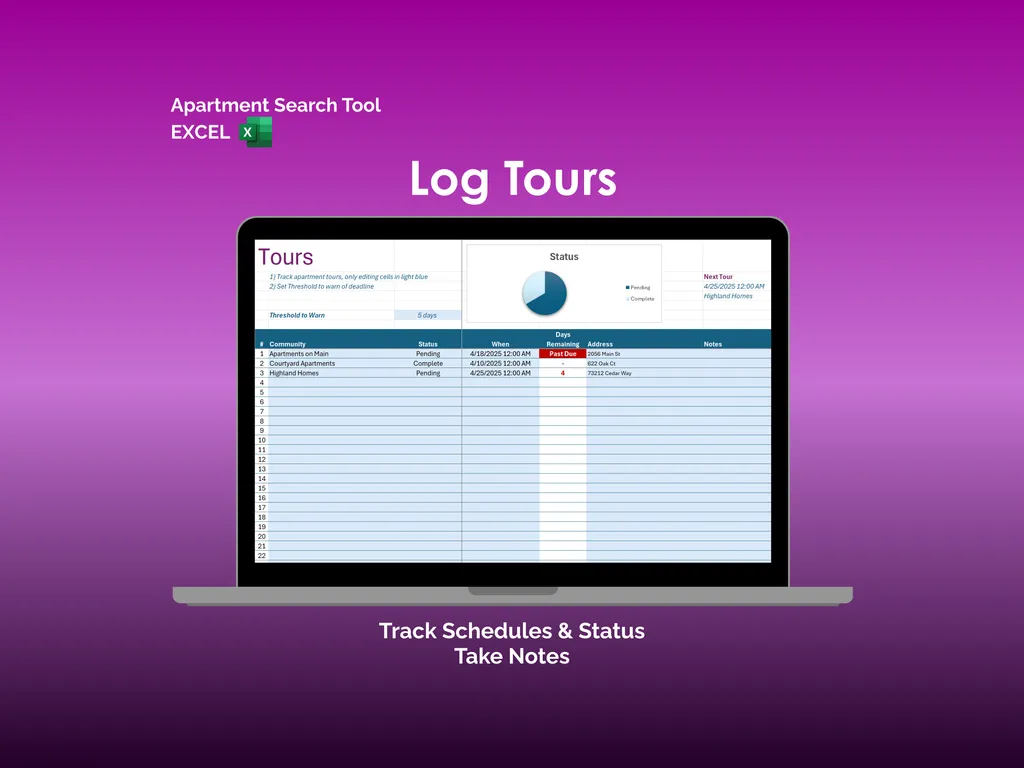
The Tours tab tracks each visit with community name, status, date and time, days remaining, address, and notes. A Status chart shows pending versus completed tours, a threshold warns you about upcoming deadlines, and a Next Tour indicator keeps your schedule front and center. You walk into every showing prepared, not frazzled.
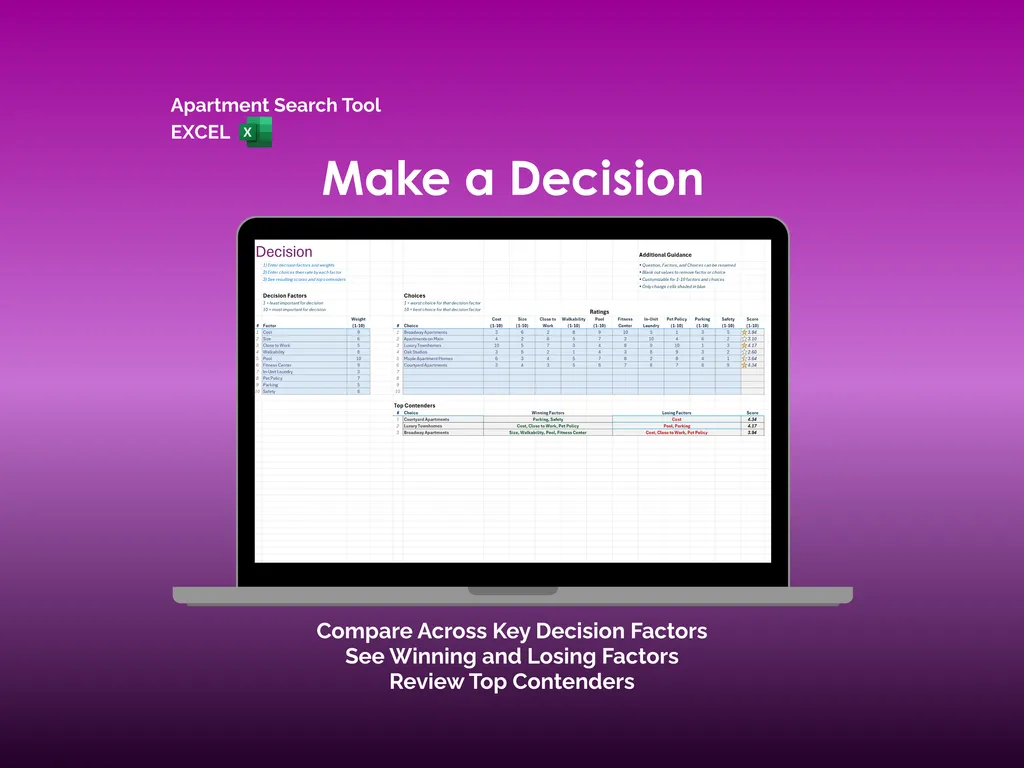
When you’ve narrowed it down to a few finalists, the Decision tab brings it home. You set weighted factors — rent, size, proximity to work, walkability, pet policy, parking — and score each apartment across the board. A Top Contenders section highlights each option’s winning and losing factors alongside a final score. You’re choosing based on what actually matters to you, not a gut feeling at 11 PM.
No subscriptions, no logins, no cloud dependency. One Excel file that lives on your computer, works offline, and belongs to you. Your apartment search, finally in one place.
Video Walkthrough (for Apartment Search Tool - Excel)
Features (for Apartment Search Tool - Excel)
- Intuitive and straightforward design
- Employs software best practices
- Delivered as a blank Excel template - customize and populate with your data
- Free updates - send us a message to be notified of updates when they are available
- Completely customizable - add rows and columns, rename headings - unlock with provided password
Disclaimer (for Apartment Search Tool - Excel)
Unless otherwise specified, this digital product is designed to work in the current version of Microsoft Excel or Microsoft 365. It is not guaranteed to work in any other application.
This digital product is copyrighted. It is intended for personal use only. It is strictly prohibited to reproduce, resell or share this product, in part or in full, with or without modifications. No refunds, exchanges, or cancellations. Given this is a digital product, no physical product will be delivered.