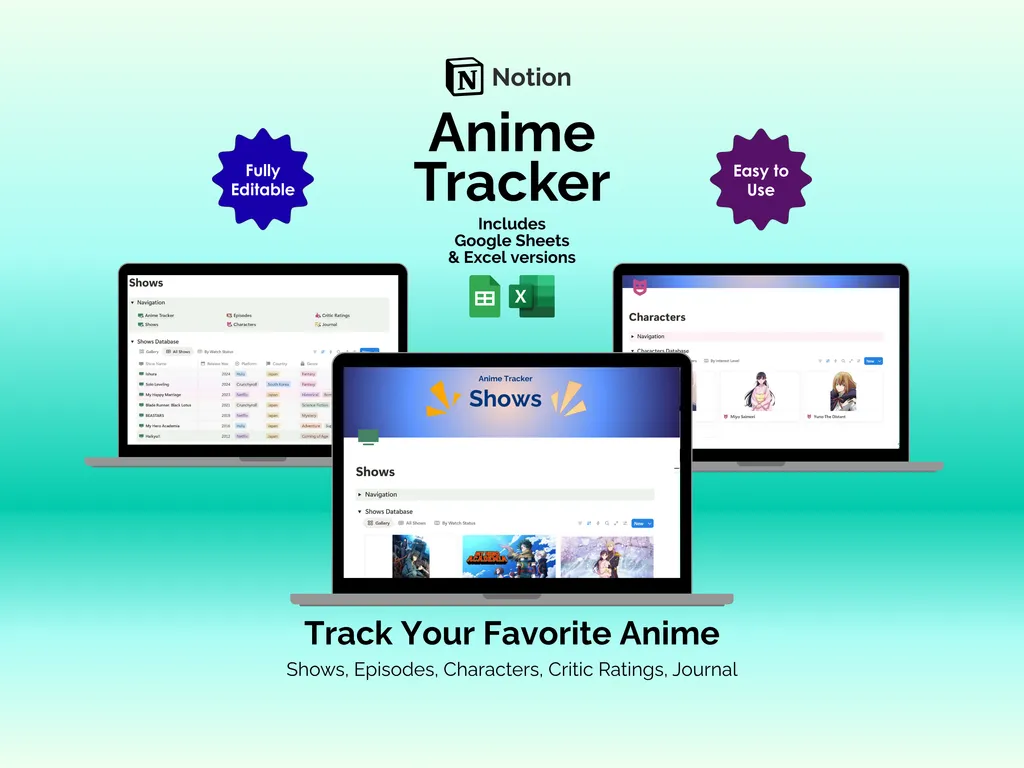
It starts innocently enough. You finish Solo Leveling season one, pick up Spy x Family because everyone keeps talking about it, and suddenly you are juggling five shows across three streaming apps with no idea where you left off on any of them. A mental watchlist works fine for one or two series, but the moment your queue grows past that, details start slipping. This Notion anime tracker template is a single workspace that holds every show, every episode, every character, and every stray reaction you want to remember.
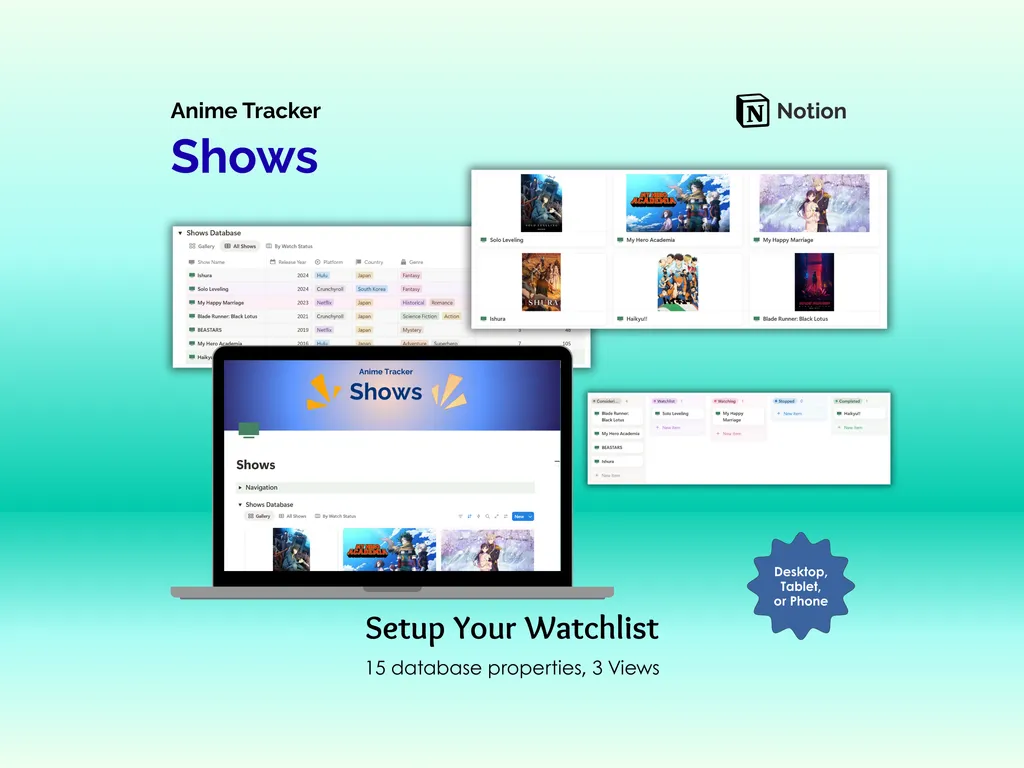
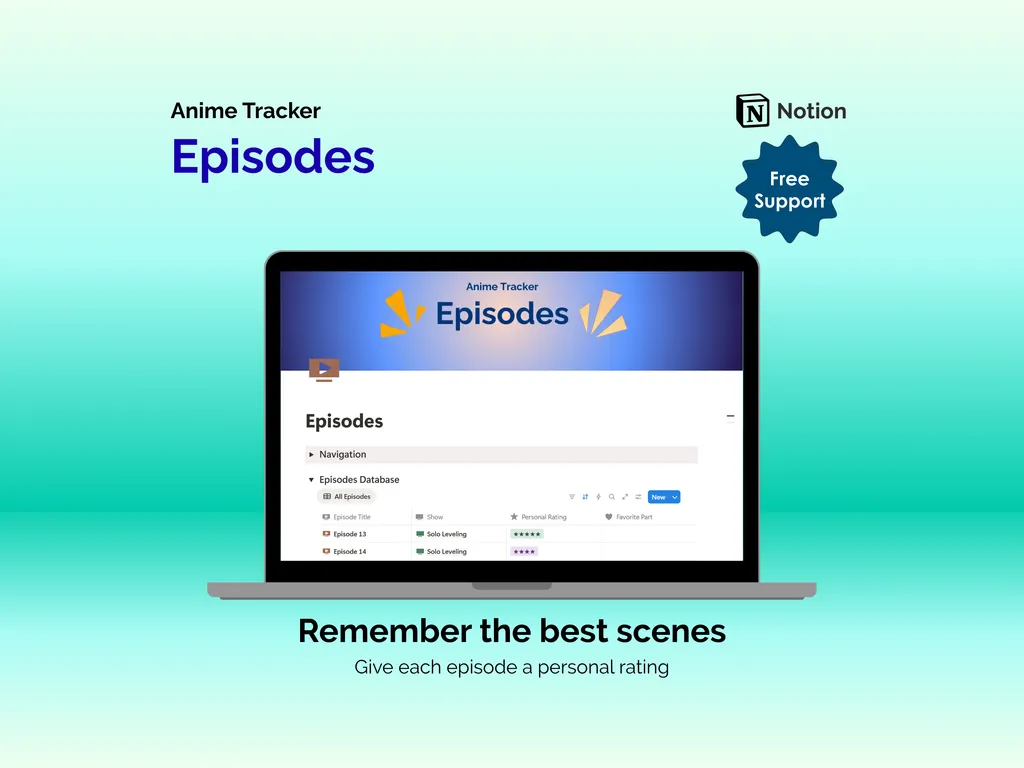
The Shows Database gives you 15 built-in properties and three distinct views to work with. A gallery view lets you browse your collection by cover art, a full table lays out every detail at once, and a board view groups series by watch status so you can drag a title from “Plan to Watch” into “Watching” or “Completed” as you go. The Episodes Database is where individual episodes live, each one carrying its own star rating and a favorite-part field. Months from now, when someone asks which Attack on Titan episode had that reveal, you will actually know the answer.
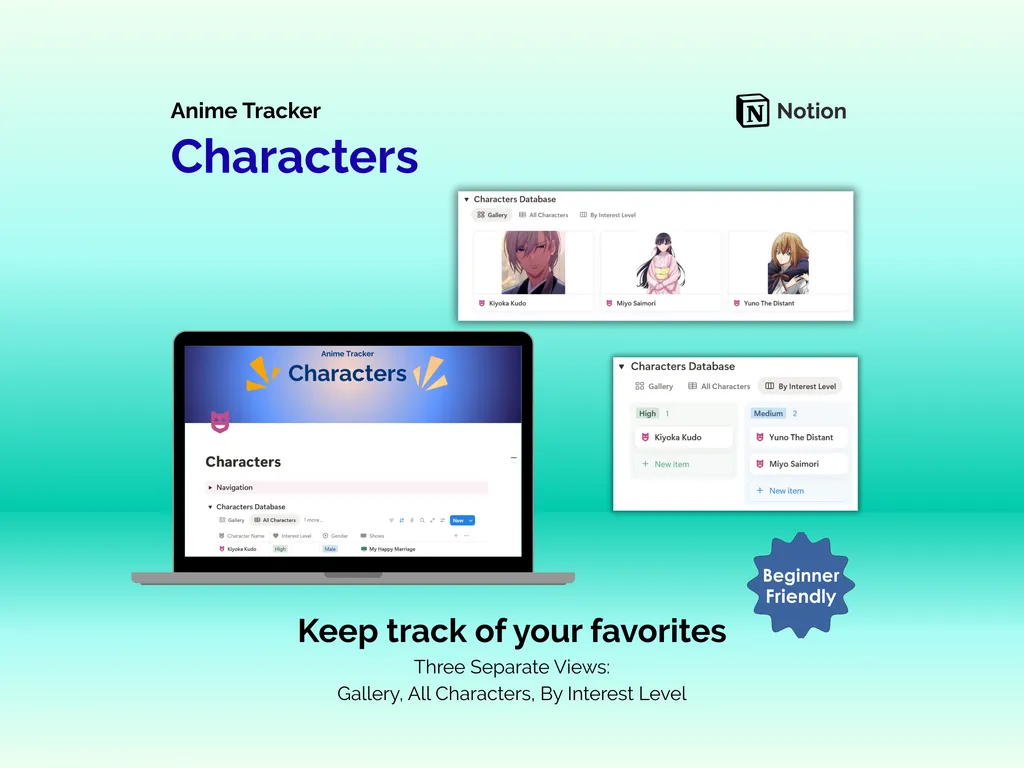
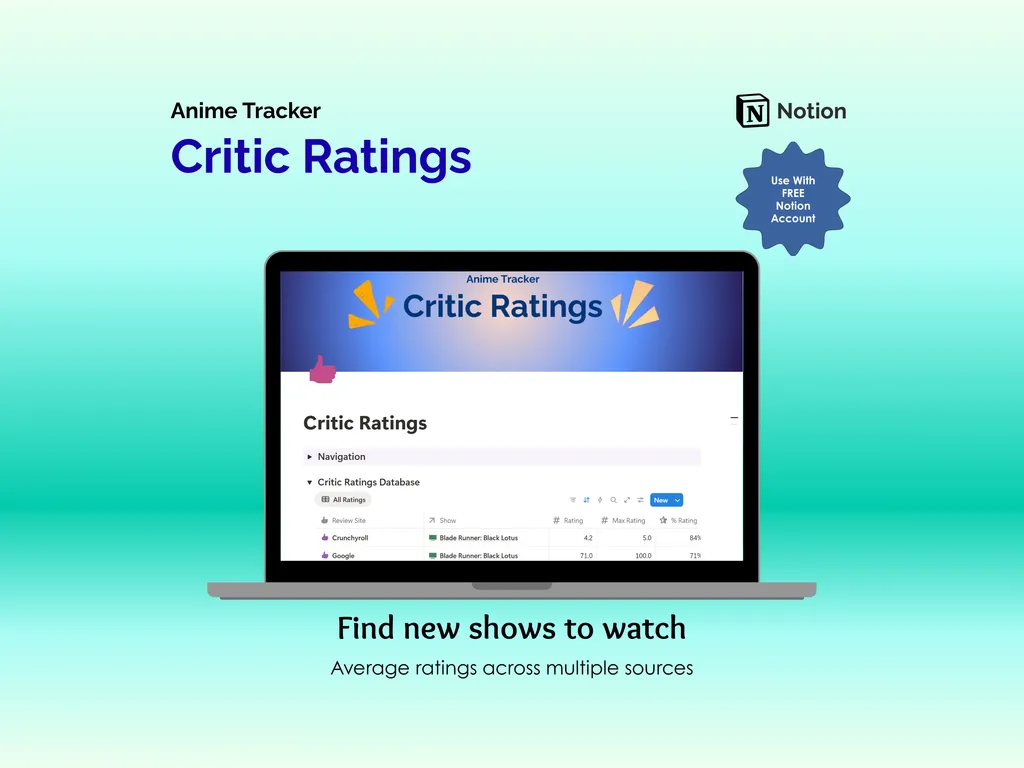
The Characters Database keeps your favorites organized across three views: a gallery showing character images, a complete list, and a breakdown grouped by interest level so your top picks always float to the surface. The Critic Ratings Database collects scores from different review sites — Crunchyroll, Google, wherever you look — with columns for review site name, rating, max rating, and a calculated percentage rating. You can compare how a series scores across multiple sources before committing to a 24-episode run.
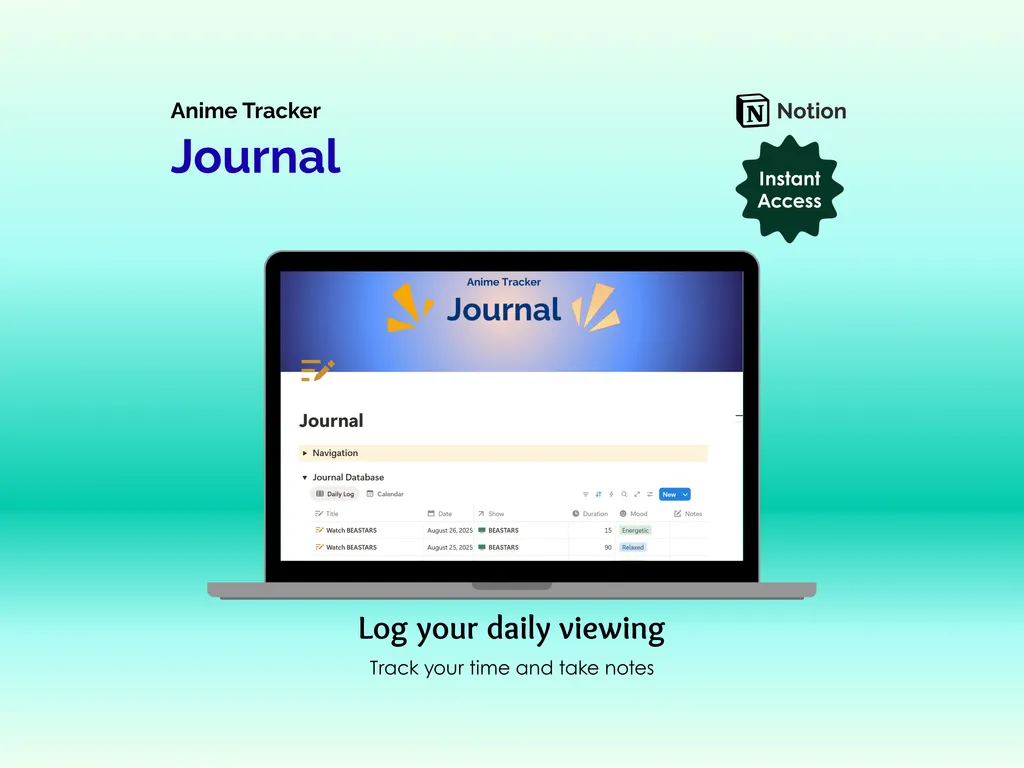
The Journal ties everything together with daily log and calendar views. Each entry records the date, which show you watched, how long the session lasted, your mood, and freeform notes. It is the kind of place where you write down your gut reaction to a Jujutsu Kaisen finale or remind yourself exactly why you dropped a series halfway through. A Navigation Menu appears on every page, so jumping between sections takes one click instead of a scavenger hunt.
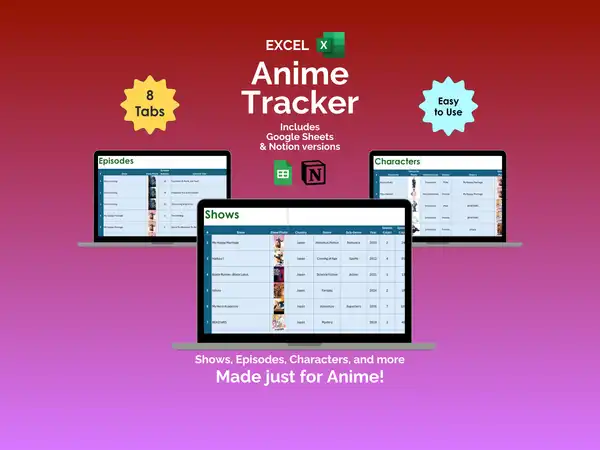
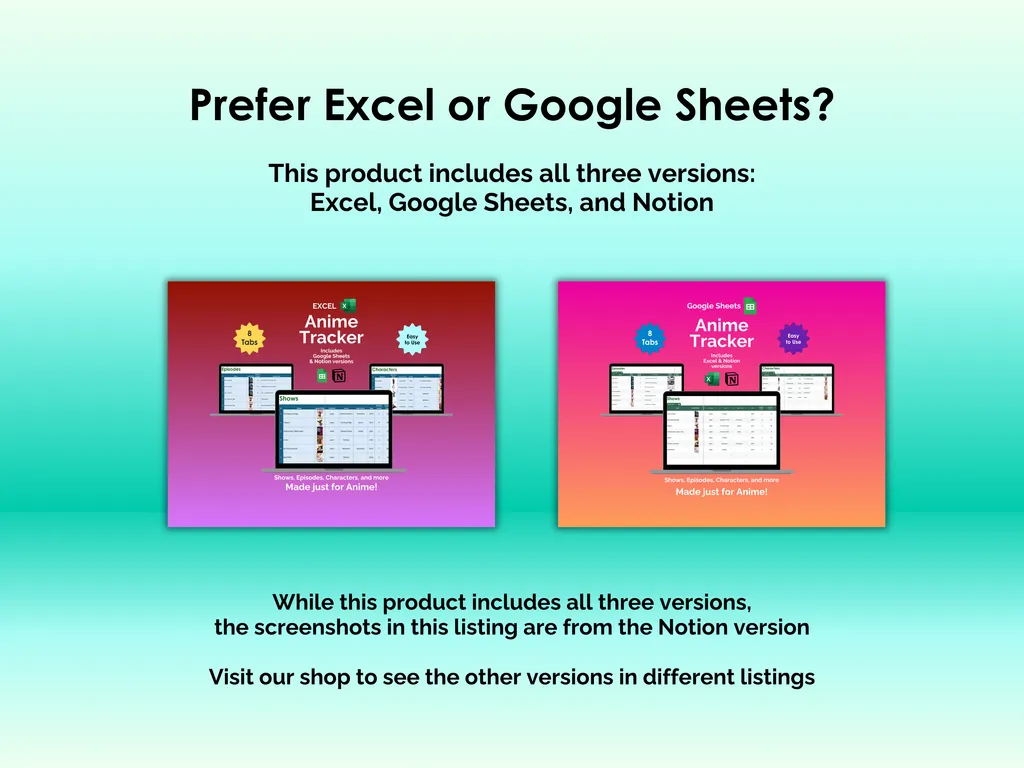
This Notion template works with a free account, runs on desktop, tablet, or phone, and is fully editable so you can reshape it around the way you actually watch. The purchase includes Excel and Google Sheets versions too, in case spreadsheets are more your speed. You get instant access after download, free support if you need help, and free updates when they become available.
Your watchlist has been scattered long enough — now it has a place where every detail actually stays put.
Video Walkthrough (for Anime Tracker - Notion)
Features (for Anime Tracker - Notion)
- Intuitive and straightforward design
- Employs software best practices
- Delivered as a Notion template - customize and populate with your data
- Free updates - let us know if you would like to be notified when and if updates are available
- Completely customizable - add content and images, change rows and columns, rename headings, change text
Disclaimer (for Anime Tracker - Notion)
This digital product is designed to work with the Notion app or website. It does require a free Notion account to use.
This digital product is copyrighted. It is intended for personal use only. It is strictly prohibited to reproduce, resell or share this product, in part or in full, with or without modifications. No refunds, exchanges, or cancellations. Given this is a digital product, no physical product will be delivered.