
Here’s something nobody warns you about collecting manga: you will absolutely forget where you stopped. Thirty volumes of One Piece on the shelf, a half-finished Vinland Saga run, and somewhere in the fog, a Kingdom reread you started last summer. The reading is the fun part. Keeping track of it all? That is where things quietly fall apart. This Excel manga tracker spreadsheet was built for exactly that problem.
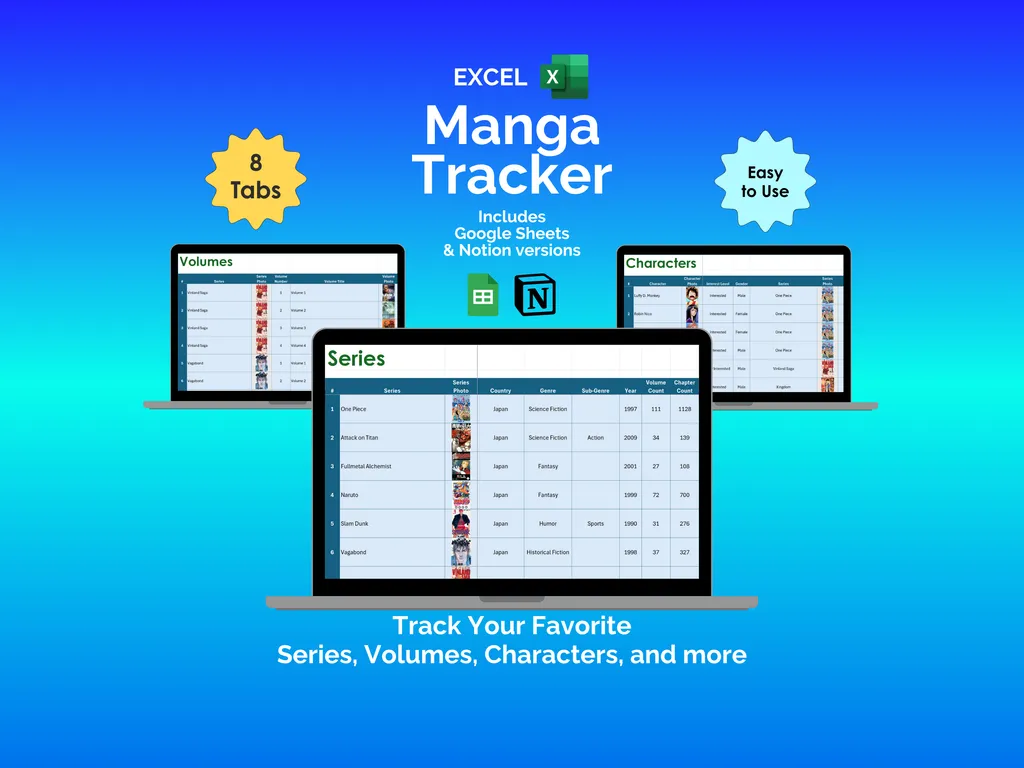
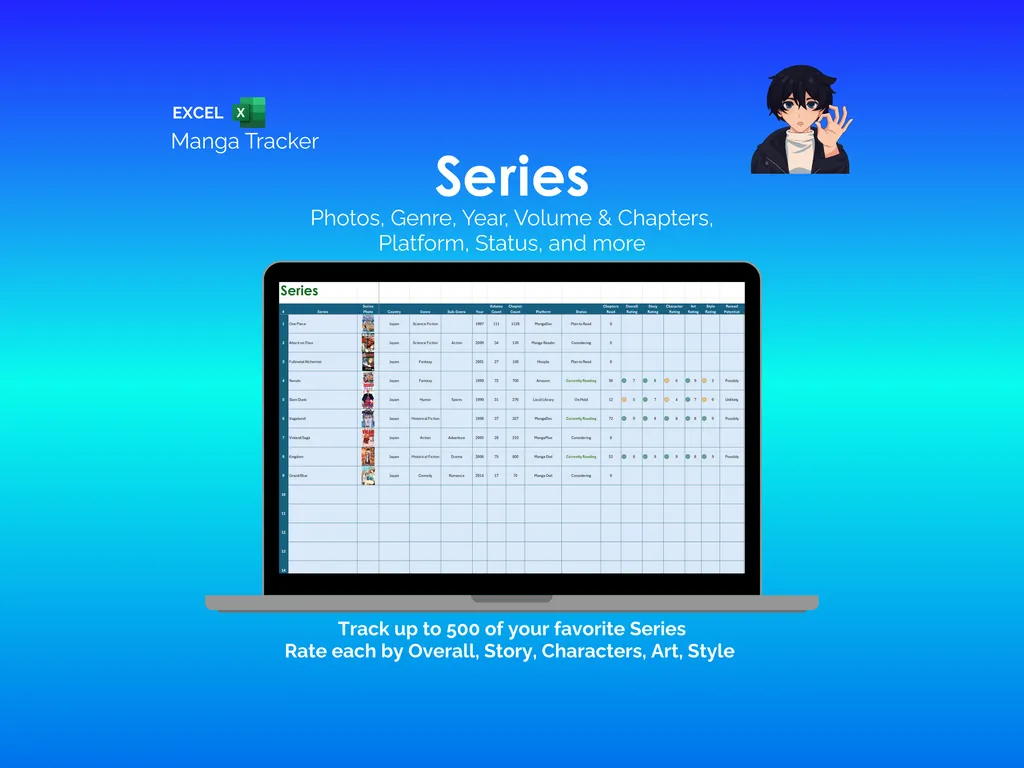
Most manga collectors try to keep their series straight in their heads, which works right up until it doesn’t. The Series tab gives you a proper catalog — each row holds a series with its photo, country, genre, sub-genre, year, volume count, chapter count, platform, and reading status. You also get five personal rating categories: Overall, Story, Characters, Art, and Style. It supports up to 500 series, so your backlog can grow as recklessly as it wants.
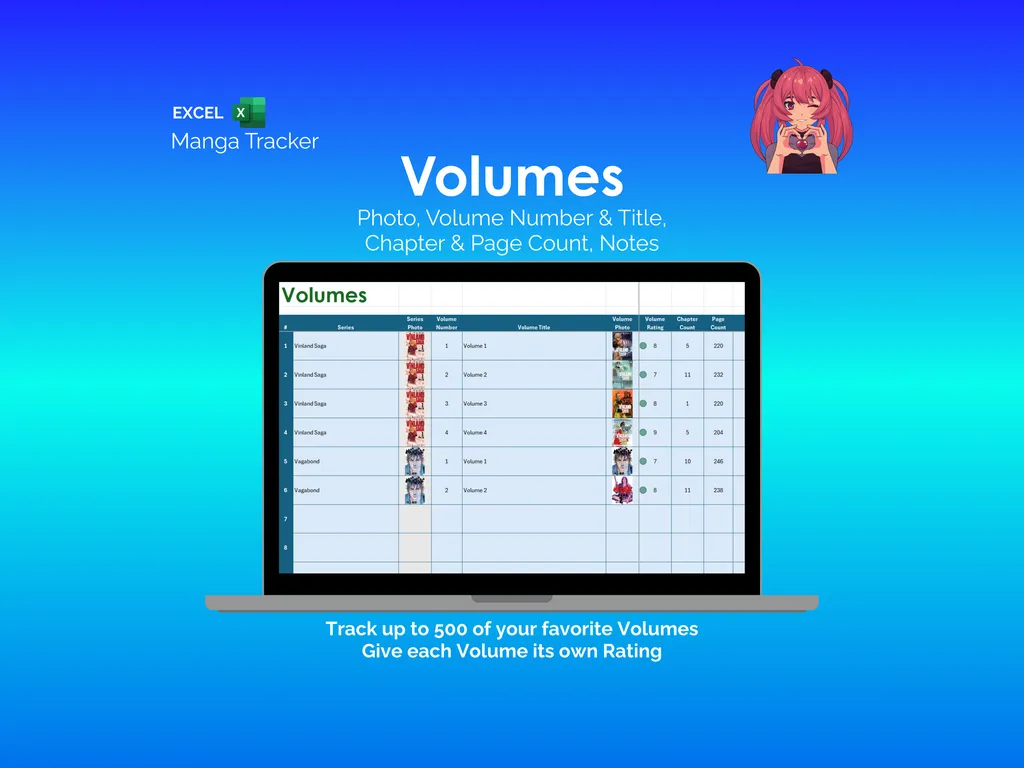
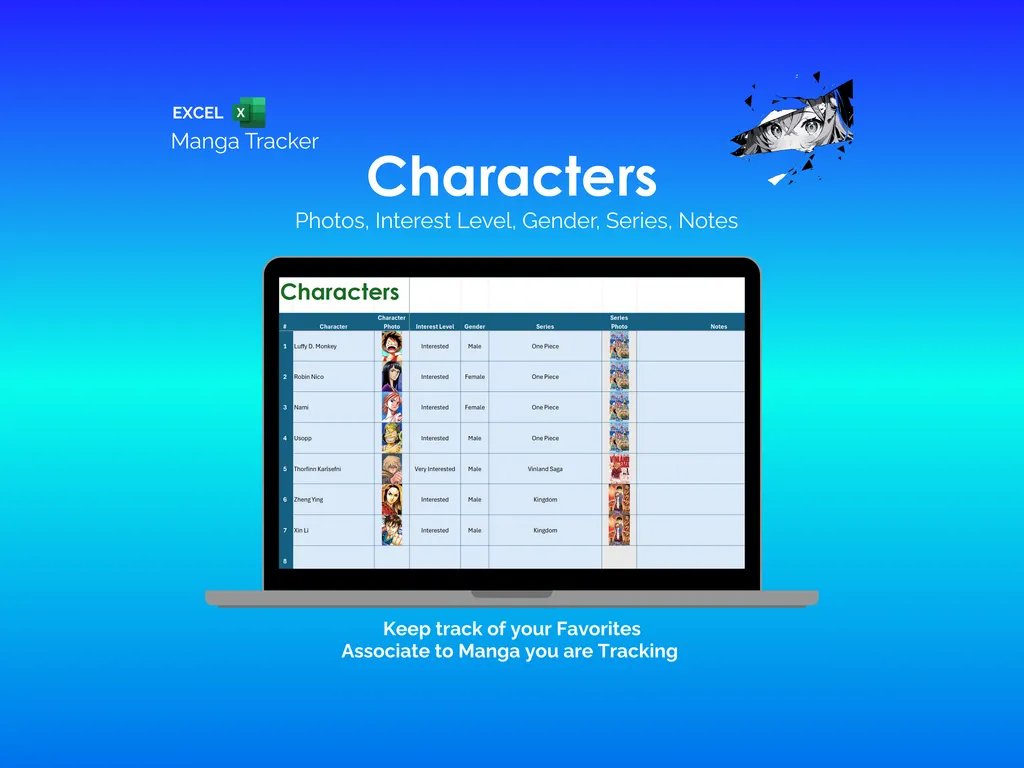
Knowing you own a series is one thing; remembering which volumes you actually finished is another. The Volumes tab lets you log each volume with its number, title, photo, rating, chapter count, page count, and a notes field. Yes, we are getting excited about a spreadsheet. Stay with us. The Characters tab is its own dedicated space for tracking favorites — each entry records the character name, photo, interest level, gender, series, and notes.
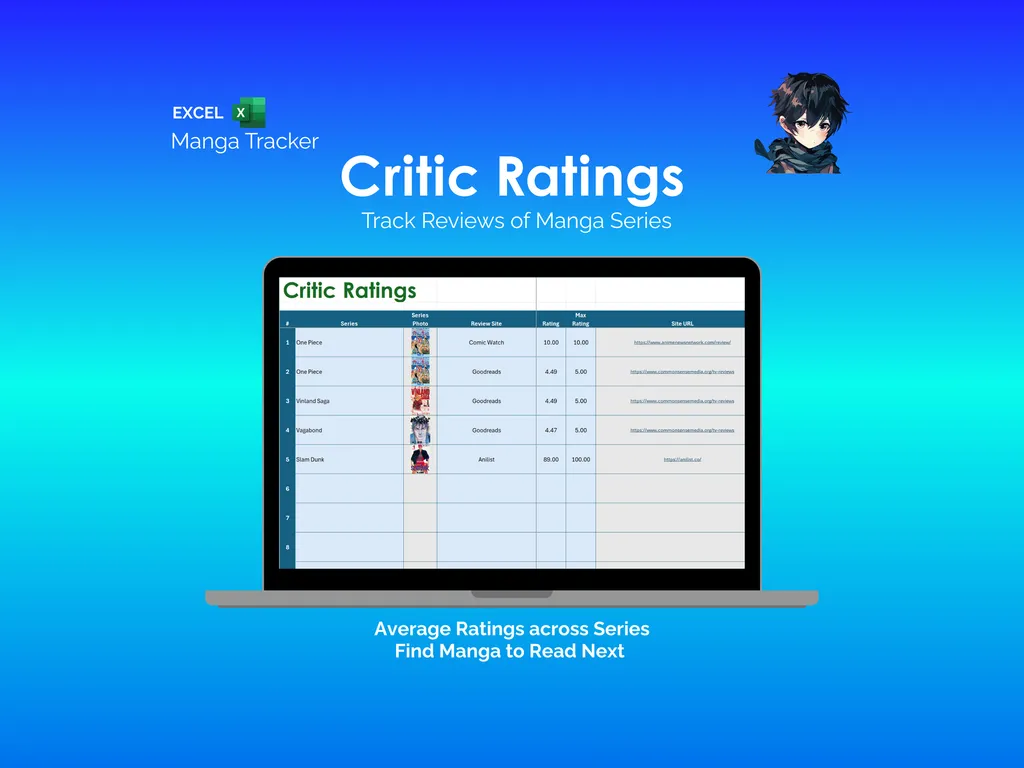
Then there is the problem of wondering whether your taste is just, you know, yours. The Critic Ratings tab lets you log scores from review sites like Goodreads, Comic Watch, or Anilist, complete with the review site URL and max rating scale. It averages ratings across sources so you can see how your opinions stack up against the consensus — and maybe find what to read next.
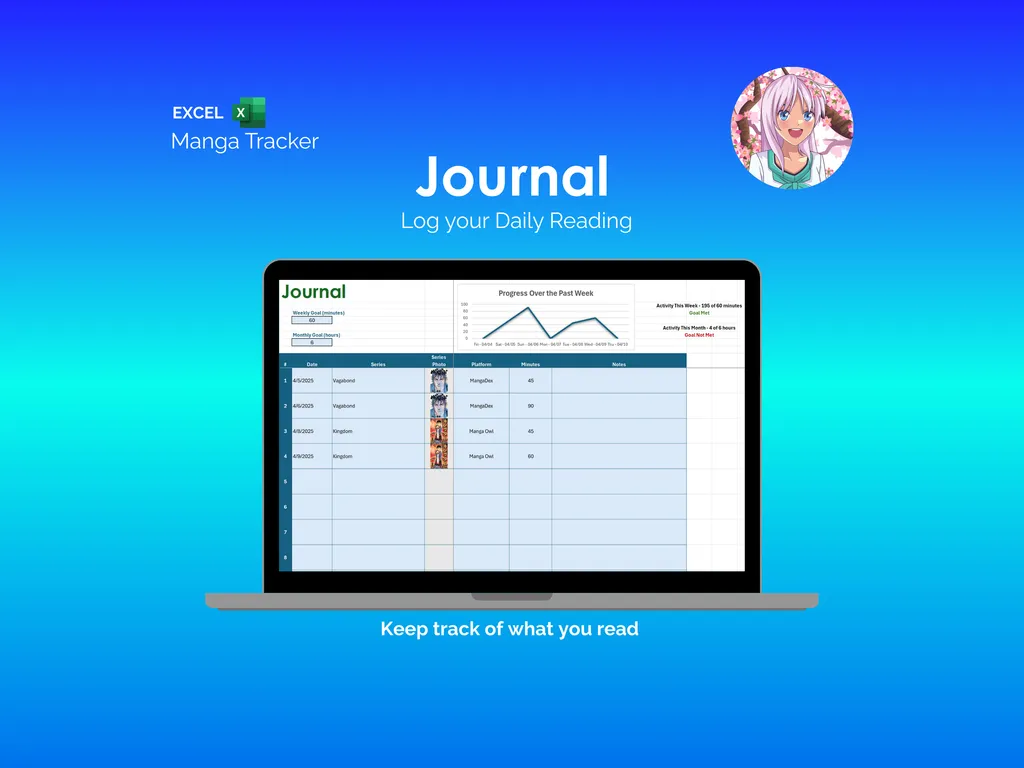
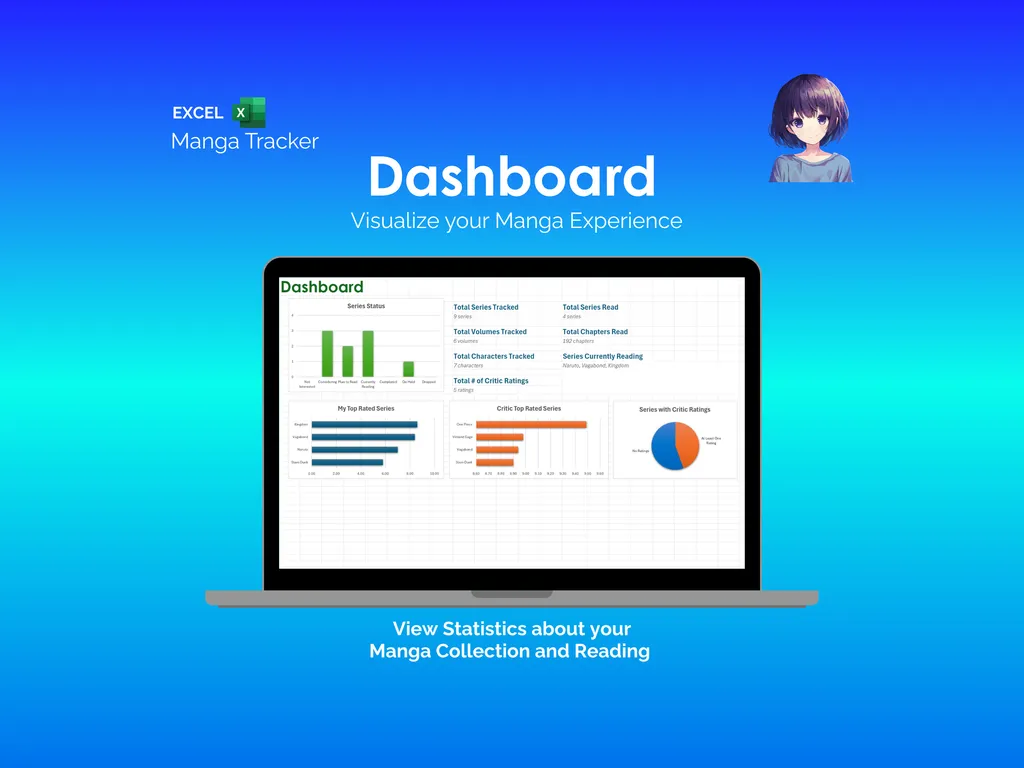
Reading without tracking your habits means you never quite know how much time you actually spend with a volume. The Journal tab logs each session with the date, series, photo, platform, and minutes spent. A Progress Over the Past Week line chart sits at the top of the sheet, and summary stats measure your activity against weekly and monthly reading goals. The Dashboard ties everything together with stats like total series tracked, total series read, total volumes tracked, total chapters read, total characters tracked, series currently reading, and total critic ratings — plus bar charts of your top rated series and critic top rated series, and a pie chart breaking down series with critic ratings.
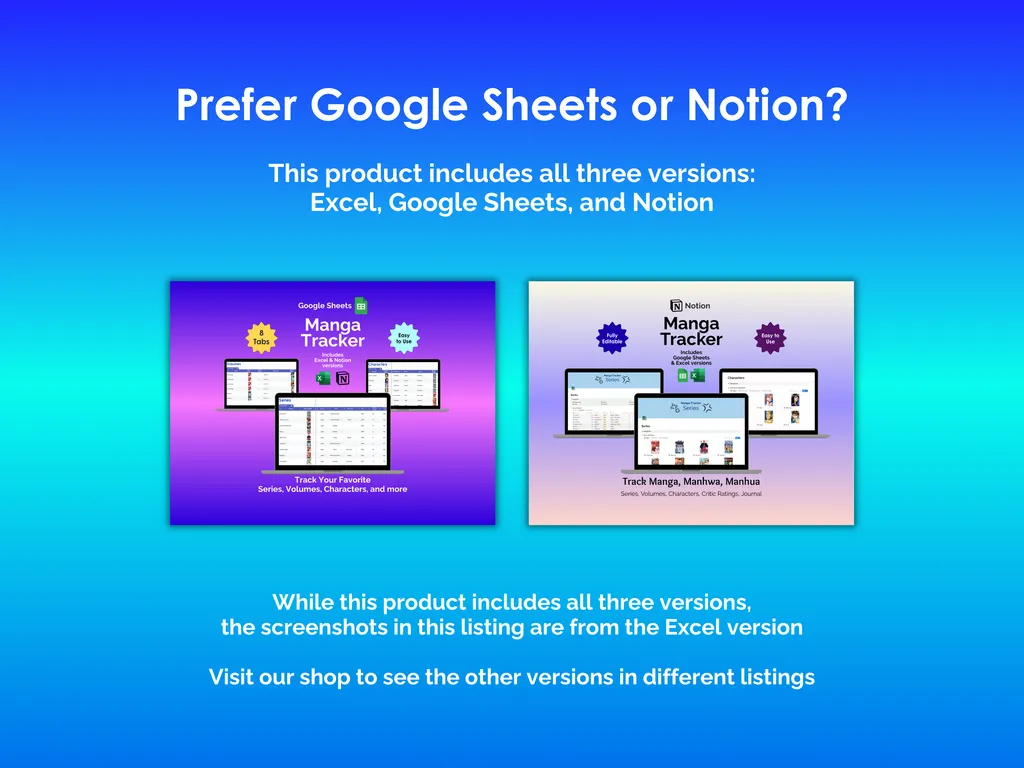
No accounts to create. No subscriptions to maintain. This is an Excel file with 8 tabs that lives on your computer and works offline. It also comes with Google Sheets and Notion versions included, so you can pick whichever format fits how you work.
Video Walkthrough (for Manga Tracker - Excel)
Features (for Manga Tracker - Excel)
- Intuitive and straightforward design
- Employs software best practices
- Delivered as a blank Excel template - customize and populate with your data
- Free updates - send us a message to be notified of updates when they are available
- Completely customizable - add rows and columns, rename headings - unlock with provided password
Disclaimer (for Manga Tracker - Excel)
Unless otherwise specified, this digital product is designed to work in the current version of Microsoft Excel or Microsoft 365. It is not guaranteed to work in any other application.
This digital product is copyrighted. It is intended for personal use only. It is strictly prohibited to reproduce, resell or share this product, in part or in full, with or without modifications. No refunds, exchanges, or cancellations. Given this is a digital product, no physical product will be delivered.