You stan seven groups. Your bias list keeps growing. Album preorders live in one notes app, photocard trades in another, concert dates in a screenshot you took three weeks ago. You have tried generic spreadsheets, but they do not know what a fandom name is, let alone a light stick. So everything stays scattered.
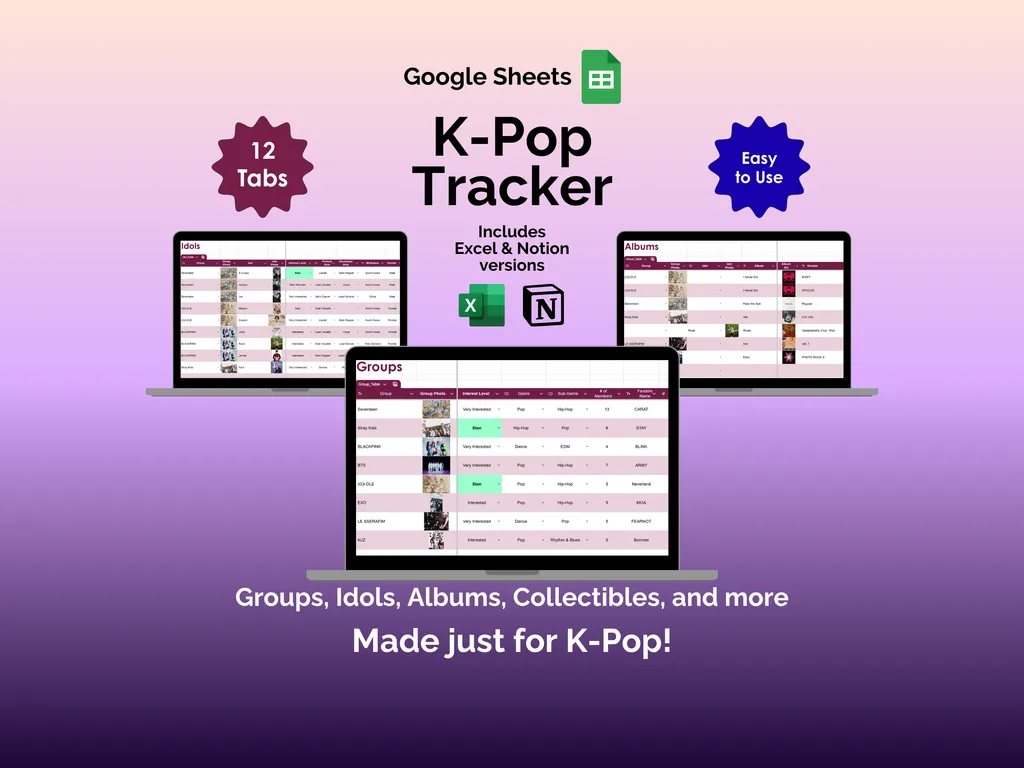
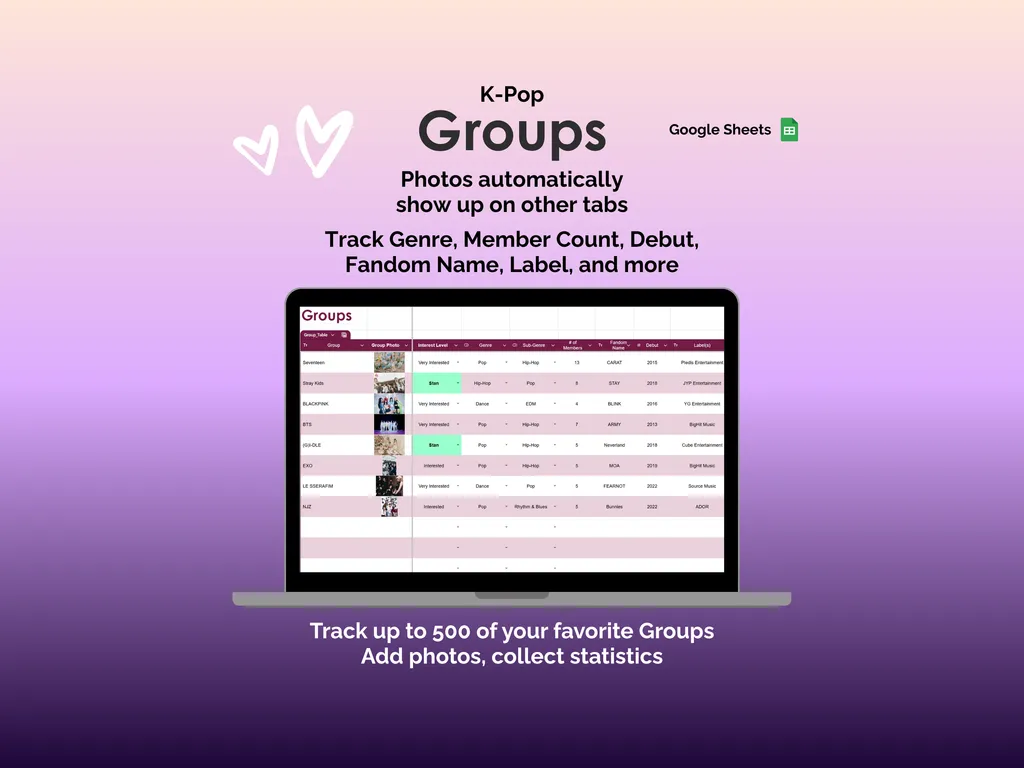
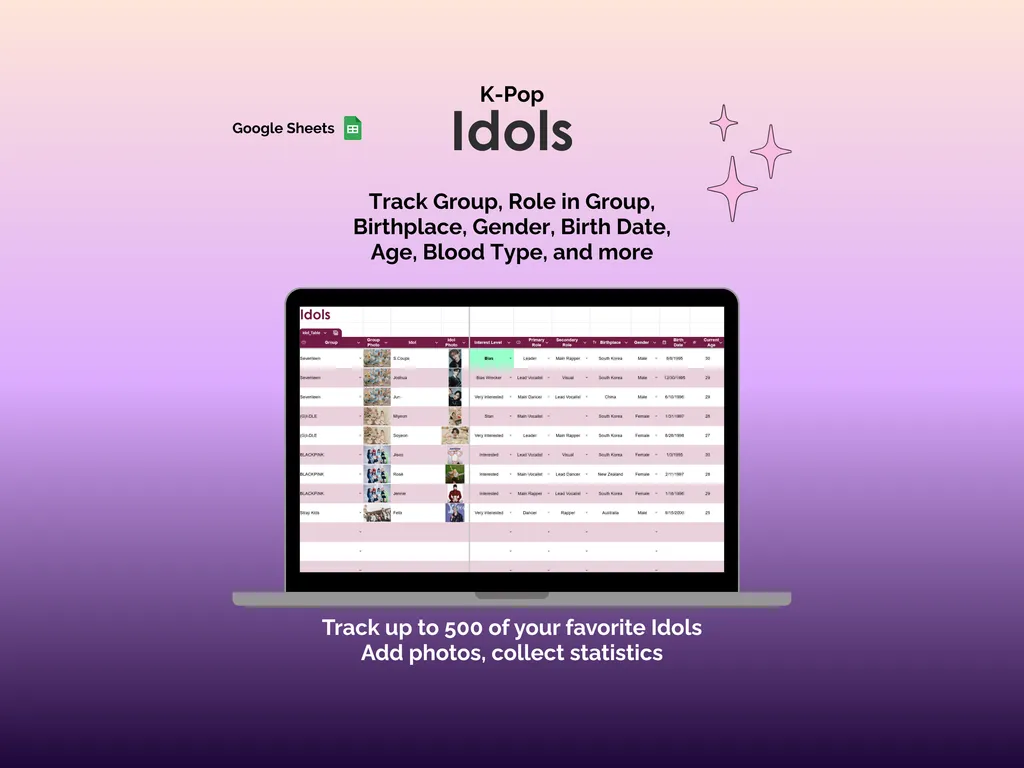
This K-Pop Tracker for Google Sheets was built from scratch for K-pop fans. Twelve tabs, each designed around the way you actually organize your collection. The Groups tab holds up to 500 entries with fields for genre, member count, debut date, fandom name, and label. Add a group photo once and it carries over to other tabs automatically. The Idols tab mirrors that depth: role in group, birthplace, birth date, age, blood type, and more for up to 500 idols.
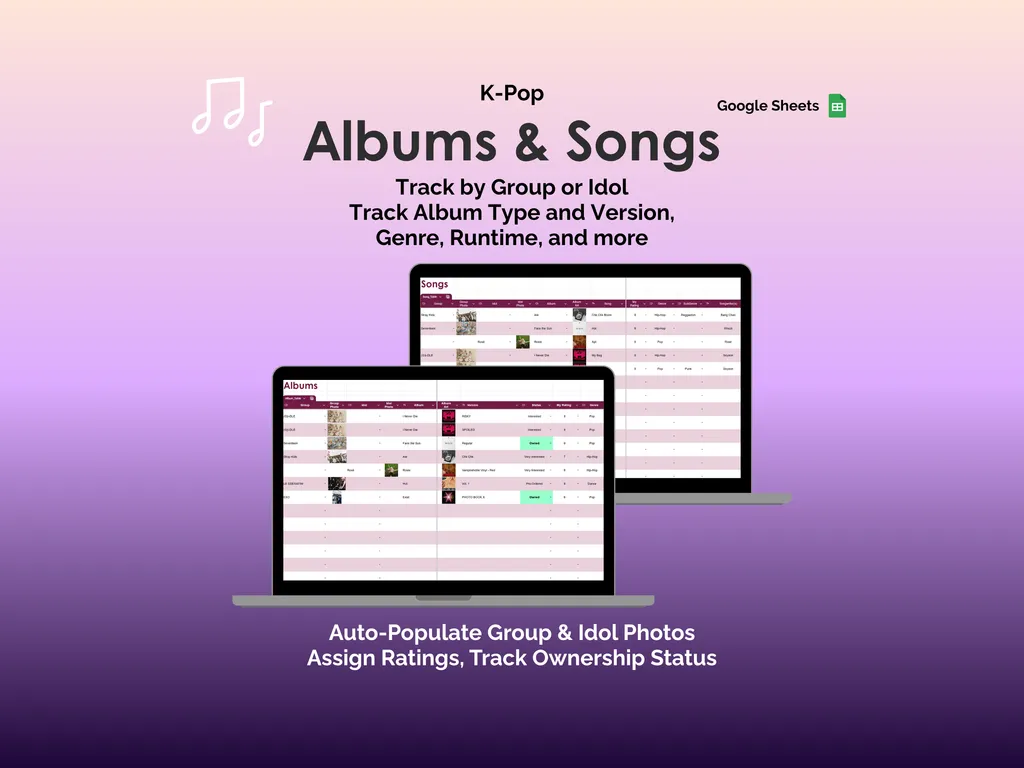
The Albums tab catalogs your collection by group or idol, covering album type, version, genre, runtime, ownership status, and personal ratings. Group and idol photos populate here on their own. The Songs tab gives each track its own entry for ratings, release details, and notes. A Reviews tab lets you compare your scores with ratings from other platforms, and the Lyrics tab stores the lines that stick with you.
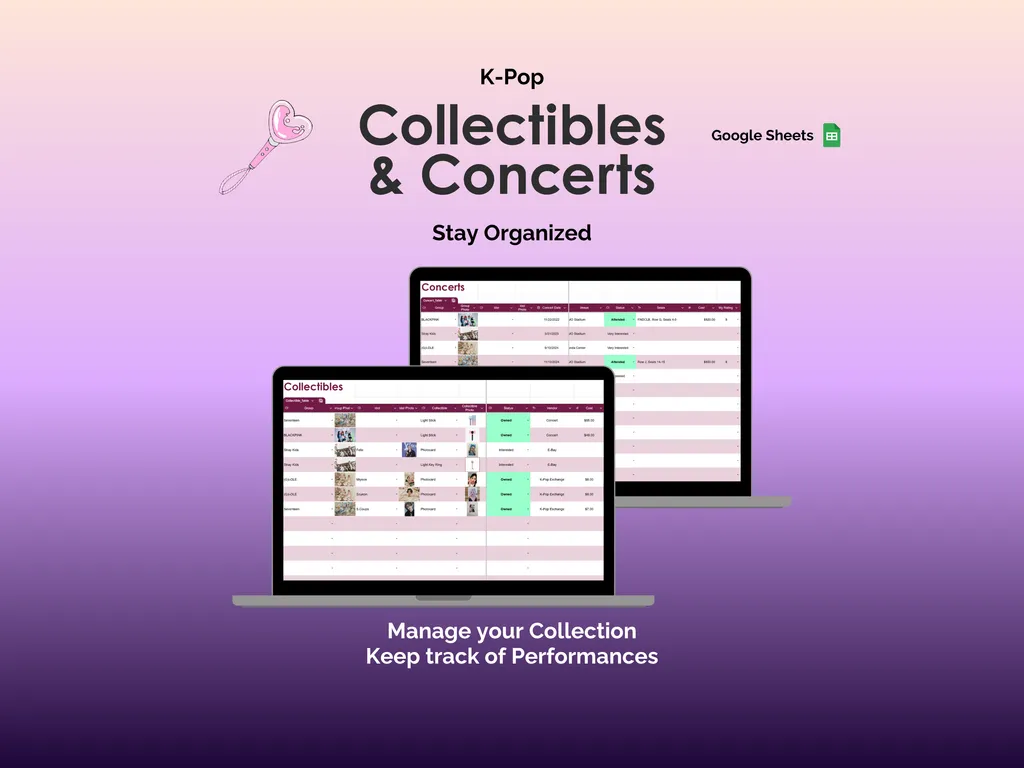
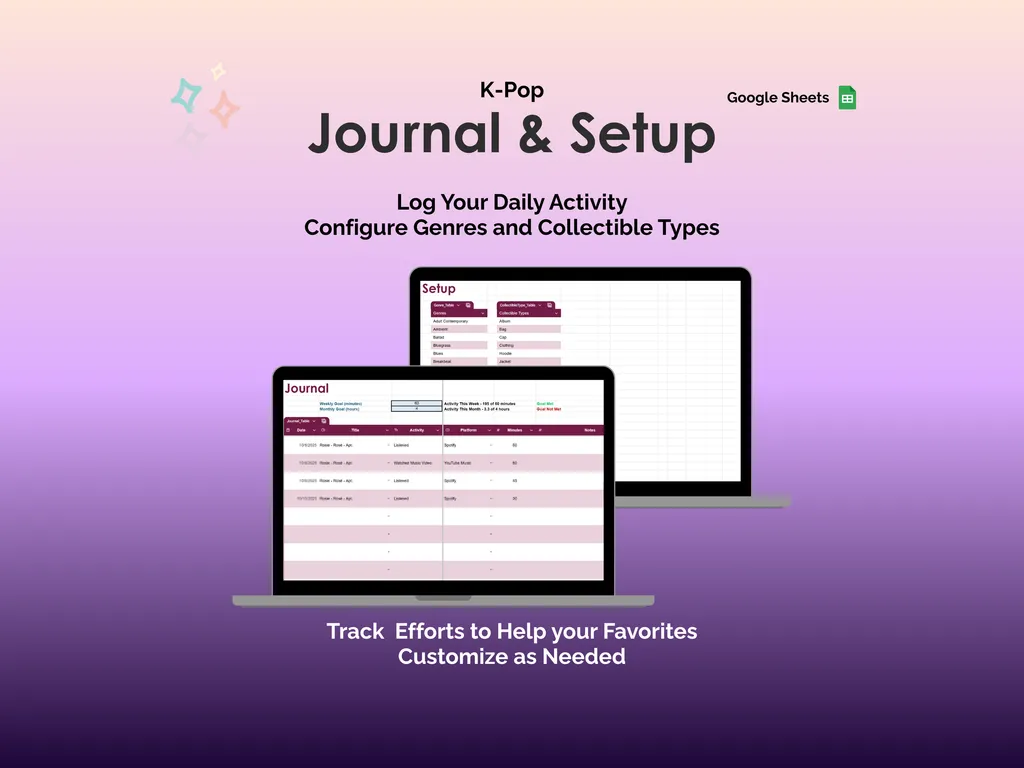
But here is where it gets interesting. The Collectibles tab tracks photocards, light sticks, merch, costs, and wishlists in one view. The Concerts tab logs performances with dates, venues, and attendance status. And the Journal tab records your daily K-pop activity by date, platform, and minutes spent, with weekly and monthly goal tracking built in. This is not just a list of what you own. It is a full picture of how you spend your time as a fan.
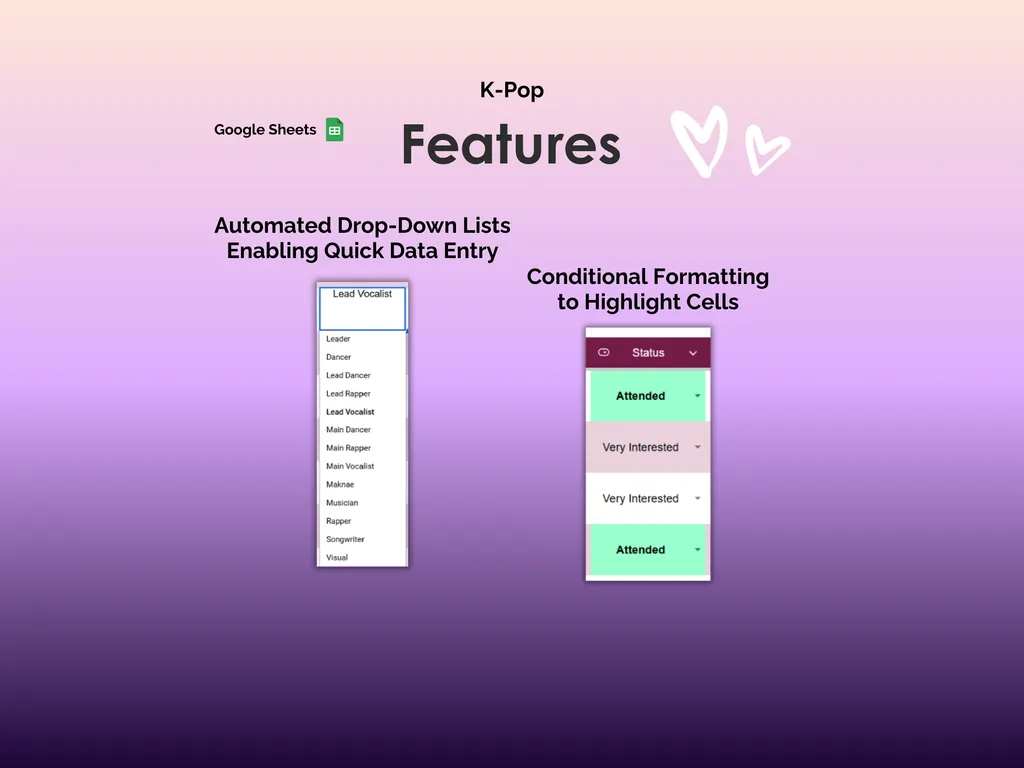
The Setup tab lets you customize genre categories and collectible types, so every drop-down in the spreadsheet matches your preferences. Automated drop-down lists keep data entry fast, and conditional formatting color-codes cells by status so you can scan your data at a glance. The Dashboard tab pulls it all together with charts and summaries of your collection, ratings, and activity.
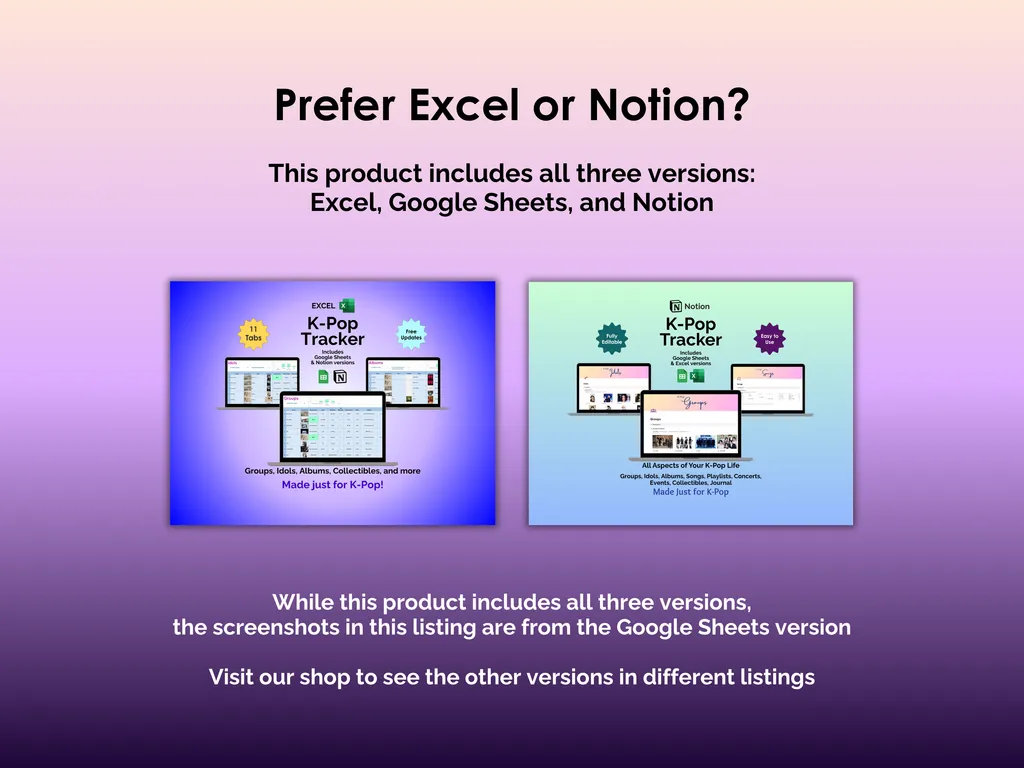
You own this spreadsheet outright. No subscription, no account, no login. Every cell is fully editable, and it works offline. Excel and Notion versions are included with your purchase, so you can use whichever platform fits.
Video Walkthrough (for K-Pop Tracker - Google Sheets)
Features (for K-Pop Tracker - Google Sheets)
- Intuitive and straightforward design
- Employs software best practices
- Delivered as a blank Google Sheets template - customize and populate with your data
- Free updates - send us a message to be notified of updates when they are available
- Completely customizable - add rows and columns, rename headings - unlock with provided password
Disclaimer (for K-Pop Tracker - Google Sheets)
Unless otherwise specified, this digital product is designed to work in Google Sheets. It is not guaranteed to work in any other application.
This digital product is copyrighted. It is intended for personal use only. It is strictly prohibited to reproduce, resell or share this product, in part or in full, with or without modifications. No refunds, exchanges, or cancellations. Given this is a digital product, no physical product will be delivered.