
It is 11 PM on a Tuesday. You just found out your favorite group dropped a new mini album, there are three photocard versions you did not know about, and the concert presale starts tomorrow. Meanwhile, everything you actually own is scattered across notes apps, browser bookmarks, and a spreadsheet you started six months ago and never finished. This K-Pop tracker Excel spreadsheet was built for exactly that moment — when fandom life gets too big to keep in your head.
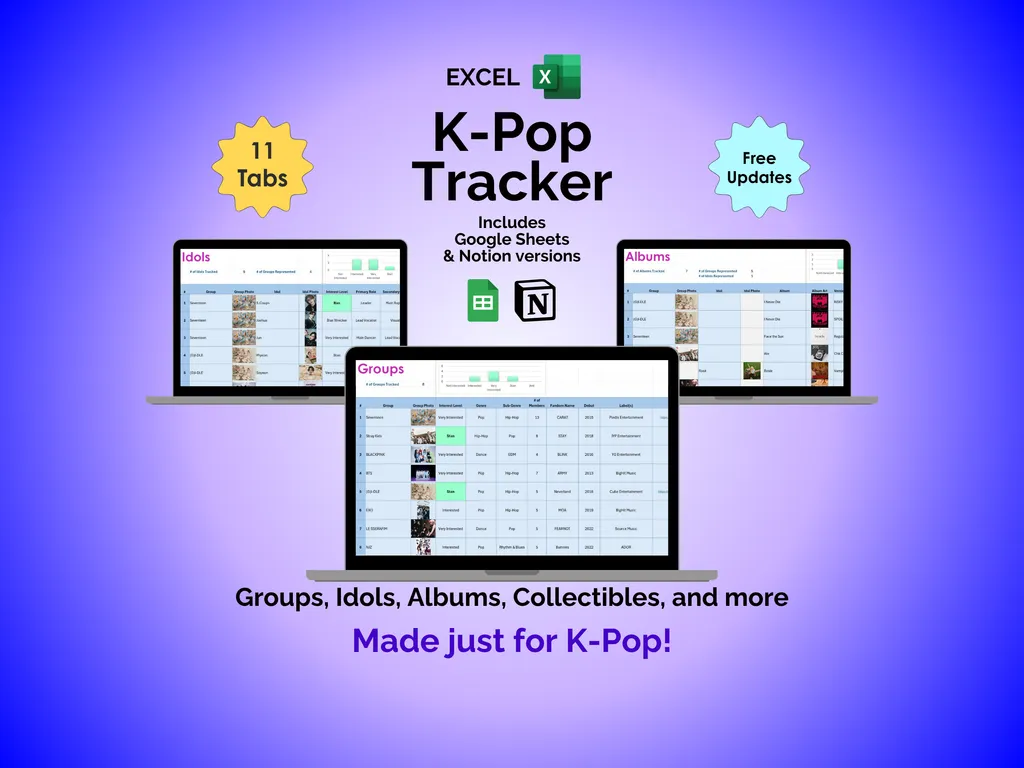
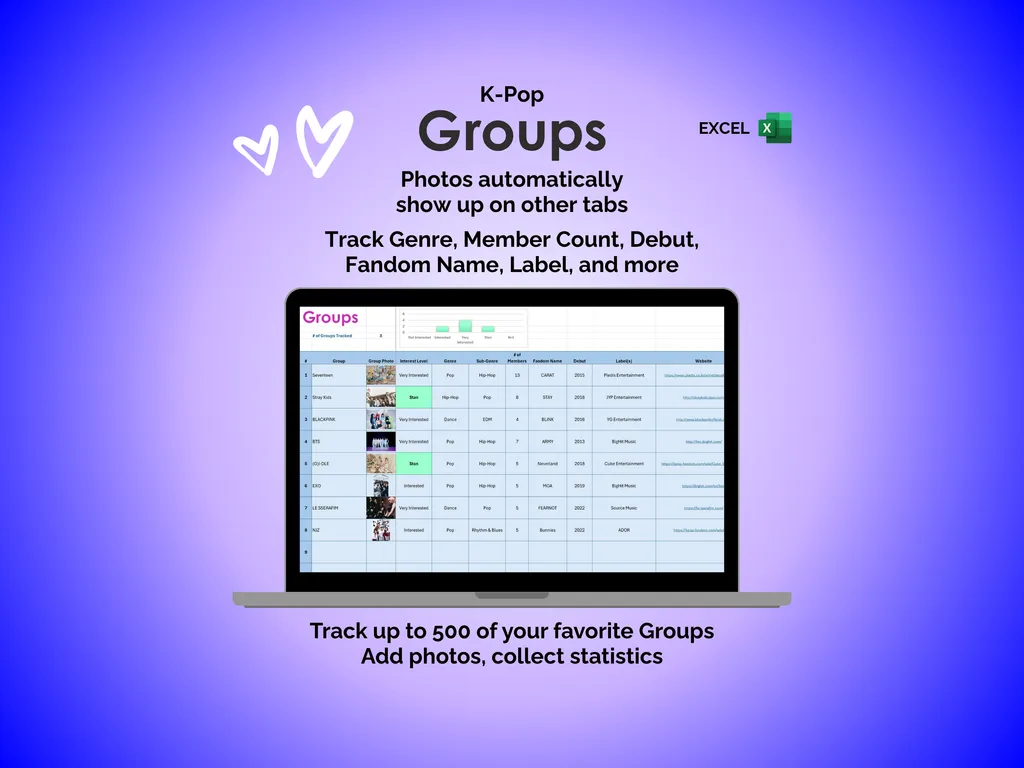
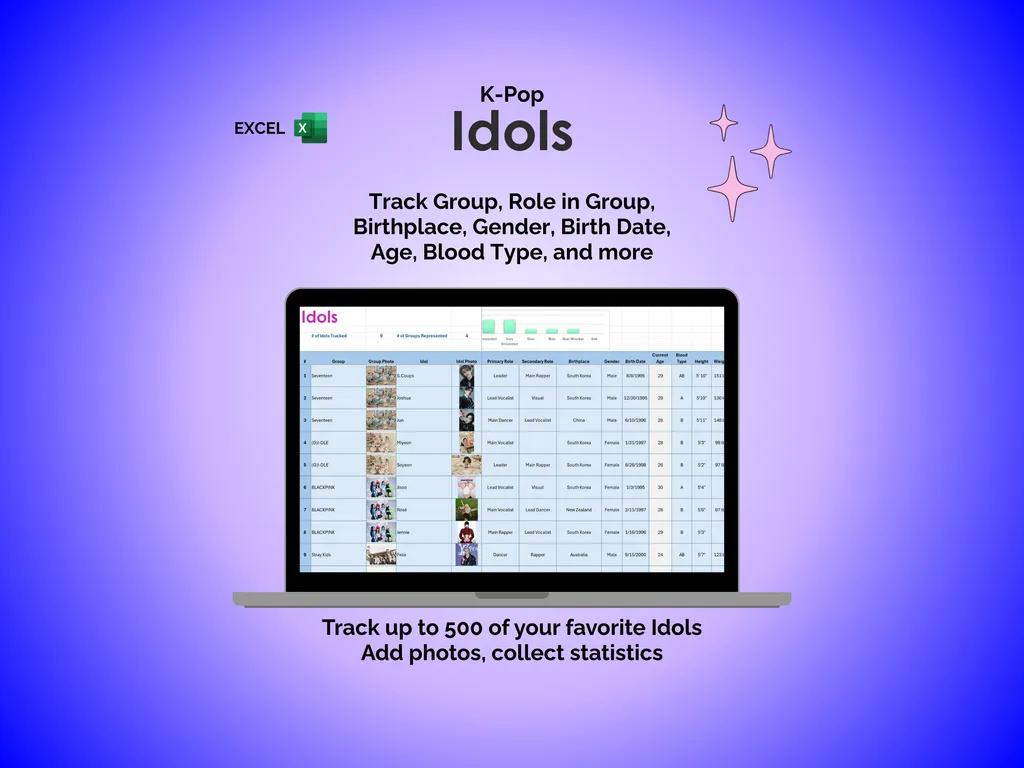
Not knowing which albums you already own is a small thing until you accidentally buy a duplicate. The Groups tab holds up to 500 groups with fields for genre, member count, debut date, fandom name, label, and a photo that carries over to other tabs so every entry has a face. The Idols tab mirrors that depth for individual members — group, role, birthplace, gender, birth date, age, blood type, and their own photo across up to 500 entries.
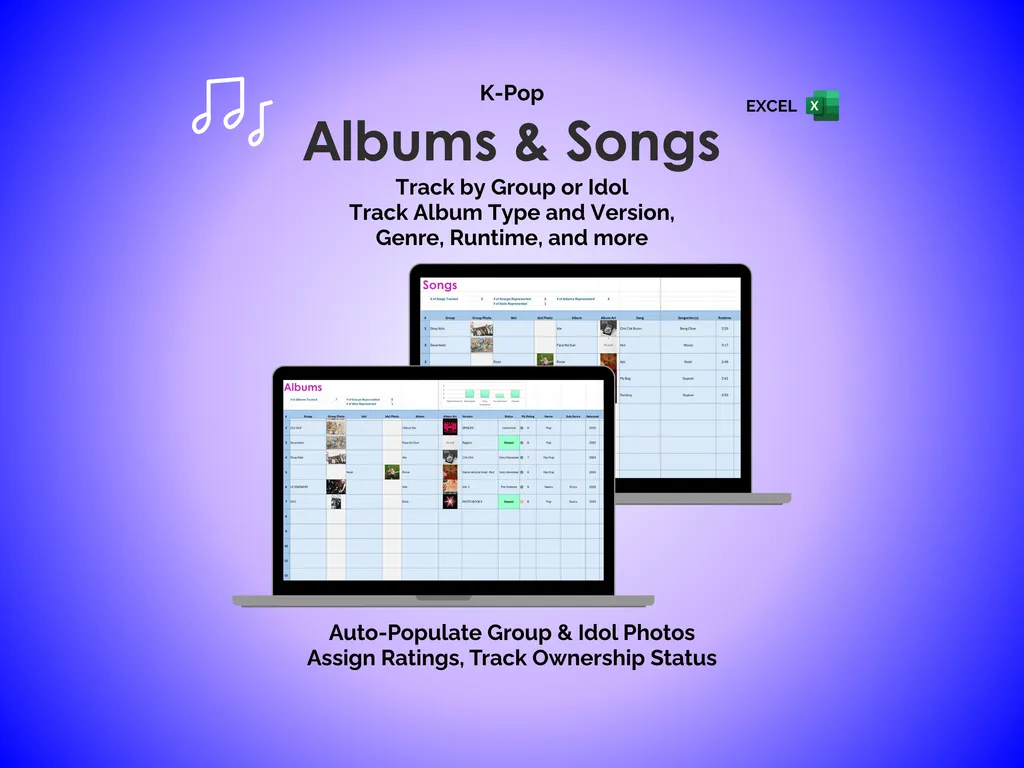
Losing track of what you have listened to and what you still want is its own frustration. The Albums tab links each release to its group or idol and tracks album type, version, genre, runtime, ownership status, and your personal rating, with group and idol photos pulling in so you can browse visually. The Songs tab gives individual tracks their own space so your listening history goes deeper than the album level.
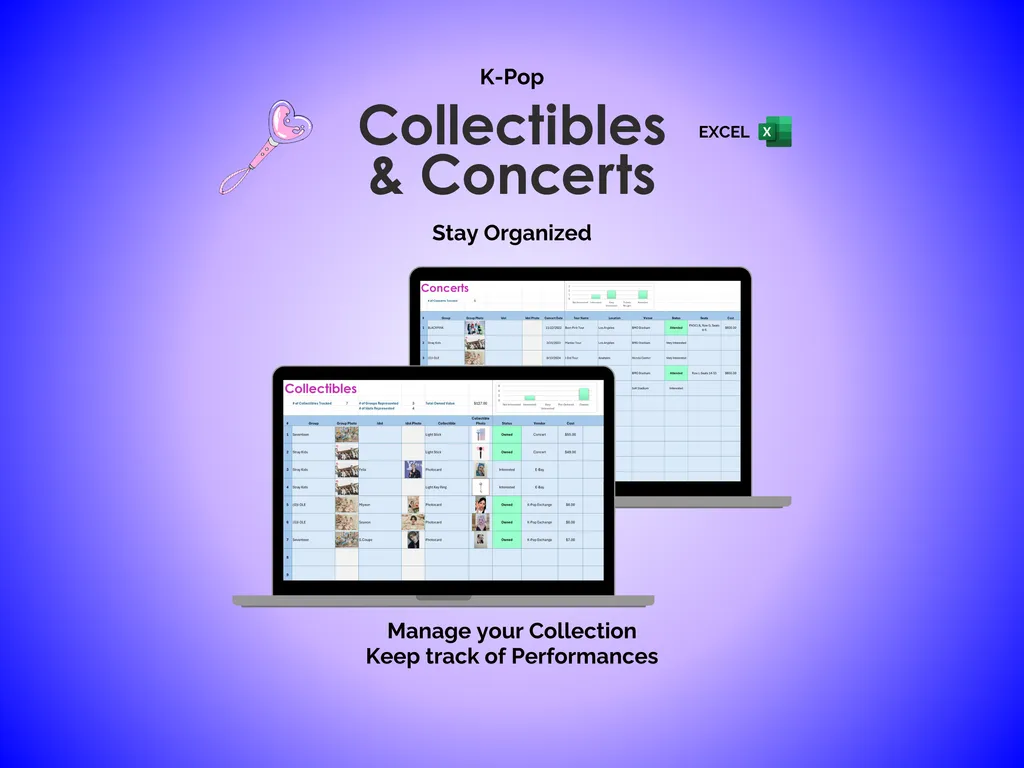
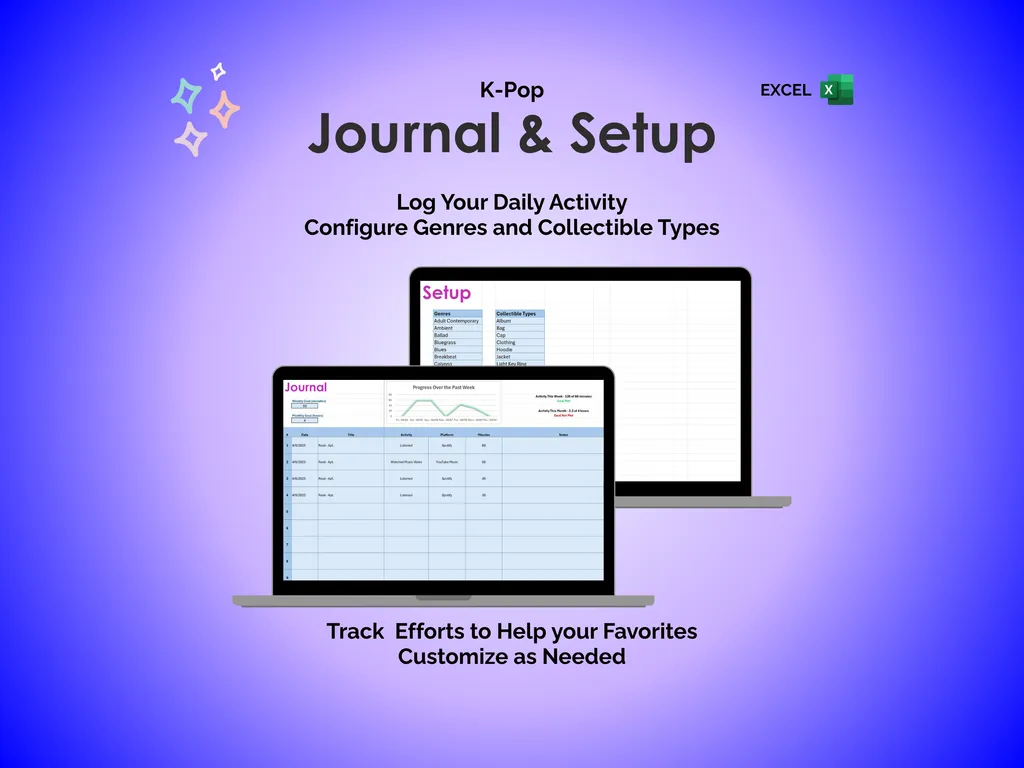
Photocards multiplying faster than you can sort them is a familiar problem. The Collectibles tab handles photocards and merch, while the Concerts tab keeps your performance history and upcoming shows in one place. When you want to reflect on what you have been doing for your favorites, the Journal tab logs daily fandom activity and includes a built-in chart that visualizes your entries over time. The Setup tab lets you customize genre lists and collectible types, so every drop-down menu across the spreadsheet matches how you actually think about your collection.
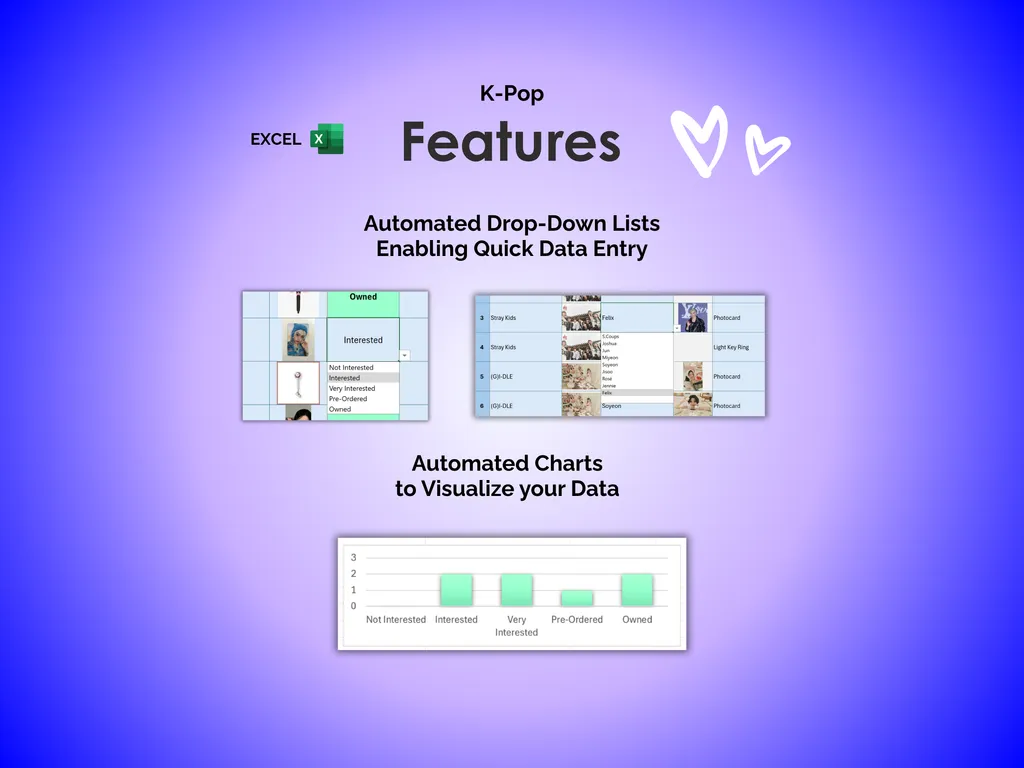
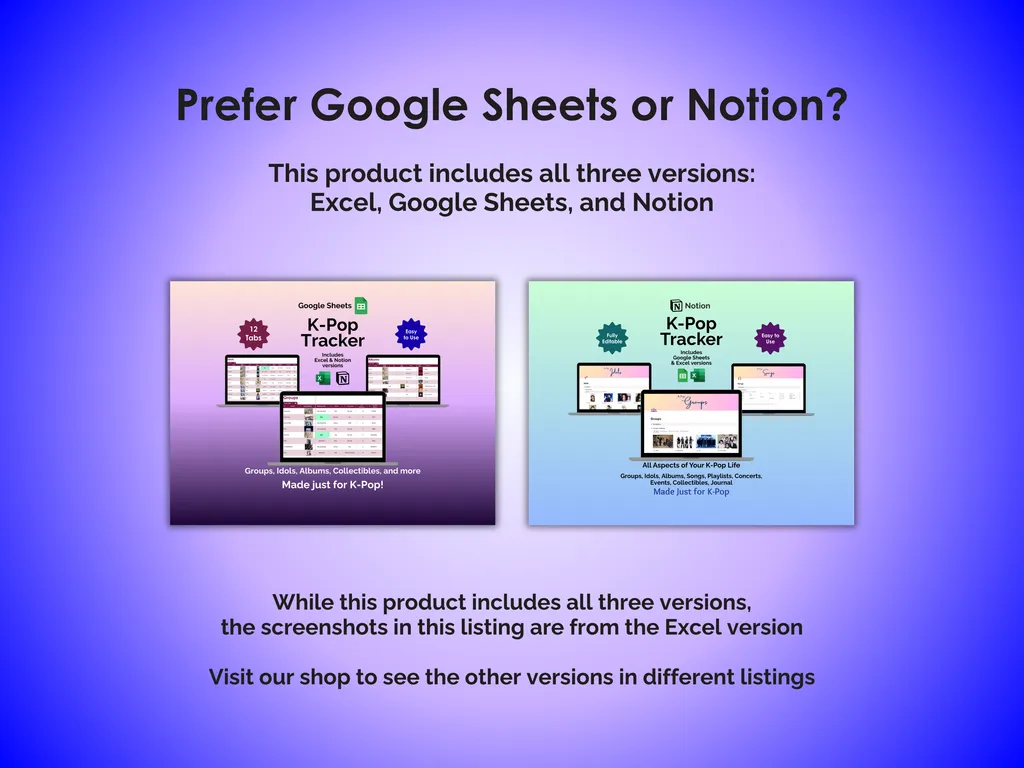
Filling in data should not feel like a chore, either. Automated drop-down lists throughout the tracker speed up entry, and automated charts turn your logged data into visuals. The full template spans 11 tabs, is fully editable in Microsoft Excel, and the same download includes Google Sheets and Notion versions. No subscriptions, no accounts — just a file you own, customize, and keep offline forever.
Video Walkthrough (for K-Pop Tracker - Excel)
Features (for K-Pop Tracker - Excel)
- Intuitive and straightforward design
- Employs software best practices
- Delivered as a blank Excel template - customize and populate with your data
- Free updates - send us a message to be notified of updates when they are available
- Completely customizable - add rows and columns, rename headings - unlock with provided password
Disclaimer (for K-Pop Tracker - Excel)
Unless otherwise specified, this digital product is designed to work in the current version of Microsoft Excel or Microsoft 365. It is not guaranteed to work in any other application.
This digital product is copyrighted. It is intended for personal use only. It is strictly prohibited to reproduce, resell or share this product, in part or in full, with or without modifications. No refunds, exchanges, or cancellations. Given this is a digital product, no physical product will be delivered.