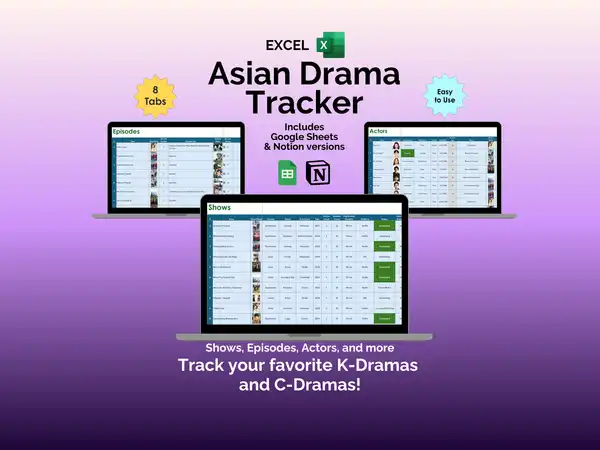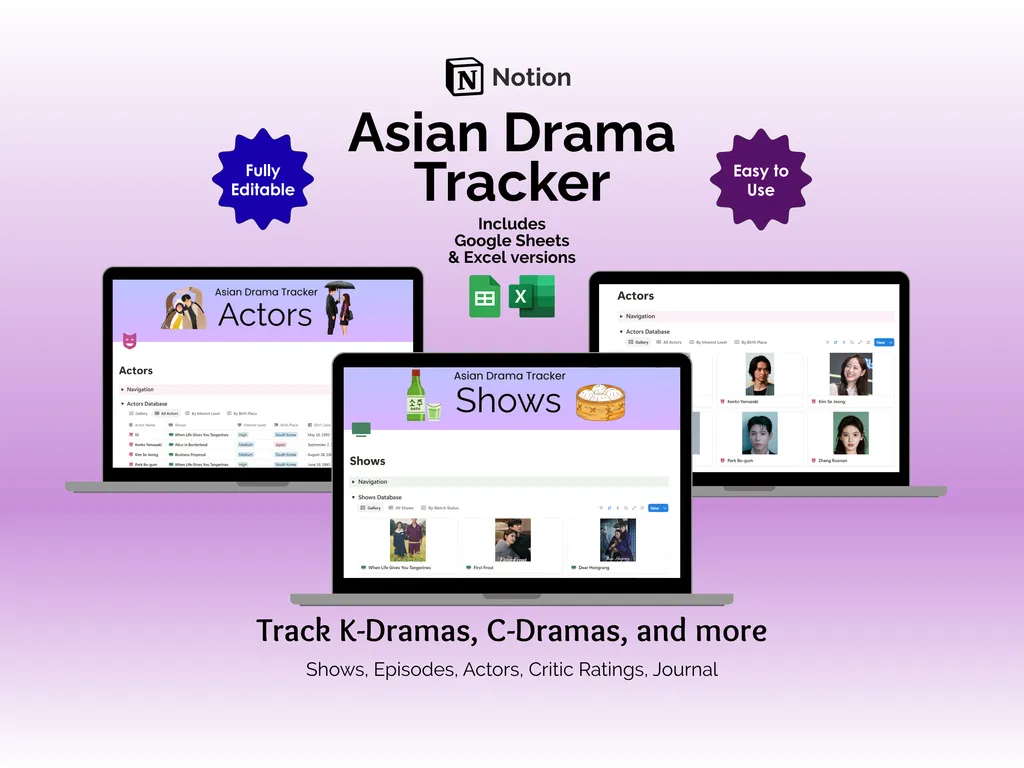

It is 11 PM on a Tuesday. You just finished a 16-episode K-Drama, you are already halfway into a C-Drama on Viki, and the name of that incredible actor from the show you watched last month has completely evaporated from your brain. Meanwhile, your deeply personal review of Business Proposal lives in a Notes app graveyard you will never scroll back to. This Notion template for tracking Asian dramas gives you five linked databases to organize every show, episode, and standout performance across Korean, Chinese, Japanese, and Thai dramas.
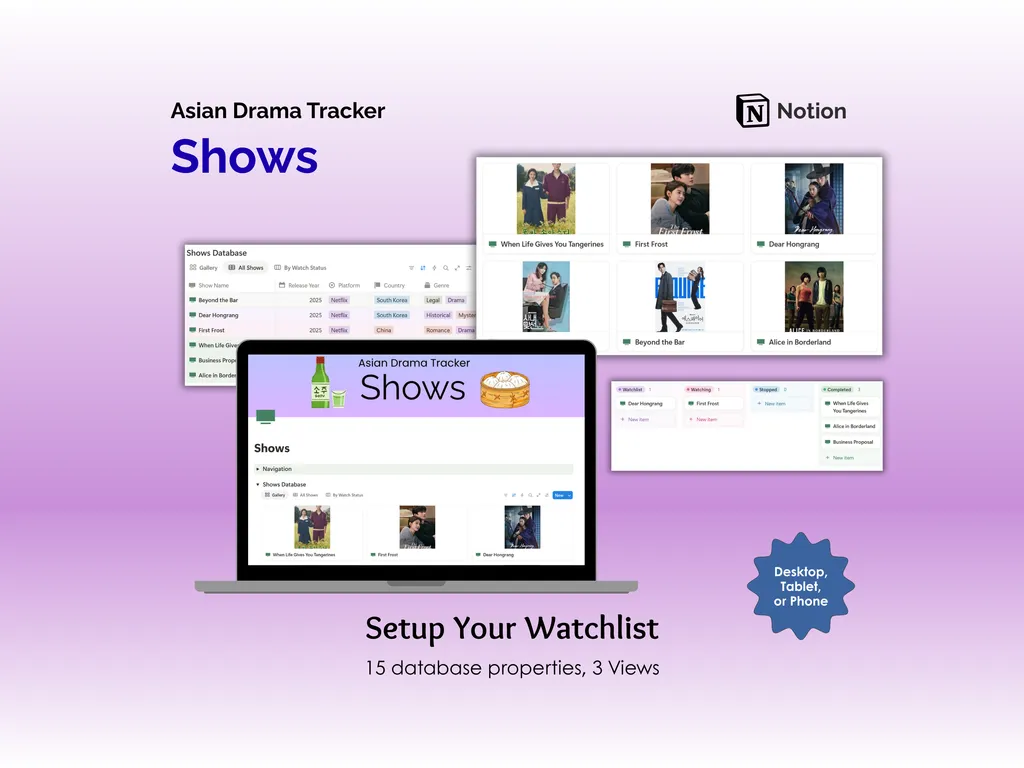
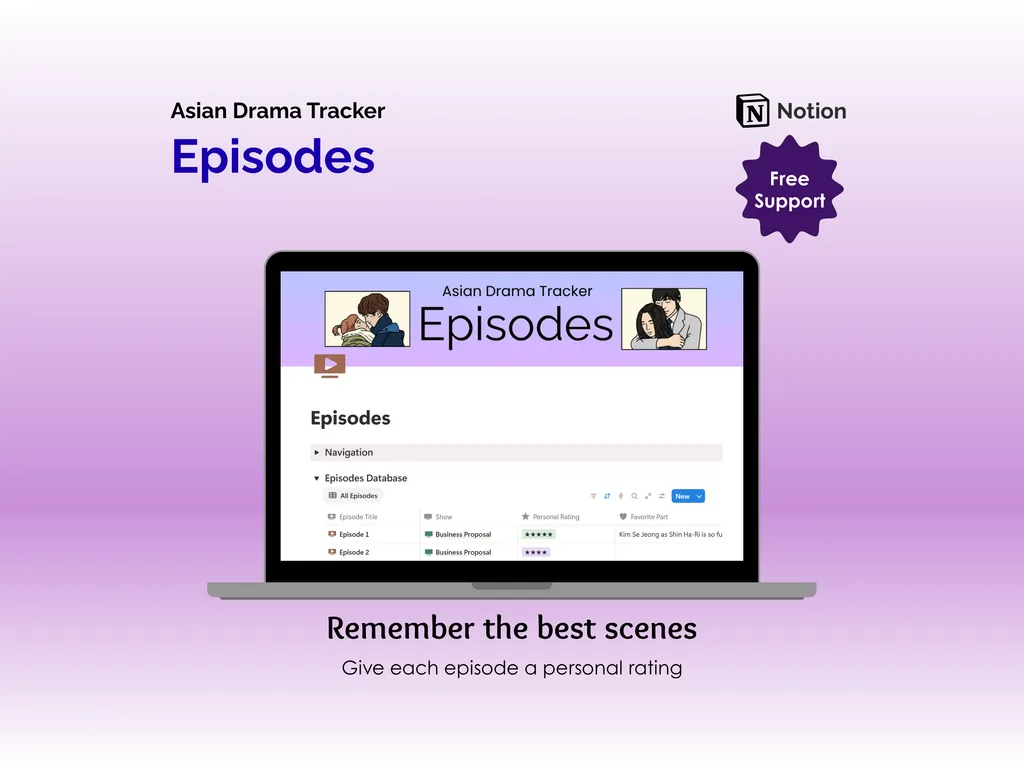
The Shows database is your watchlist command center, with 15 properties covering title, cover art, genres, streaming platform, air dates, and status. Three views let you browse as a gallery, a filtered table, or a full list, so you can switch between “pretty covers to scroll through” and “serious spreadsheet energy” depending on your mood. The Episodes database links each episode back to its parent show, and each entry has a personal star rating field plus a favorite part column for capturing those scenes you need to remember. Yes, we are getting excited about a Notion database. Stay with us.
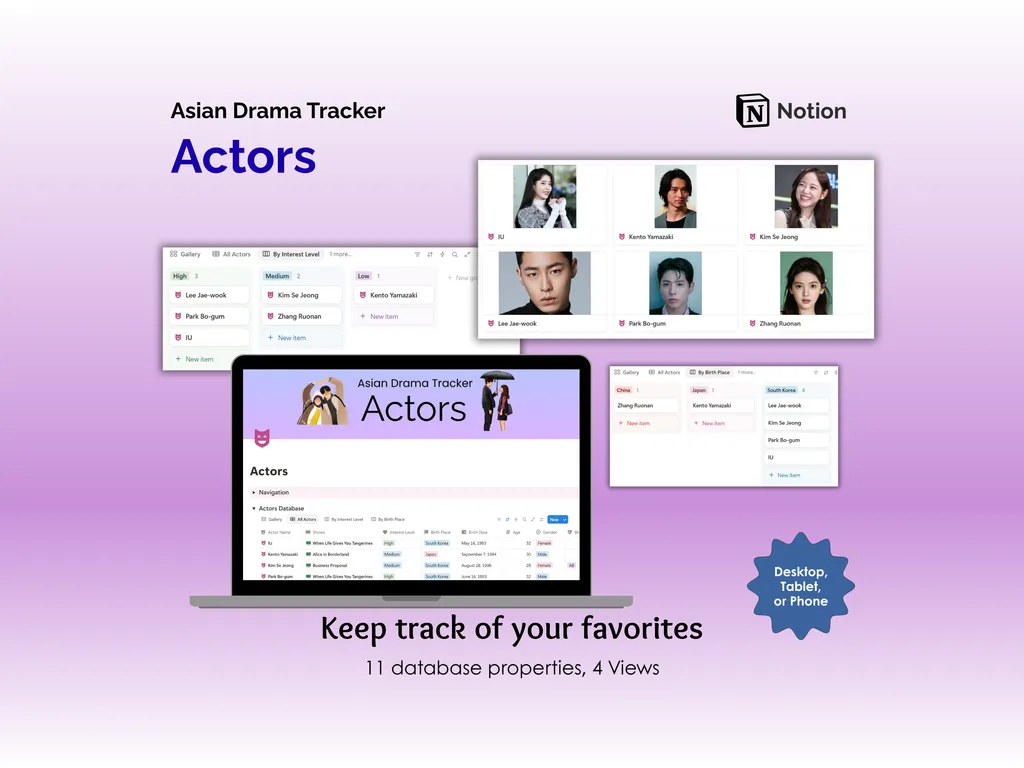
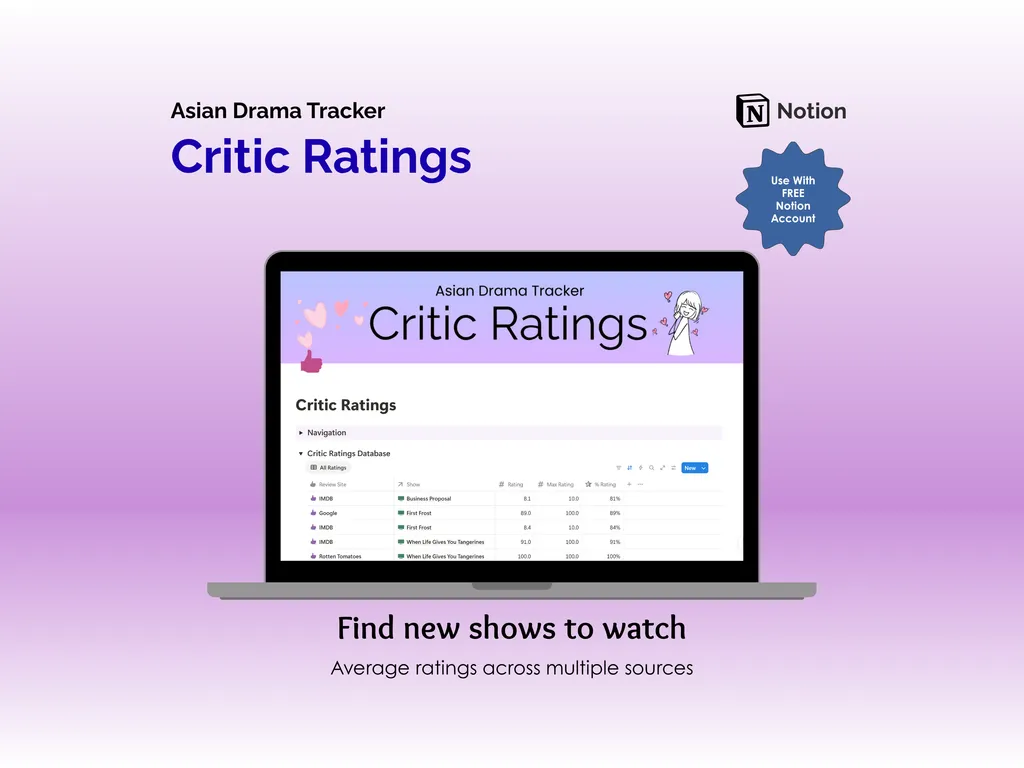
The Actors database packs 11 properties and four views, letting you save actor photos, track which shows each actor appears in, and sort by fandom level. It is basically your personal casting directory for everyone from Park Bo-gum to Zhang Ruonan, minus the paparazzi. Over in the Critic Ratings database, you can log scores from IMDB, Google, and Rotten Tomatoes, with each entry showing the rating, max rating, and percentage side by side. Handy for those moments when you need hard data to justify committing to a 50-episode drama.
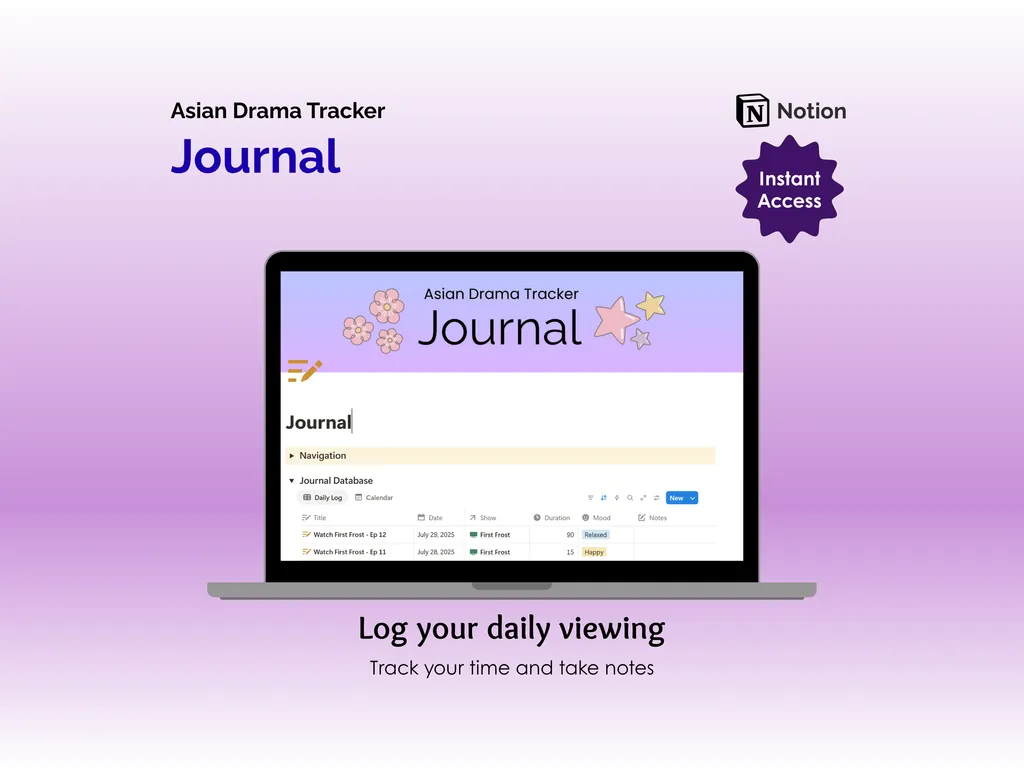
The Journal database rounds things out with a daily viewing log. Each entry captures the date, the show, how long you watched, your mood, and any notes worth keeping. A daily log view and a calendar view let you look back and spot patterns in your binge habits, for better or worse. Every database page also includes a built-in navigation section, so you can jump between Shows, Episodes, Actors, Critic Ratings, and Journal without digging through your Notion sidebar.
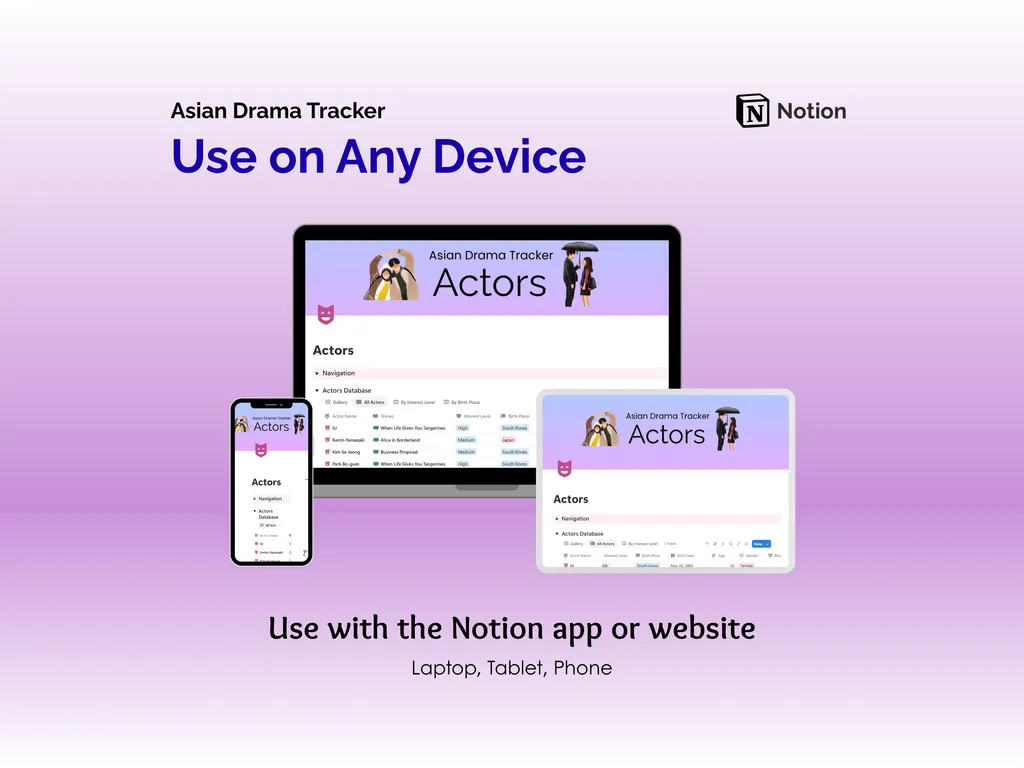
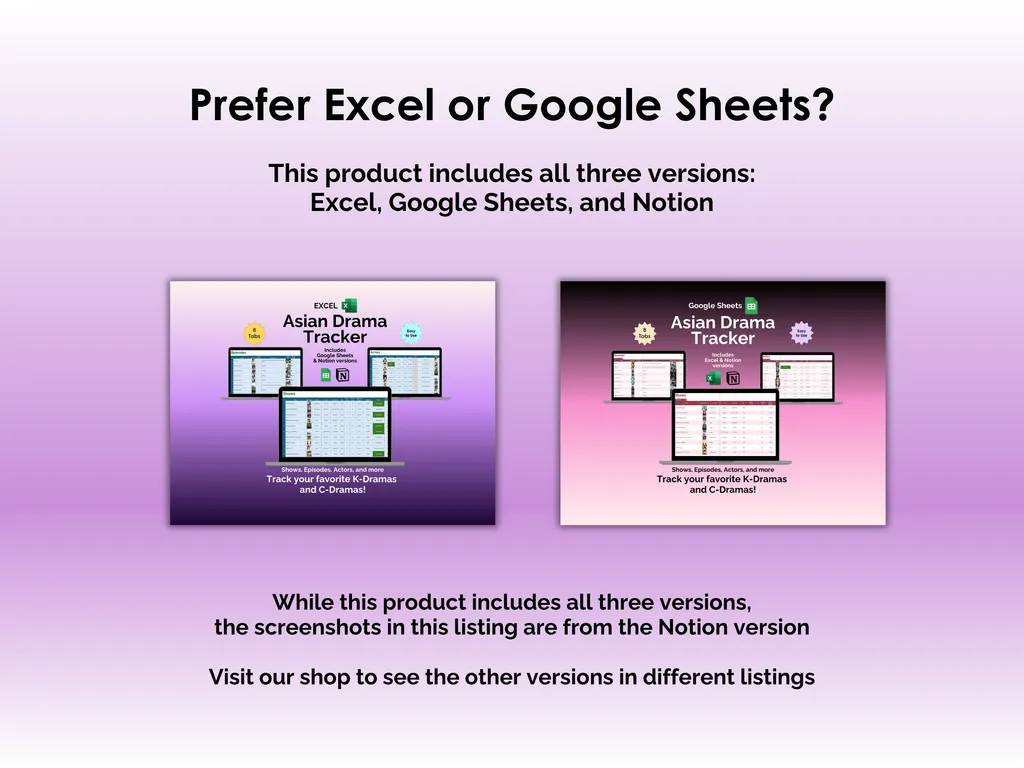
This template works with a free Notion account on laptop, tablet, or phone, and it is fully editable so you can add properties, rename fields, or rearrange views however you like. The purchase includes Excel and Google Sheets versions of the tracker if spreadsheets are more your style. Unlike a subscription app that could change its terms or disappear, this one is yours to keep and customize.
If your drama obsession has officially outgrown sticky notes and half-remembered opinions, it might be time to give it a proper home.
Highlights (for Asian Drama Tracker - Notion)
- Comprehensive show and episode tracking
- Actor profiles to note favorite performances
- Critic ratings to identify highly reviewed dramas
- Daily journal prompts for personal engagement
Video Walkthrough (for Asian Drama Tracker - Notion)
Features (for Asian Drama Tracker - Notion)
- Intuitive and straightforward design
- Employs software best practices
- Delivered as a Notion template - customize and populate with your data
- Free updates - let us know if you would like to be notified when and if updates are available
- Completely customizable - add content and images, change rows and columns, rename headings, change text
Disclaimer (for Asian Drama Tracker - Notion)
This digital product is designed to work with the Notion app or website. It does require a free Notion account to use.
This digital product is copyrighted. It is intended for personal use only. It is strictly prohibited to reproduce, resell or share this product, in part or in full, with or without modifications. No refunds, exchanges, or cancellations. Given this is a digital product, no physical product will be delivered.