


Ever opened Crunchyroll, stared at your continue-watching list, and genuinely had no idea where you left off in three different shows? Maybe you’ve got Solo Leveling going on one platform, My Happy Marriage on another, and something on Hulu you started so long ago you’ve forgotten the premise. This anime tracker spreadsheet for Excel was built for people who watch more than they can reasonably keep in their heads.
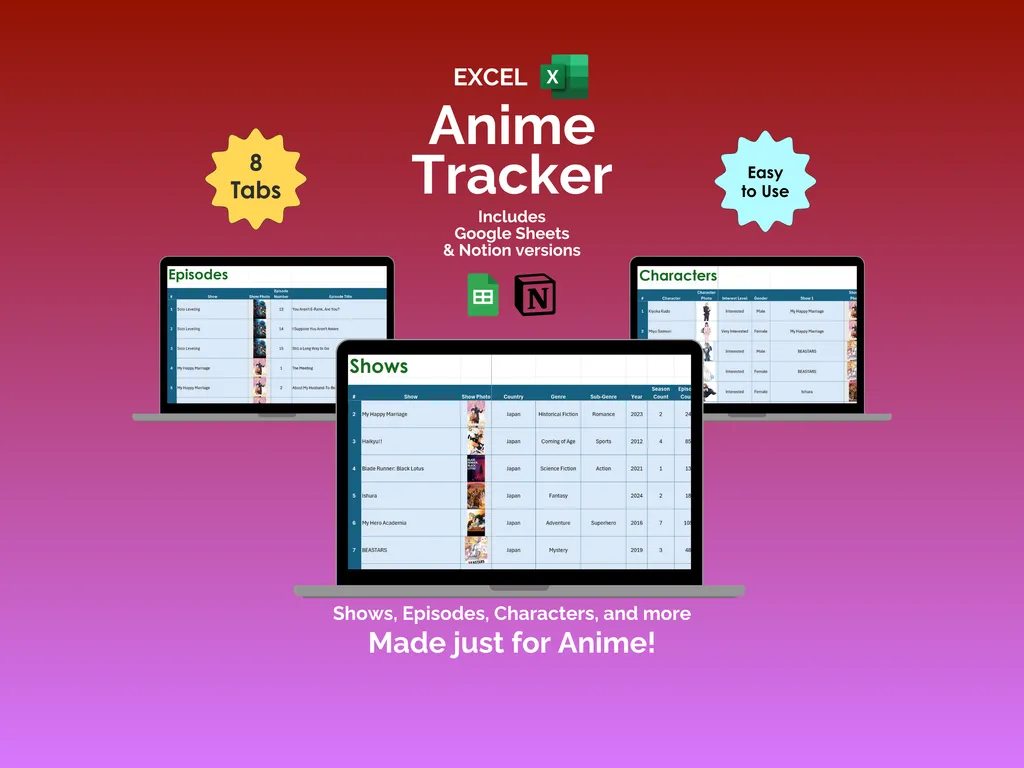
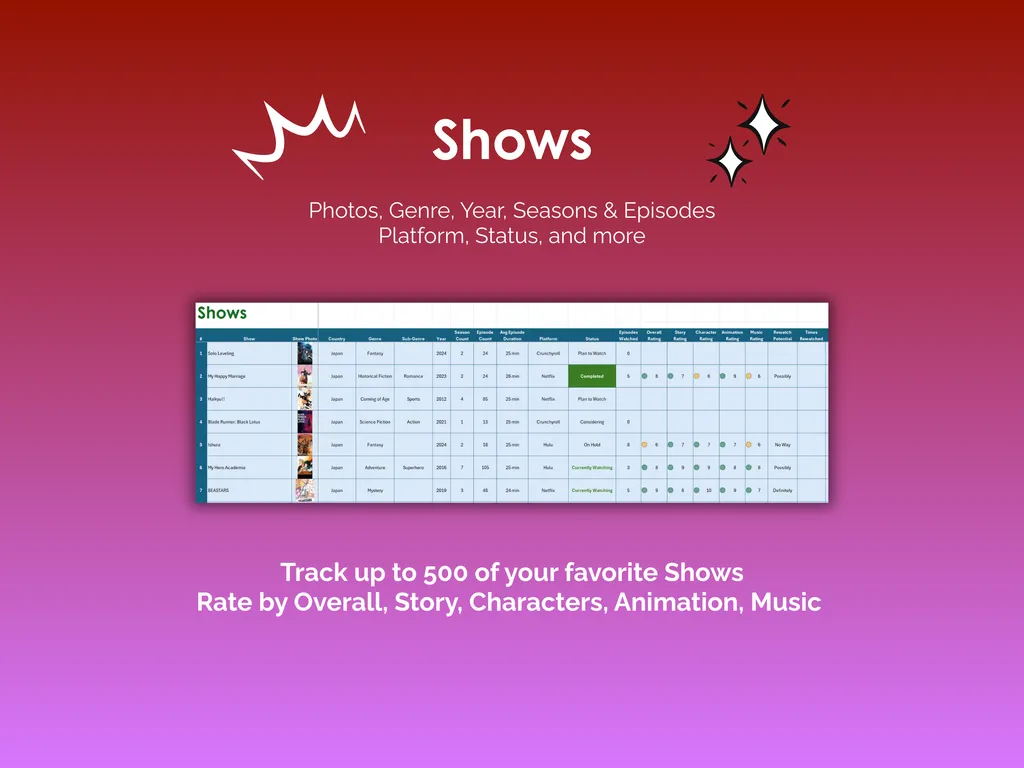
On the surface, the Shows tab does exactly what you’d expect. Log up to 500 series with photos, country, genre, sub-genre, year, season count, episode count, average episode length, and the platform you’re streaming on. Mark each show’s status — currently watching, completed, on hold, dropped, or plan to watch — and rate them across five categories: Overall, Story, Characters, Animation, and Music. Fair warning: rating your own favorites is harder than it sounds.
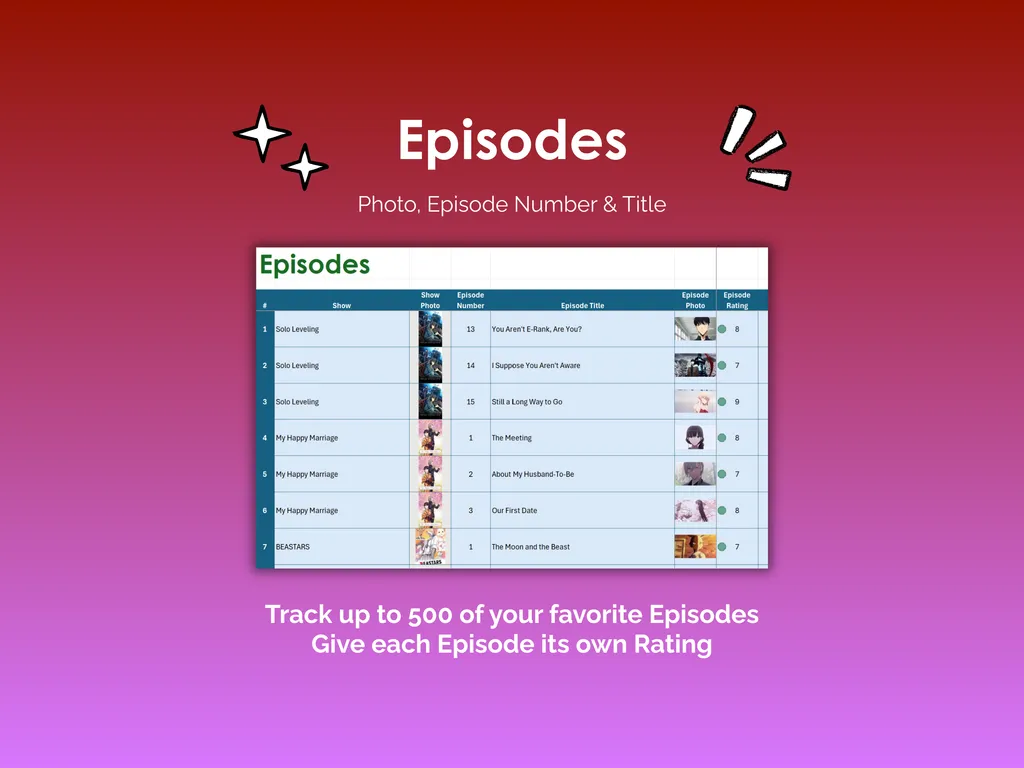
The Episodes tab tracks up to 500 individual episodes, each linked to its parent show, with columns for episode number, title, photo, and your personal rating. The Characters tab lets you catalog favorites with a photo, interest level, gender, and the show they belong to. Yes, we’re building a spreadsheet database of anime characters. No, we’re not apologizing for it.
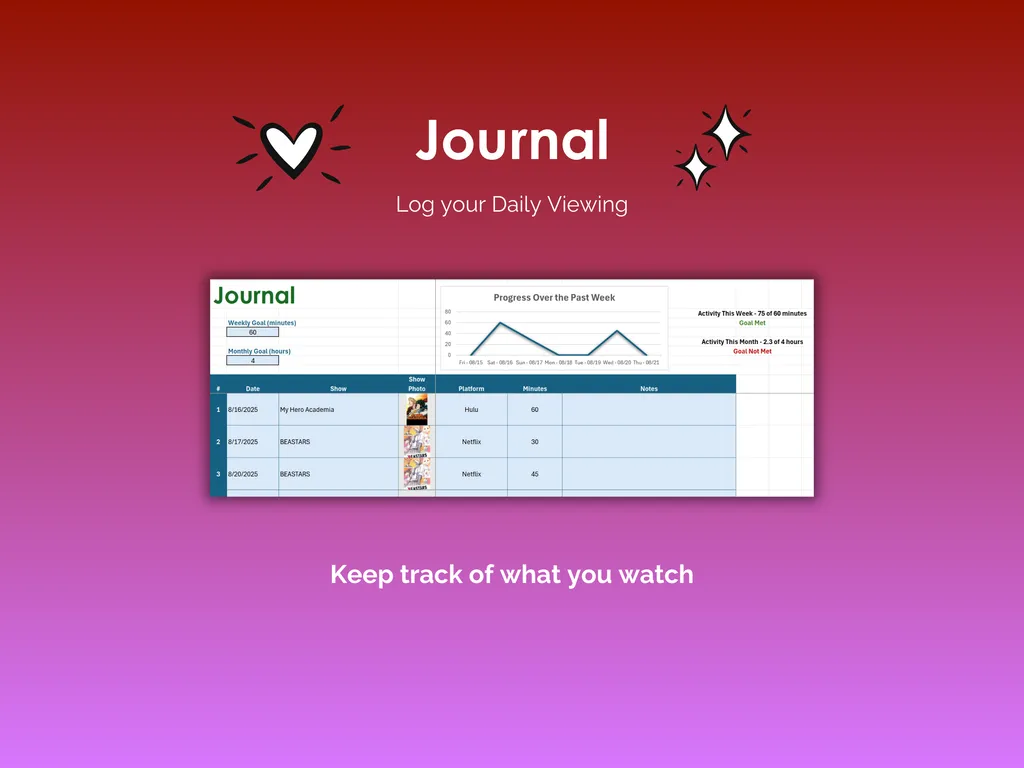
But here’s where it gets interesting. The Critic Ratings tab collects scores from sites like IMDB, Crunchyroll, and Google — each with the rating, max rating, review type, and a direct URL back to the source. Stack those against your own ratings and suddenly you’ve got a shortlist for what to watch next. The Journal tab logs your daily viewing sessions by date, show, platform, and minutes watched, with weekly and monthly goals. A line chart tracks your progress over the past week, and the tab shows whether you’ve hit your weekly minutes target and monthly hours goal.
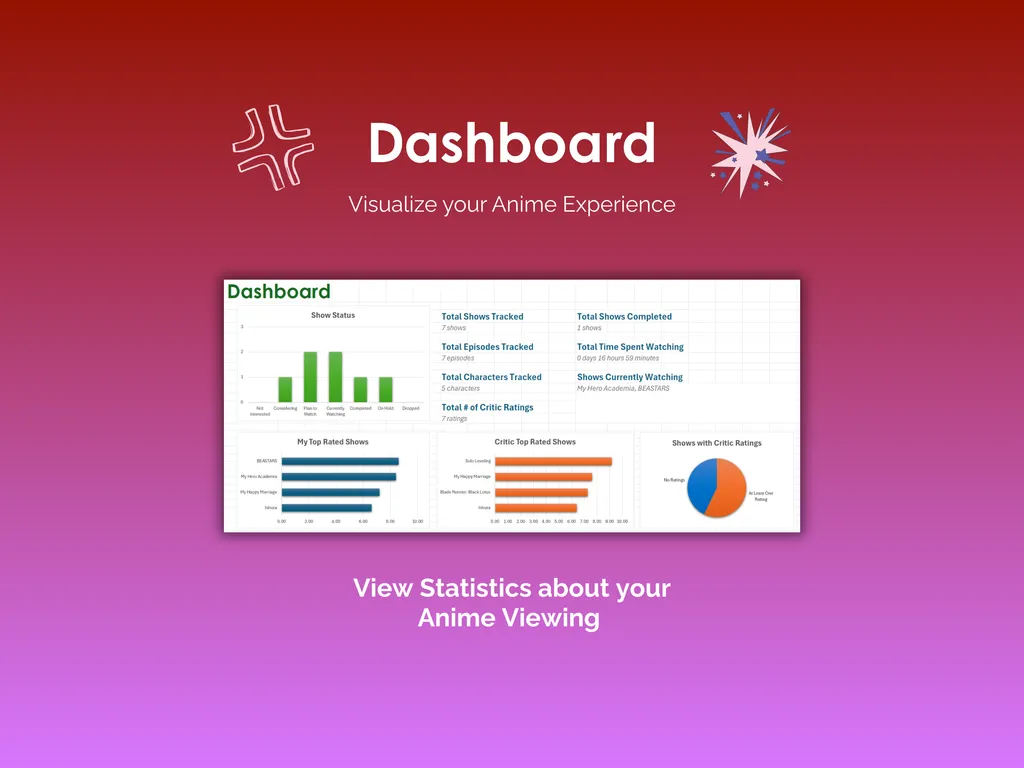
The Dashboard pulls it all together: total shows tracked, total episodes, total characters, total time spent watching, shows currently in progress, your top-rated and critic top-rated shows as bar charts, a show status breakdown, and a pie chart of shows with critic ratings. It’s the kind of overview that turns scattered viewing into something you can actually make sense of — without doing any math yourself.
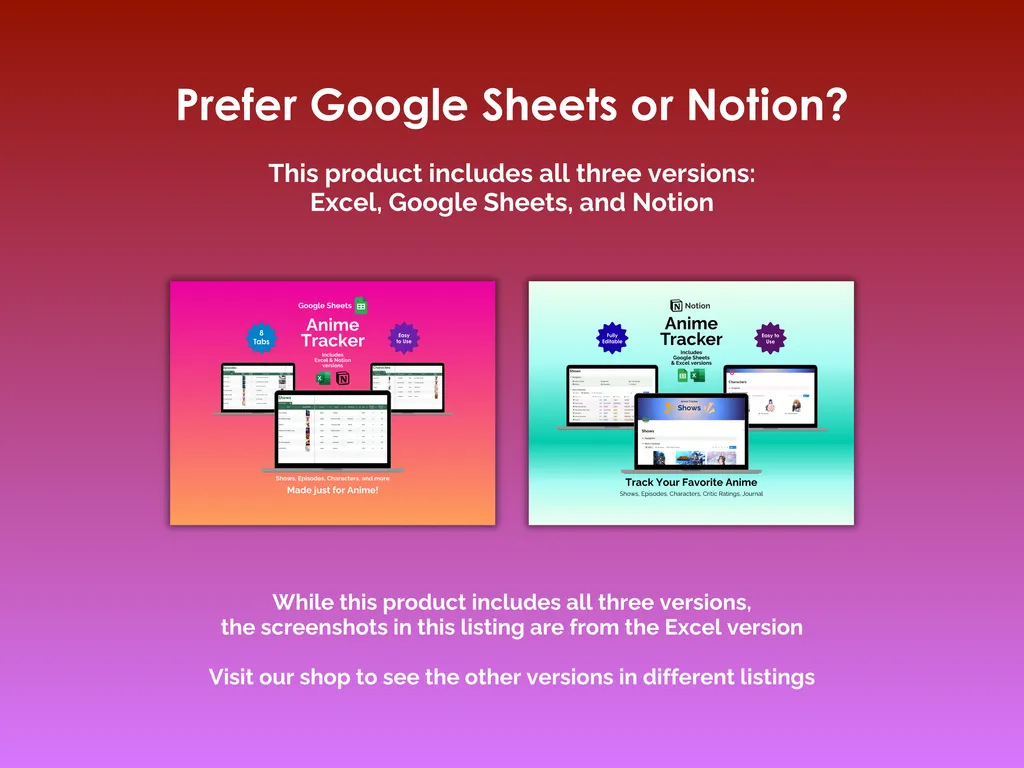
This is an 8-tab Excel template with no account to create, no subscription, and no internet connection required. It also includes Google Sheets and Notion versions, so pick whichever format works for your setup. Fully editable, yours to keep, and backed by free support and updates.
Video Walkthrough (for Anime Tracker - Excel)
Features (for Anime Tracker - Excel)
- Intuitive and straightforward design
- Employs software best practices
- Delivered as a blank Excel template - customize and populate with your data
- Free updates - send us a message to be notified of updates when they are available
- Completely customizable - add rows and columns, rename headings - unlock with provided password
Disclaimer (for Anime Tracker - Excel)
Unless otherwise specified, this digital product is designed to work in the current version of Microsoft Excel or Microsoft 365. It is not guaranteed to work in any other application.
This digital product is copyrighted. It is intended for personal use only. It is strictly prohibited to reproduce, resell or share this product, in part or in full, with or without modifications. No refunds, exchanges, or cancellations. Given this is a digital product, no physical product will be delivered.